Manual Scoring for General Question Types
Last updated: March 30, 2026
Manual scoring allows you to review each candidate's submission and assign a score based on your evaluation.
The following General question types require manual scoring:
Subjective questions: Candidates submit free-text responses.
Whiteboard questions: Candidates solve problems using a virtual whiteboard interface.
File upload questions: Candidates upload files for evaluation.
Diagram questions: Candidates submit visual solutions that may have multiple valid approaches.
Prerequisite
The candidate must submit the test.
Manually score general questions
To manually score general questions:
Log in to your HackerRank for Work account using your credentials.
Go to the Tests tab.
Open the test you want to evaluate.
Go to the Candidates tab.
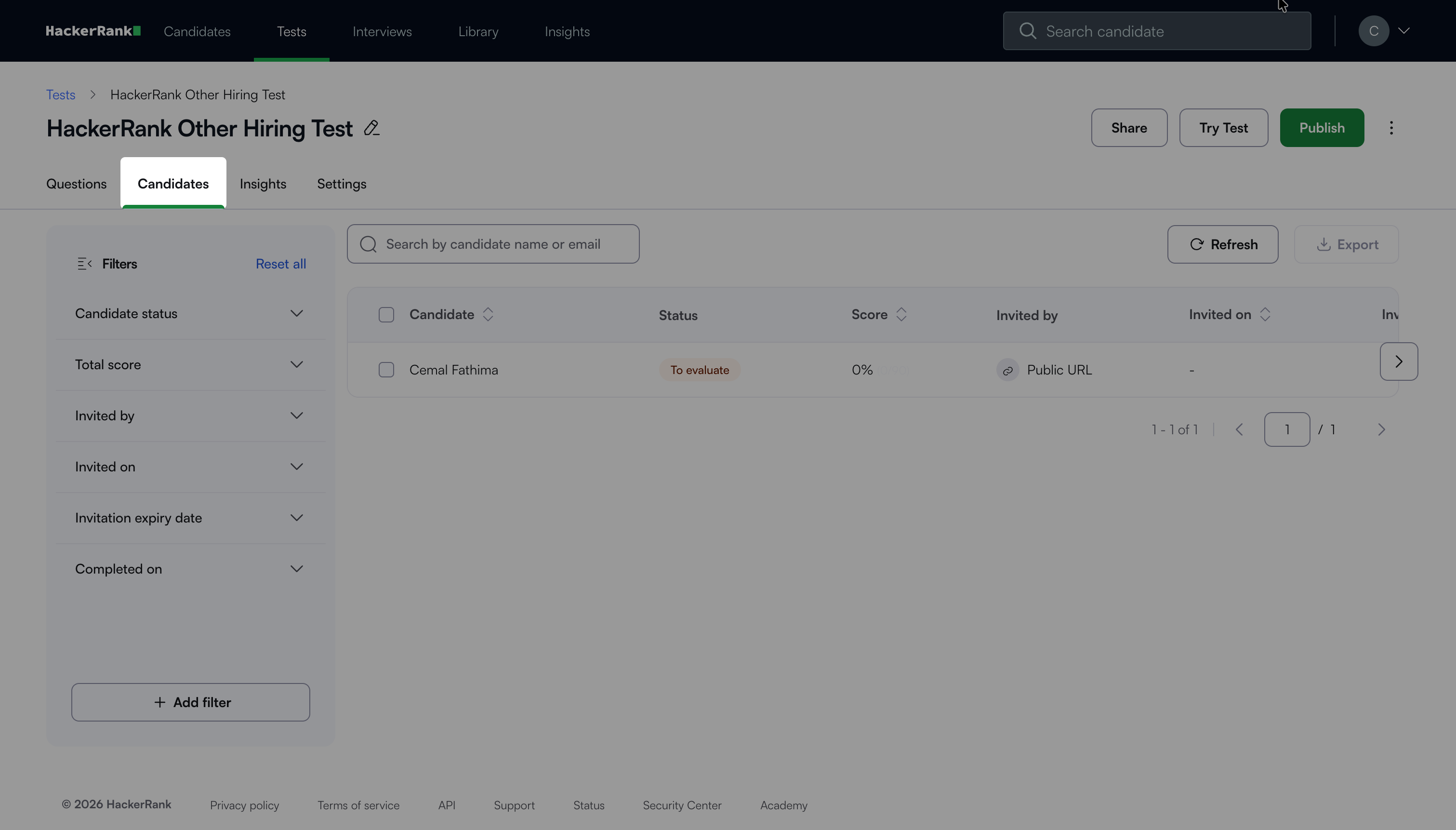
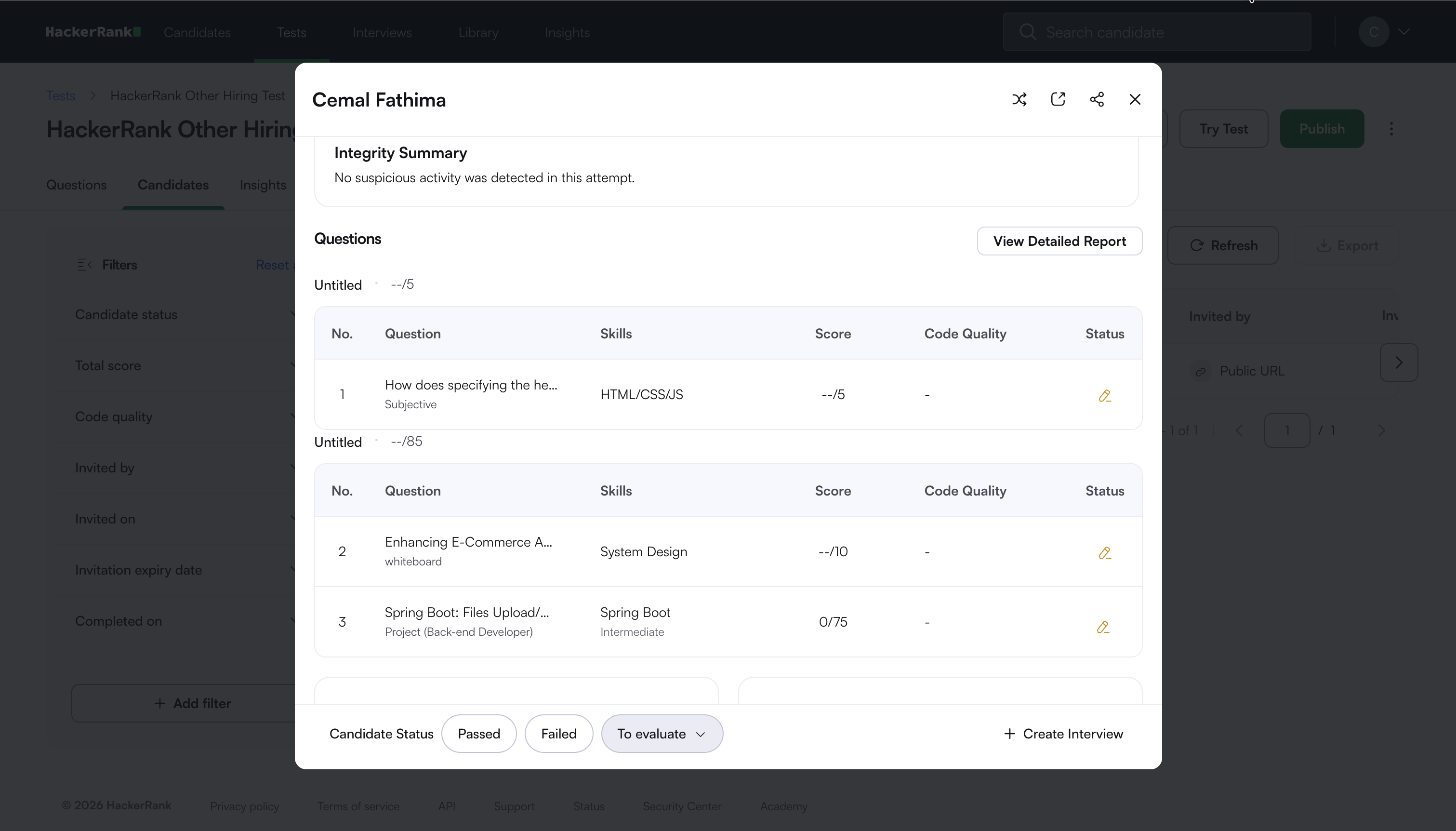
Select the candidate whose test submission you want to review. The Summary Report opens.
Click the question you want to review under Questions in the Performance Overview tab.
The Detailed Report opens and displays the selected question.
Note: You can also click View Detailed Report to open the Detailed Report and then select the question you want to review.
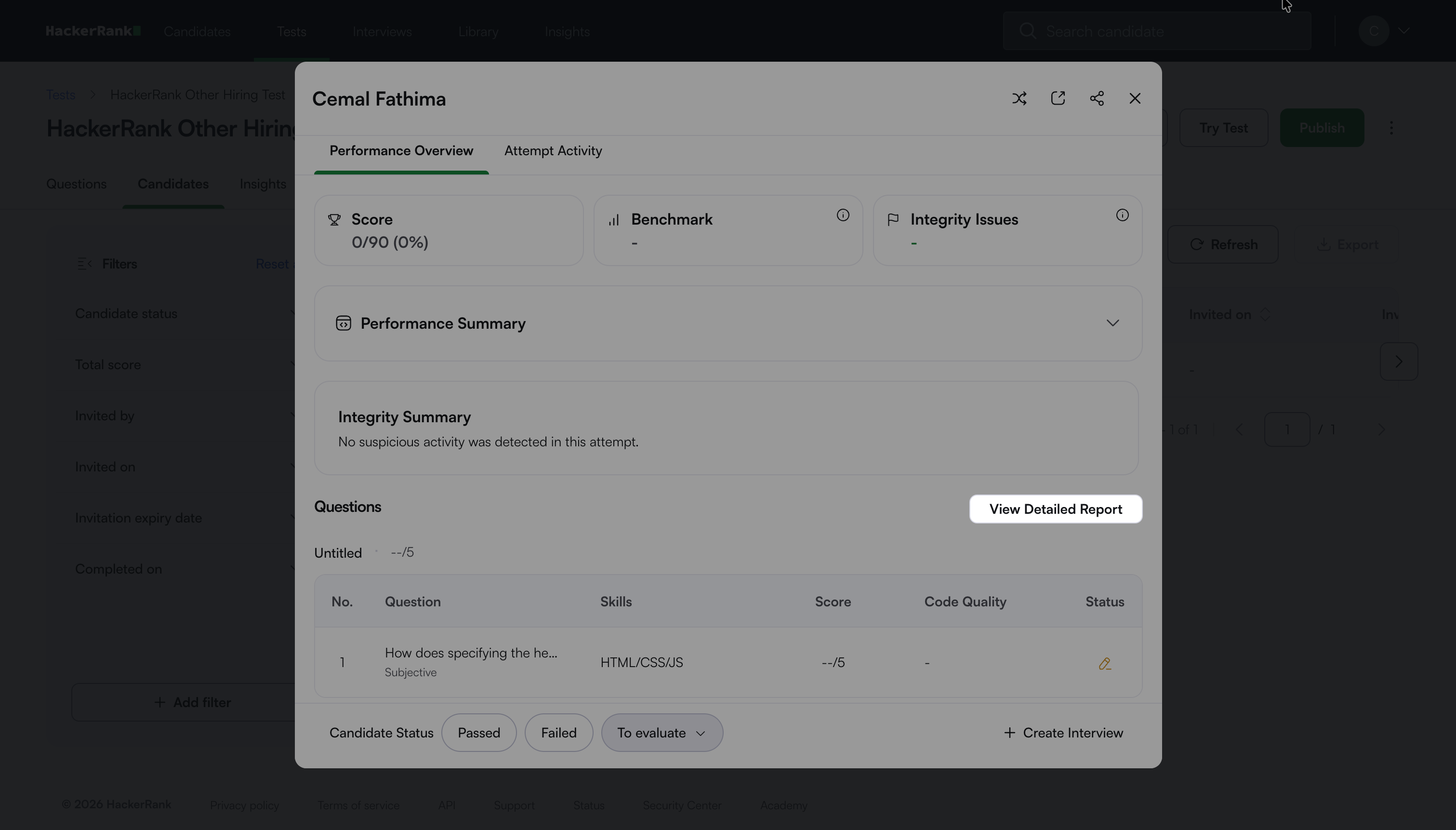
Review the candidate’s submission based on the question type:
Subjective questions: Read the submitted text.
Whiteboard: Review the solution created on the whiteboard
File upload questions: Select the download link to access and review the submitted file.
Diagram questions: Review the submitted diagrams.
Enter the score for the question in the Score field.
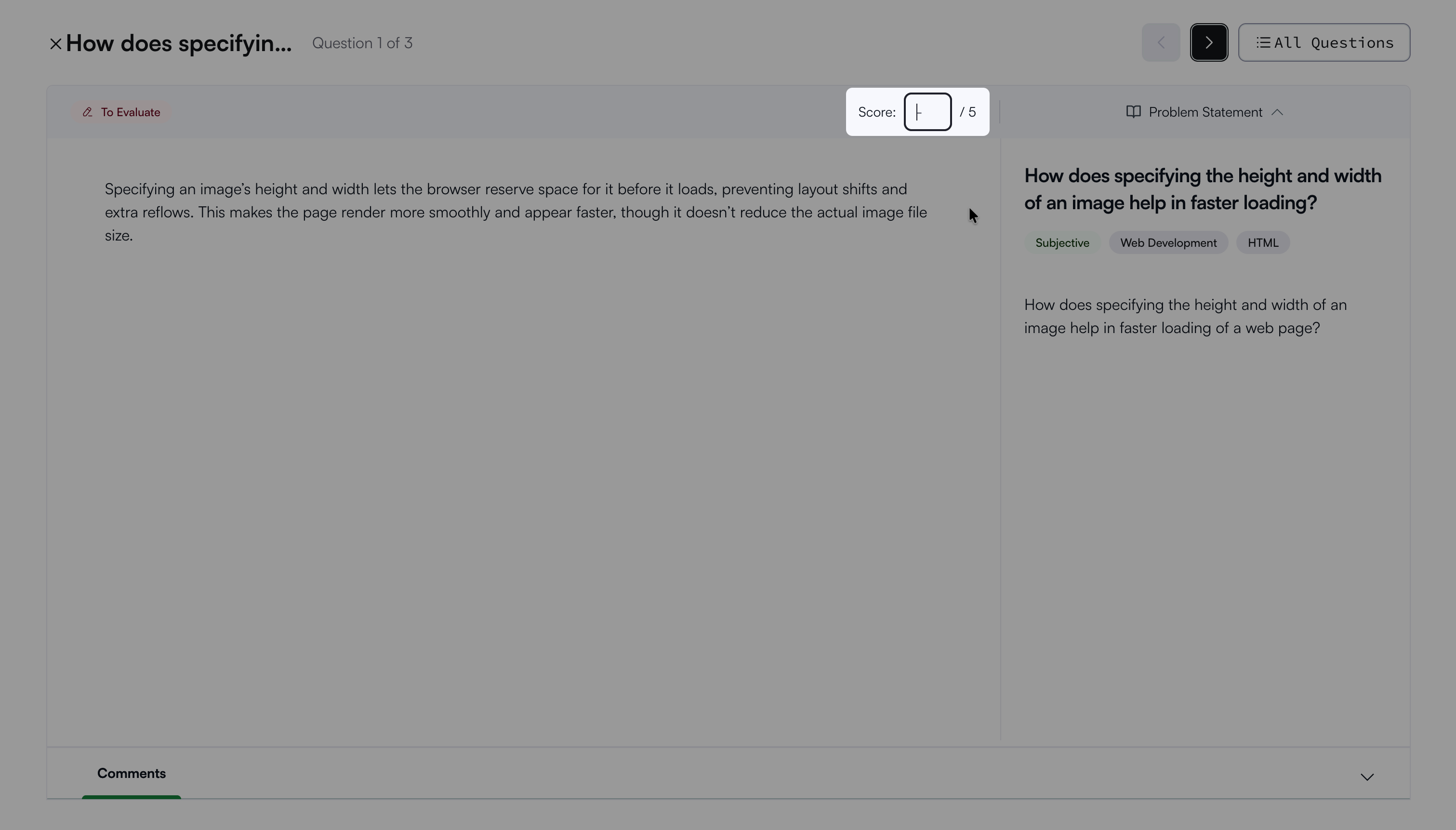
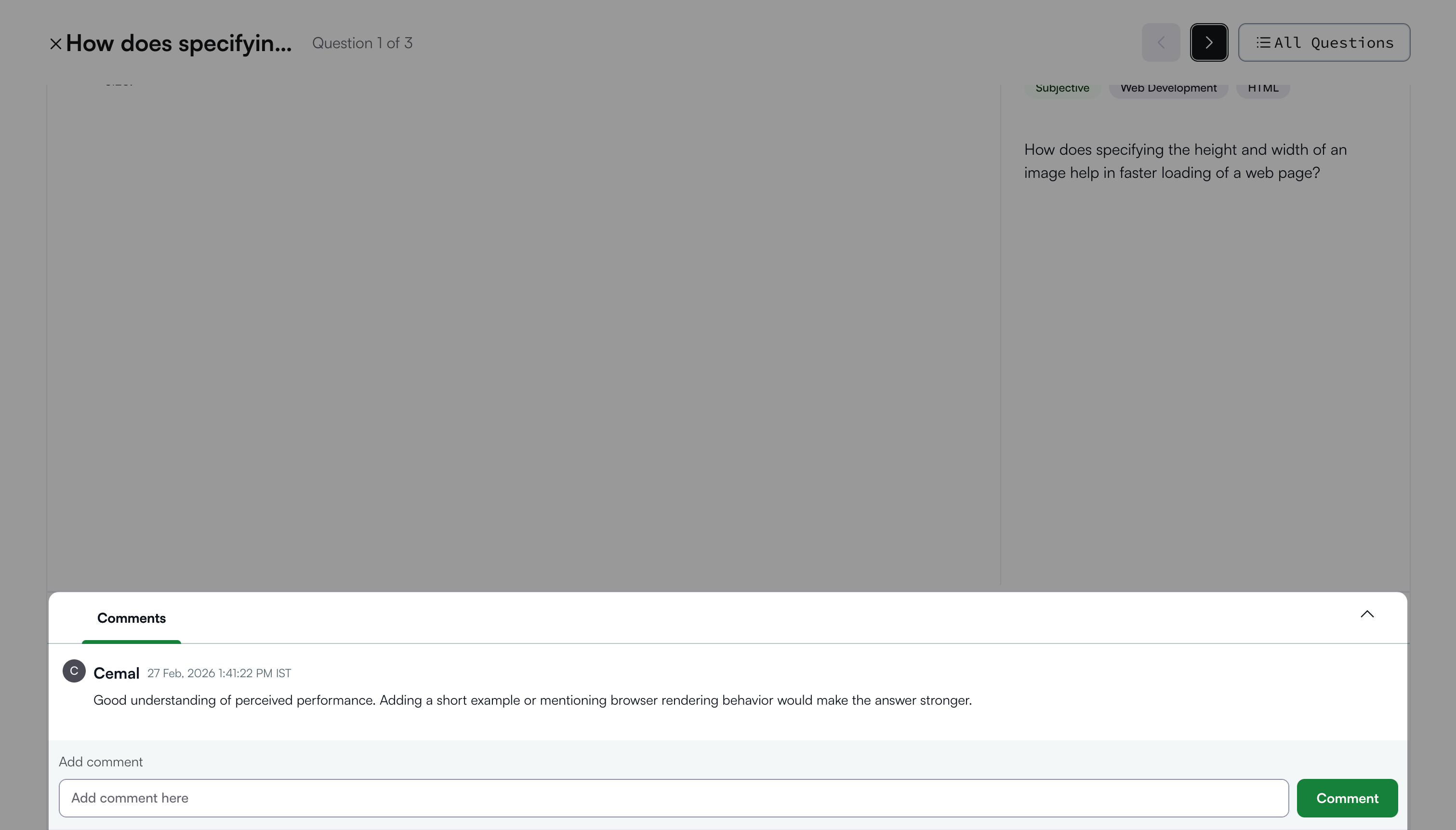
(Optional) Click Comments to add reviewer feedback.