Hide Question Title
Last updated: October 14, 2025
You can enhance test integrity by hiding question titles from candidates during an assessment. When you enable this feature, candidates cannot view the original titles of questions in a test. This reduces the risk of online answer searches.
Note: The Hide Question Title feature is disabled by default. You must manually enable it for each test.
Enabling Hide Question Title
To enable Hide Question Title:
Log in to your HackerRank for Work account using your credentials.
Go to the Tests tab.
Open the test you want to hide the question title.
Go to Settings > Questions.
Turn on the Hide Question Title toggle.
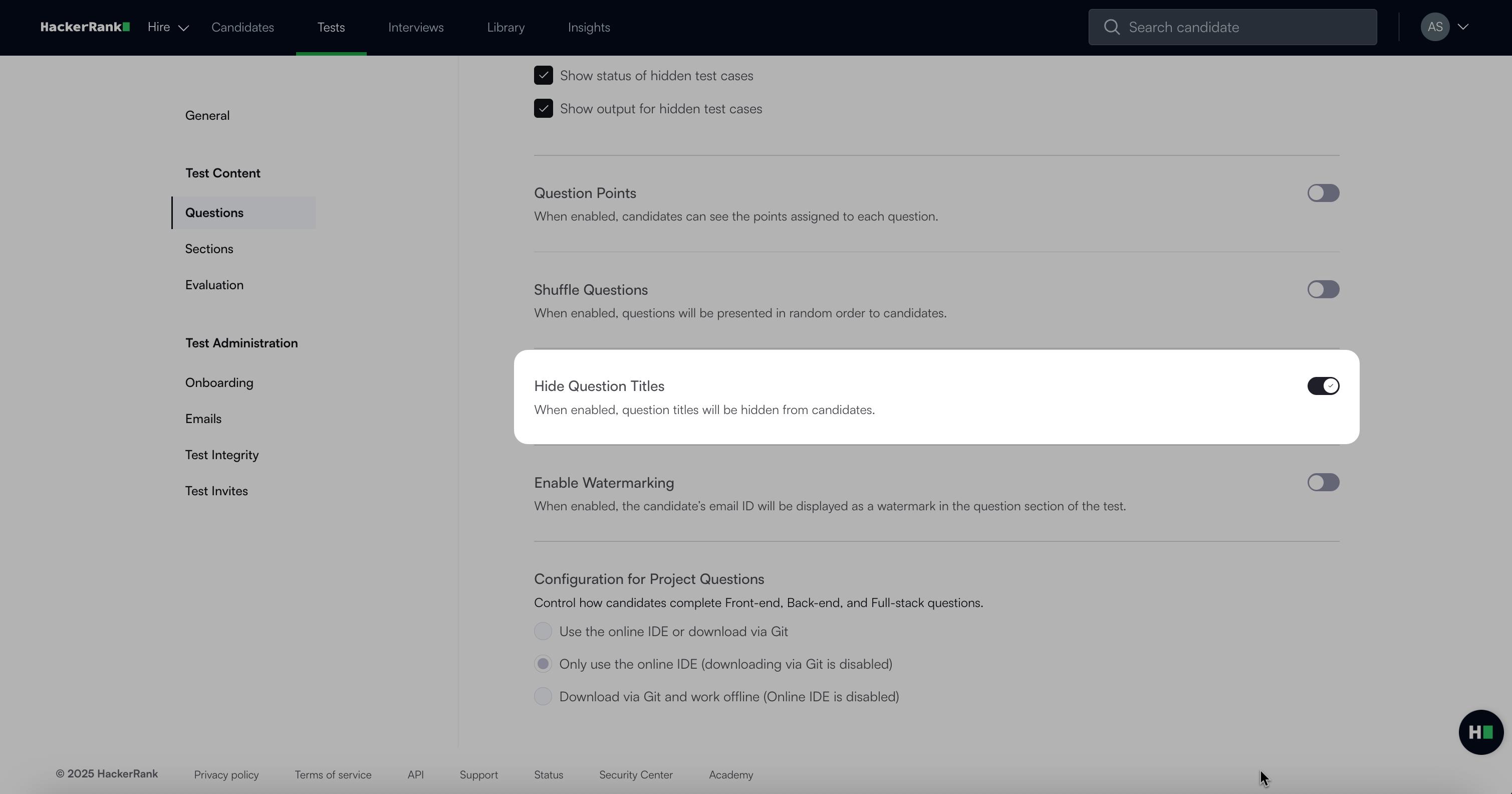
Click Save Changes.
Note: The changes apply to all questions in the test.
Candidate experience
When you hide question titles:
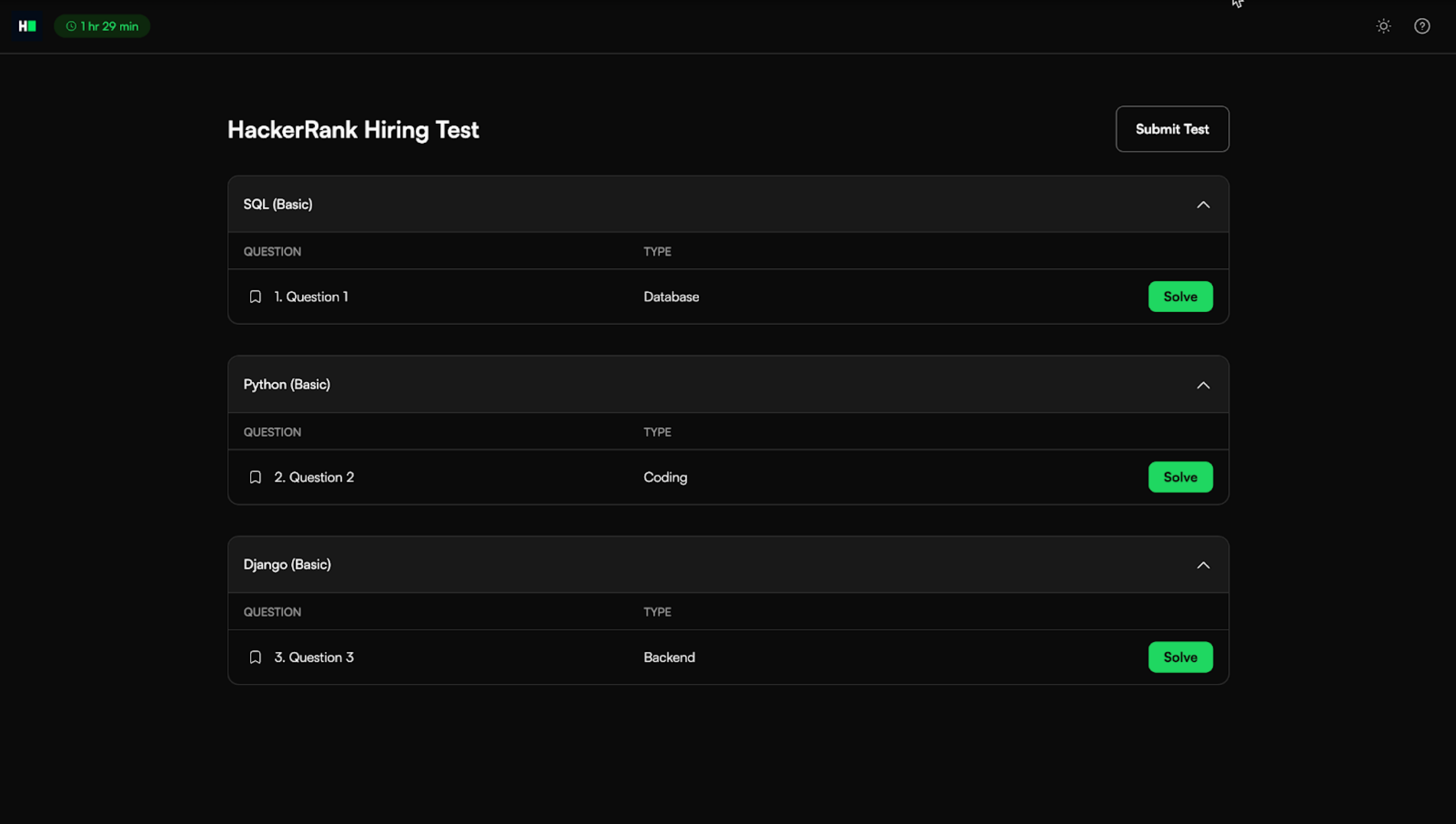
Candidates do not see the original titles for any questions.
Questions appear with generic labels such as Question 1, Question 2, and so on.