Modify Sections Settings for Tests
Last updated: July 30, 2025
You can control how test sections are displayed, ordered, and navigated to create a structured test-taking experience for candidates.
Prerequisites
You must have already created a test.
Modifying section settings
To modify section-level behavior for a test:
Log in to your HackerRank for Work account using your credentials.
Go to the Tests tab.
Open the test you want to update.
Go to Settings > Sections.
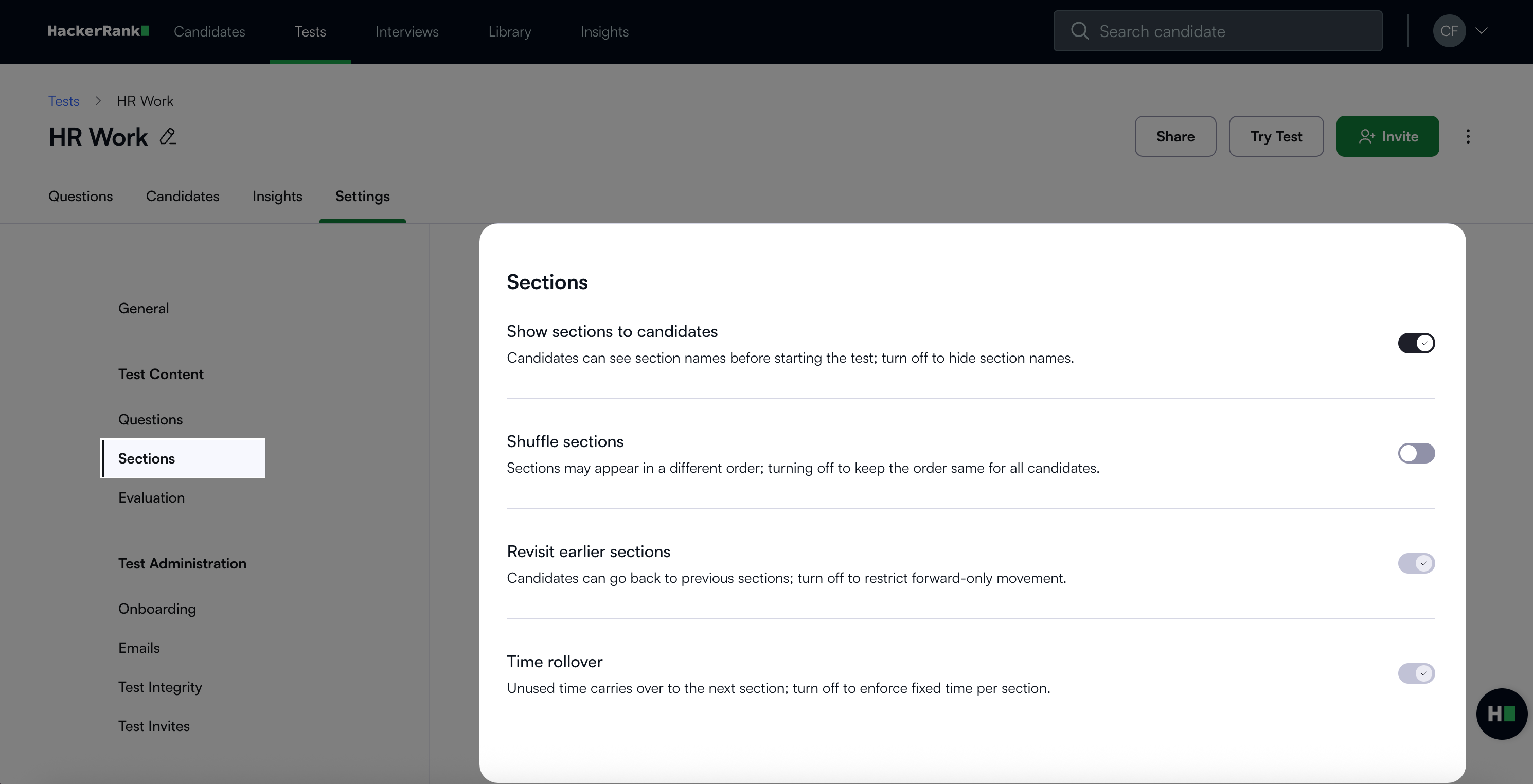
In the Sections settings panel, you can update the following:Show sections to candidates: Enable this option to display section names before the test begins. Disable it to hide section names and preserve test structure surprise.
Shuffle sections: Enable this option to randomly assign the order of sections across candidates. Disable this option to maintain the same section order for all candidates.
Revisit earlier sections: Enable this option for candidates to return to previous sections. Each section must have a defined time limit to enable this option. Disable it to restrict candidates to forward-only navigation.
Time rollover: Enable this option to carry over unused time from one section to the next. This option requires section-level time settings. Disable it to enforce fixed time limits per section.
Click Save Changes to apply your changes.