Kula.ai – HackerRank Integration User Guide
Last updated: October 14, 2025
HackerRank integrates with Kula.ai, an AI-powered recruitment automation platform that enables teams to efficiently engage and convert top talent. This integration allows Kula.ai users to automatically create HackerRank assessments and manage candidate evaluation workflows seamlessly.
Prerequisites
You must have admin access to your HackerRank for Work account.
You must have admin access to your Kula.ai account.
Assistance from the Kula.ai Support Team, who activate the integration on their end.
Integrating Kula.ai with HackerRank
To integrate Kula.ai with HackerRank:
Step 1: Generate an API key in HackerRank
Log in to your HackerRank for Work account using your credentials.
Click your profile icon in the upper-right corner and select Settings.
Go to Integrations > Kula.ai.

Click Connect.
In the Configuration tab, click Generate an API Token to generate an API key.
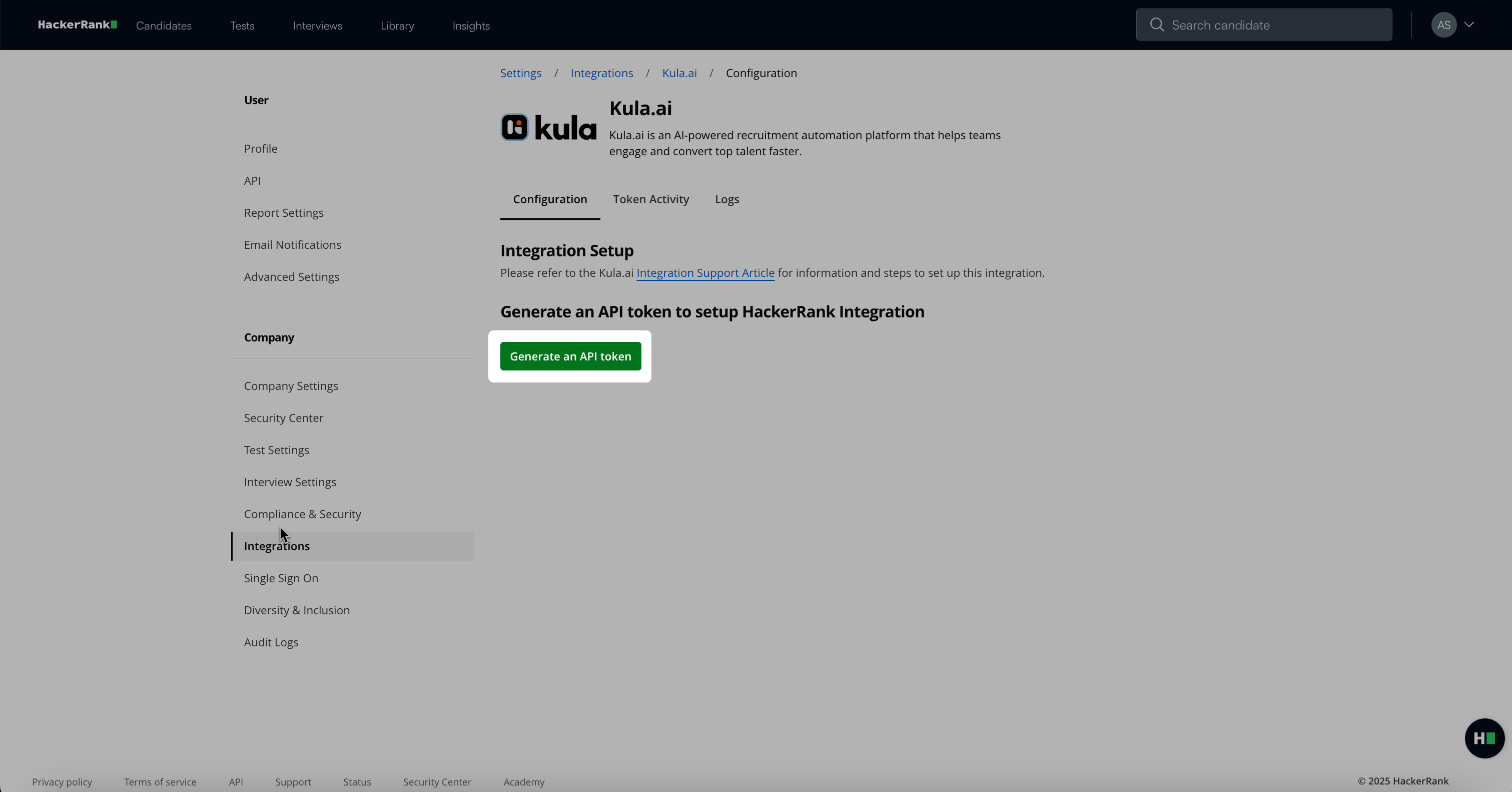
Click Copy and close to copy your token. You need this token in Step 2: Share the token with the Kula.ai team.
Note:
You can view, regenerate, or delete tokens at any time on the same page.
The Token Activity tab displays when and where each key was last used.
Step 2: Share the token with the Kula.ai team
Share your HackerRank API token with your Kula.ai account manager.
The Kula.ai team enables the integration for your organization.
Important Note: Share API tokens only through encrypted or secure channels.
Step 3: Complete setup in Kula.ai
The Kula.ai team configures the integration in your Kula.ai account.
Once setup is complete, generate HackerRank test links directly within your Kula.ai recruitment workflows.
Managing integration
You can manage the integration at any time from HackerRank.
Go to Settings > Integrations > Kula.ai.
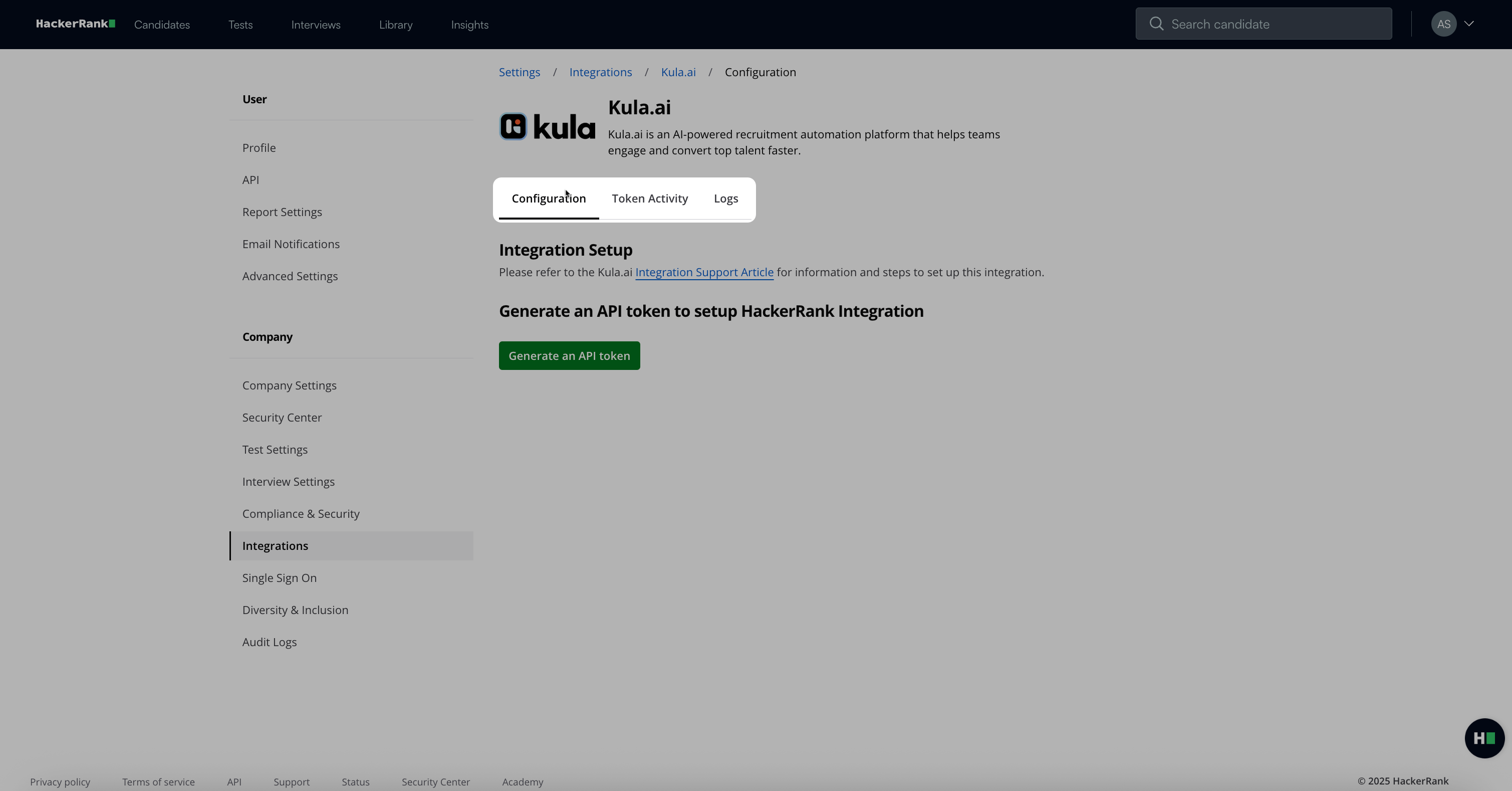
From this page, you can:
View or revoke existing API tokens.
Monitor token usage in the Token Activity tab.
Review API connection logs under the Logs tab.
If your integration stops working or a token expires, regenerate a new token and repeat the setup process with the Kula.ai Support Team.
Note: For setup assistance, contact your Kula.ai Customer Success Manager or reach out to HackerRank Support at support@hackerrank.com.