Frequently Asked Questions
Last updated: January 2, 2026
Why does the font appear black in Interview dark mode, and how can I change it?
On macOS, the font may appear black in Interview dark mode due to font rendering or browser compatibility issues. Try one of the following solutions.
Solution 1: Reinstall the Source Code Pro Font
Open the Font Book application on your Mac.
In the search bar, type Source Code Pro.
If the font appears, continue with the steps below.
If the font does not appear, skip to step 5 to install it for the first time.
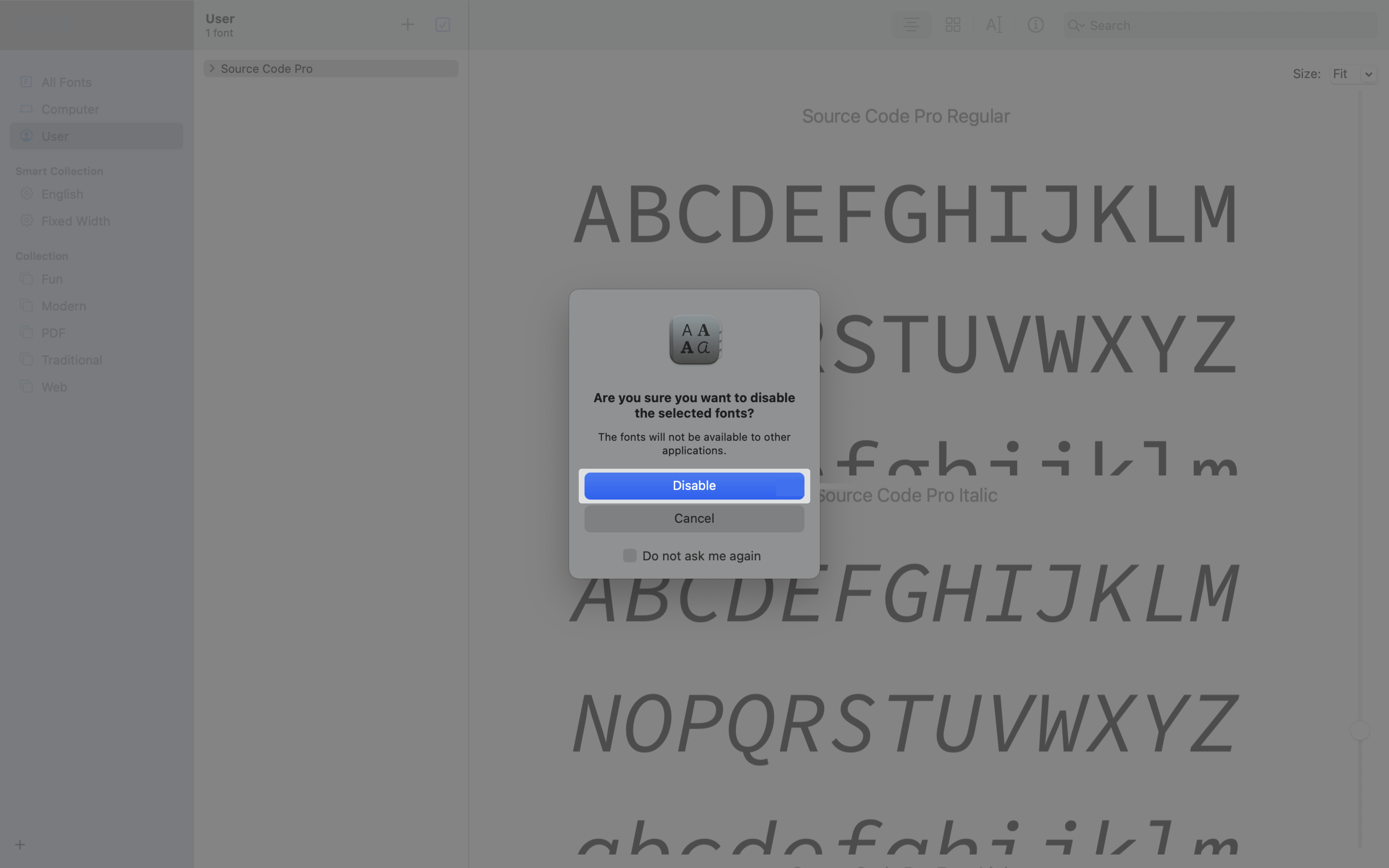
Right-click the Source Code Pro font family and select Disable “Source Code Pro” Family.
In the confirmation dialog, click Disable.
Download the Source Code Pro font family from the Google Fonts website.
Install the downloaded fonts using Font Book.
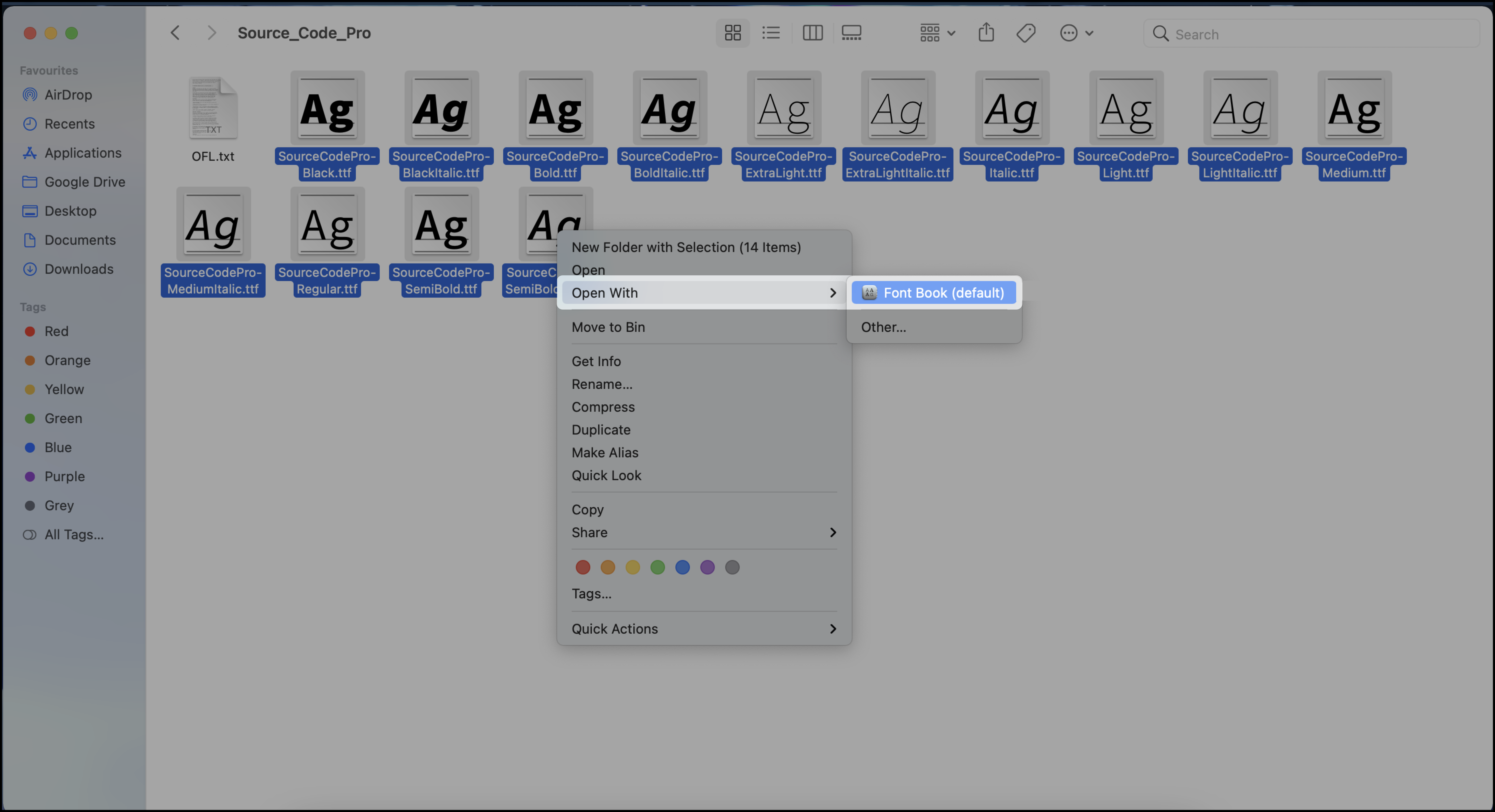
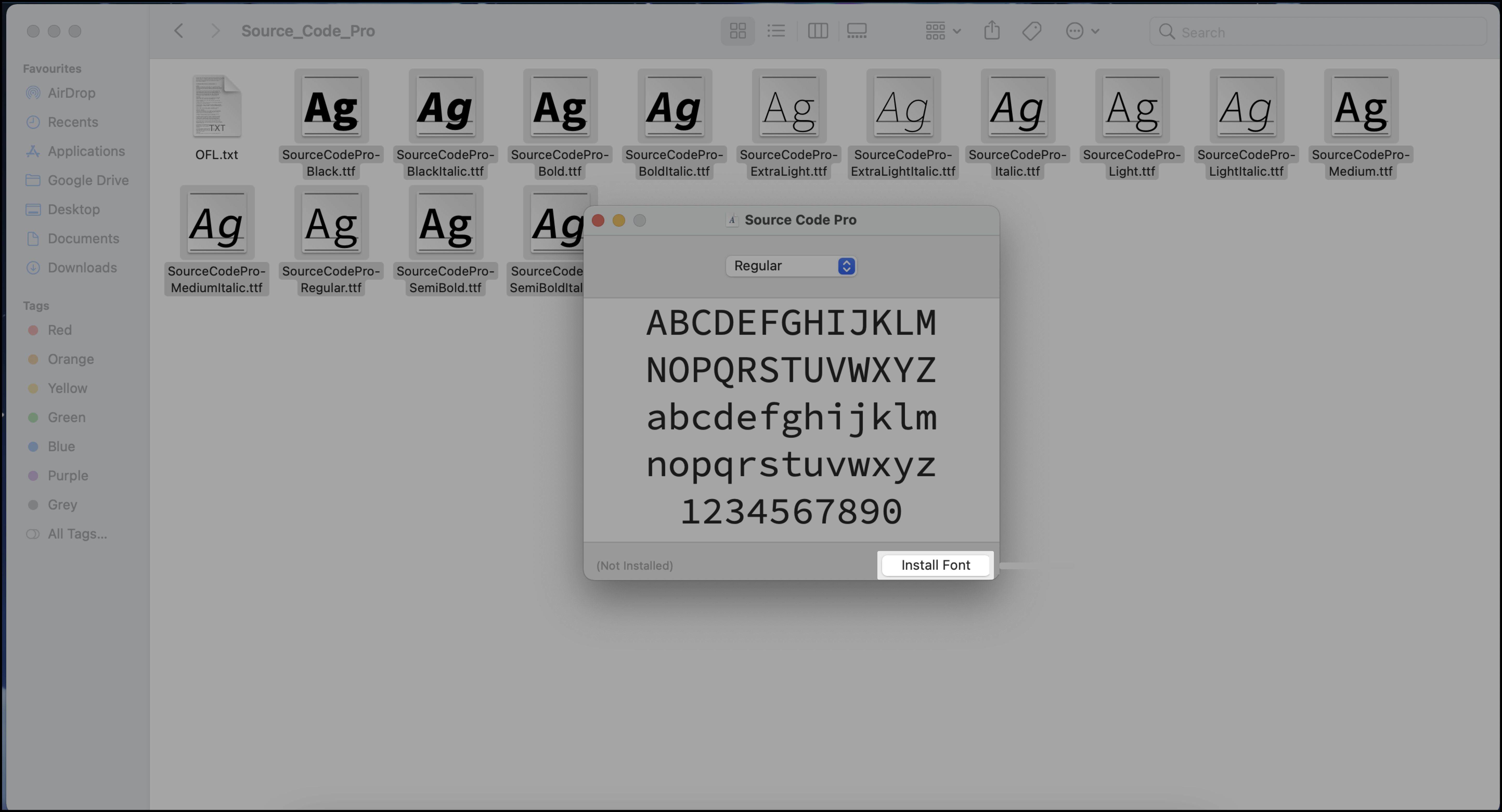
Refresh the interview page in your browser.
After installation, the font renders correctly in dark mode.
Solution 2: Use the Safari Browser
This issue may occur when using third-party browsers on macOS. To resolve it, open the interview in Safari.
How do I add my own questions to HackerRank for Work?
To add questions, you must have a HackerRank for Work account. After you log in, you can create and add questions to your company library. For detailed steps, see Creating Custom Questions.
What should I do if I encounter an issue during my interview?
Use a supported browser and run the System Compatibility Check to identify browser, network, or device issues.
If the issue persists, contact support@hackerrank.com and include your interview link.