Cloud Questions
Last updated: May 8, 2026
Cloud questions assess cloud computing skills through real-world, hands-on tasks performed on cloud platforms. HackerRank provides temporary access to a cloud provider’s UI console, allowing candidates to complete tasks during a test or interview.
HackerRank supports the following cloud question types:
Azure: Microsoft’s cloud platform that provides services for building and managing applications across global data centers.
AWS Console: Amazon’s cloud platform that provides on-demand infrastructure, storage, and services through a web-based console.
Note:
HackerRank creates and manages cloud questions internally.
AWS Console is a cloud question type. AWS is a DevOps question type.
To use cloud questions, select them from the Library when you create a test or interview.
Scoring cloud questions
HackerRank scores cloud questions automatically using predefined evaluation criteria.
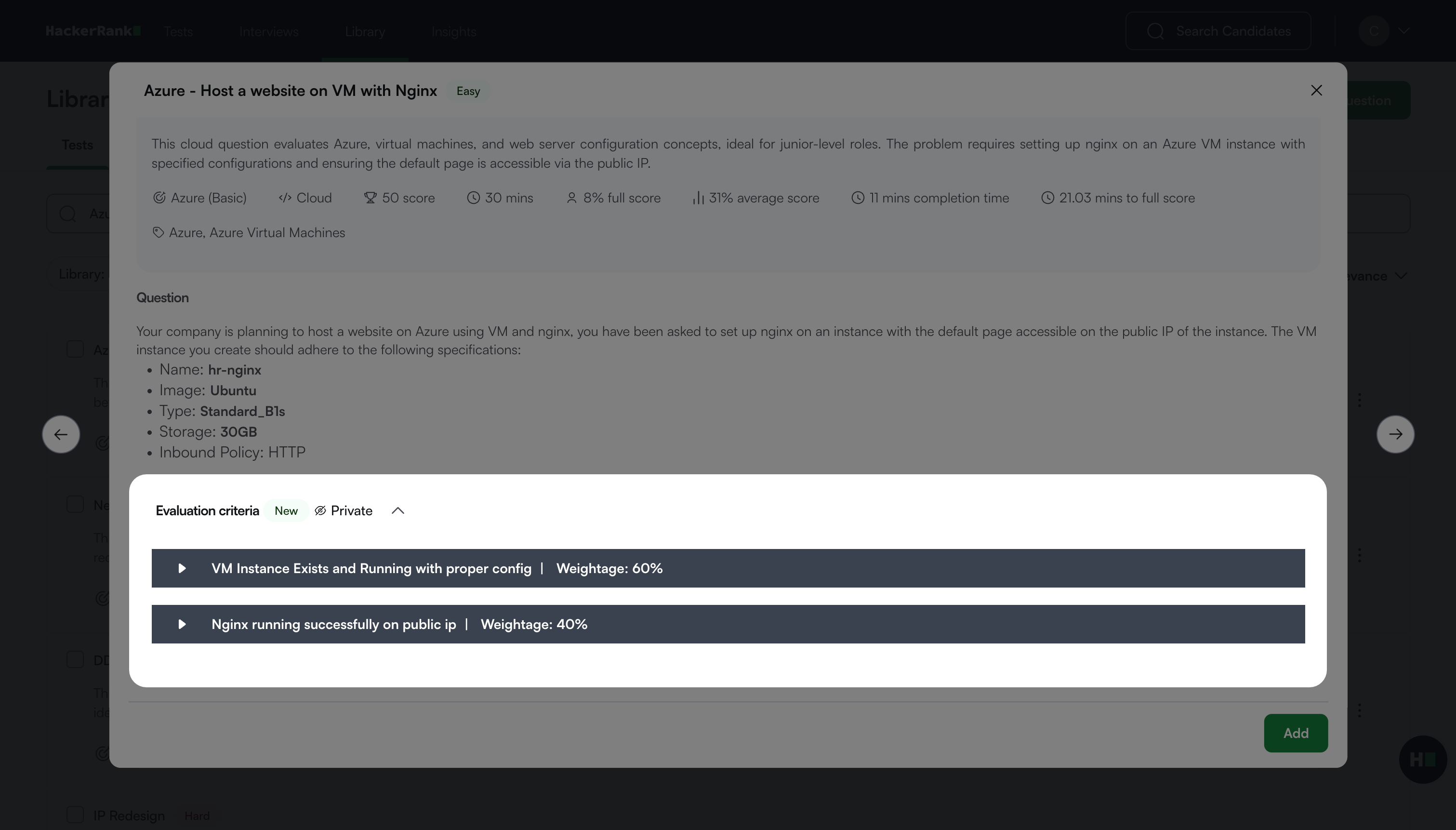
Each question includes one or more evaluation criteria:
Each evaluation criterion has a weight.
The total weight across all evaluation criteria equals 100%.
Each criterion includes test cases that vary by question.
Viewing evaluation criteria
To view the evaluation criteria for a question:
Log in to your HackerRank for Work account using your credentials.
Go to the Library tab.
Use the search bar or browse the list to find the question.
Select the question.
Scroll to the Evaluation criteria section.
Click an evaluation criterion row to view its details.
Viewing scoring logs
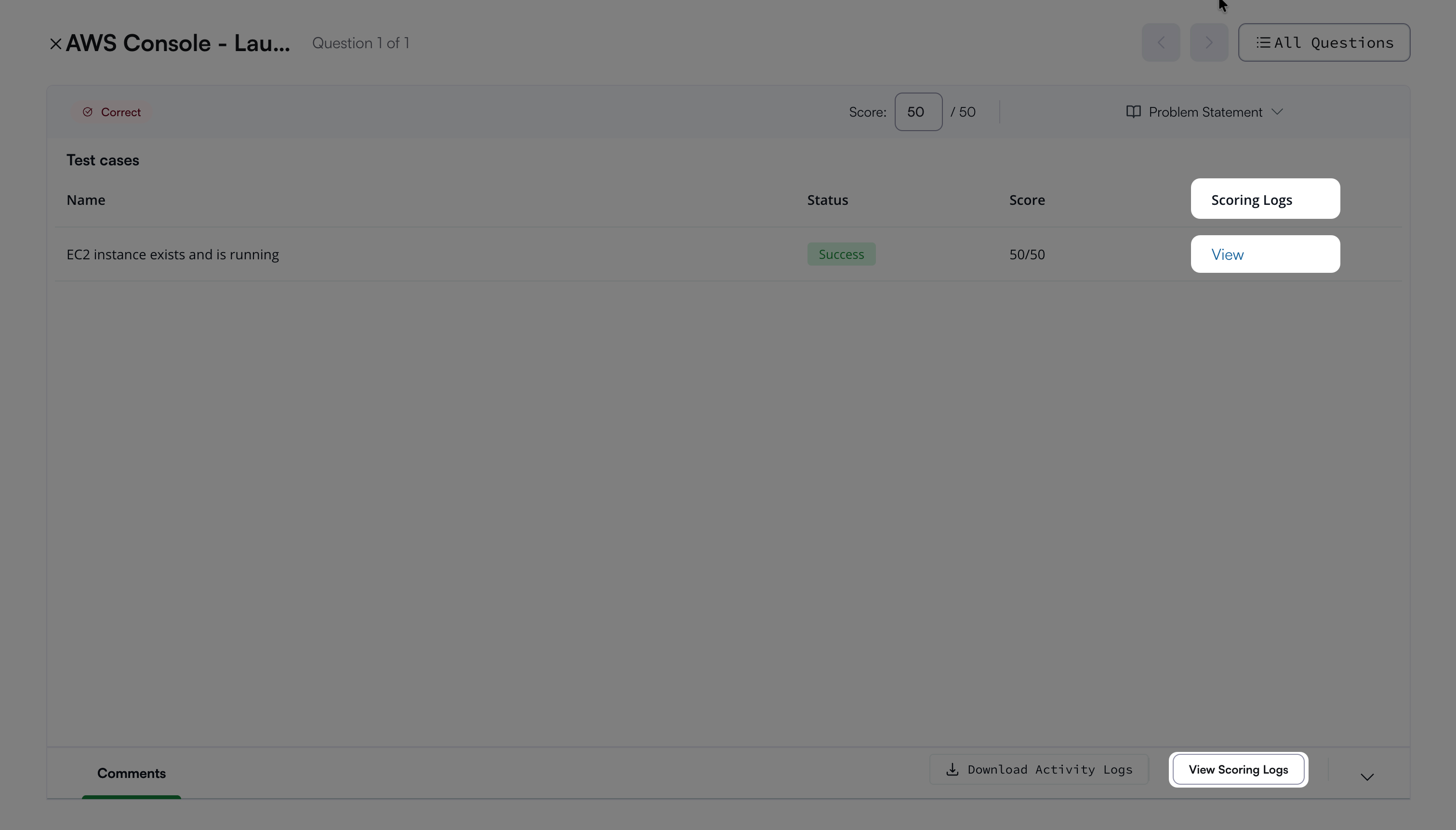
Scoring logs show how many test cases a candidate passes.
To view scoring logs:
Open the candidate’s detailed test report. For instructions, see 📄 Viewing a Candidate's Detailed Test Report.
Open the Cloud question.
Click View under Scoring Logs in the upper-right corner or click View Scoring Logs at the bottom of the page.