HackerRank Maintenance Window Notification
Last updated: September 18, 2026
The HackerRank platform will undergo scheduled database upgrades during our regular maintenance window. These upgrades help maintain platform reliability and performance.
Maintenance schedule
Date: Saturday, October 3, 2026
Time: 05:00 AM to 06:00 AM GMT (view all time zones)
Duration: 1 hour
Impact
The HackerRank platform will be inaccessible for approximately one hour.
All platform services are expected to resume after the maintenance window is complete.
Required actions
Ensure that no candidate tests, interview sessions, Chakra assessments, or other platform activities are scheduled during the maintenance window.
If you already have tests, interview sessions, or Chakra assessments scheduled during this time, reschedule them outside the maintenance window to prevent disruption.
Screen:
To modify test expiration time, see Modify Test Expiration Time
To extend test invite expiry, see Configure Test Invite Settings
To reinvite candidates to a test, see Reinvite Candidates to a Test
Chakra:
To modify invitation expiry in Chakra, see Modify Invitation Expiry in Chakra
To reinvite candidates in Chakra, see Reinvite Candidates in Chakra
Interview:
To reschedule an interview, see Reschedule an Interview
Frequently Asked Questions
How does this impact assessments?
The test interface will be unavailable during the maintenance window. Candidates attempting to launch a test during this time will see a maintenance notification prompting them to return later.
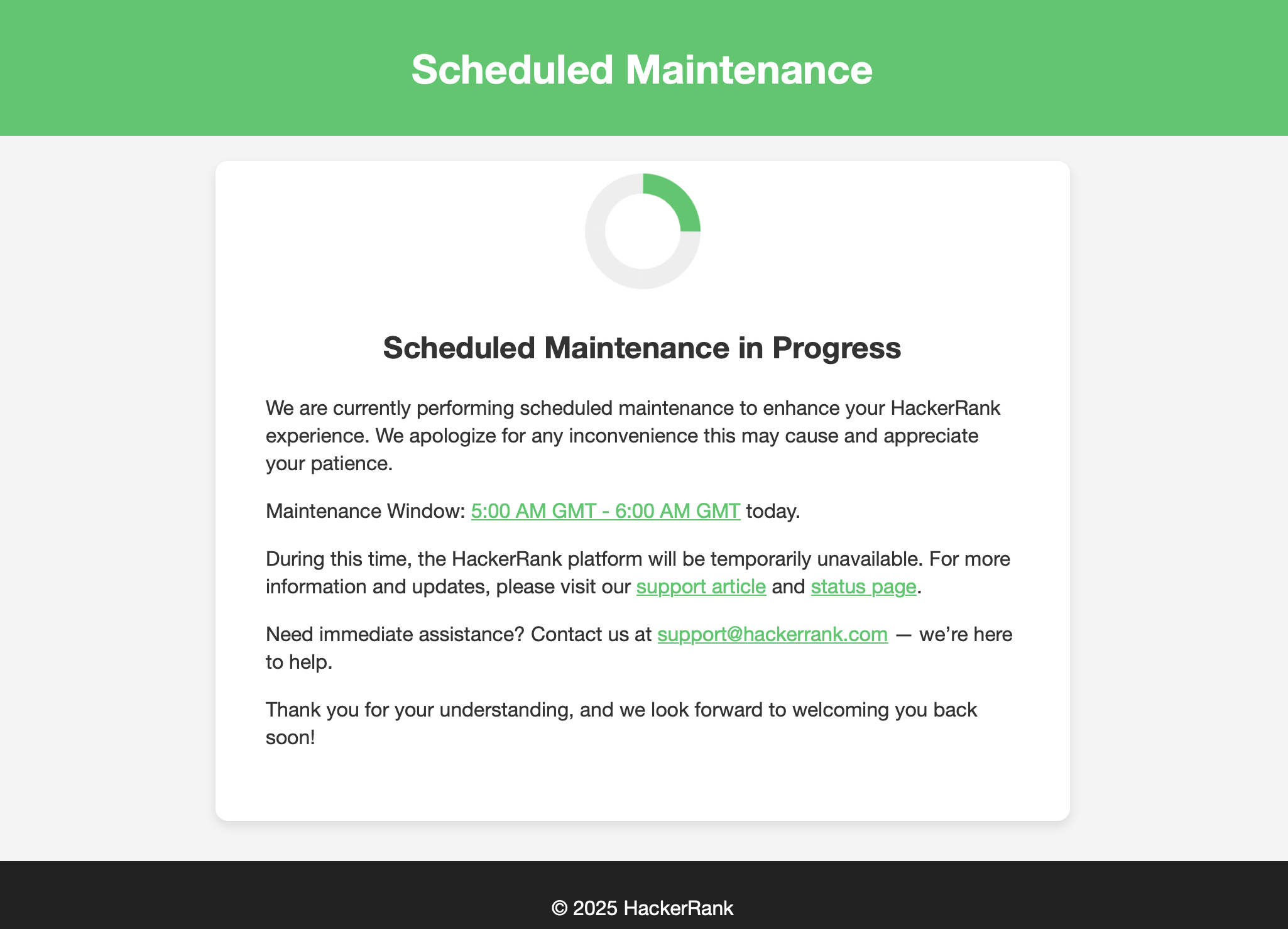
Candidates will only be able to start a test if they have enough time to complete it before the maintenance window begins.
How does this impact interview sessions?
New interview sessions cannot begin during the maintenance window. Candidates also cannot begin interviews within 90 minutes prior to the start of the maintenance window.
If an interview is in progress as the downtime approaches, candidates will see warning messages to help them finish in time. Interview data recorded before the maintenance window starts will be stored safely.
How does this impact reports?
Reports and dashboards will be unavailable during the downtime.
What happens to test invites expiring on October 3, 2026?
You can update the expiration date for any test invites set to expire on October 3, 2026.
To extend the invite expiry for all candidates in a test, see Configure test invite settings.
To extend the invite expiry for specific candidates in a test, see Set an expiry date.
Need support?
Visit the HackerRank Status page for real-time updates during the maintenance window.
For assistance, contact support@hackerrank.com.