How to Rename a Test
Last updated: December 23, 2024
You can rename an existing test by clicking on the pen icon beside the test name.

Once you have completed changing the test name, you can save it by clicking on the green tick icon. Alternatively, you can choose not to save it by clicking on the close icon.
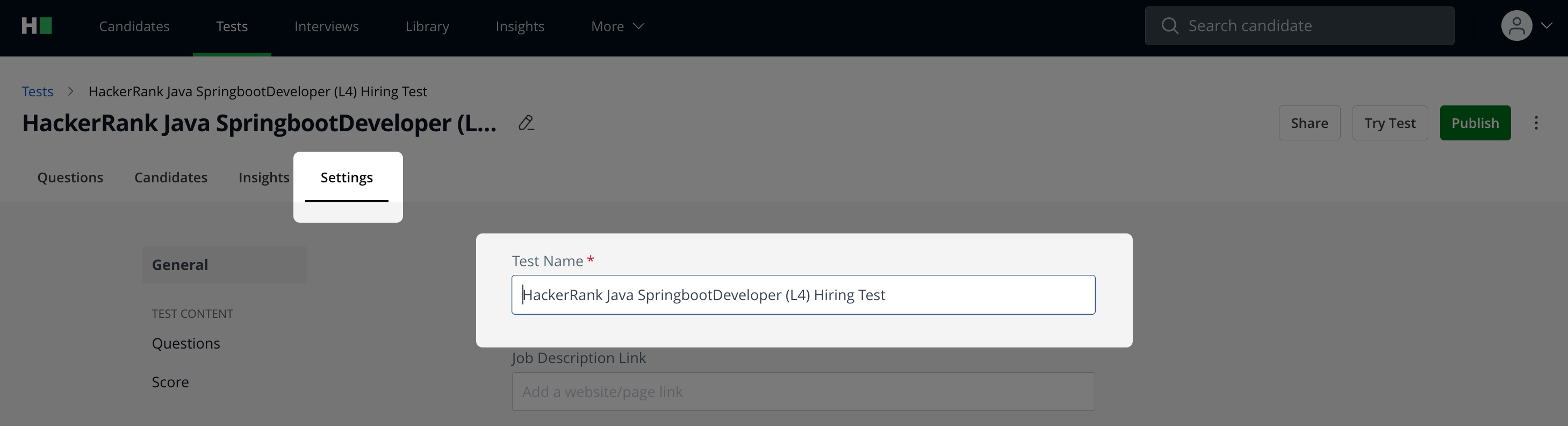
You can also change the name in the Settings tab, under General.
Note: We recommend you not change the name of an ongoing Test.