Assess Candidates in Canadian French Language
Last updated: September 3, 2025
HackerRank enables test administrators to configure the candidate-facing language for assessments. This setting determines the language displayed in the candidate’s emails, login screen, and test environment. You can select English or Canadian French when sending tests.
Enabling Canadian French for a test
To enable Canadian French as the candidate-facing language for a test:
Log in to your HackerRank for Work account using your credentials.
Go to the Tests tab.
Open the test you want to update the candidate-facing language.
Go to Settings > General.
In the Candidate facing language section, select Canadian French (fr-CA) from the drop-down list.
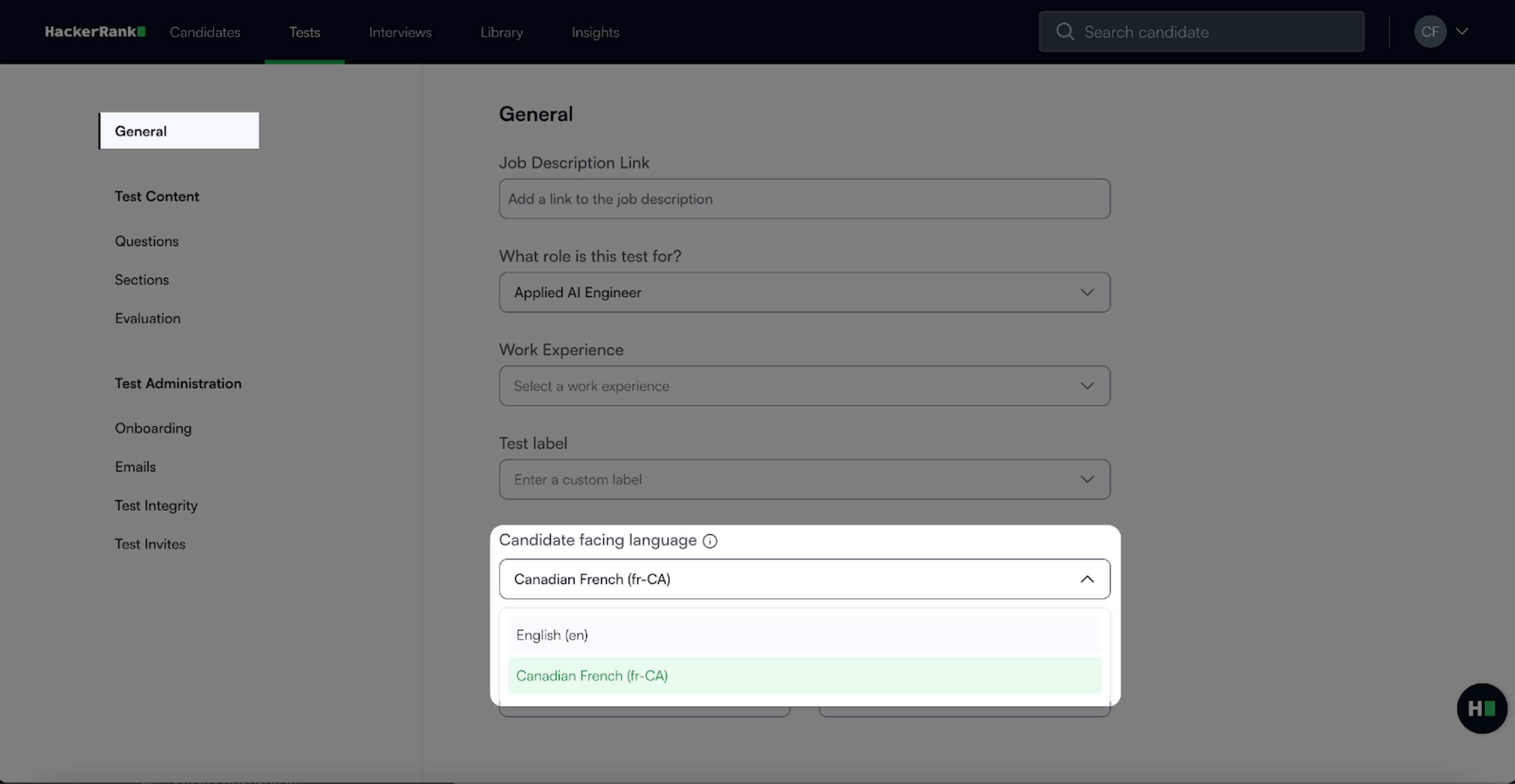
Click Save Changes.
Go to Test Administration > Onboarding.
Verify that all candidate detail fields display in Canadian French.
Update custom fields manually, if required.
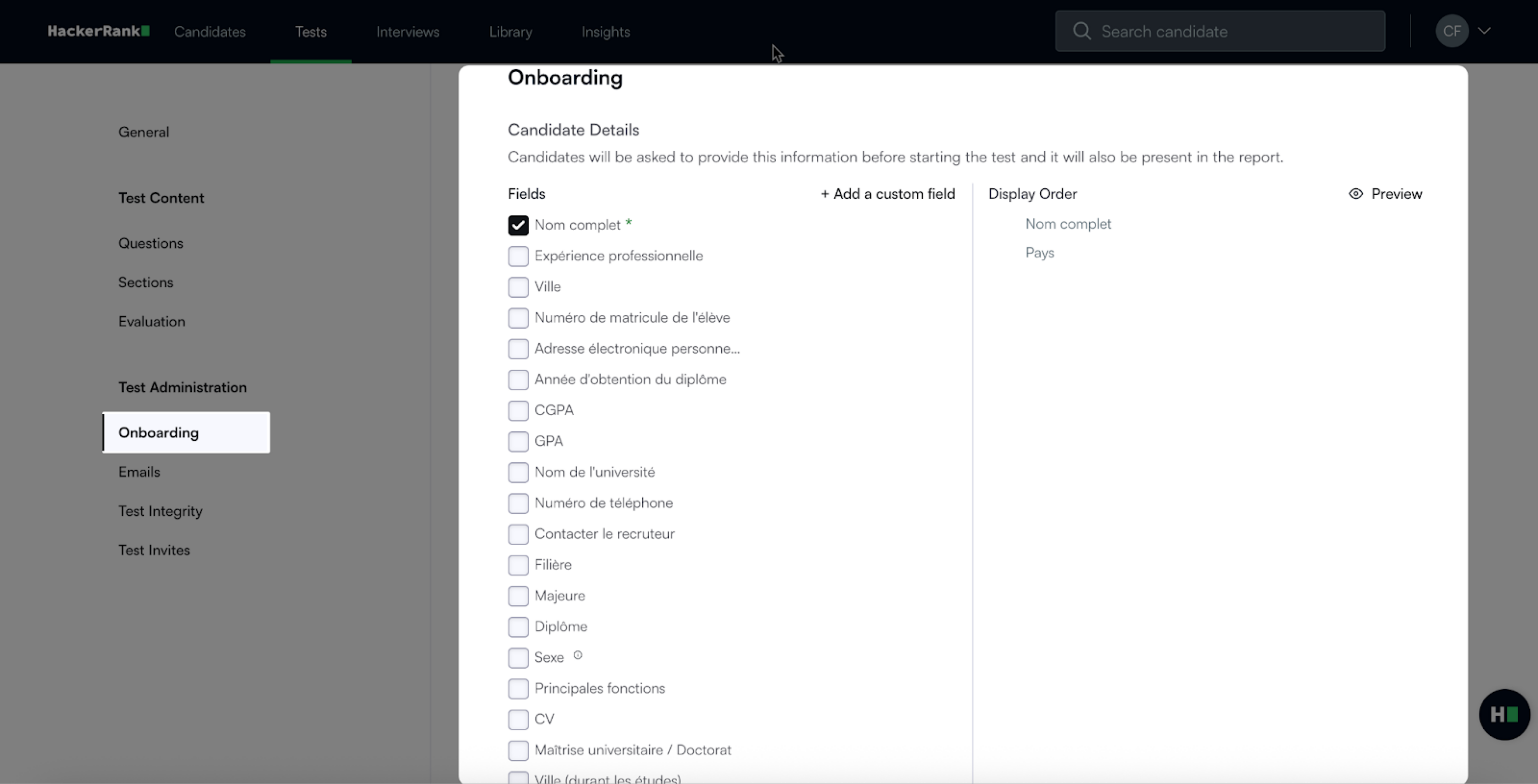
Click Save Changes if you updated any fields
Go to Test Administration > Emails.
Review the Confirmation Email section.
Update custom or non-translated text to Canadian French, if required.
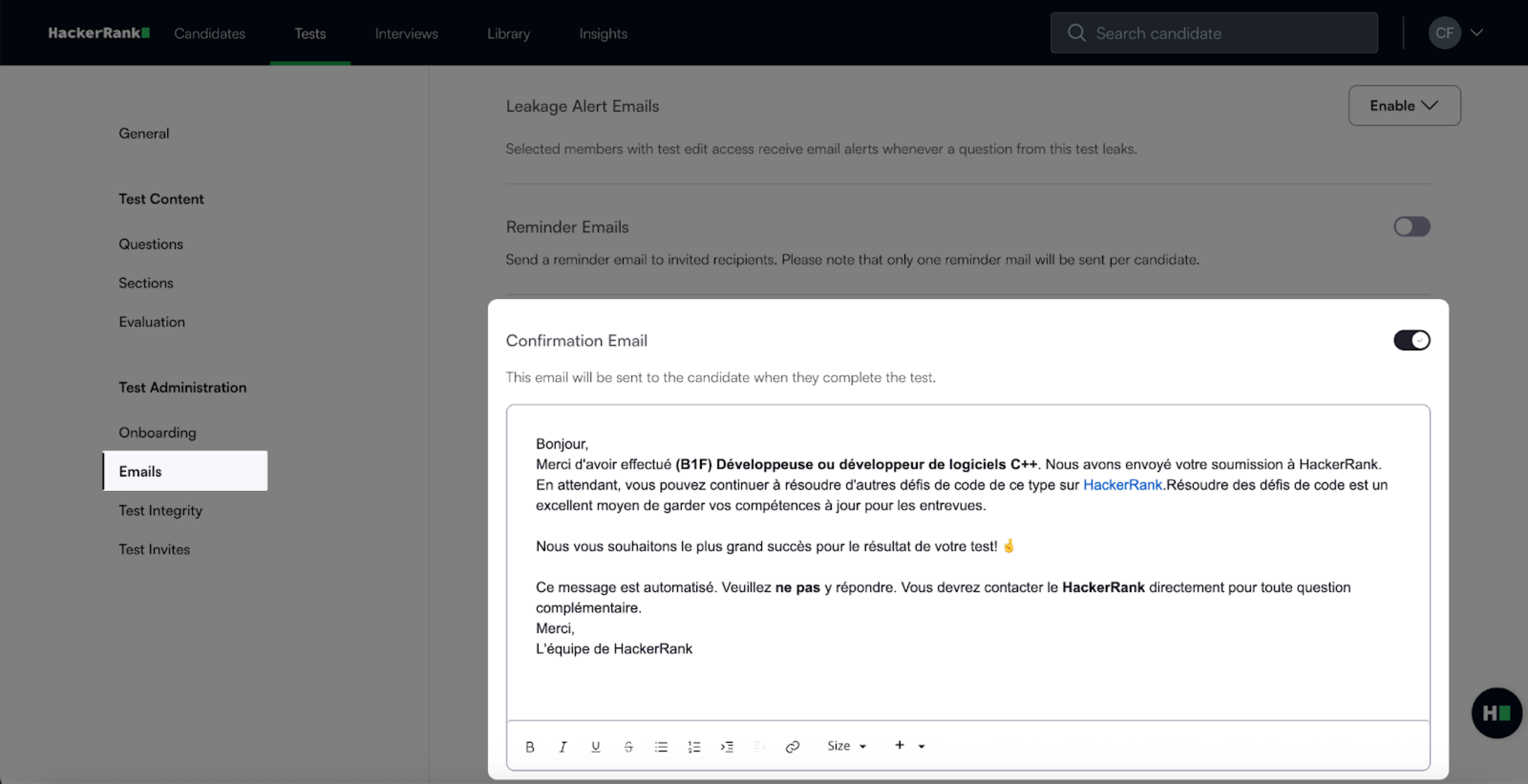
Click Save Changes if you updated any fields.
Click Invite.
Review the subject and body of the invite email.
Update any untranslated custom text, if required.
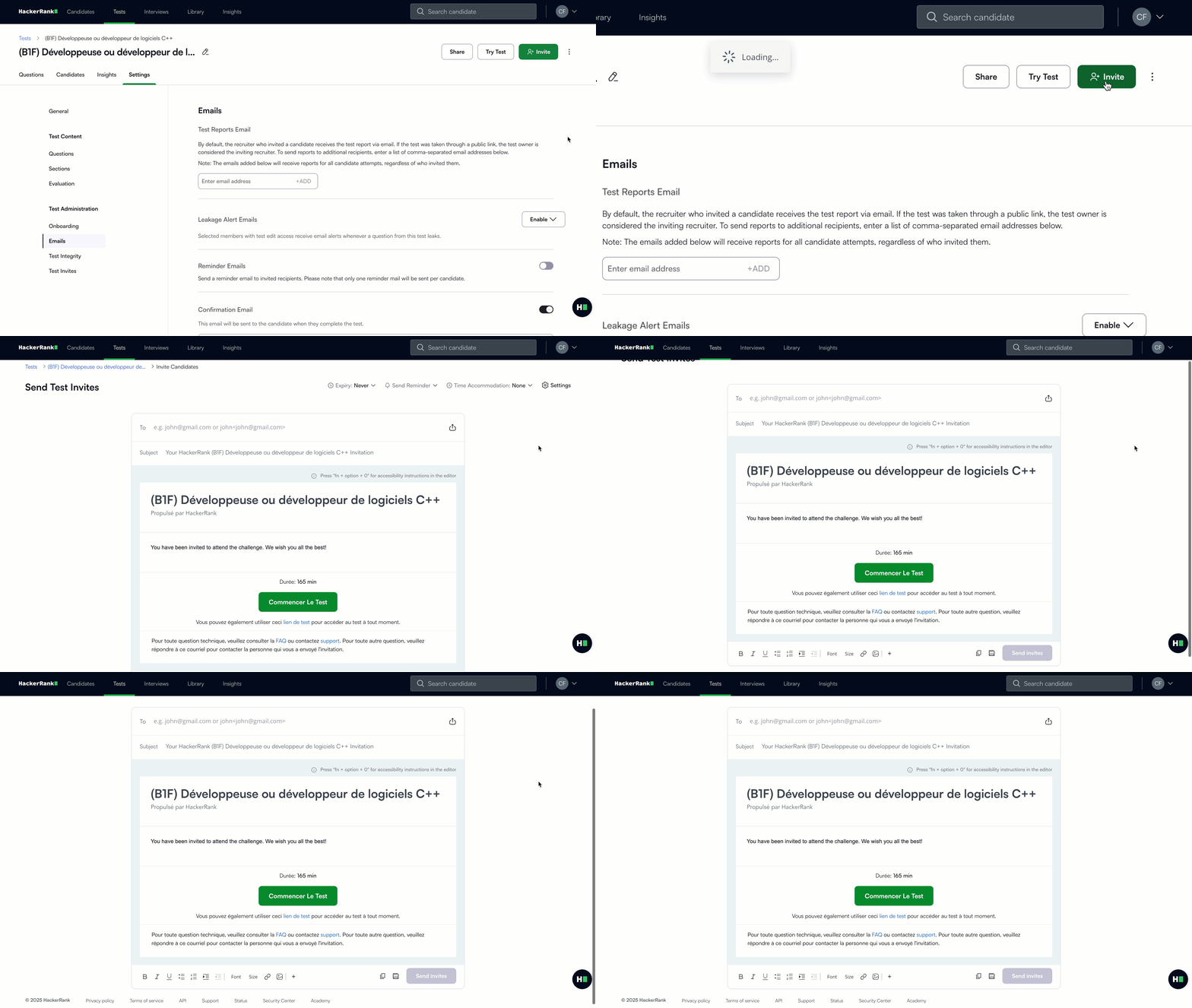
For more information about inviting candidates to a test, see 📄 Invite Candidates to a Test.
Candidate experience
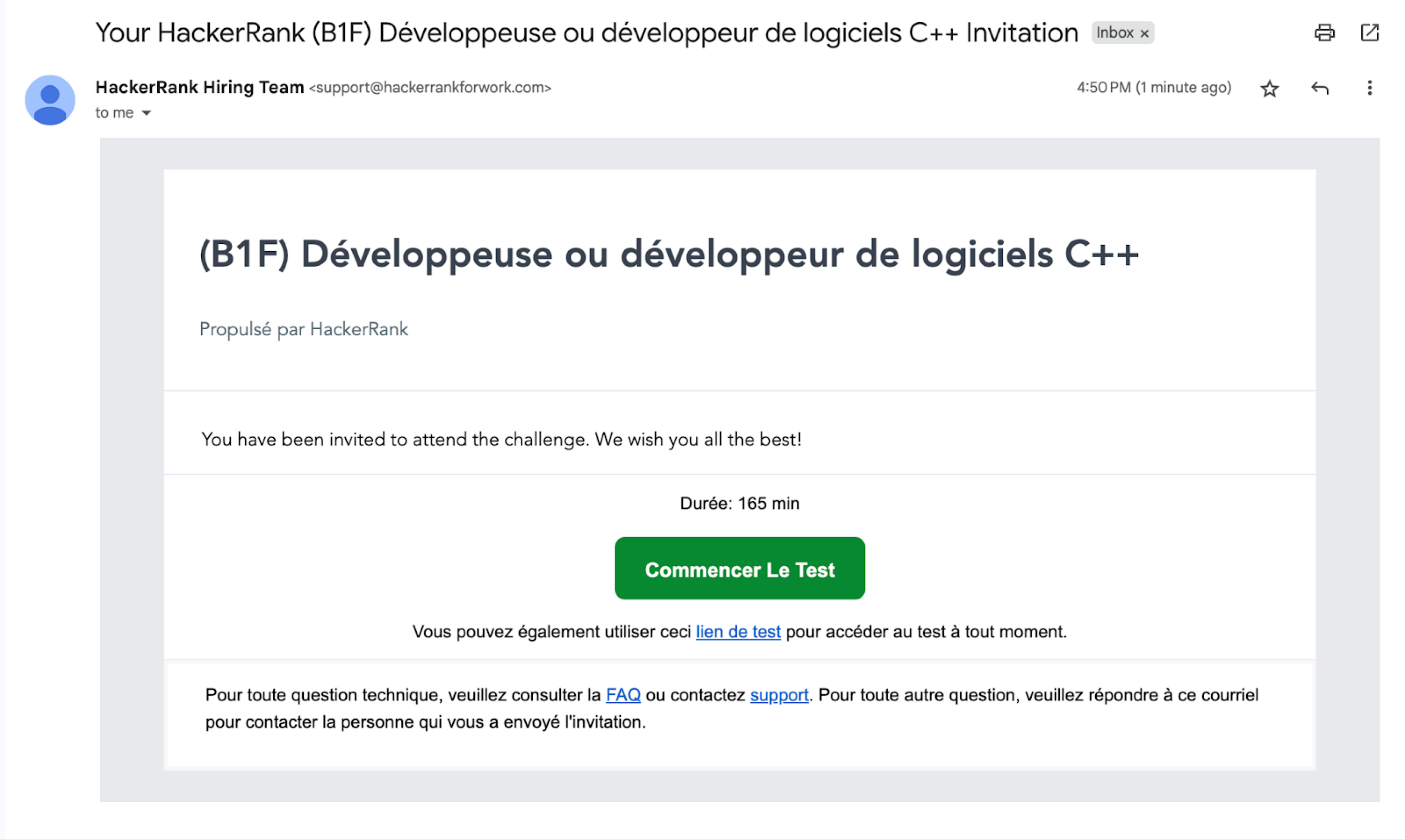
Invite email: The subject line, body text, call-to-action button, and footer displayed in Canadian French.
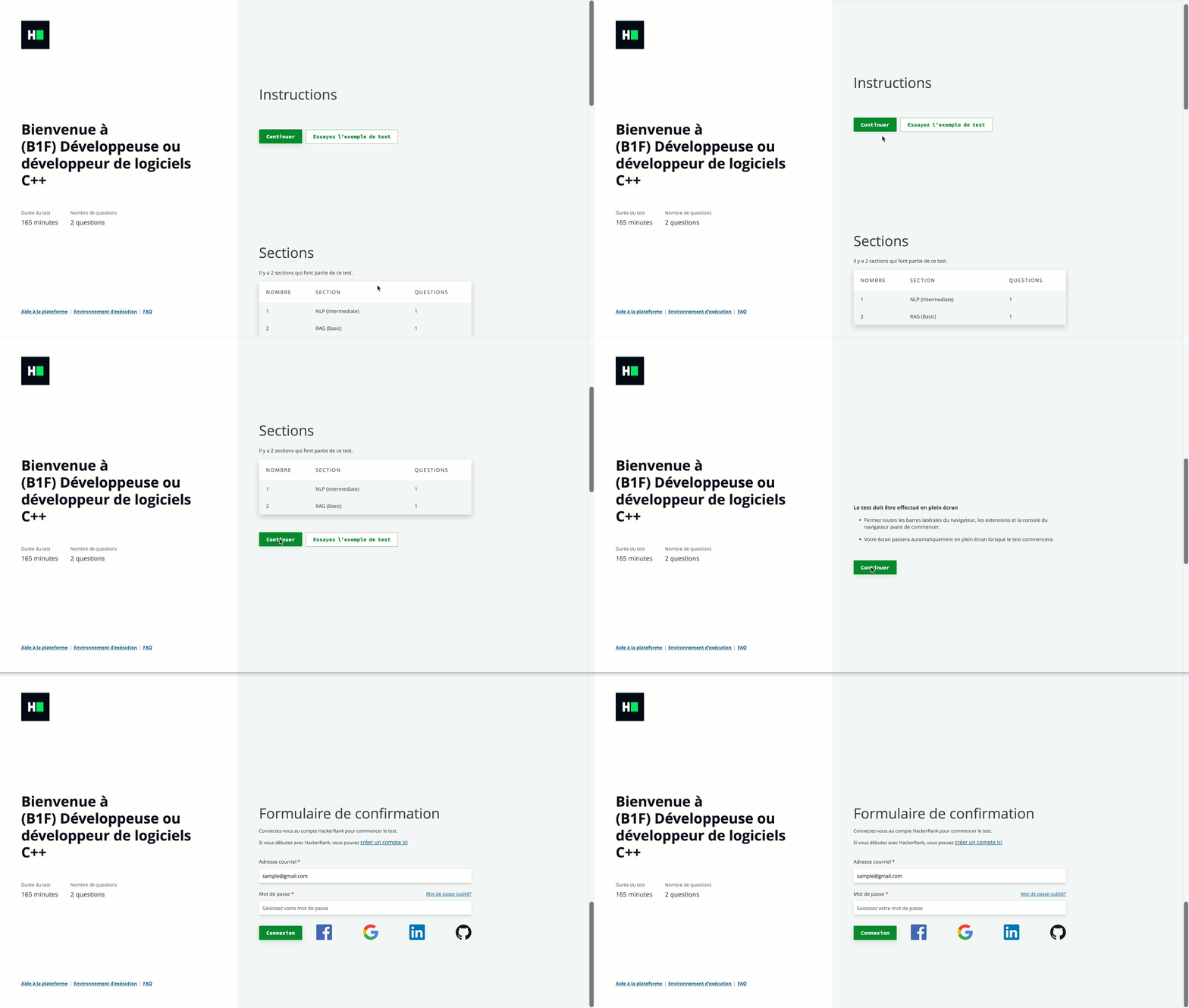
Candidate site: The login screen, test environment, and related options display in Canadian French.
Note:
Once a test is published in a specific candidate-facing language and candidates are invited, it is recommended not to change the language for that test.
The system translates only the default text. It does not translate custom text, even if you change the language.