Recruitee - HackerRank Integration Interview User Guide
Last updated: February 5, 2026
This guide outlines how to use the Recruitee - HackerRank Integration to send HackerRank interview invitations and review interview results.
Prerequisites
Before you begin, ensure you meet the following requirements:
You have active HackerRank and Recruitee accounts.
The HackerRank integration with Recruitee is complete. For more information, see 📄 Recruitee - HackerRank Integration Guide.
Inviting candidates to a HackerRank interview
To invite candidates to a HackerRank interview:
Log in to your Recruitee account using your credentials.
Go to the Candidates tab.
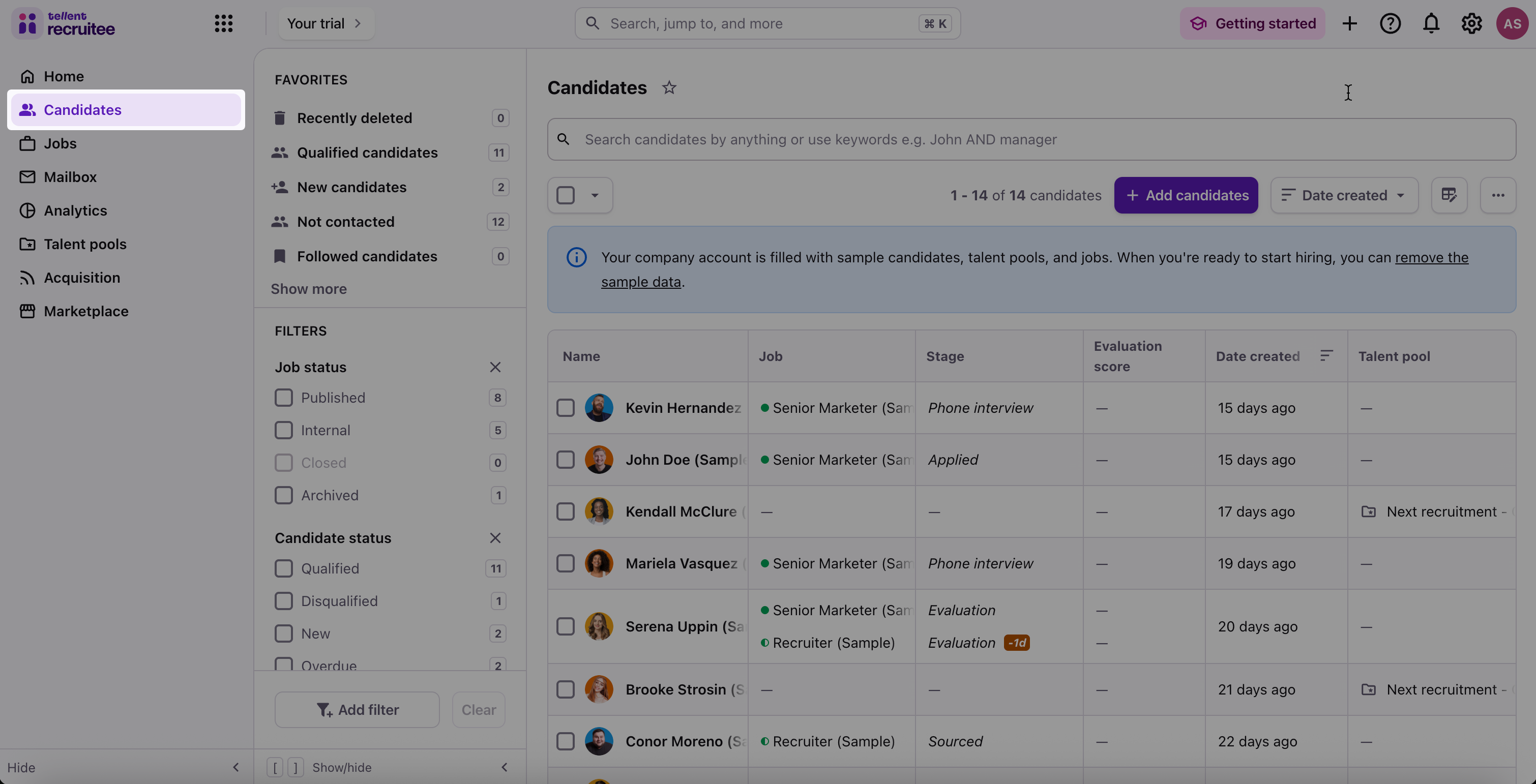
Select a candidate profile.
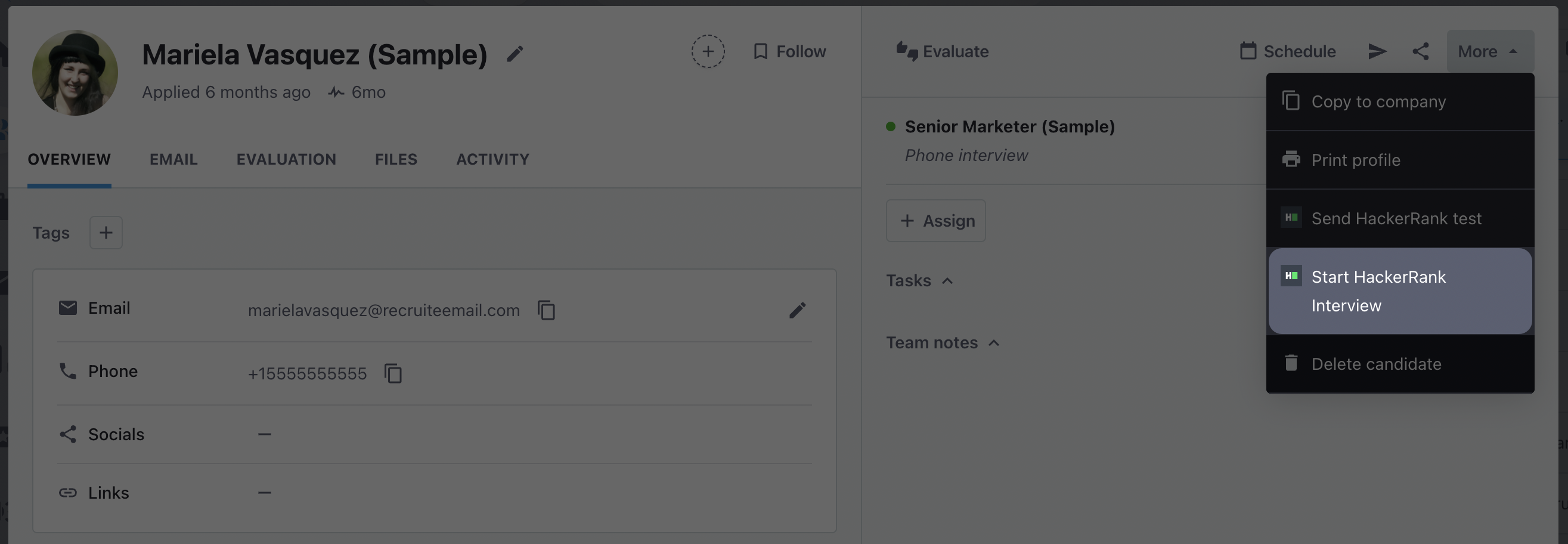
Click the more option menu and select Start HackerRank Interview.
In the Start HackerRank Interview dialog:
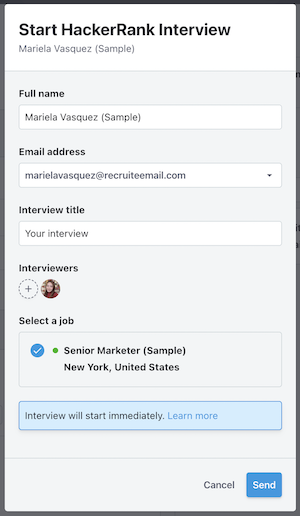
Review the candidate name and email address.
Enter the title of the Interview in the Interview title field.
Select an Interviewer and Job.
Click send.
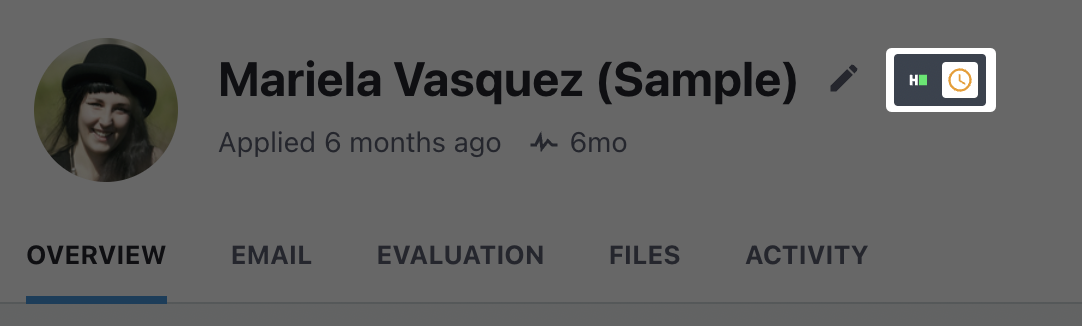
After you schedule the interview, the candidate profile displays a HackerRank badge.
Viewing interview results
When the candidate completes the interview, the badge updates with a check mark.
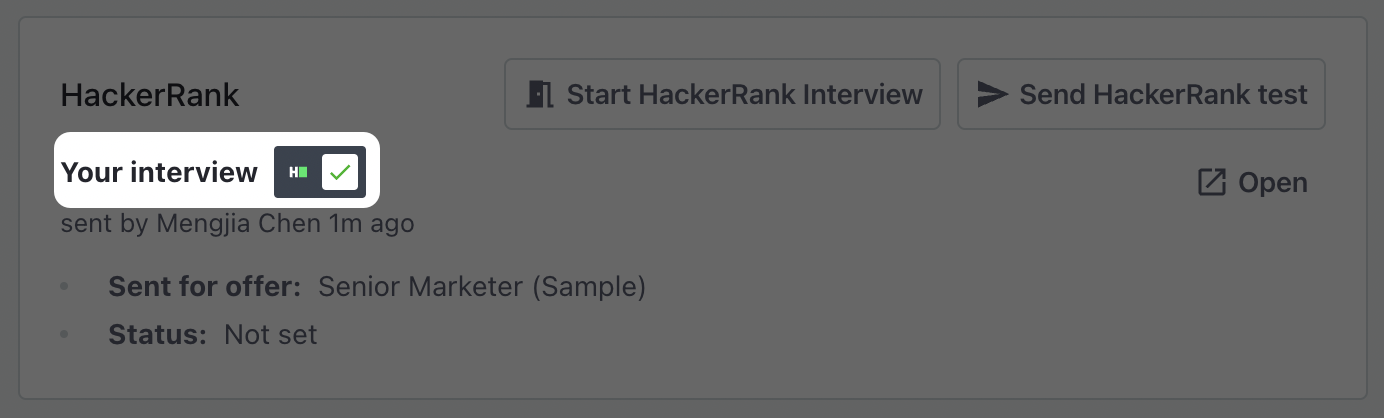
To view the interview results:
Go to the Candidates tab.
Open the candidate's profile.
Scroll to the HackerRank section.
Click Open to view the interview results in HackerRank for Work account.