Export Interview List
Last updated: August 31, 2026
This article applies to the legacy Interview experience. If your interview interface looks different, see 📄 Export Interview Listfor the new Interview experience.
You can download the interview list as a .csv file to view, share, or analyze interview data offline.
Prerequisite
You have created at least one interview. For more information, see 📄 Create an Interview.
Exporting interview list
To export the interview list:
Log in to your HackerRank for Work account using your credentials.
Go to Interviews > Interview List.
(Optional) Use the search bar or filters to find specific interviews. For more information, see Search and filter interviews.
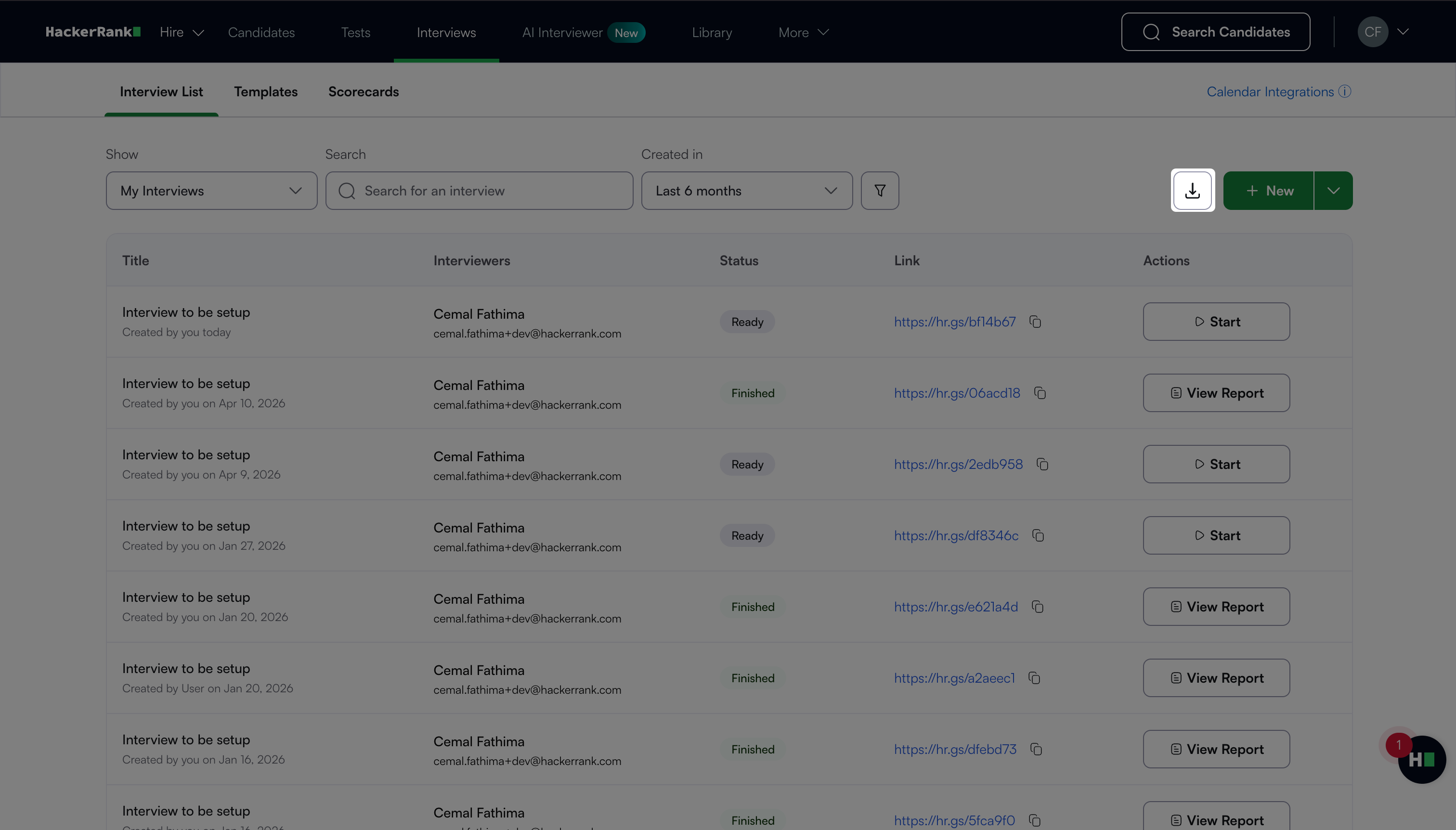
Click the export icon.
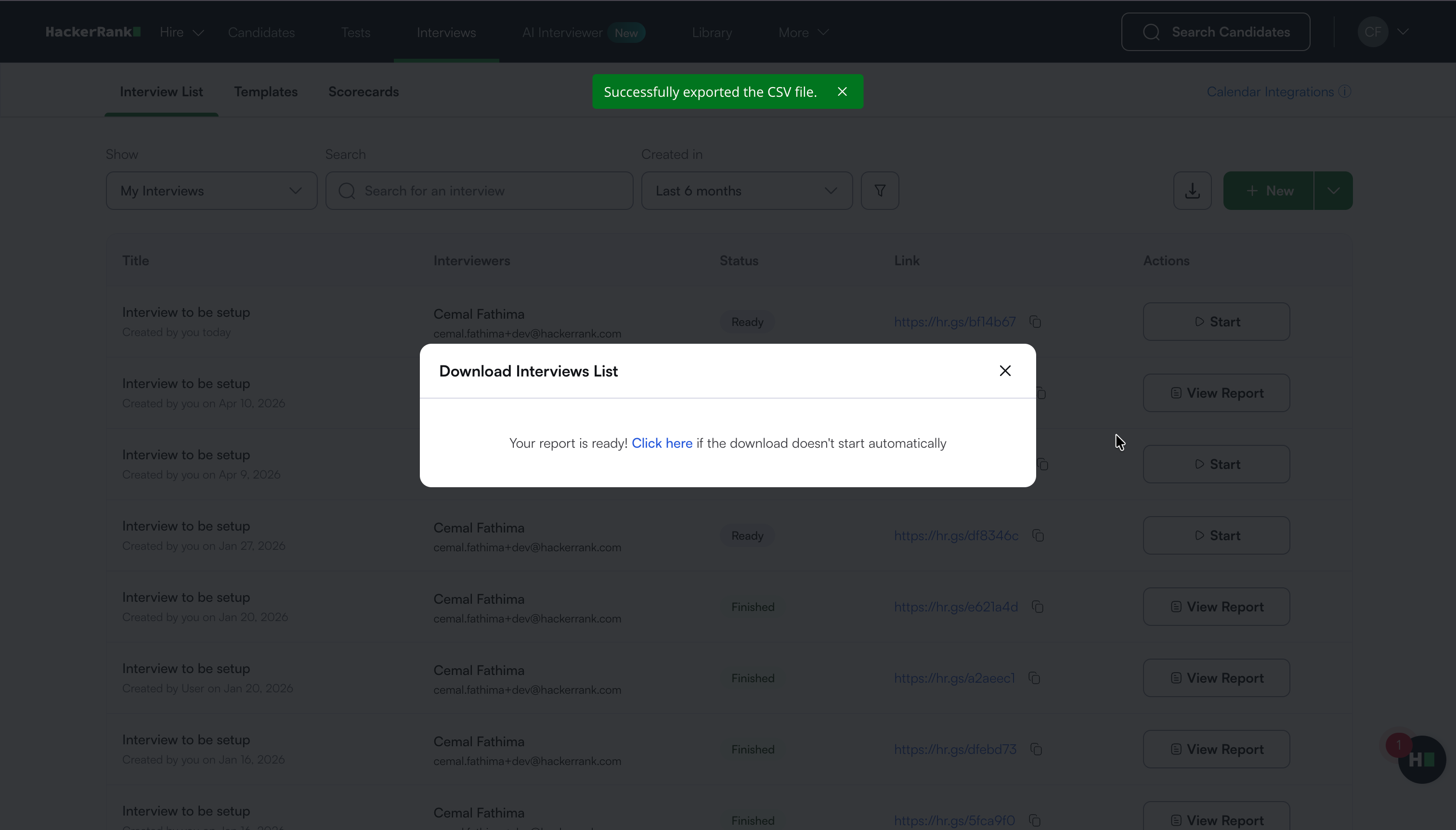
The platform downloads the interview list as a
.csvfile, and a success message appears.
Note: If the download does not start automatically, click Click here in the Download Interviews List dialog box to download the file.