Chakra Integrity Signals
Last updated: July 22, 2026
Chakra integrity signals help you assess interview integrity by monitoring candidate activity throughout the interview and recording suspicious events in the candidate report. You can review these integrity signals together with the interview recording, transcript, and candidate responses as part of your evaluation.
Integrity enforcement
To maintain interview integrity, Chakra automatically pauses the interview if a candidate:
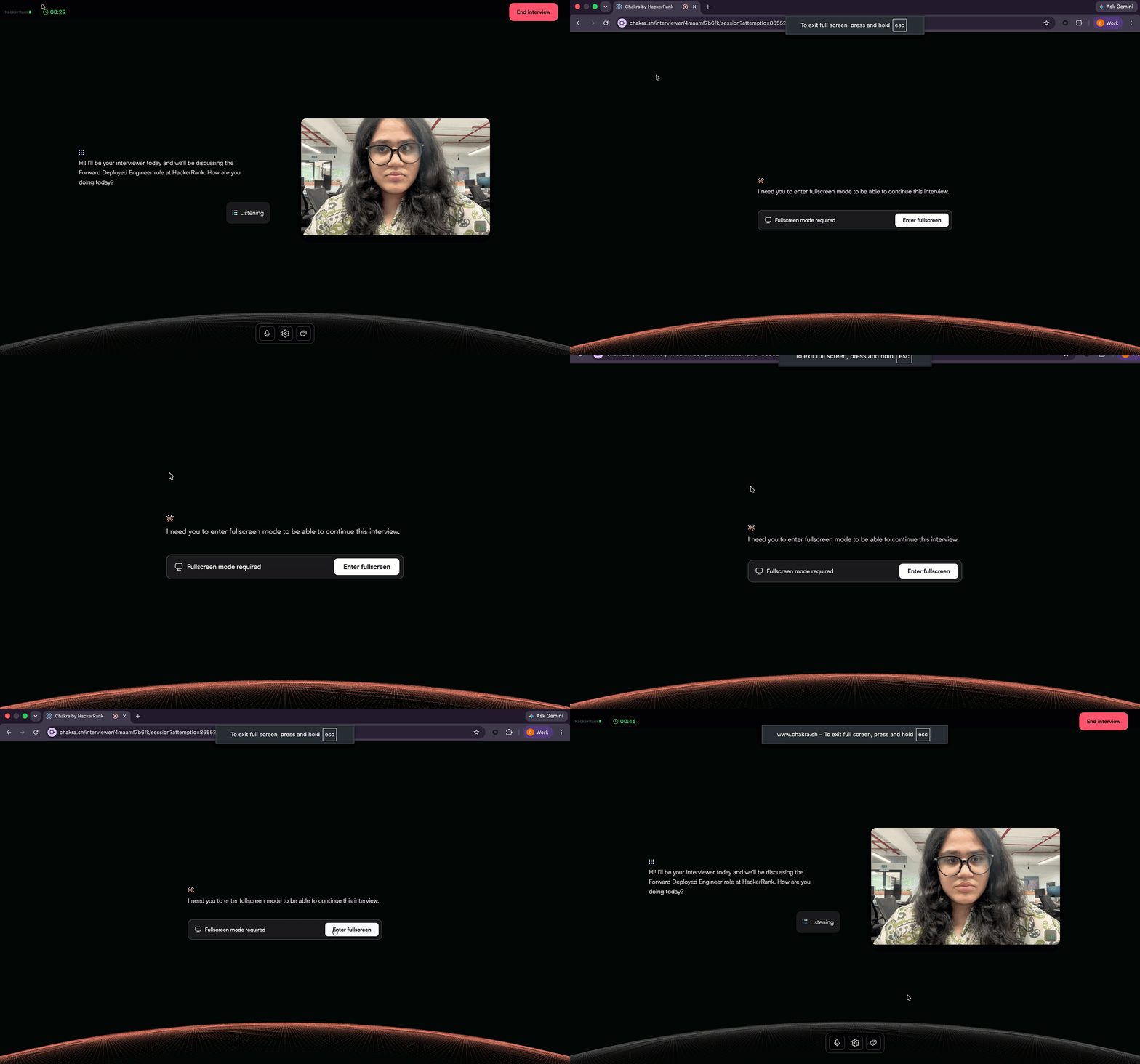
Exits full-screen mode.
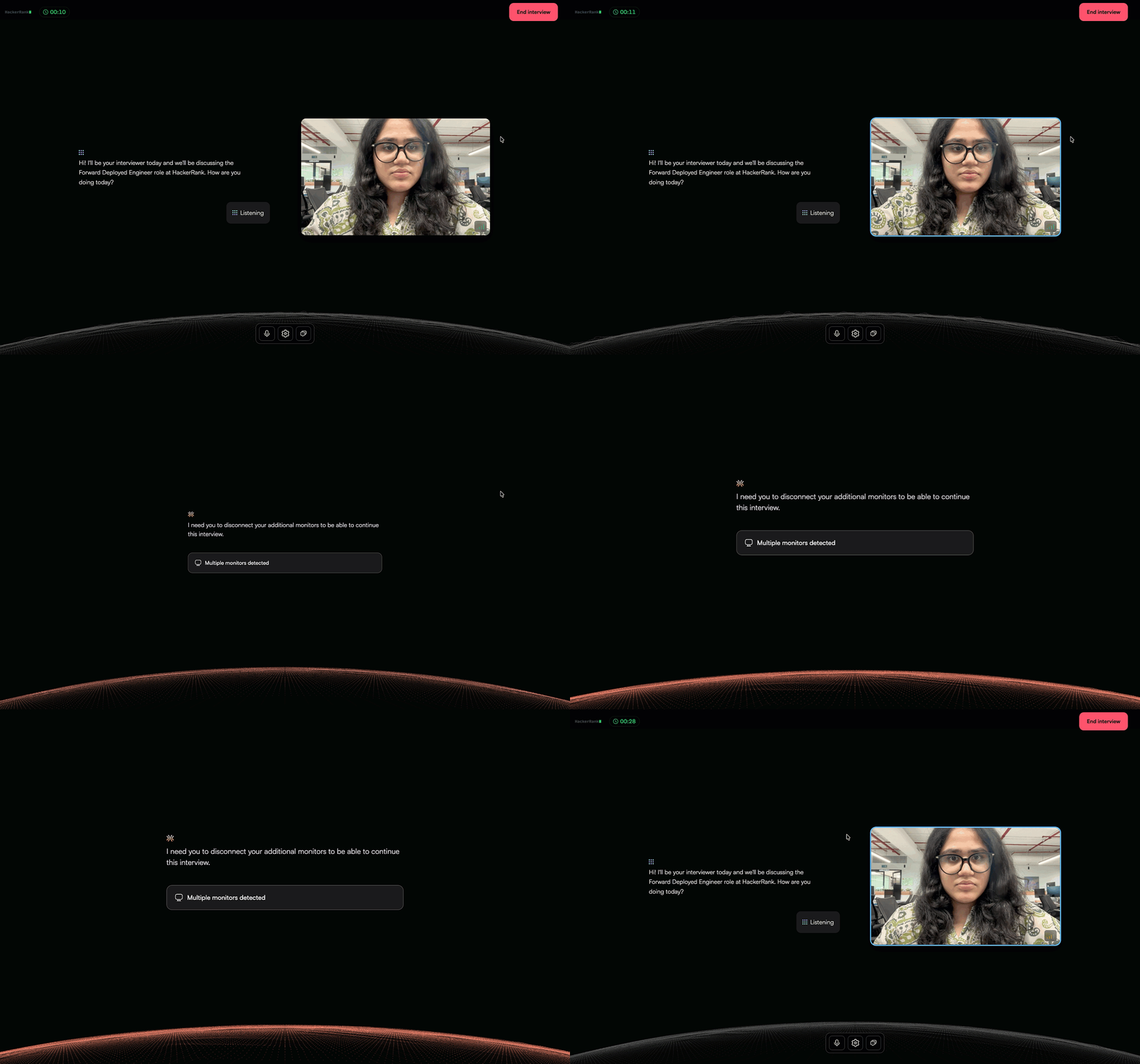
Connects an additional monitor or enables screen mirroring.
Moves out of the webcam view.
The interview resumes only after the required interview conditions are restored.
Supported integrity signals
Chakra monitors the following integrity signals during an interview.
Full-screen exit: Detects when a candidate exits full-screen mode. Chakra pauses the interview until the candidate returns to full-screen mode.
Multiple monitor detection: Detects when a candidate connects an additional monitor or enables screen mirroring. Chakra pauses the interview until the candidate disconnects the additional monitor or stops screen mirroring.
Webcam-based Image Analysis: Detects when no face, multiple faces, or secondary faces appear in the webcam feed. Chakra records each detected event in the candidate report.
Object Detection: Detects and flags mobile phones and tablets in the candidate’s webcam feed. Chakra captures images with the detected objects and adds them to the candidate report.
Screenshot Analysis: Analyzes screenshots captured during the interview to detect unauthorized tools, browser extensions, external AI assistants, collaboration tools, and other suspicious activity. Chakra records detected events in the candidate report.
Review integrity signals
After the candidate completes the interview, you can review all recorded integrity signals in the candidate report.
For more information, see 📄 View Candidate Report in Chakra.