Network Monitoring in HackerRank Interviews
Last updated: December 12, 2024
Overview
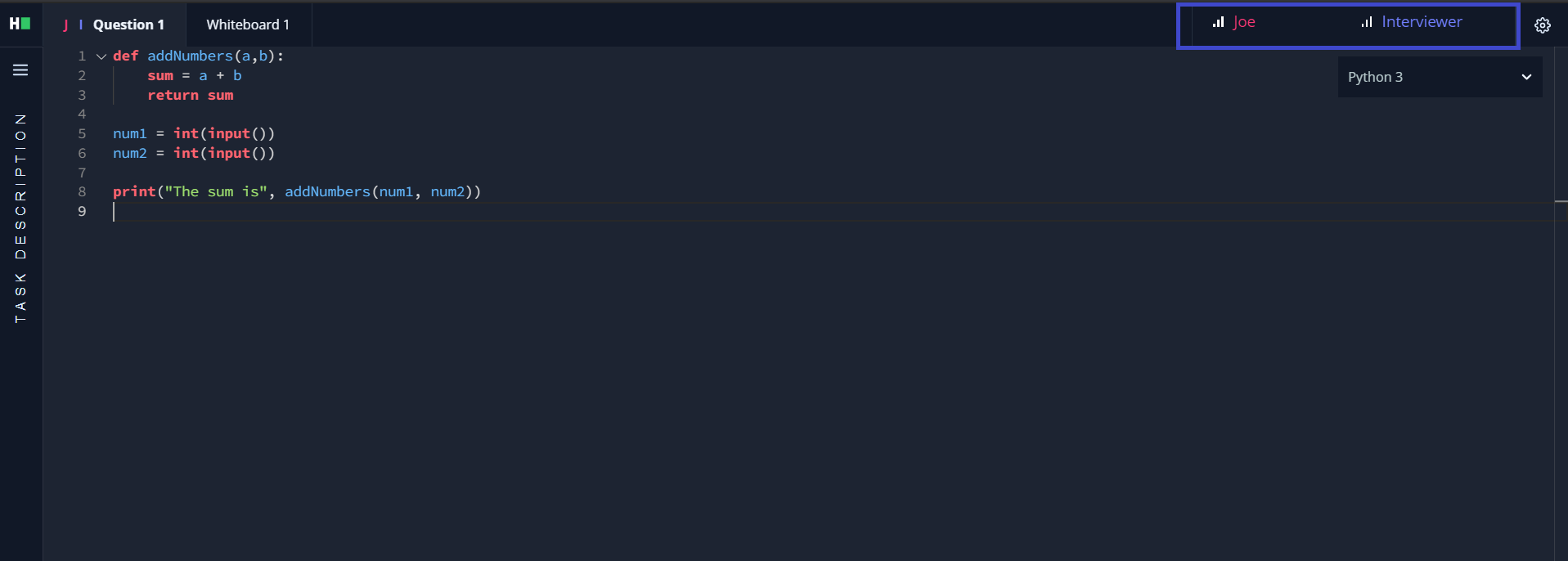
A seamless internet connection is essential to have a smooth interview experience with HackerRank. We advise both the candidates and interviewers to check their internet connection before the start of the interview. While inside the interview, as well, you will be able to see your network strength and we will also notify you in case of a weak connection.
You will be able to see your network strength, both in the lobby as well as inside the interview.
Virtual Lobby
This is how you can monitor the network strength of available participants in the interview from the lobby.

Inside the Interview
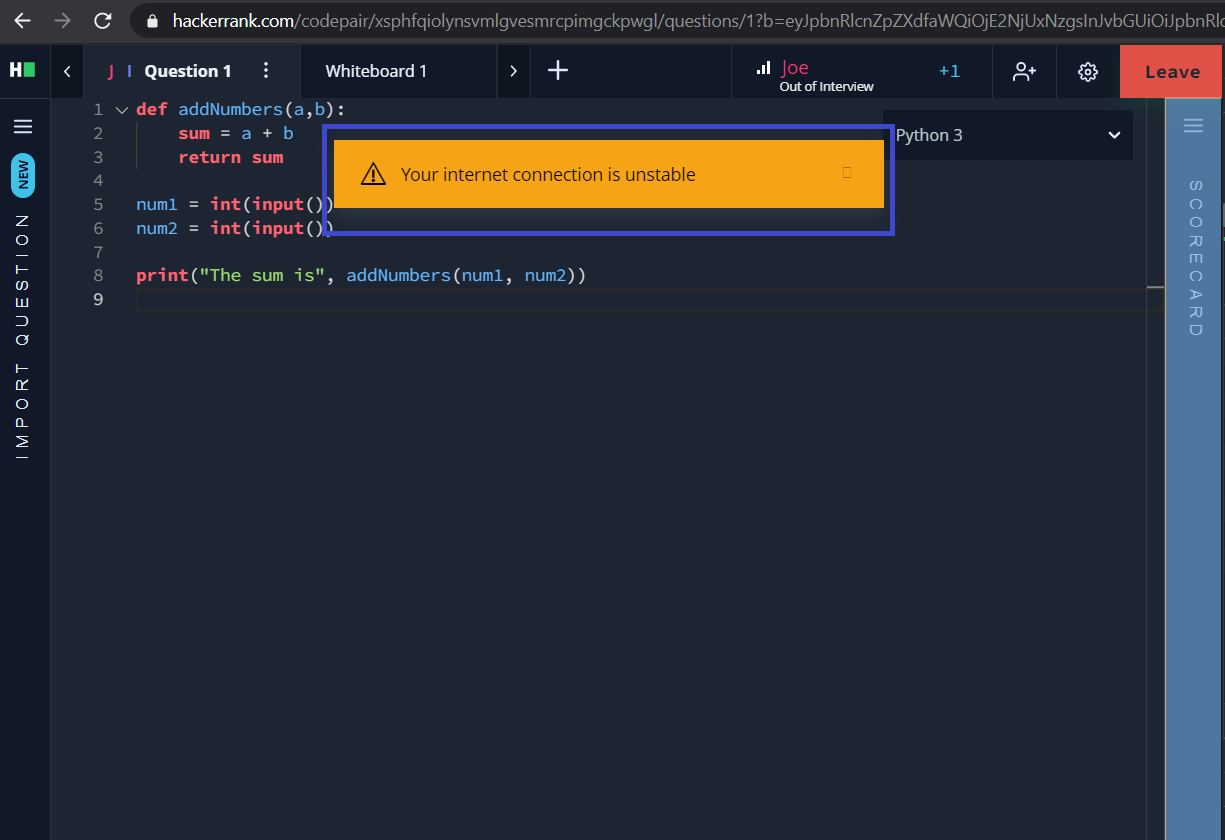
Unstable Network
Loss of Signal
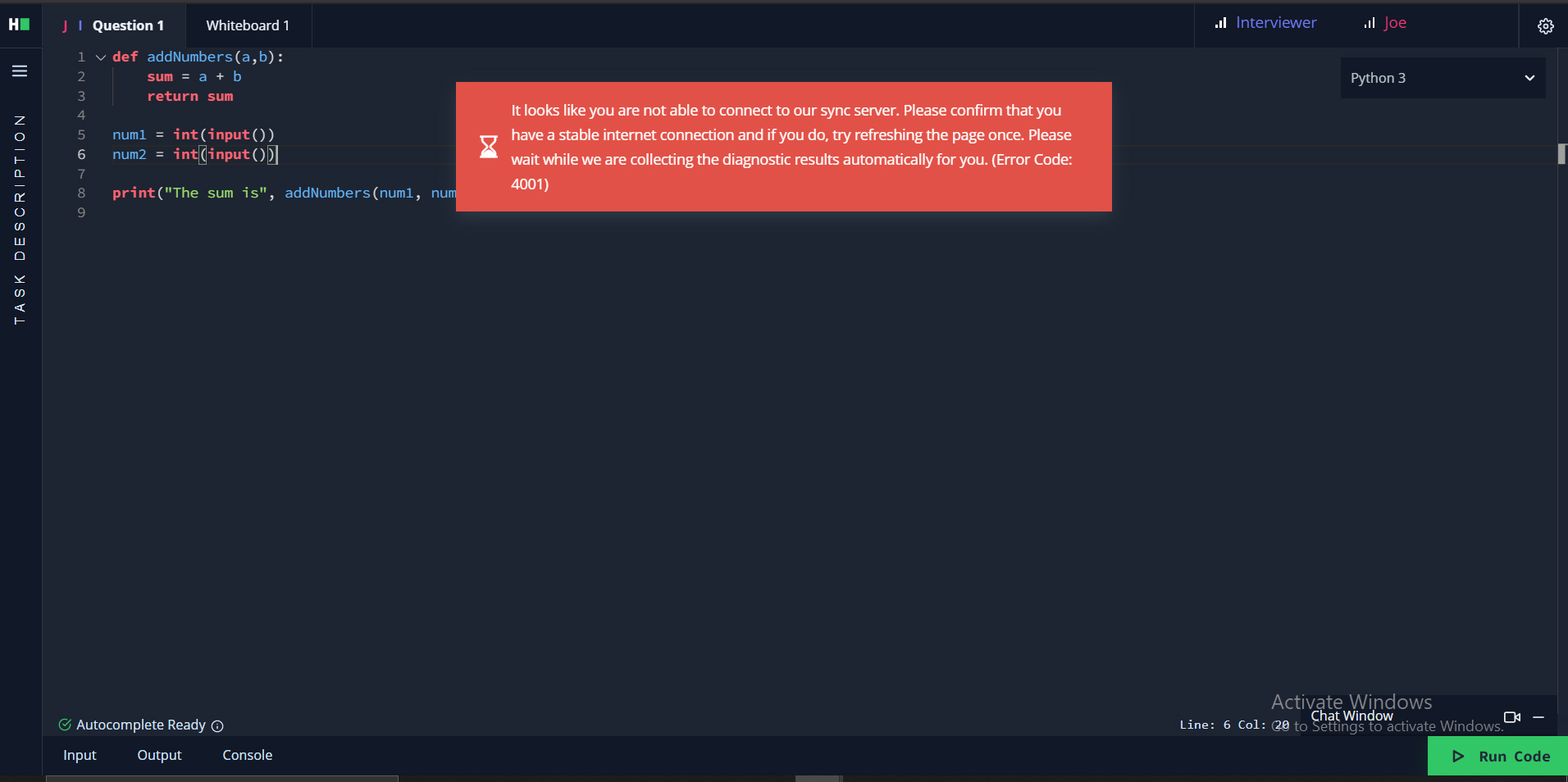
Note: These notifications are only visible to the person who is facing the problem with their internet connection, while the others in the interview can monitor each other's network strength via signal bars on the top right corner.