Delete an Interview
Last updated: August 27, 2026
This article applies to the new Interview experience. If your interview interface looks different, see 📄 Delete an Interview for the legacy Interview experience.
You can delete a scheduled HackerRank interview at any time.
Prerequisite
You must have already created and scheduled an interview.
Deleting an Interview
To delete a scheduled interview:
Log in to your HackerRank for Work account using your credentials.
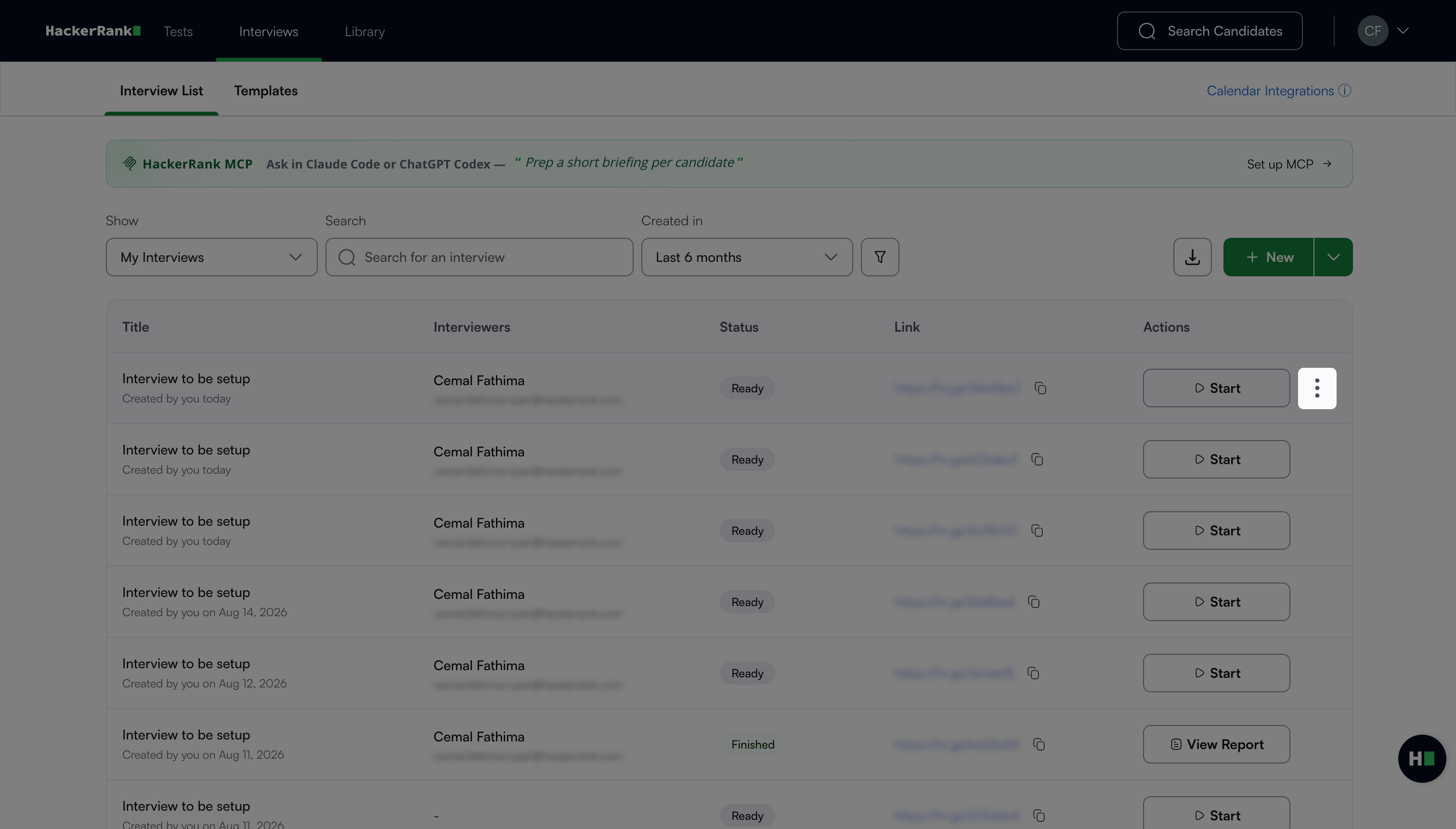
Go to Interviews > Interview List. The page displays a list of all interviews you have created.
Click the more options menu (⋮) next to the interview you want to delete.
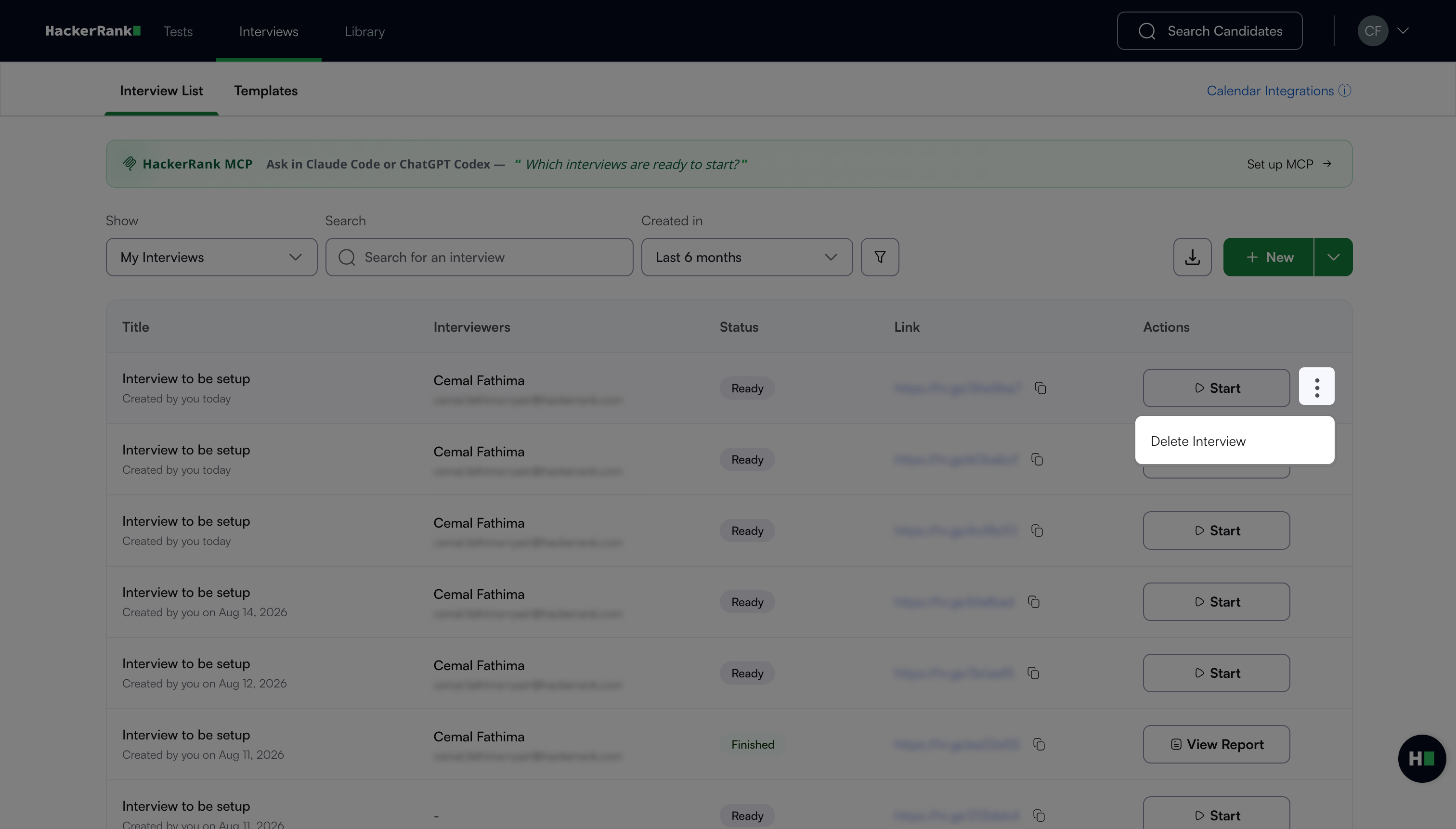
Click Delete Interview.
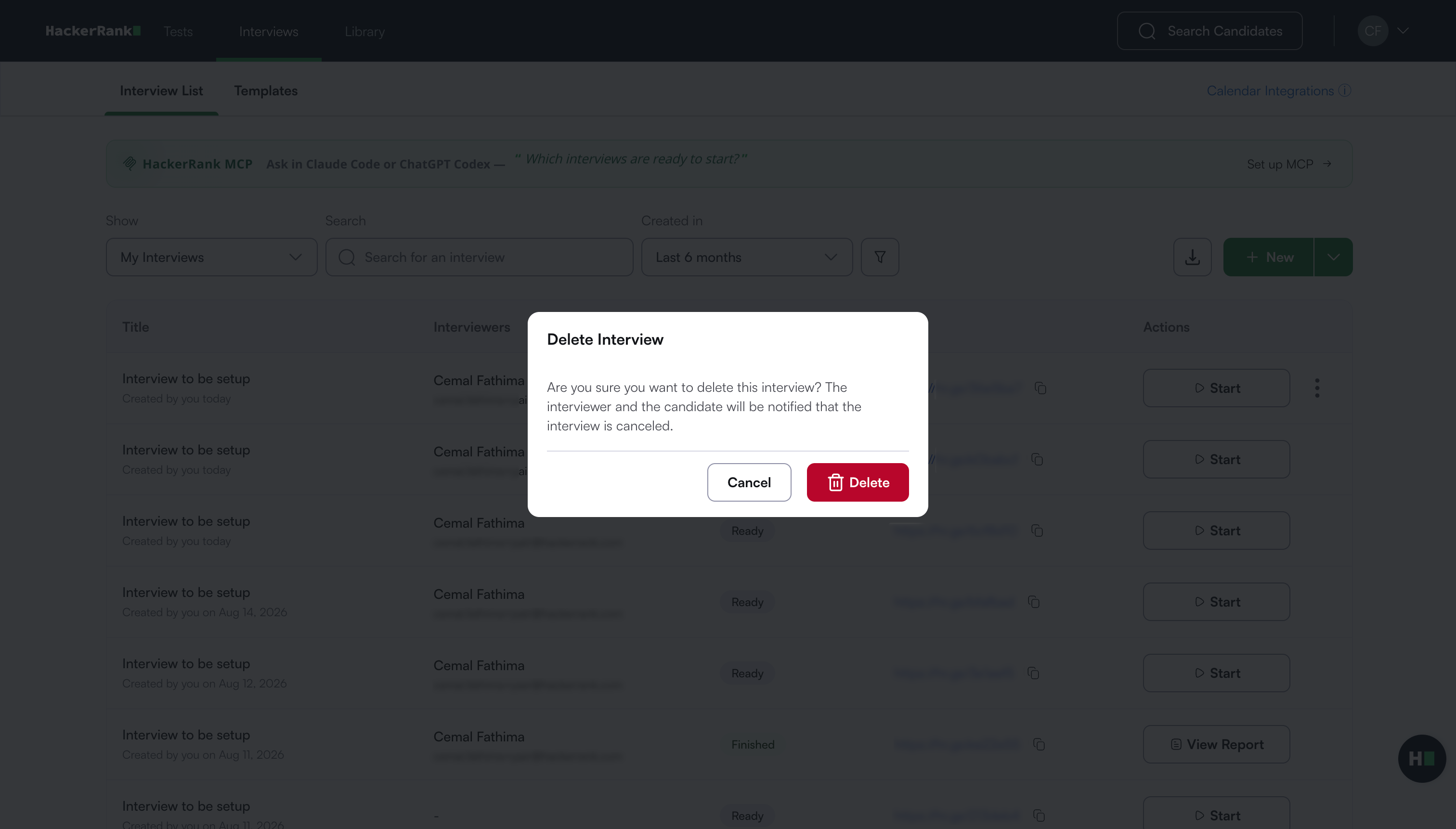
A confirmation message appears.
Click Delete to confirm.
HackerRank deletes the interview and sends email notifications to the candidate and all interviewers.