Reschedule an Interview
Last updated: August 27, 2026
This article applies to the new Interview experience. If your interview interface looks different, see 📄 Reschedule an Interview for the legacy Interview experience.
You can update the date, time, duration, or time zone of a scheduled interview.
Prerequisite
You must have created and scheduled an interview that has not yet been conducted.
Rescheduling an Interview
To reschedule an interview:
Log in to your HackerRank for Work account using your credentials.
Go to Interviews > Interview List. The page displays a list of all interviews you have created.
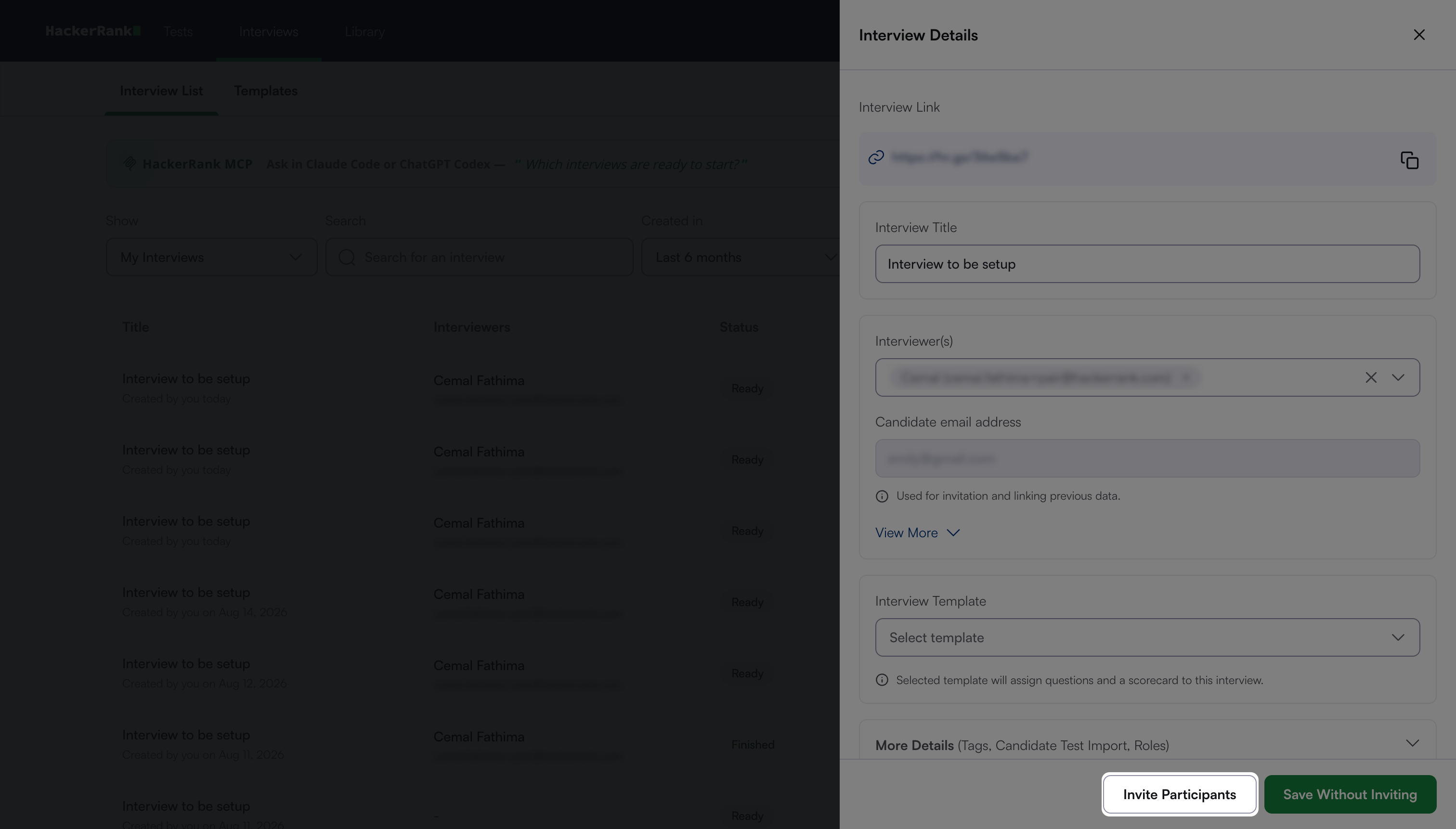
Click the interview you want to reschedule. The Interview Details panel appears.
Click Invite Participants.
Update the following fields:
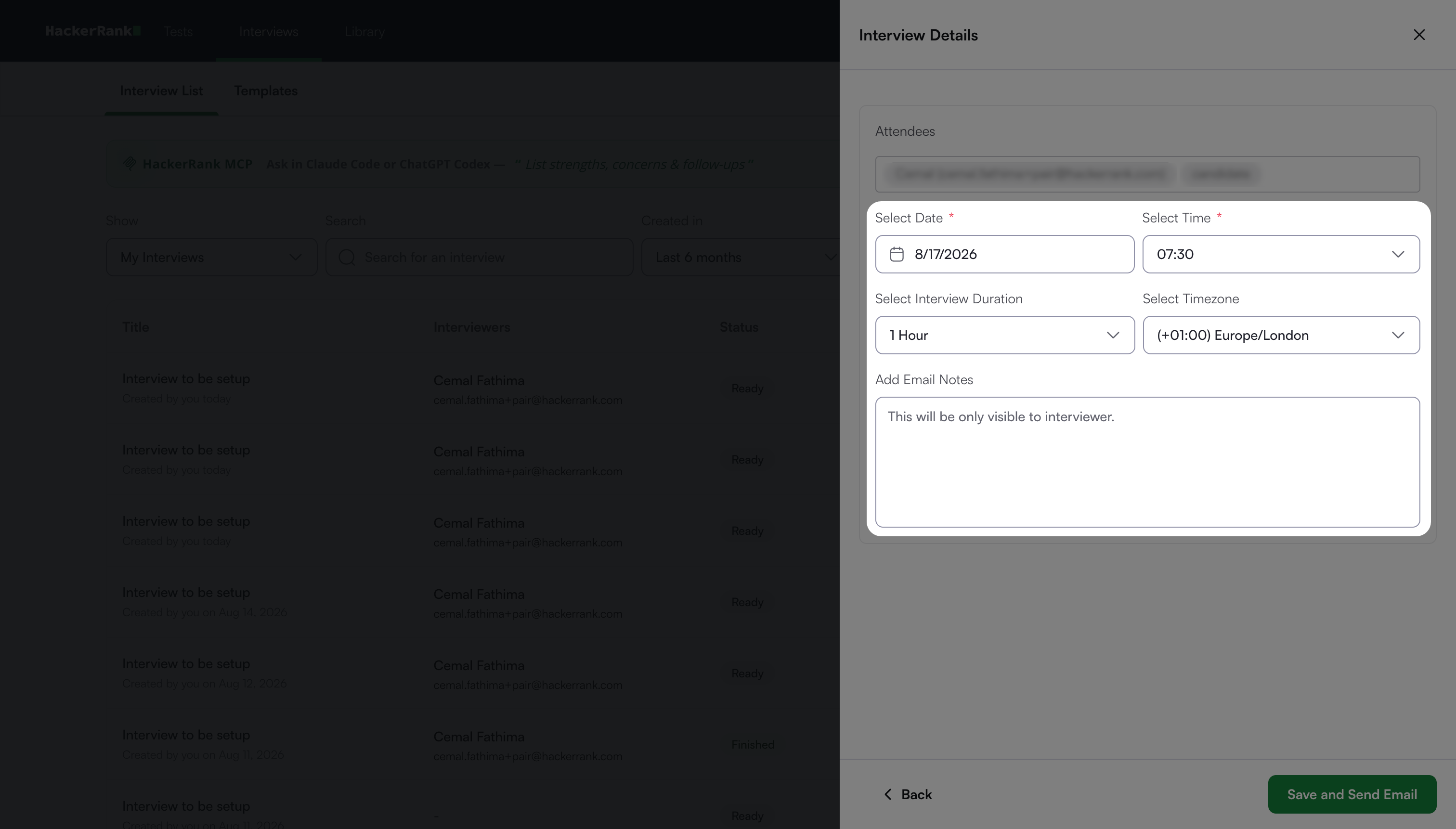
Date: Choose the new interview date.
Time: Choose the new interview time.
Interview Duration (Optional): Set the duration of the interview.
Time zone (Optional): Choose the time zone for the interview.
Email Notes (Optional): Enter additional details about the schedule change, if necessary. This field is visible only to the interviewer.
Click Save and Send Email.
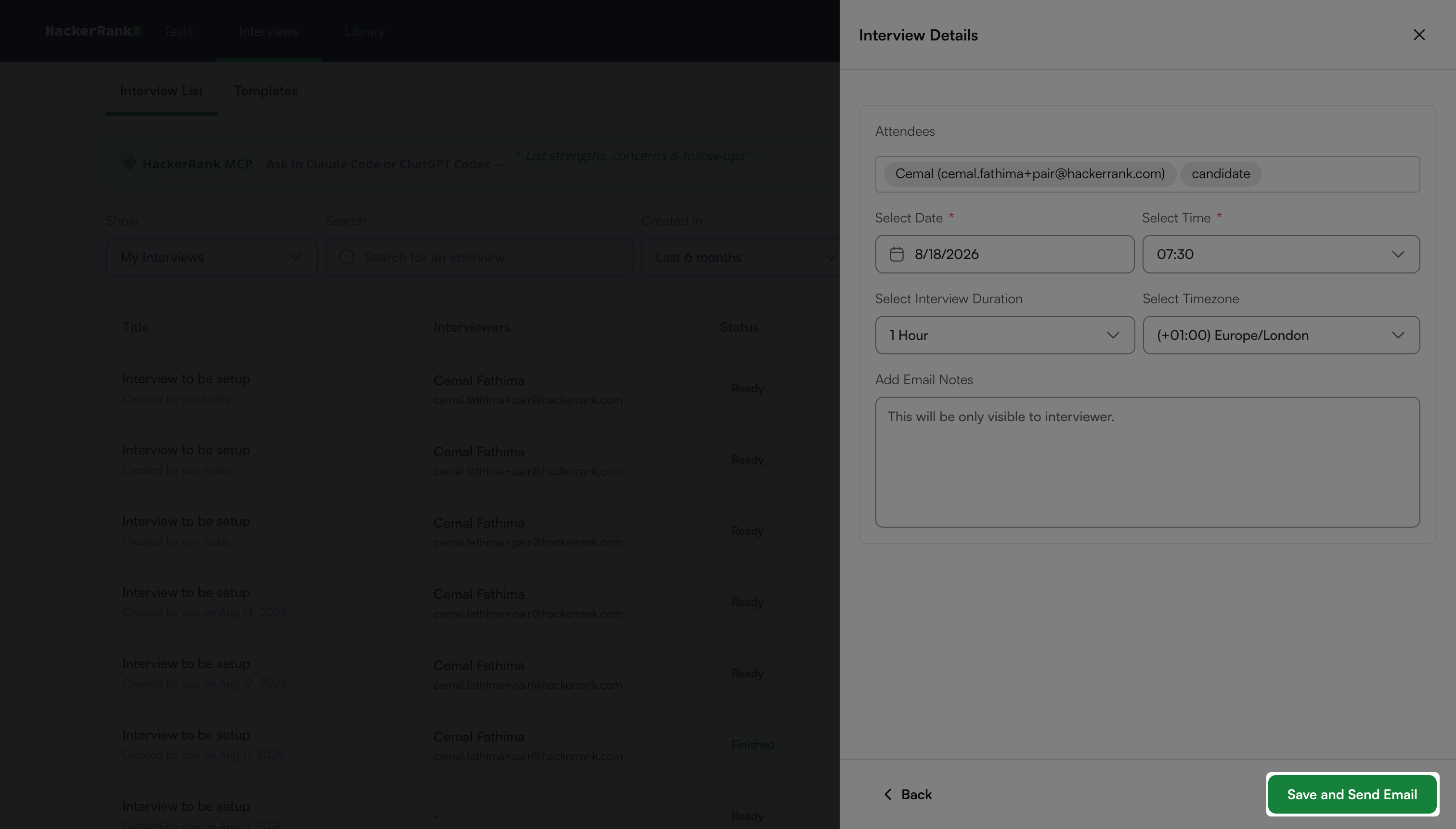
HackerRank updates the interview schedule and sends email notifications with the updated details to the candidate and interviewers.