Modify Invitation Expiry in Chakra
Last updated: September 16, 2026
You can control how long an AI interview invitation remains valid after a candidate receives it. Candidates must start the interview before the invitation expires.
Prerequisite
You must have created an AI Interview in Chakra.
Modifying invitation expiry
To modify the invitation expiry in Chakra:
Log in to Chakra using your credentials.
Click the sidebar icon and select My Interviewers.
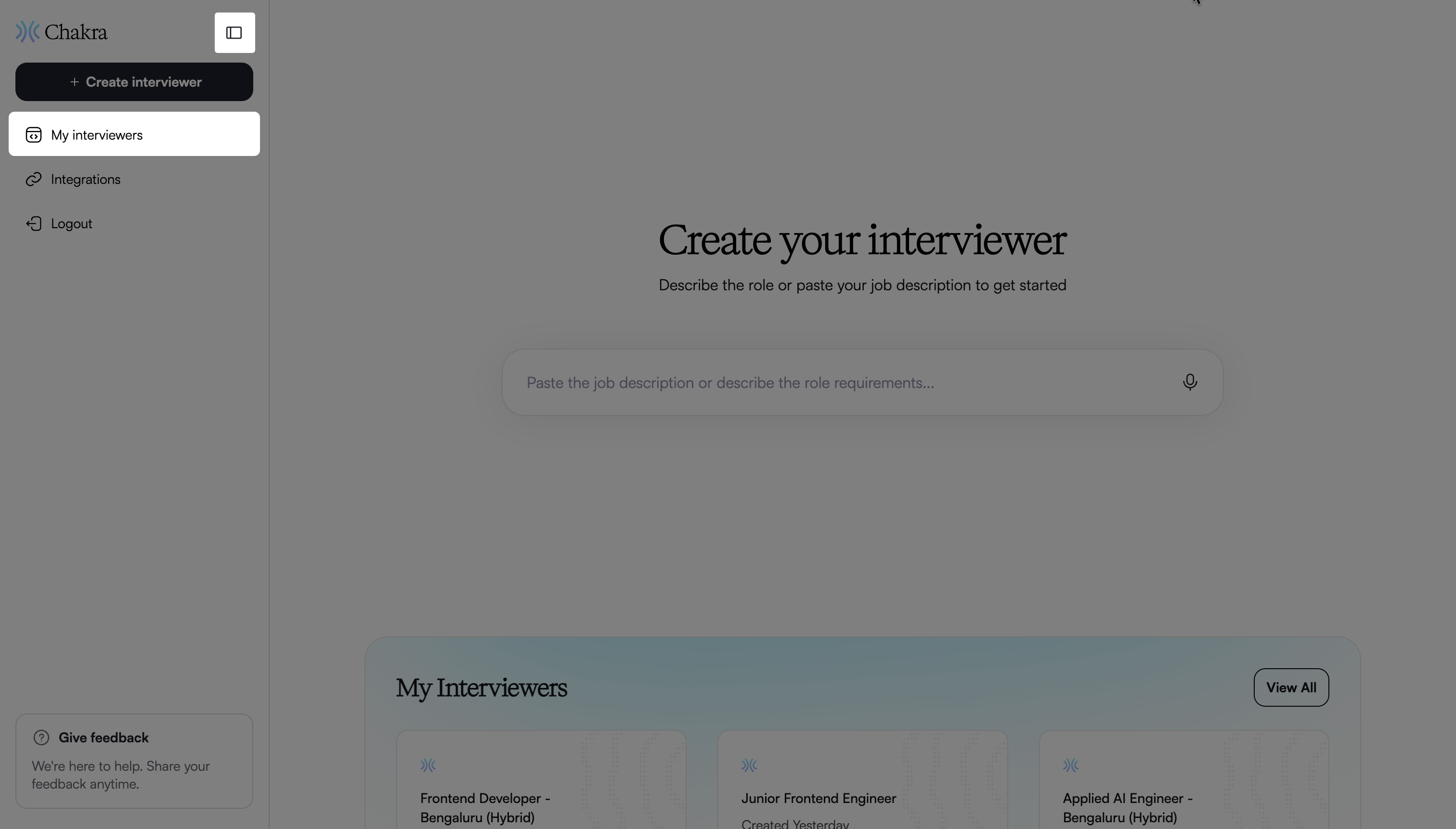
Select the interviewer you want to update.
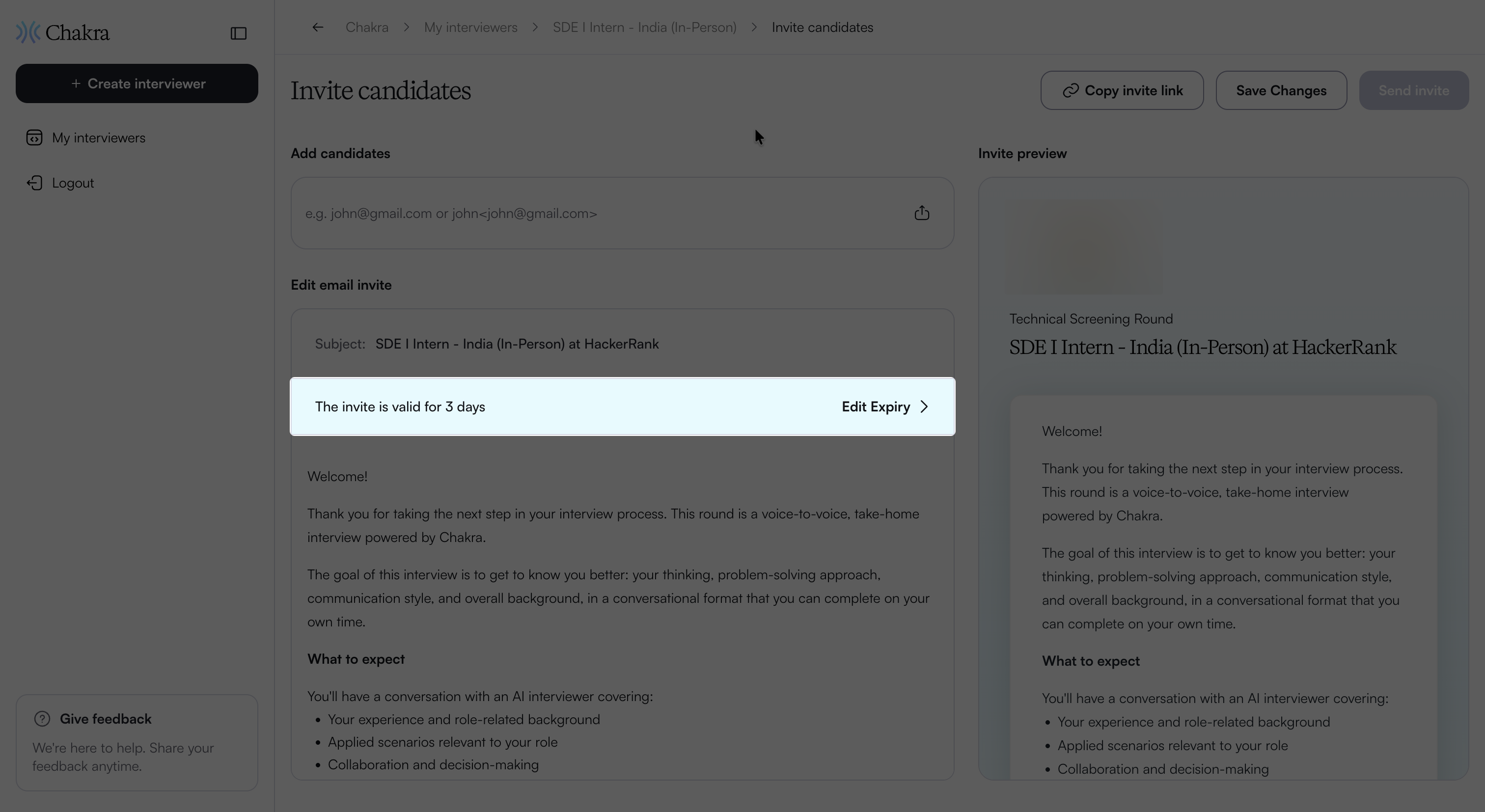
In the Overview page, click Invite candidates.
Click Edit Expiry under Edit email invite.
In the Set Invite Expiry dialog, select an expiry option.
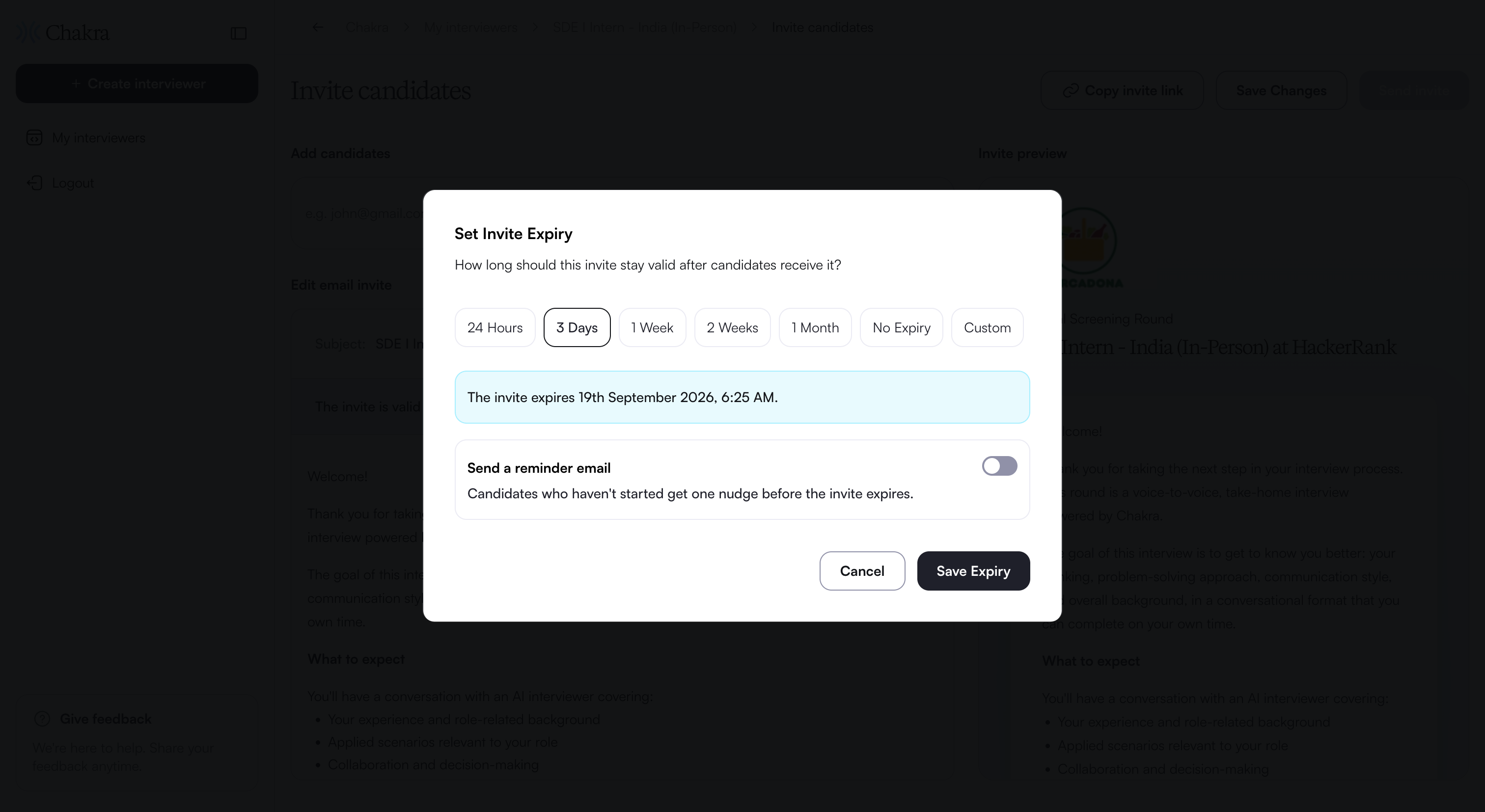
If you choose Custom, select the expiry date and time.
(Optional) Turn on Send a reminder email, and then select when Chakra sends the reminder.
Click Save Expiry.
The updated expiry period appears under Edit email invite.