HTML/CSS/JavaScript Questions
Last updated: March 26, 2026
HTML/CSS/JavaScript questions evaluate a candidate’s ability to build functional and visually accurate web interfaces using core front-end technologies.
These questions assess the candidate’s ability to:
Structure content using HTML
Apply layout and visual styling using CSS
Implement logic and interactivity using JavaScript
Creating an HTML/CSS/JavaScript question
To create an HTML/CSS/JavaScript question:
Log in to your HackerRank for Work account using your credentials.
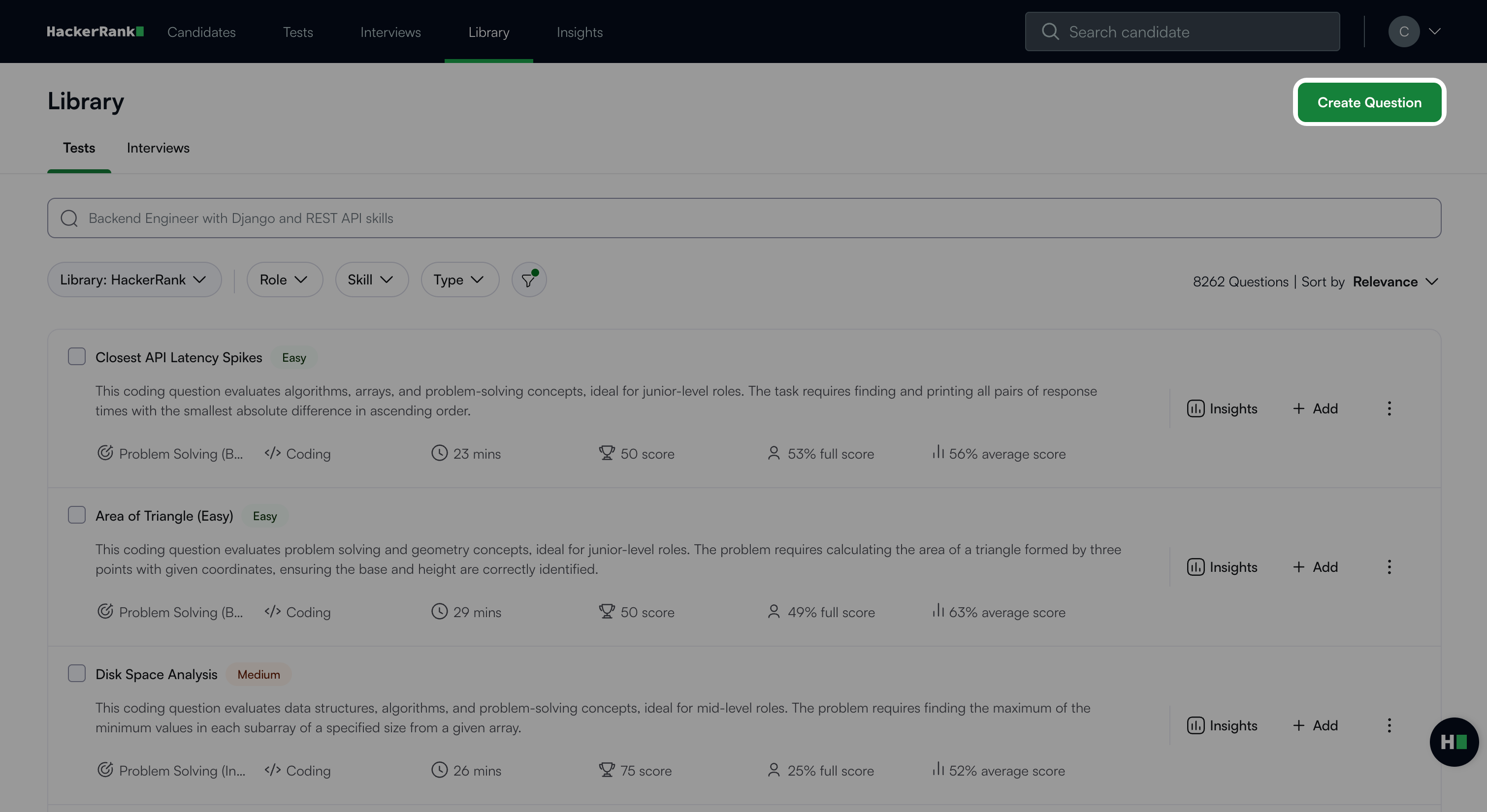
Go to the Library tab.
Click Create Question.
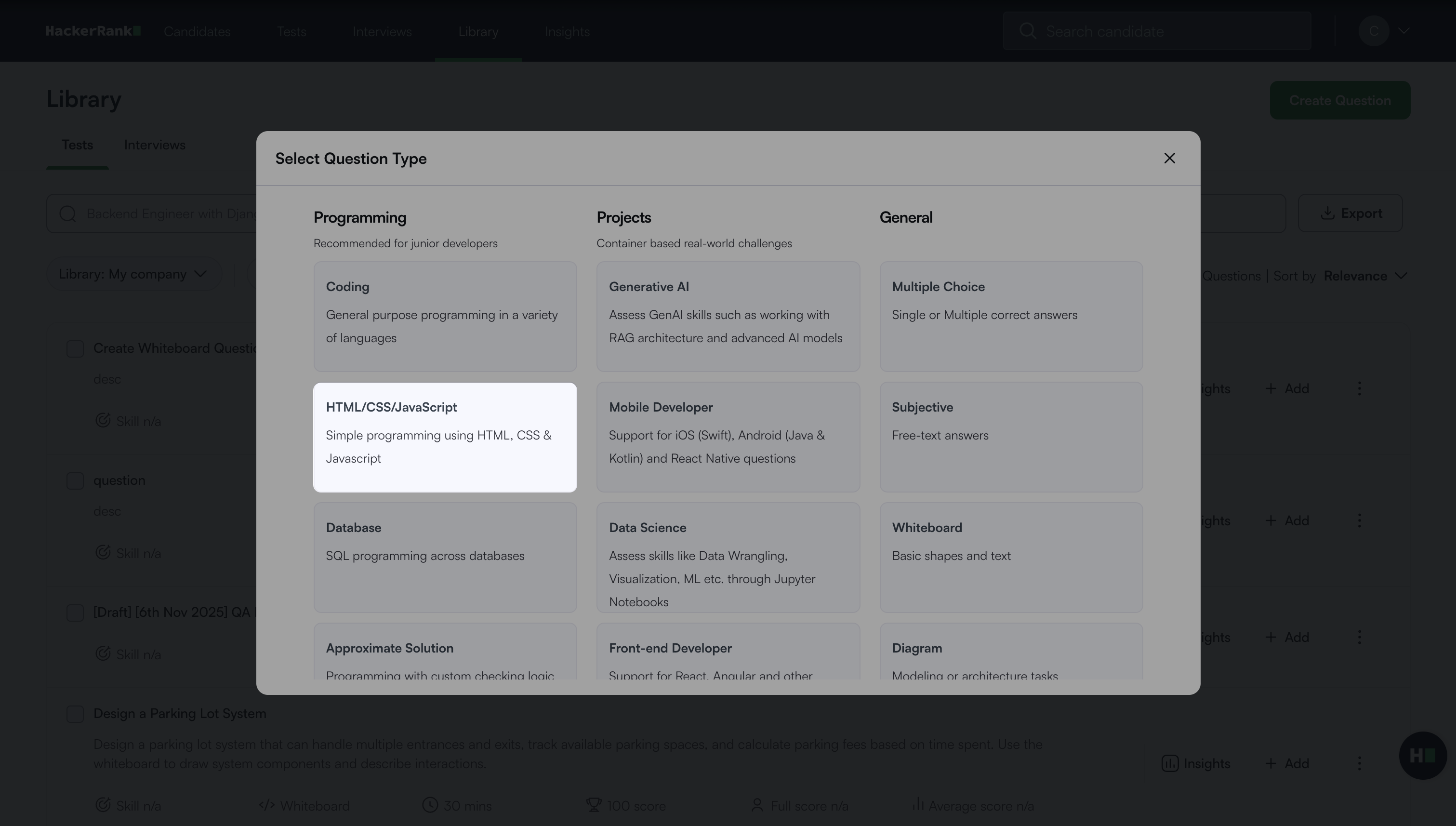
Select HTML/CSS/JavaScript under Programming.
The HTML/CSS/JavaScript question creation workflow opens with the following two steps.
Step 1: Question Details
In the Problem details section:
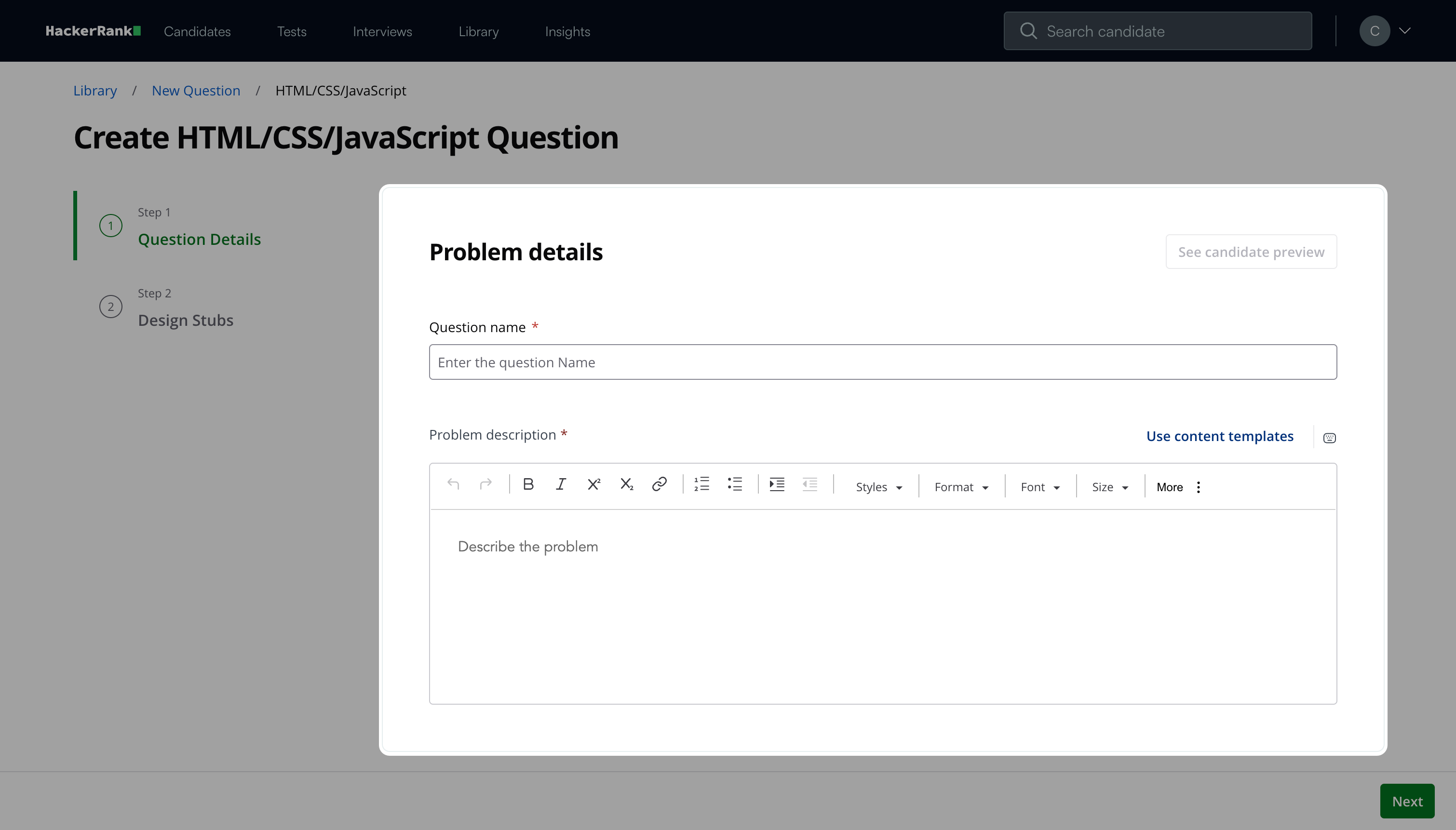
Enter the Question name.
Describe the problem in the Problem description field. You can use the formatting menu to format the text or to include elements such as tables or images.
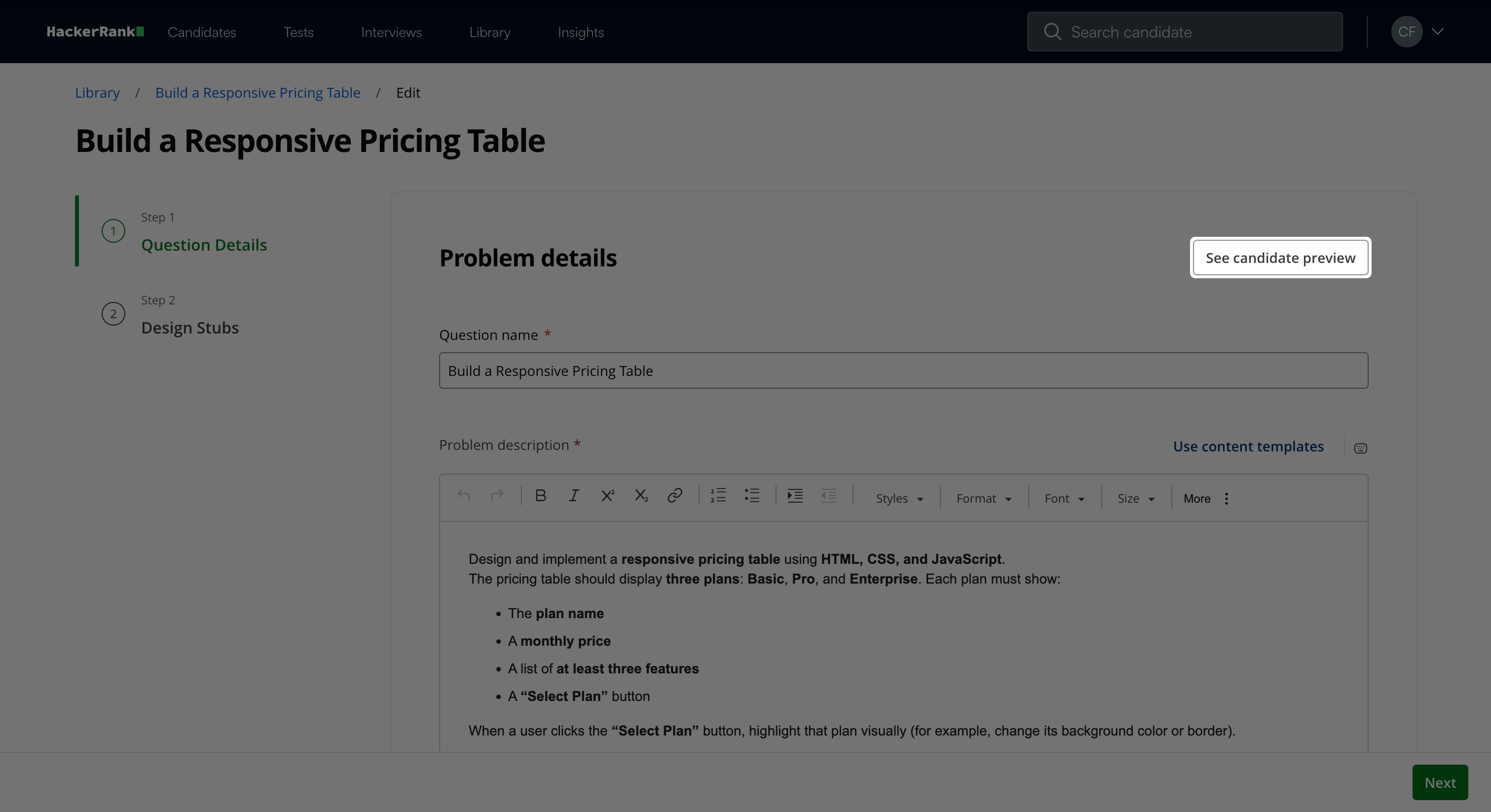
Note: Click See candidate preview to view how the question appears to candidates.
In the Question properties section:
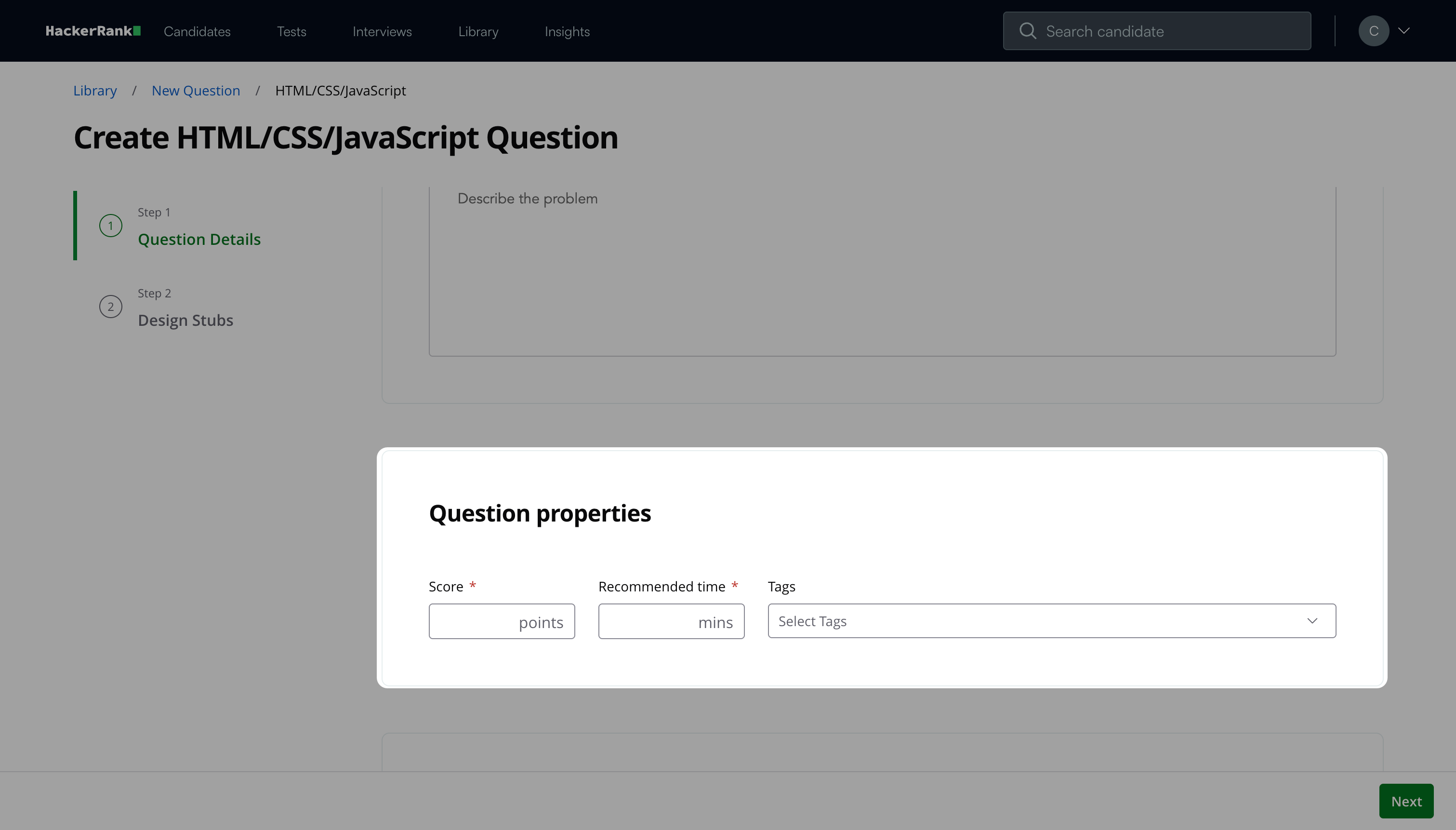
Enter the Score and Recommended time based on question difficulty.
(Optional) Add Tags from the drop-down list or create new ones.
(Optional) Add Interviewer guidelines for internal use, such as evaluation notes, hints, or reference solutions.
Click Next.
Step 2: Design Stubs
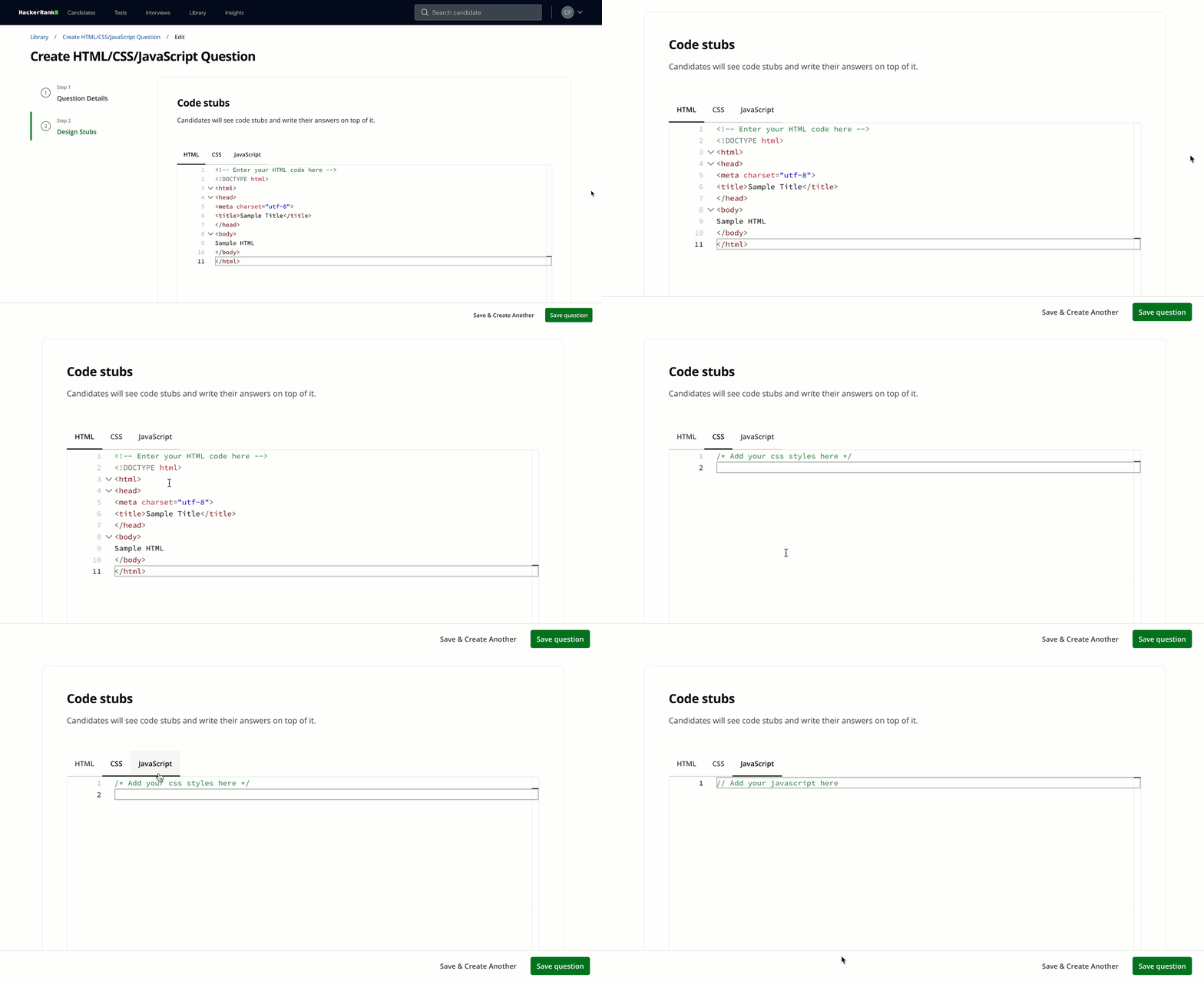
Enter the starter code that candidates can use to build their solution in the following sections:
HTML
CSS
JavaScript
Candidates can edit the provided code stub. If you do not want them to modify a specific section, place that code inside comments.
Tip: To test a specific framework or library (for example, Angular or jQuery), add a
<script>tag in the HTML stub and set thesrcattribute to load the required library. Candidates can then use that library in their solution.
Click Save question.
Note: Click Save & Create Another to create another question.
The question appears under My Company questions in the HackerRank Library.
Candidate experience
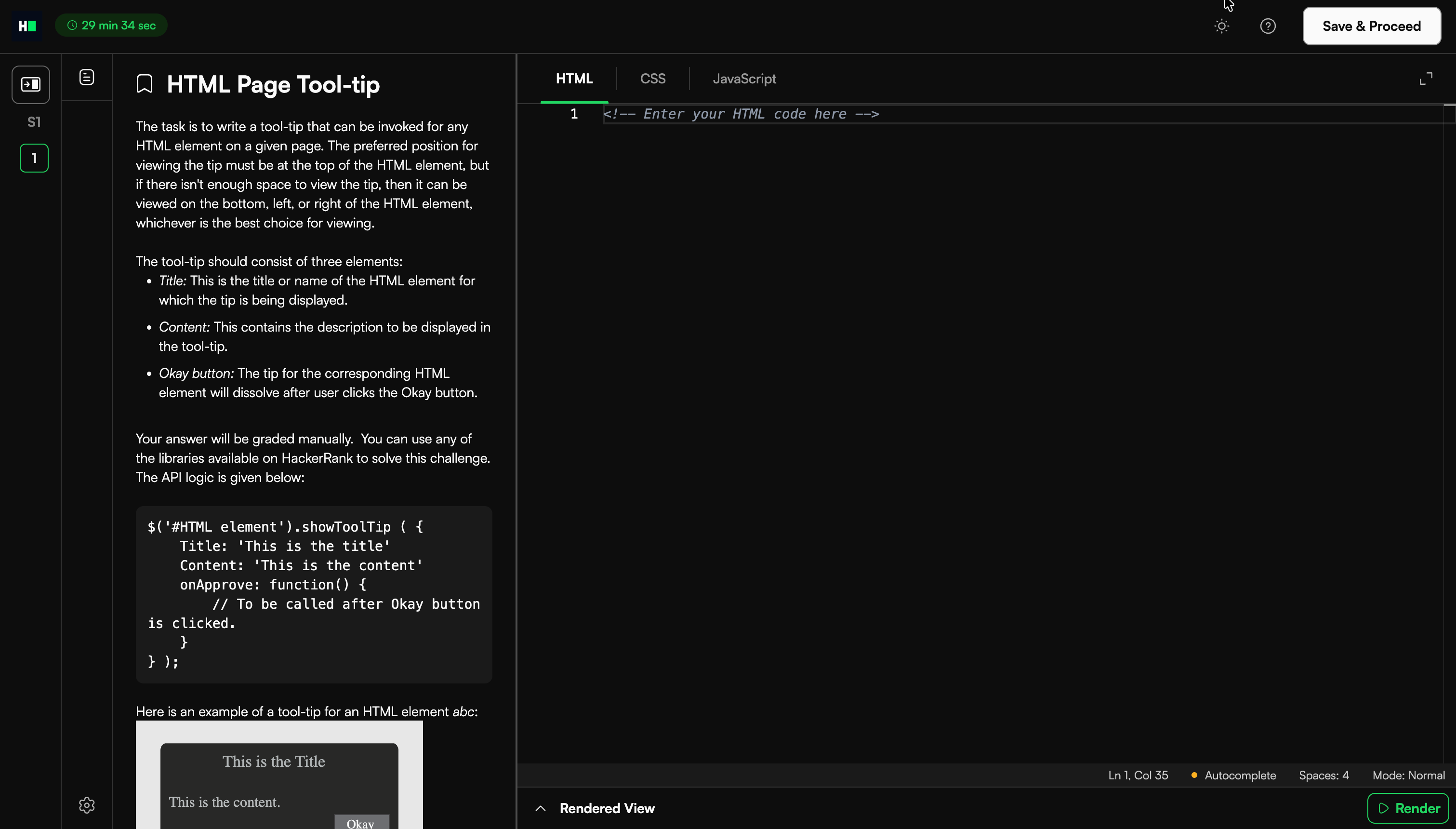
The candidate writes HTML, CSS, and JavaScript code based on the prompt and renders the solution directly in the browser. The live preview allows the candidate to verify layout, styling, and functionality before submission.
Scoring an HTML/CSS/JavaScript question in tests
HTML/CSS/JavaScript questions require manual evaluation because assessment focuses on visual output.
To manually score an HTML/CSS/JavaScript question:
Open the candidate’s Detailed Test Report. For more information, see 📄 Viewing a Candidate's Detailed Test Report.
Select the relevant HTML/CSS/JavaScript question.
Review the rendered webpage and the source code to determine whether the solution meets the problem requirements.
Enter the score for the question.
The system saves the score for the selected question.