Review Hands-on Coding section in Candidate Report
Last updated: October 28, 2026
The Hands-on Coding section appears in the candidate report in Chakra when the interview includes a Code Repository or Coding question. This section summarizes the candidate’s performance on the hands-on task. For information on accessing a candidate report, see📄 View Candidate Report in Chakra.
Review Code repository questions
Expand Hands-on Coding to view the section score on a 5-point scale. The section also provides a rating bar and a performance summary for each competency:
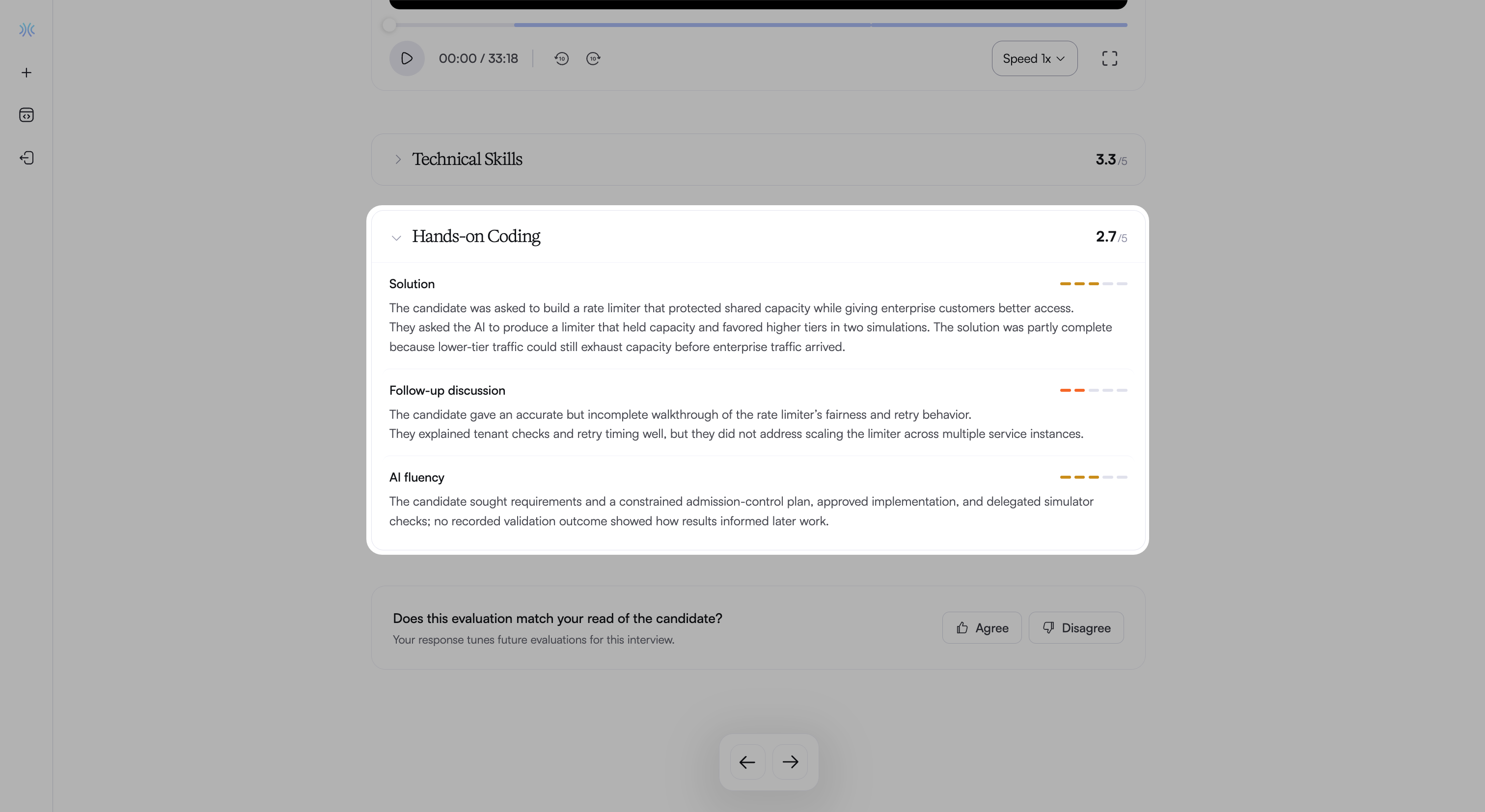
Solution: Shows how well the candidate’s solution meets the task requirements.
Follow-up discussion: Shows how well the candidate explains and defends the solution.
AI fluency: Shows how effectively the candidate works with the AI Assistant.
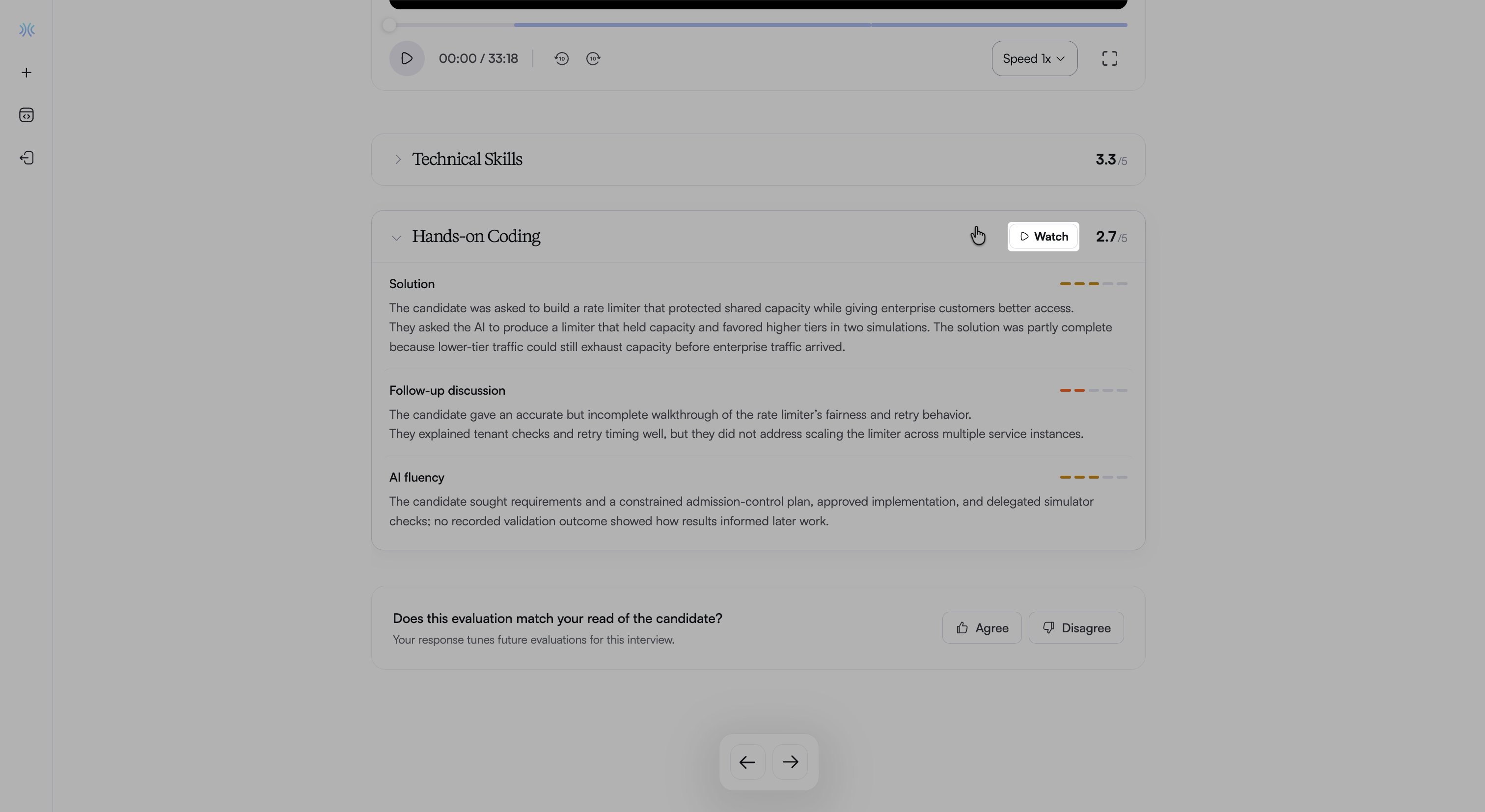
To play the recording from the start of the hands-on section, hover over the section header and click Watch.
Solution
In the Hands-on Coding section, click Solution to review the solution score and evaluation summary.
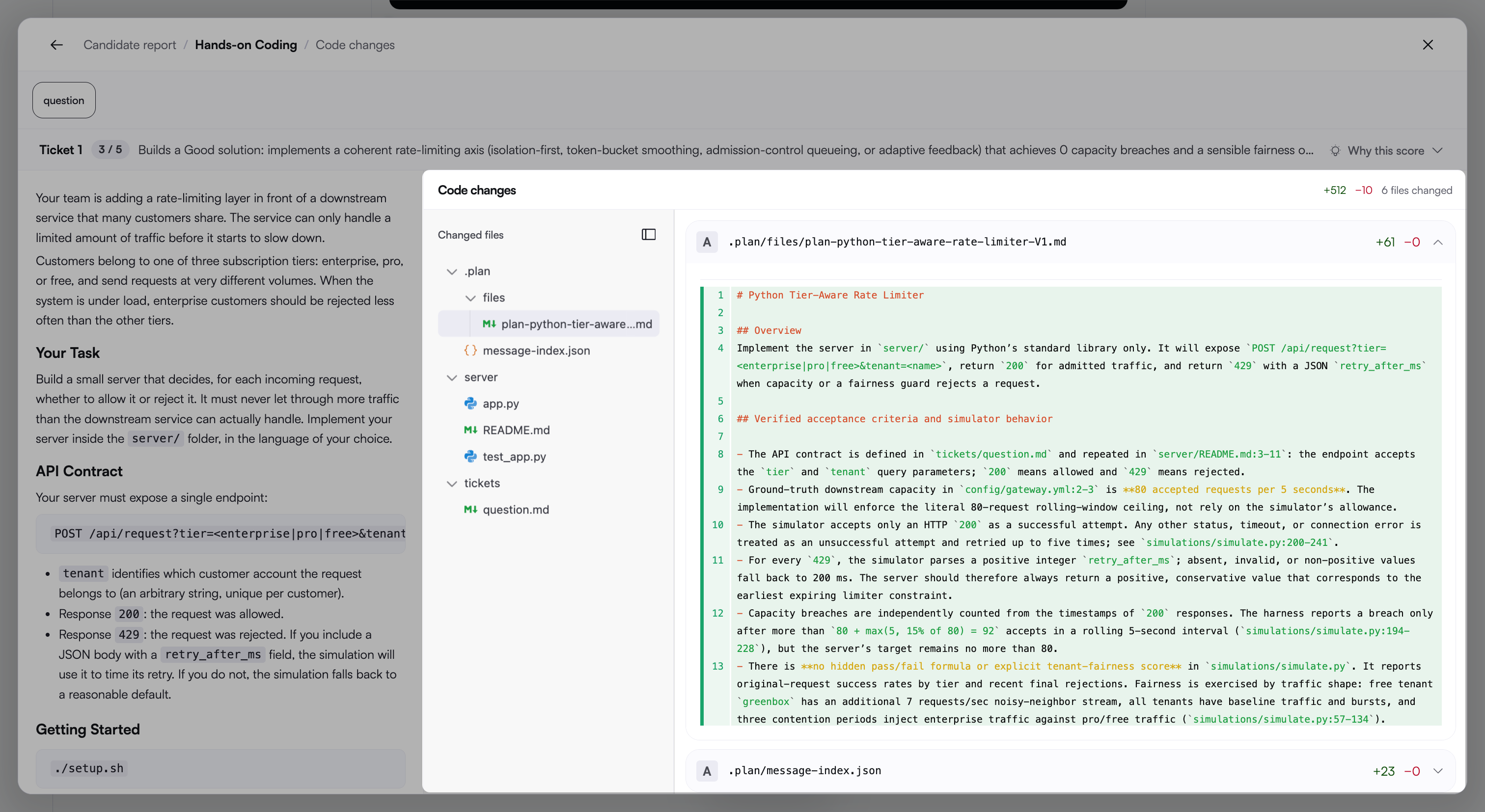
Click View code changes to review the following details:
Ticket: Displays the ticket score and a description of the rating. Expand Why this score to view all five rating levels. Chakra marks the level the candidate achieves as Landed.
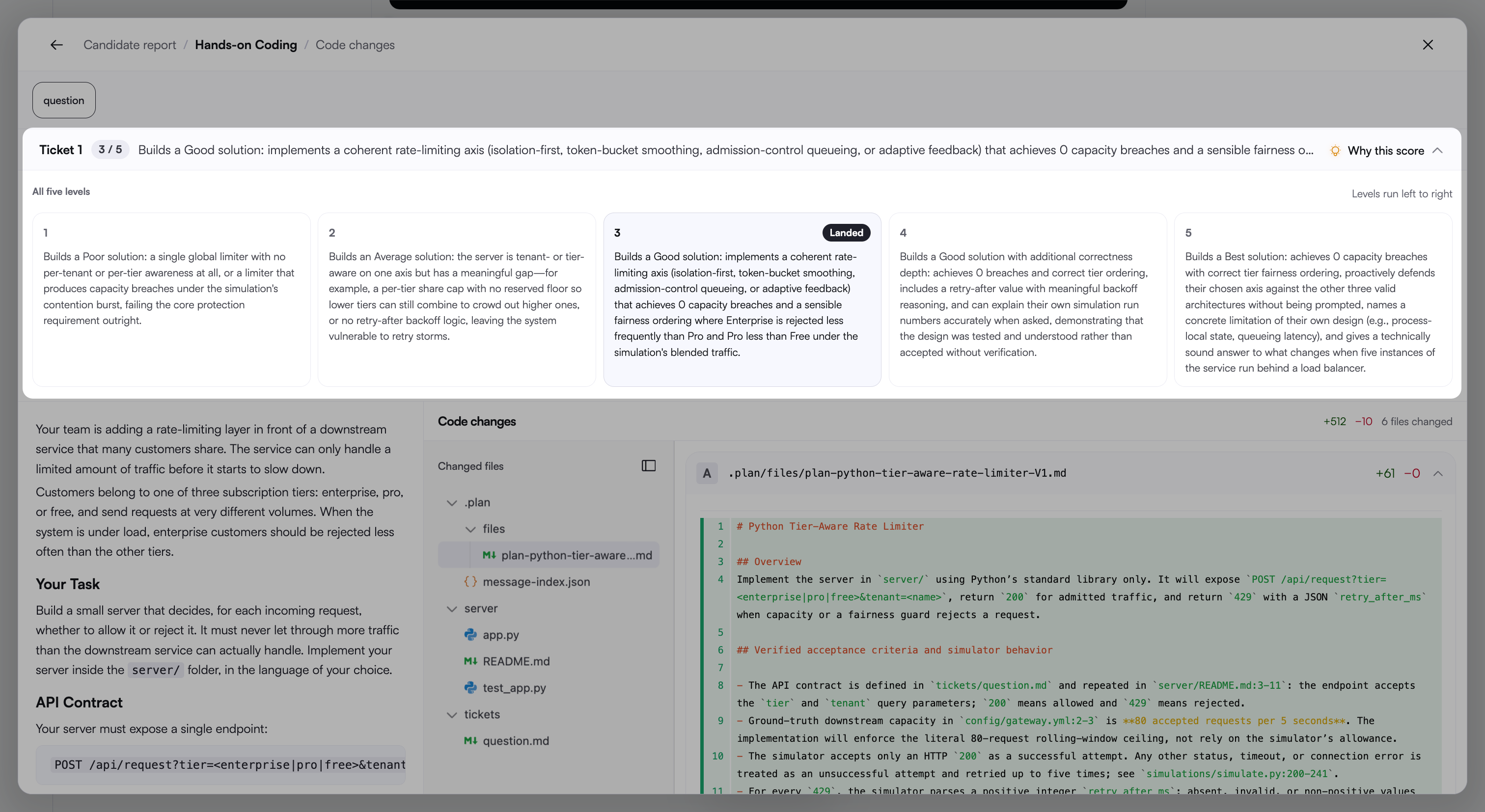
Problem statement: Displays the task description, requirements, and setup instructions.
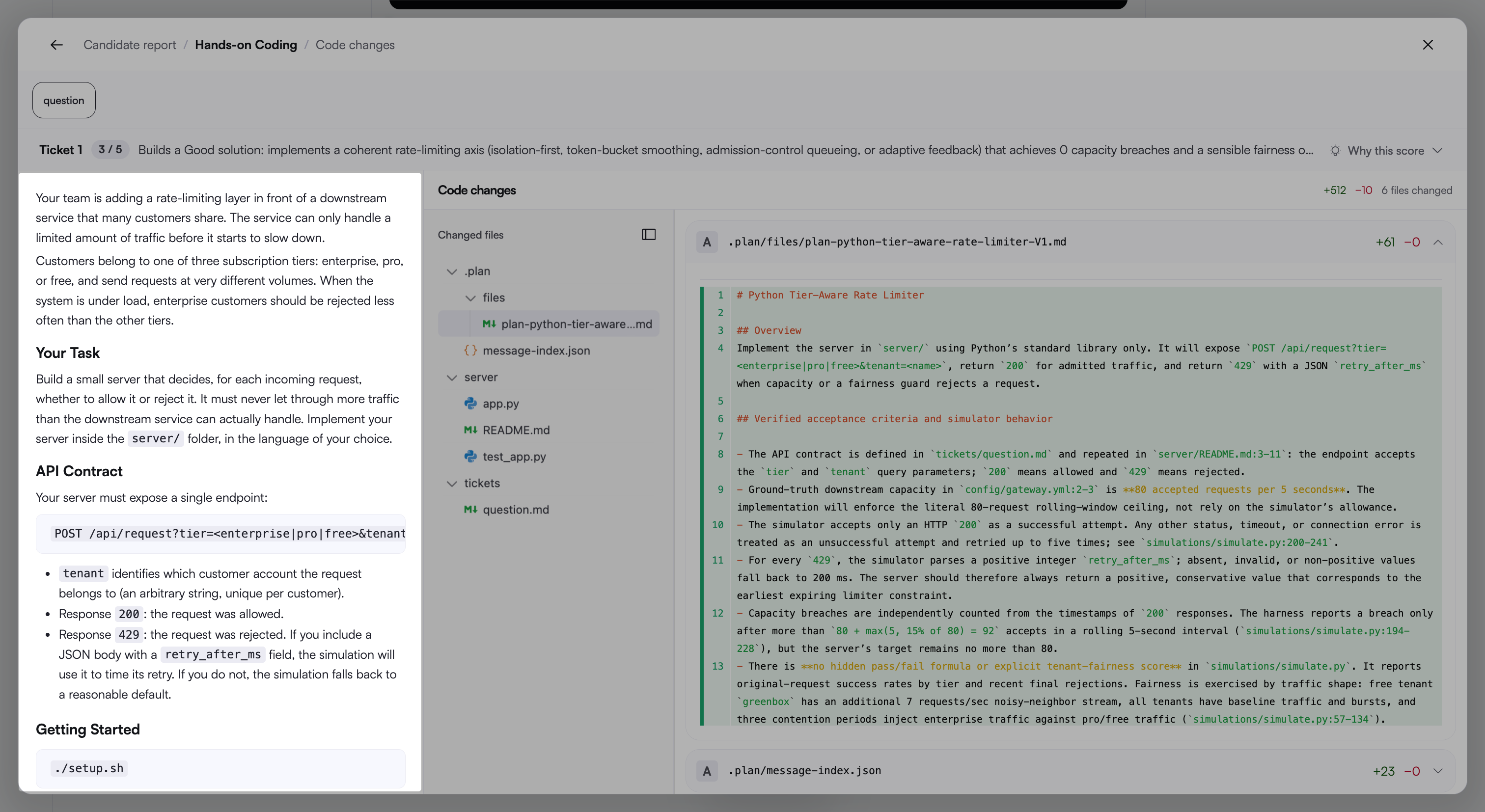
Code changes: Displays the candidate’s changes, including the number of lines added and removed and the total number of files changed. Use Changed files to browse files by folder. Each file indicates whether it is added or modified.
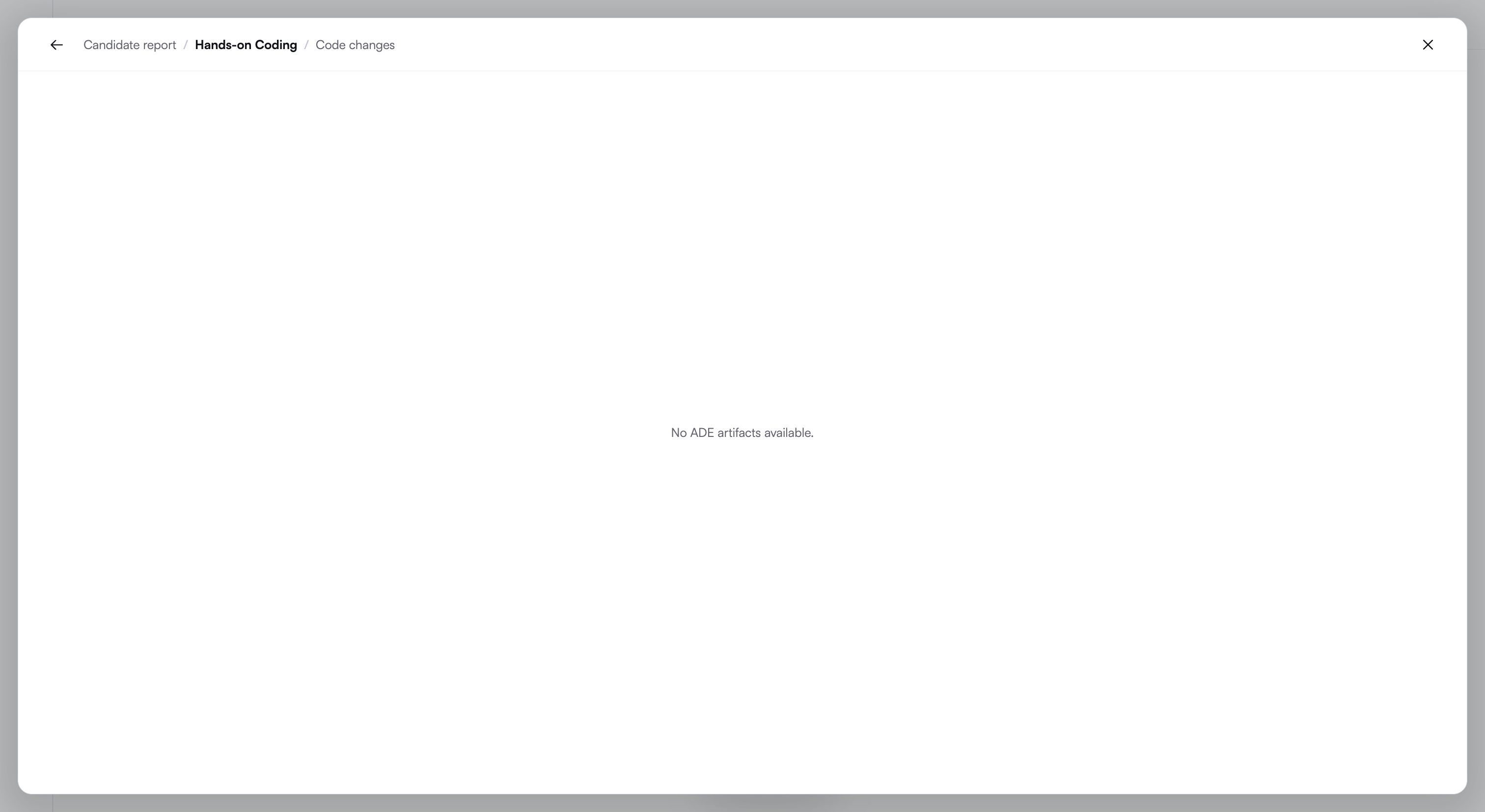
Note: If the candidate does not attempt the hands-on task, the view displays No ADE artifacts available.
Follow-up discussion
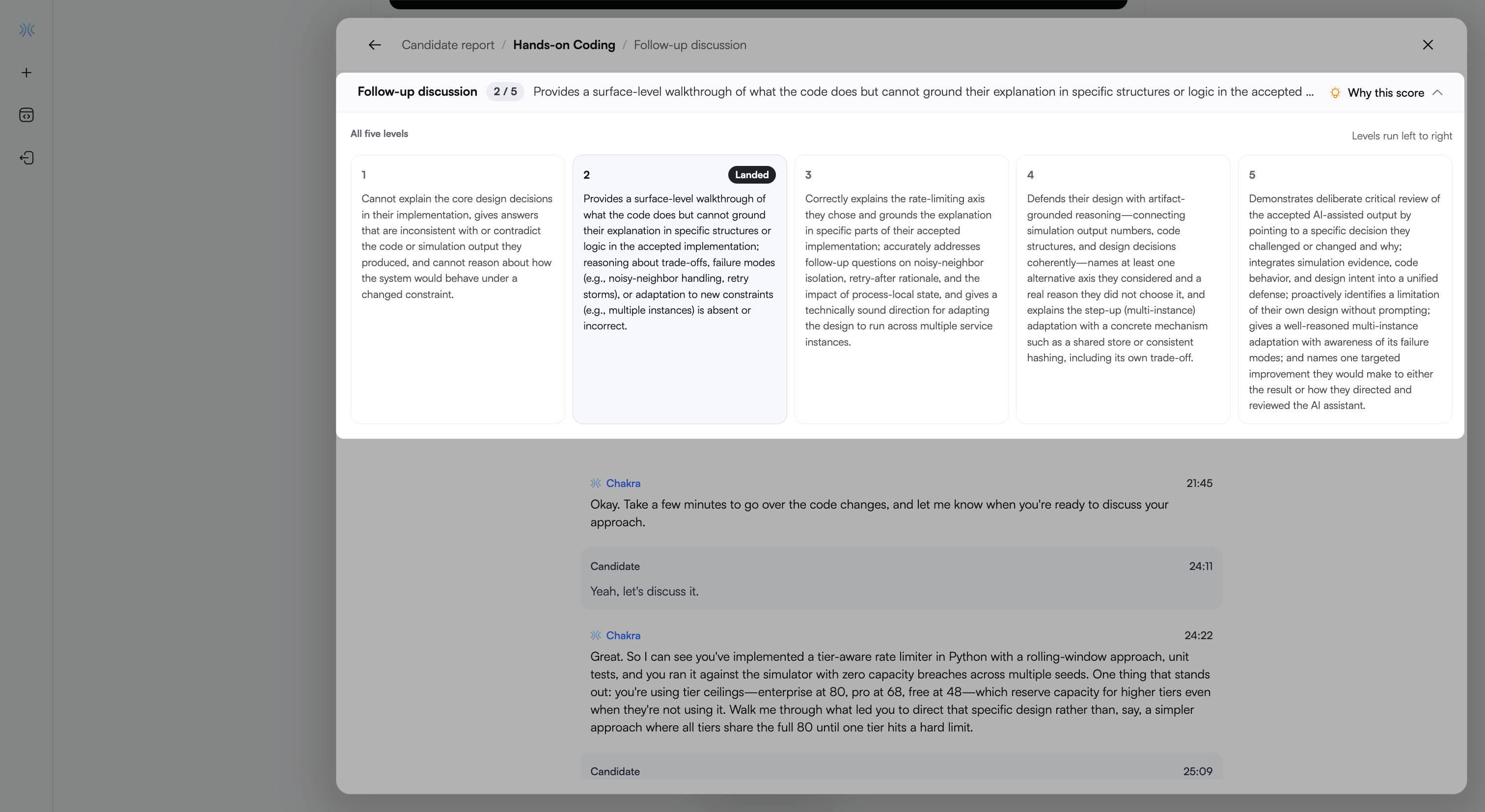
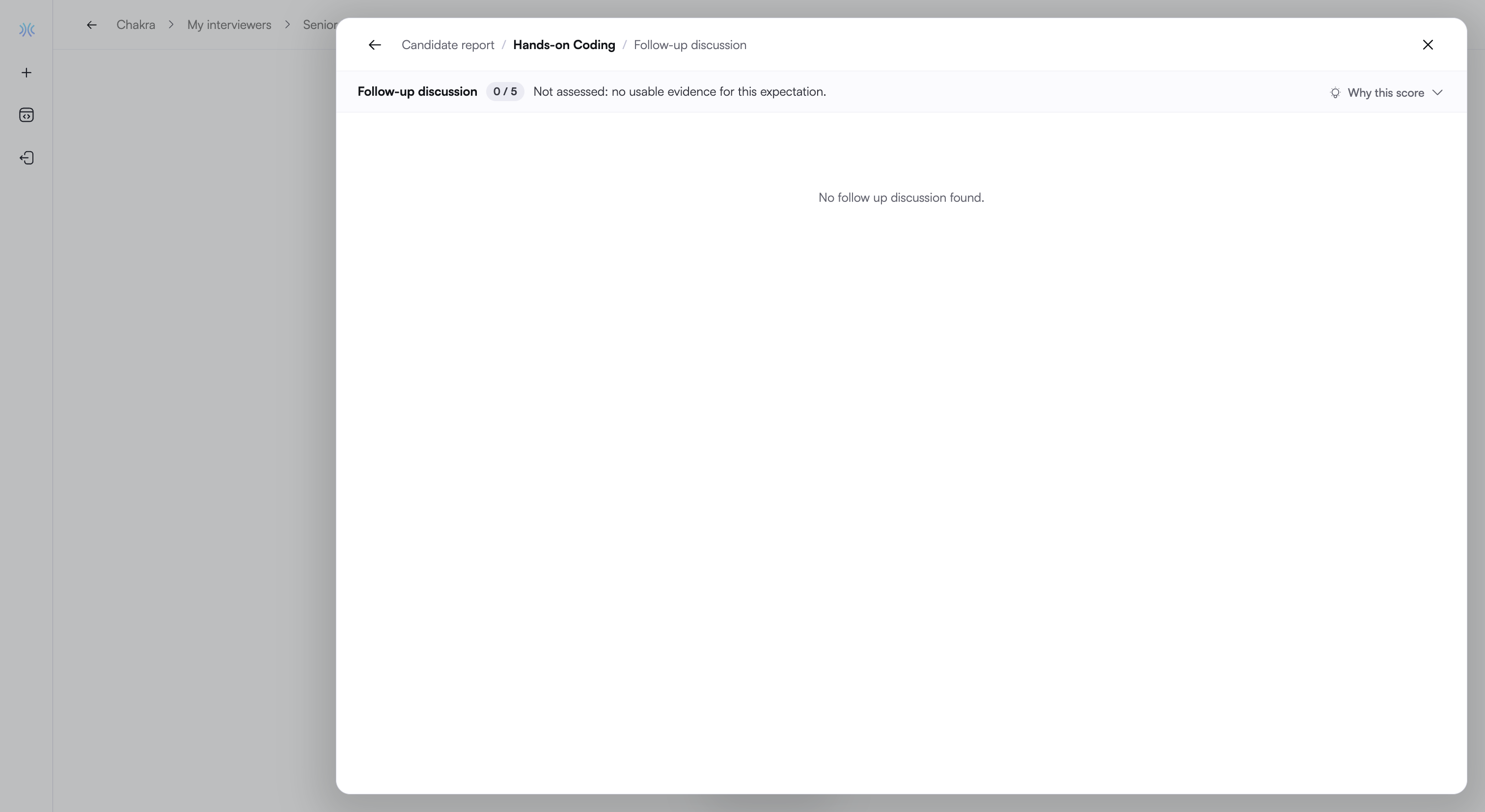
In the Hands-on Coding section, click Follow-up discussion to review how the candidate explains and defends the solution to Chakra. It includes the following details:
Score: Displays the discussion score on a 5-point scale and a description of the rating. Expand Why this score to view all five rating levels. Chakra marks the level the candidate achieves as Landed.
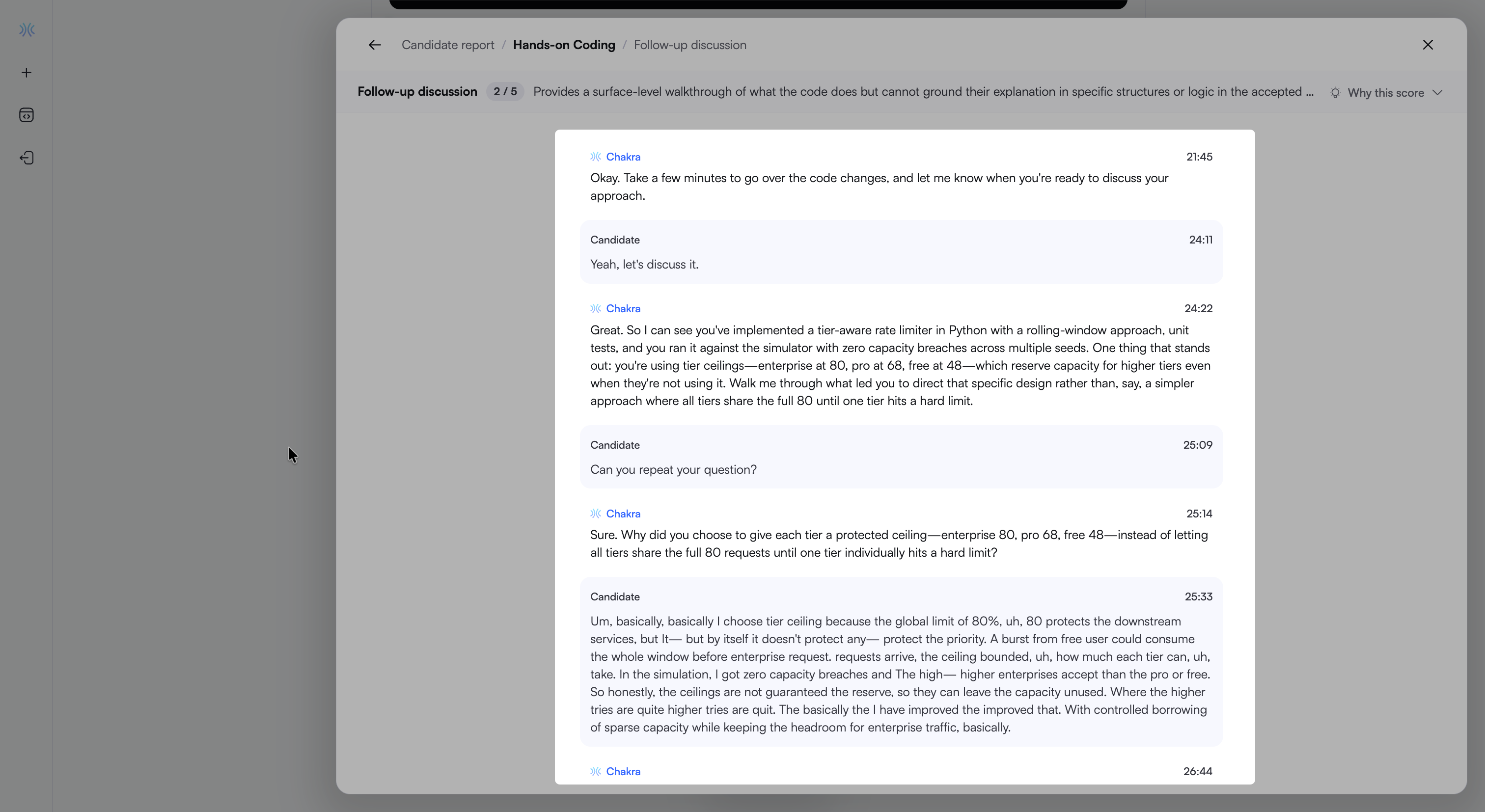
Conversation: Displays the exchange between Chakra and the candidate. Each entry identifies the speaker and includes a timestamp.
Note: If the candidate does not attempt the hands-on task, the view displays No follow up discussion found.
AI fluency
AI fluency measures how effectively the candidate works with the AI coding agent. Chakra analyzes the candidate’s agent session, including prompts, agent responses, code changes, test runs, and previews.
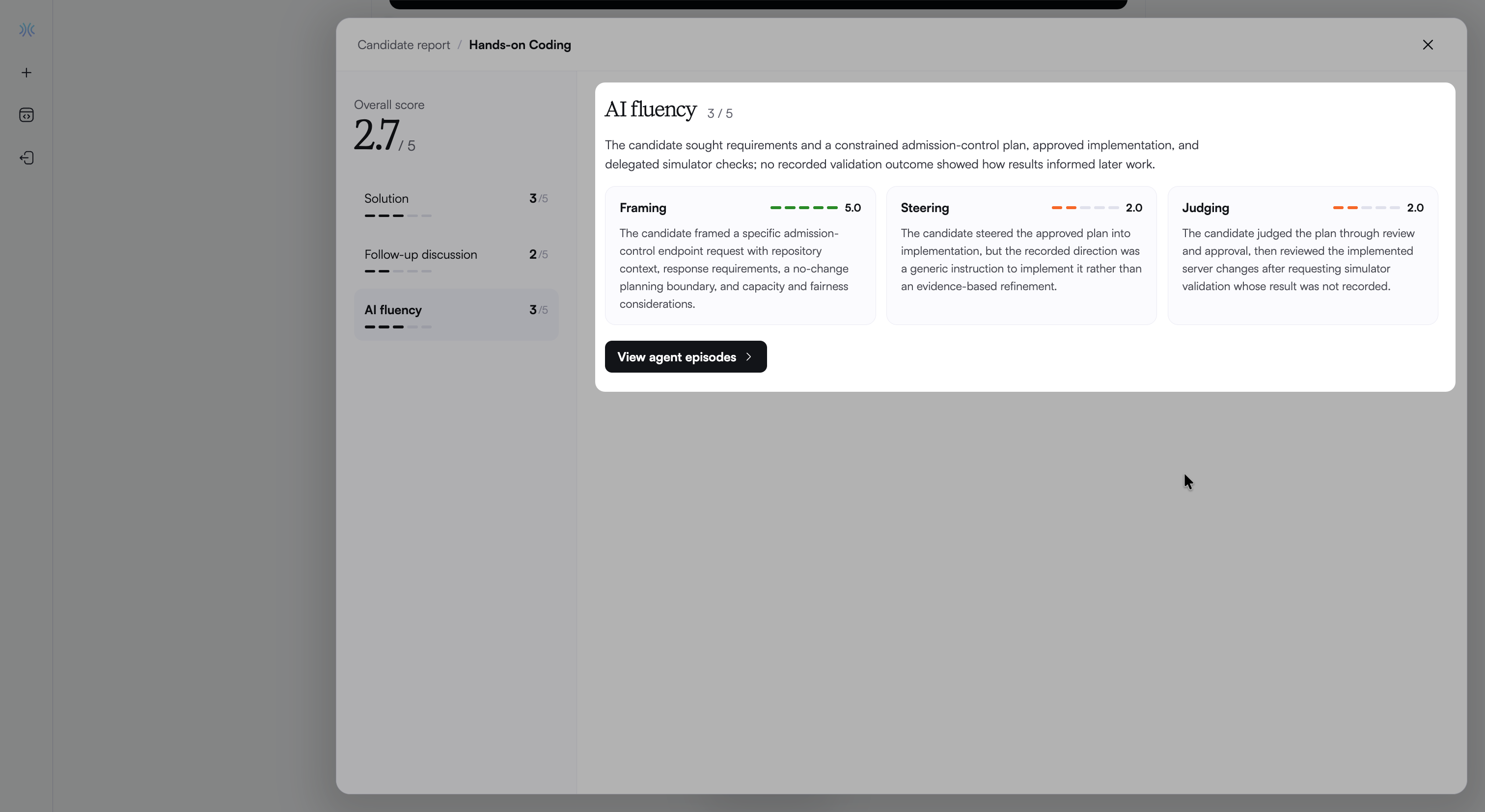
In the Hands-on Coding section, click AI fluency to view the overall AI fluency score, a summary of how the candidate worked with the AI agent, and scores for the following three dimensions:
Framing: How clearly the candidate defines the work for the AI, including the goal, relevant context, constraints, and expected outcome.
Steering: How the candidate directs the agent based on the current state of the work, such as narrowing a fix or changing course after a result.
Judging: How the candidate assesses AI output before relying on it by reviewing, testing, questioning, and correcting it.
Each dimension displays a score from 1 to 5, a rating bar, and an explanation of the score.
Understand AI fluency scores
The overall AI fluency score is the average of the three dimension scores, rounded to the nearest whole number.
Scores reflect the quality of the candidate’s actions rather than the number of interactions. A clear, specific request can score higher than several vague prompts. Reviewing and correcting AI output provides stronger evidence of judgment than accepting it without review.
The table below describes what each score indicates.
Score | What it indicates |
|---|---|
1 | Delegates without framing, accepts output unread, and applies no judgment. |
2 | Gives a minimal prompt, accepts the first output, and spot-checks only what was explicitly asked. |
3 | Frames with relevant context, redirects when output is wrong, and verifies against the stated requirement. |
4 | Frames constraints and edge cases up front, steers across turns, and catches output that is confidently wrong, not just output that fails. |
5 | Breaks down the task before delegating, holds intent across turns, rejects and rewrites plausible but incorrect output, and identifies where the AI should not be used. |
Note: Review AI fluency alongside Solution and Follow-up discussion to assess the candidate’s overall performance.
Agent episodes
Agent episodes capture key moments in the candidate’s session, such as requesting a plan, reviewing a code change, or directing a fix.
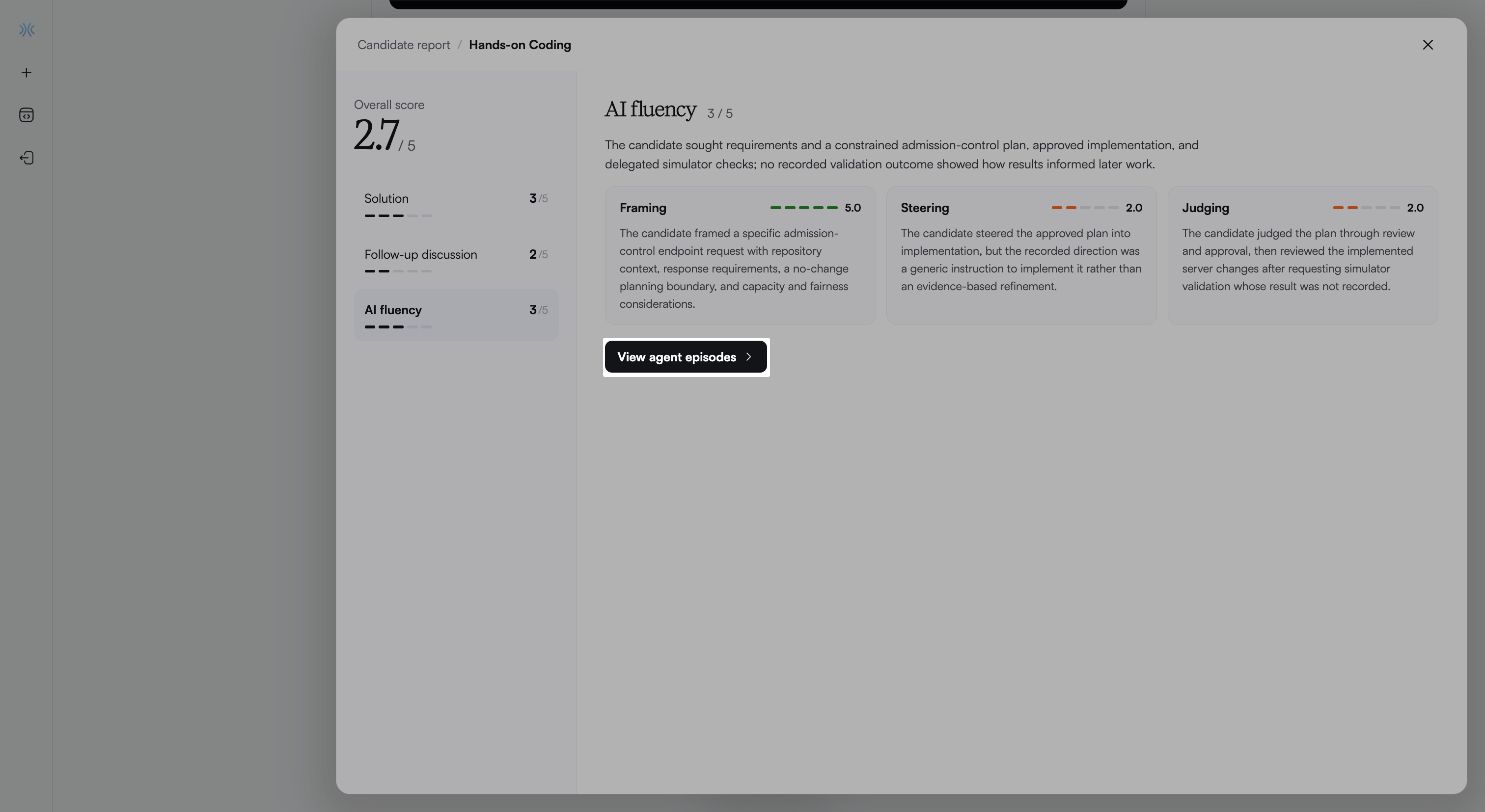
Click View agent episodes to review the evidence that supports the AI fluency evaluation.
Episodes appear in chronological order. Each episode includes the following details:
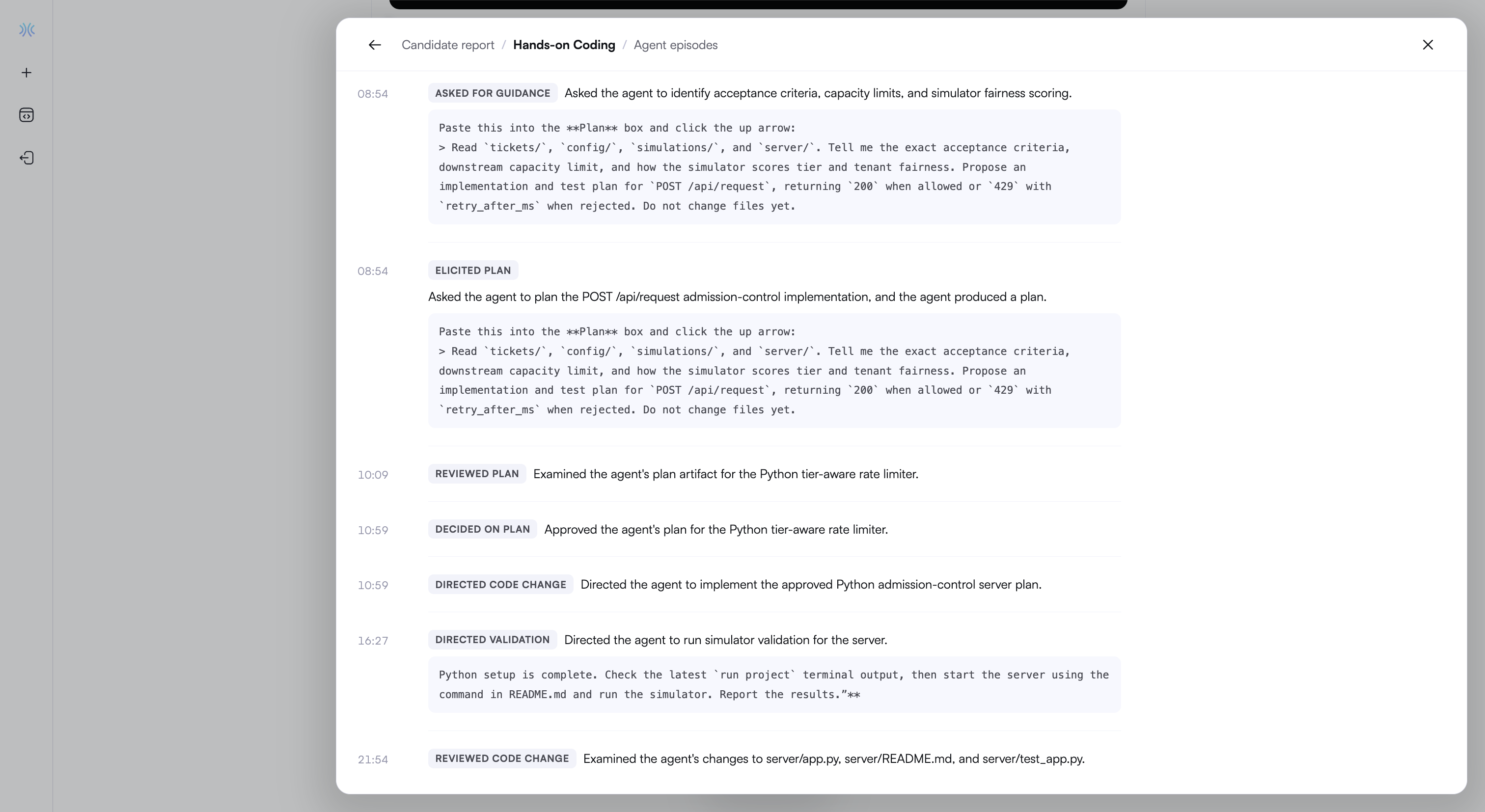
A timestamp
An episode type
A summary of the candidate’s action
The candidate’s prompt, when available
Review Coding questions
Expand Hands-on Coding to view the following details:
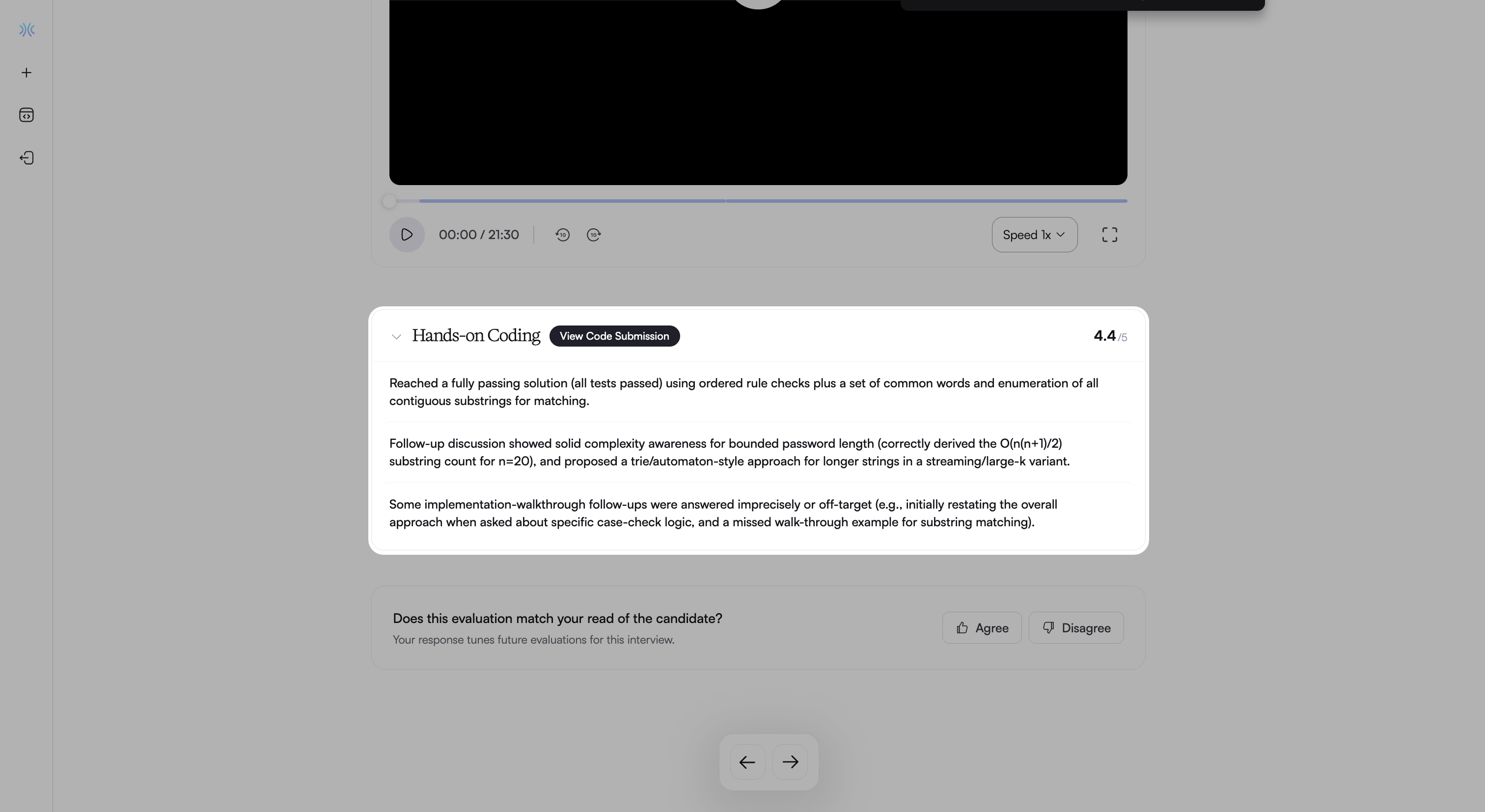
A section score on a 5-point scale
Key observations about the candidate’s solution and follow-up discussion
Click View Code Submission or any key observation to open the code submission panel.
Code submission panel
The code submission panel displays the candidate’s work and evaluation results. It includes the following details:
Code Submission: Displays the candidate’s final code and programming language.
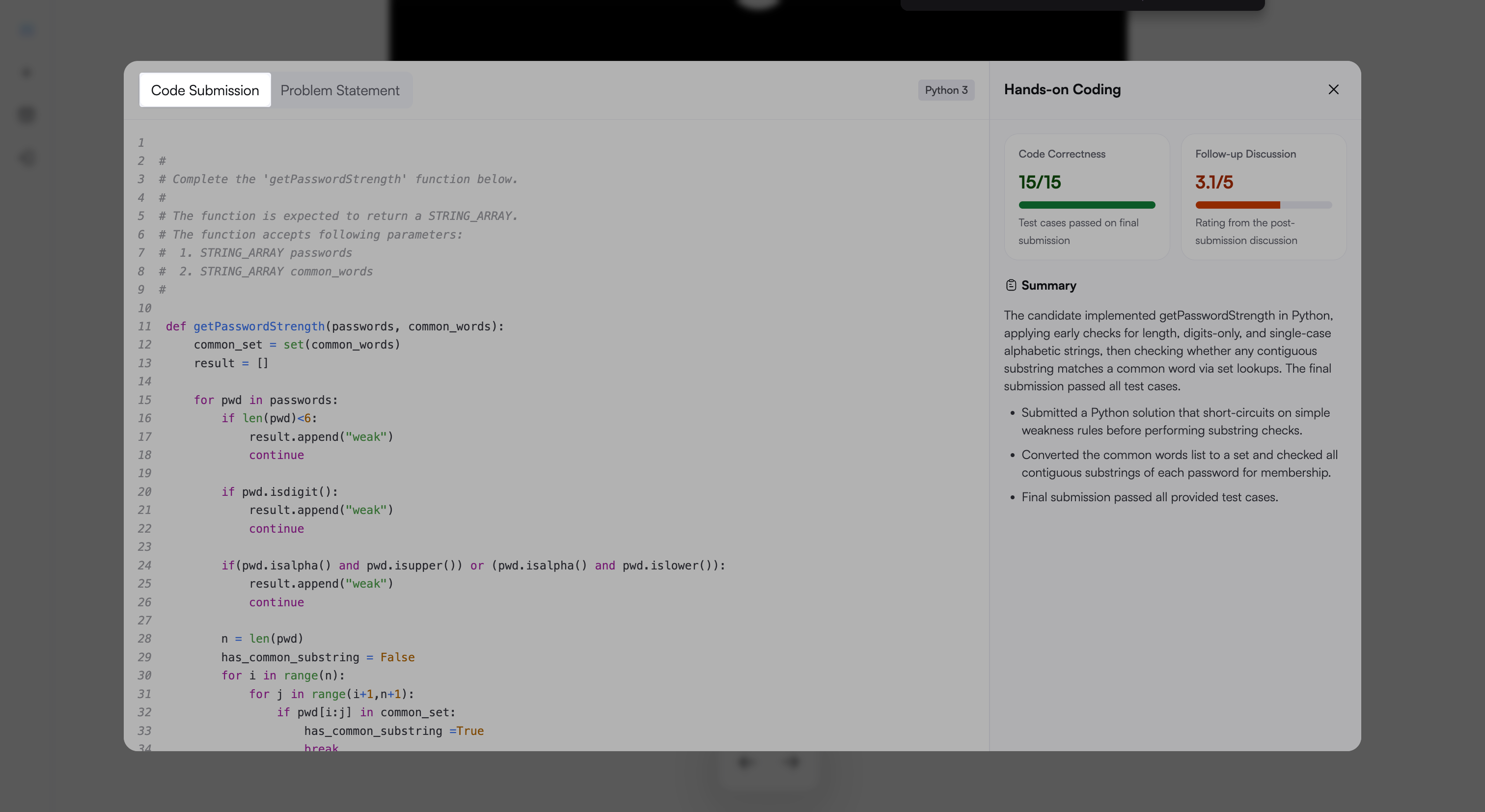
Problem Statement: Displays the problem description, examples, constraints, and input format.
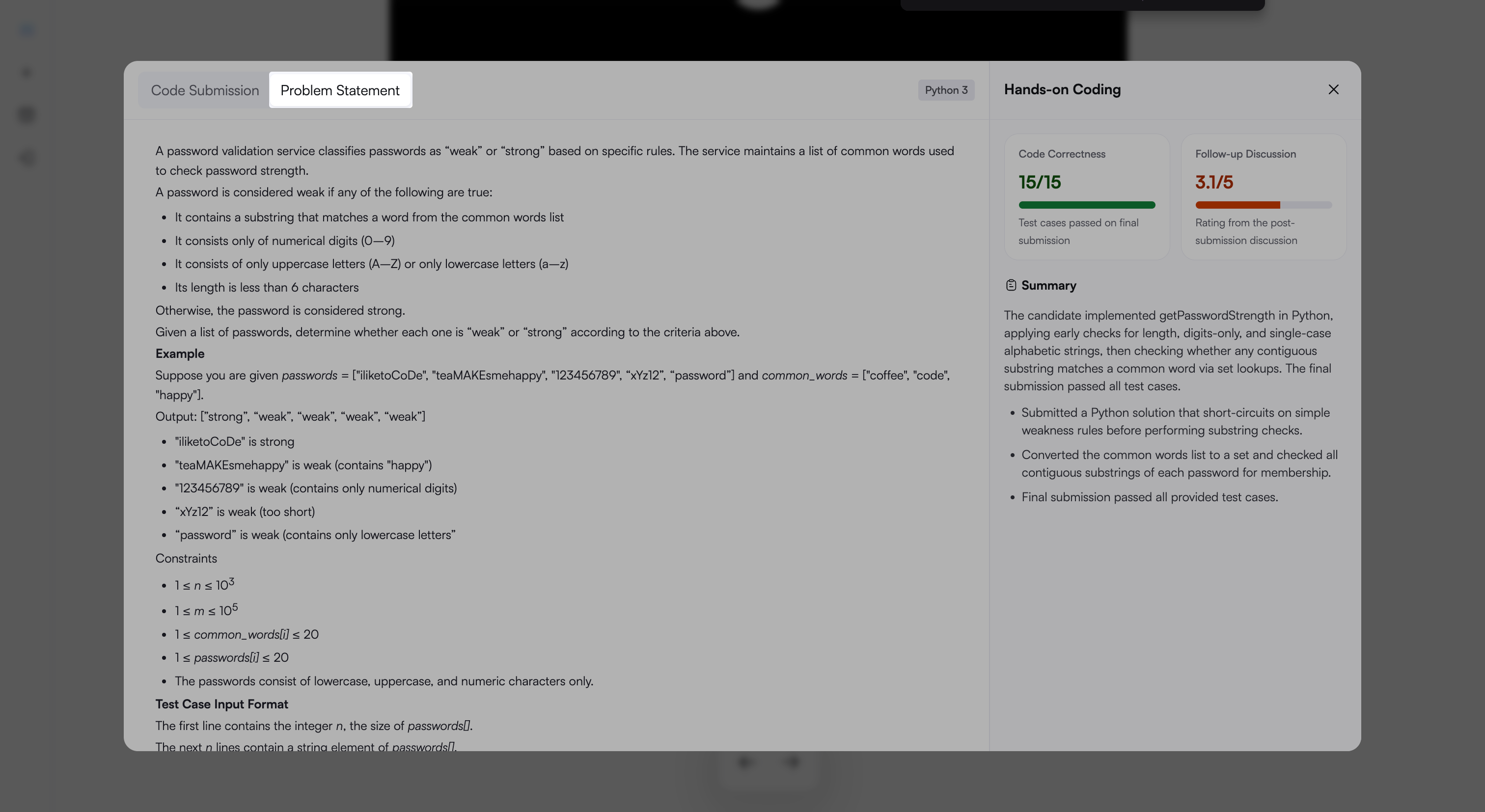
Code Correctness: Shows how many test cases the final submission passes out of the total number of test cases.
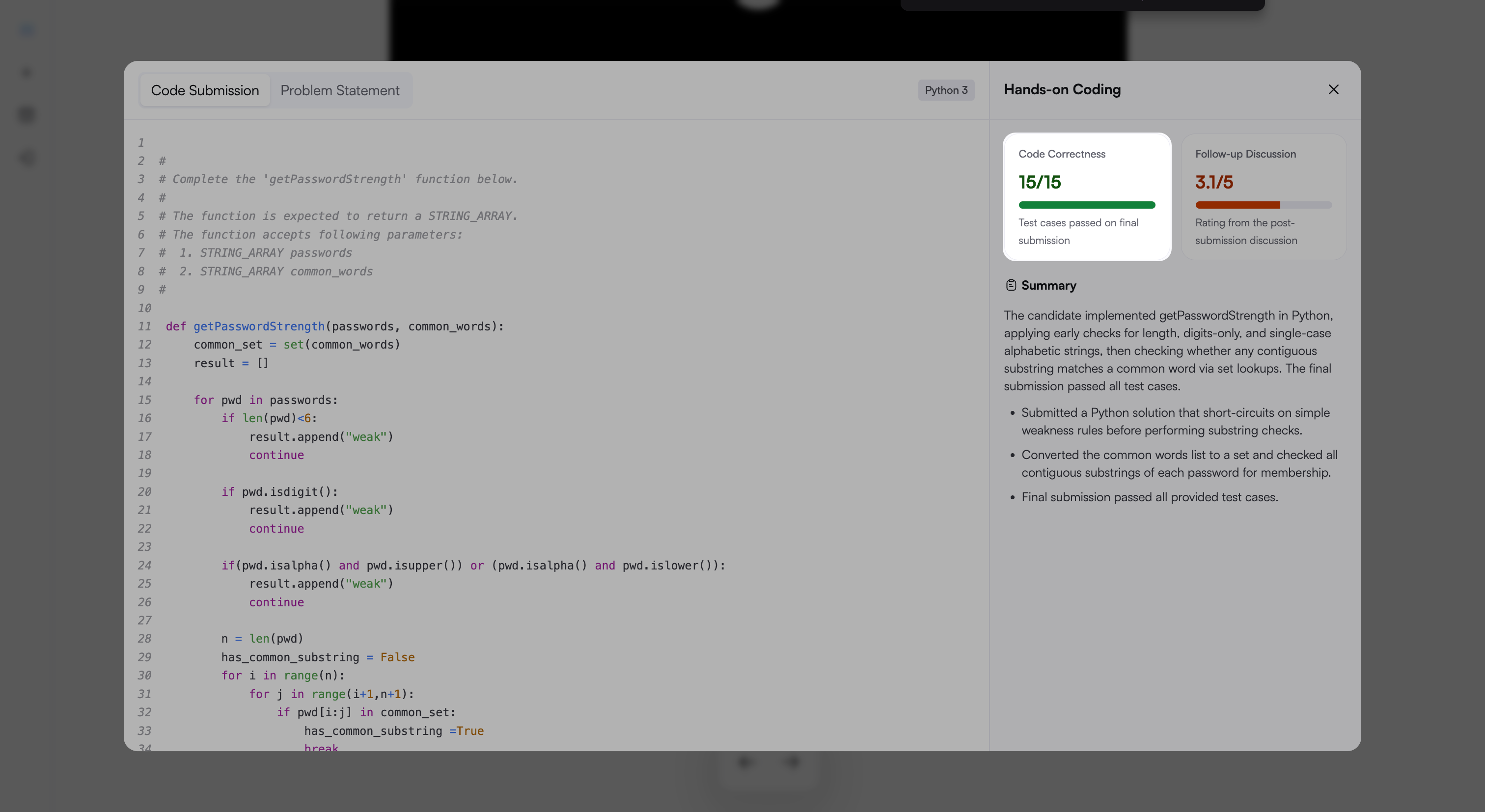
Follow-up Discussion: Displays a score on a 5-point scale for the discussion after code submission.
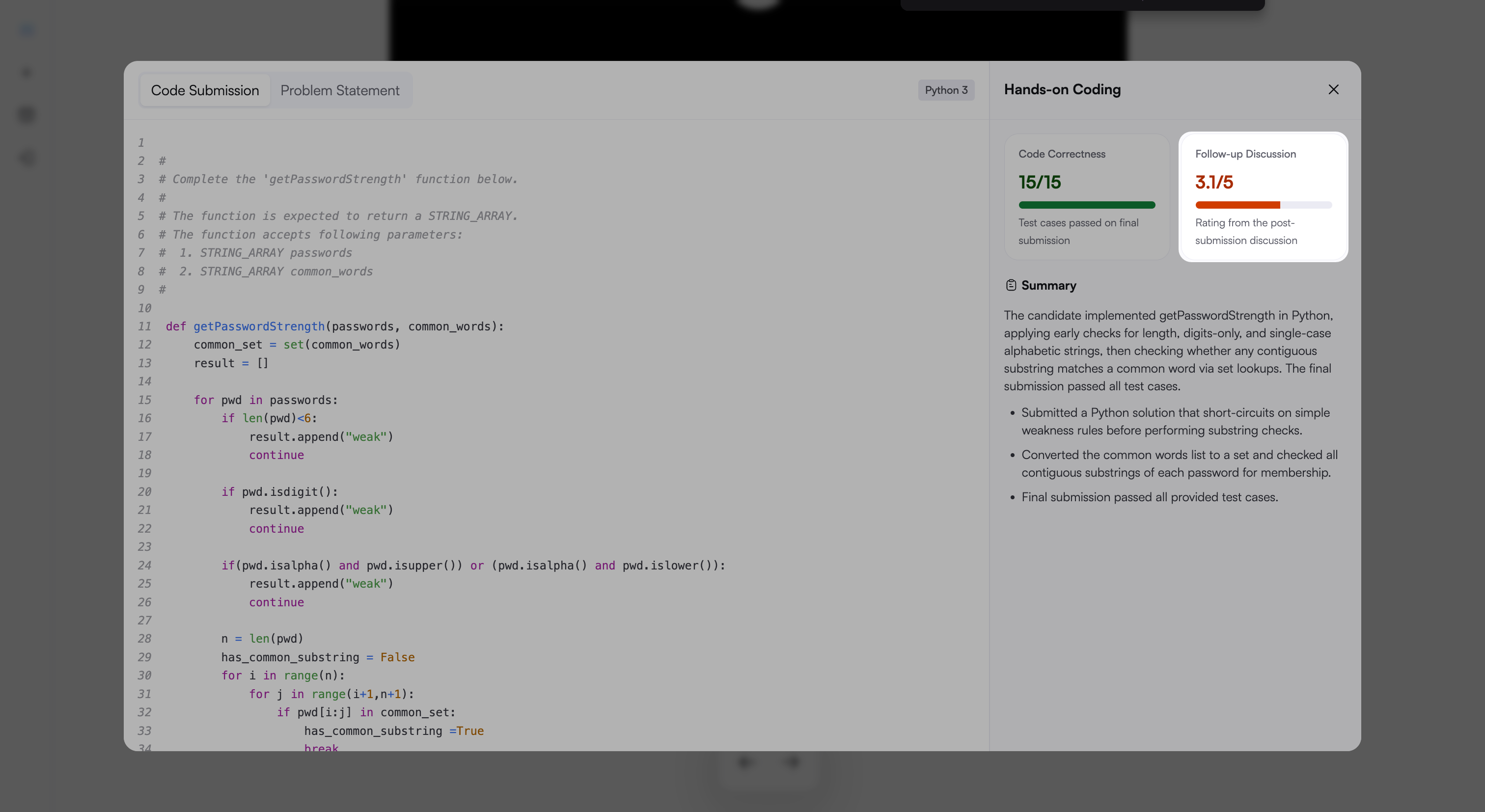
Summary: Describes the candidate’s approach and how the solution changes across submissions.
Frequently Asked Questions (FAQs)
Is AI fluency evaluated for Coding questions in Chakra?
No. In Chakra, AI fluency applies to Code Repository questions, where the candidate works with an AI coding agent.
Does approving the AI’s plan count as judgment?
Approving a plan or opening a file provides limited evidence of judgment. Stronger evidence includes validating a result, asking a specific question, or making a targeted correction.