Extend SCIM Provisioning with Okta to SkillUp
Last updated: November 5, 2025
SkillUp supports SCIM-based provisioning with Okta to automatically synchronize users, roles, and profile attributes. SkillUp and HackerRank for Work share the same SCIM endpoint and authentication mechanism.
If you have not configured SCIM provisioning with Okta for HackerRank for Work, follow the Setting Up SCIM Provisioning with Okta for HackerRank for Work article first.
If your organization already uses SCIM provisioning with Okta for HackerRank for Work, you can extend the existing integration to include SkillUp users. You only need to update the attribute mappings in Okta to enable provisioning for SkillUp.
This article explains how to extend your HackerRank for Work–Okta integration to manage SkillUp users.
Prerequisites
Ensure that SAML-based SSO is already configured in HackerRank for Work. For more information, see 📄 Configure Single Sign-On (SSO) for SkillUp.
Updating attribute mappings for SkillUp
To extend your existing HackerRank for Work–Okta integration to manage SkillUp users:
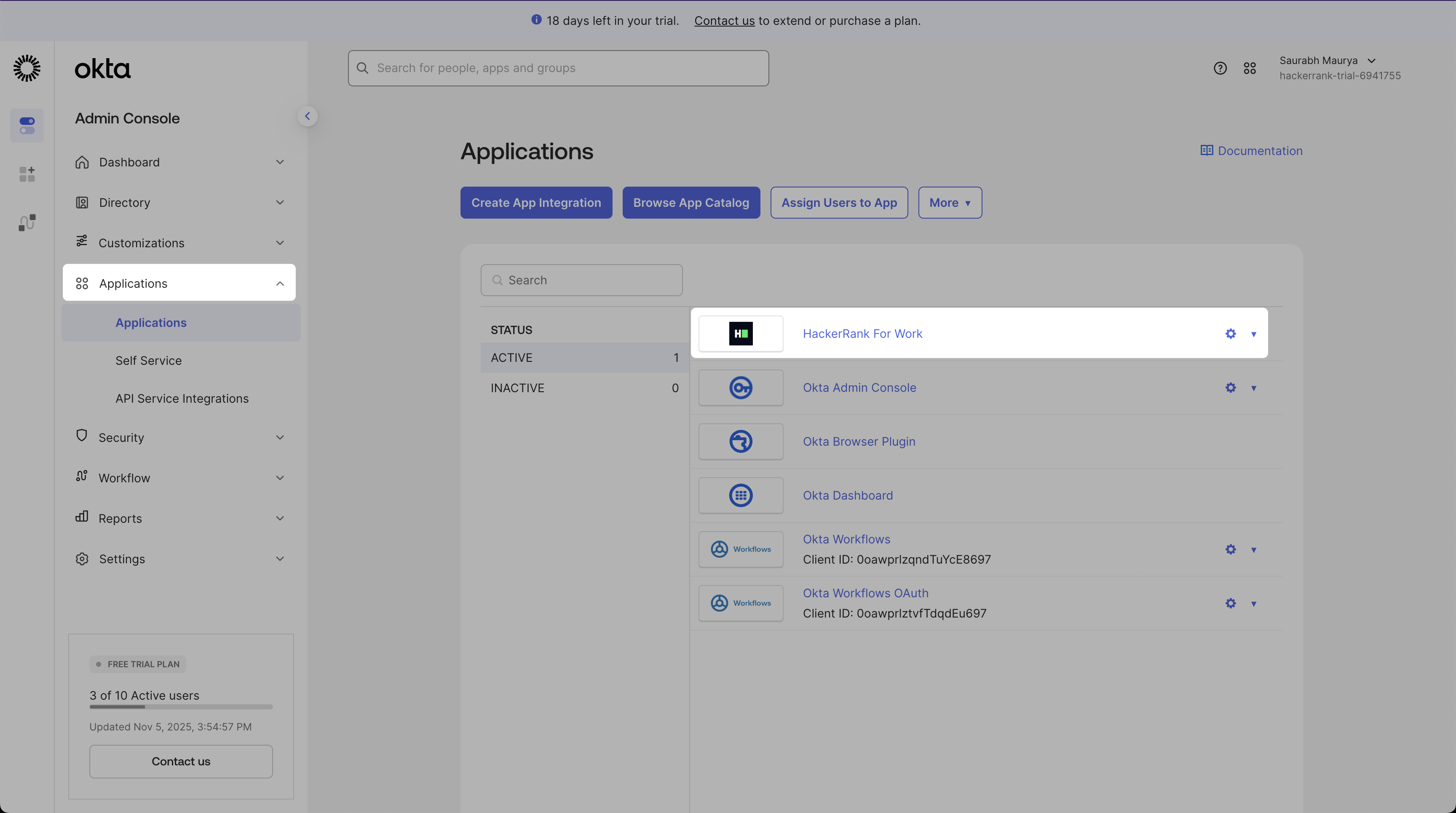
Log in to the Okta Admin Console.
Go to Applications > HackerRank for Work.
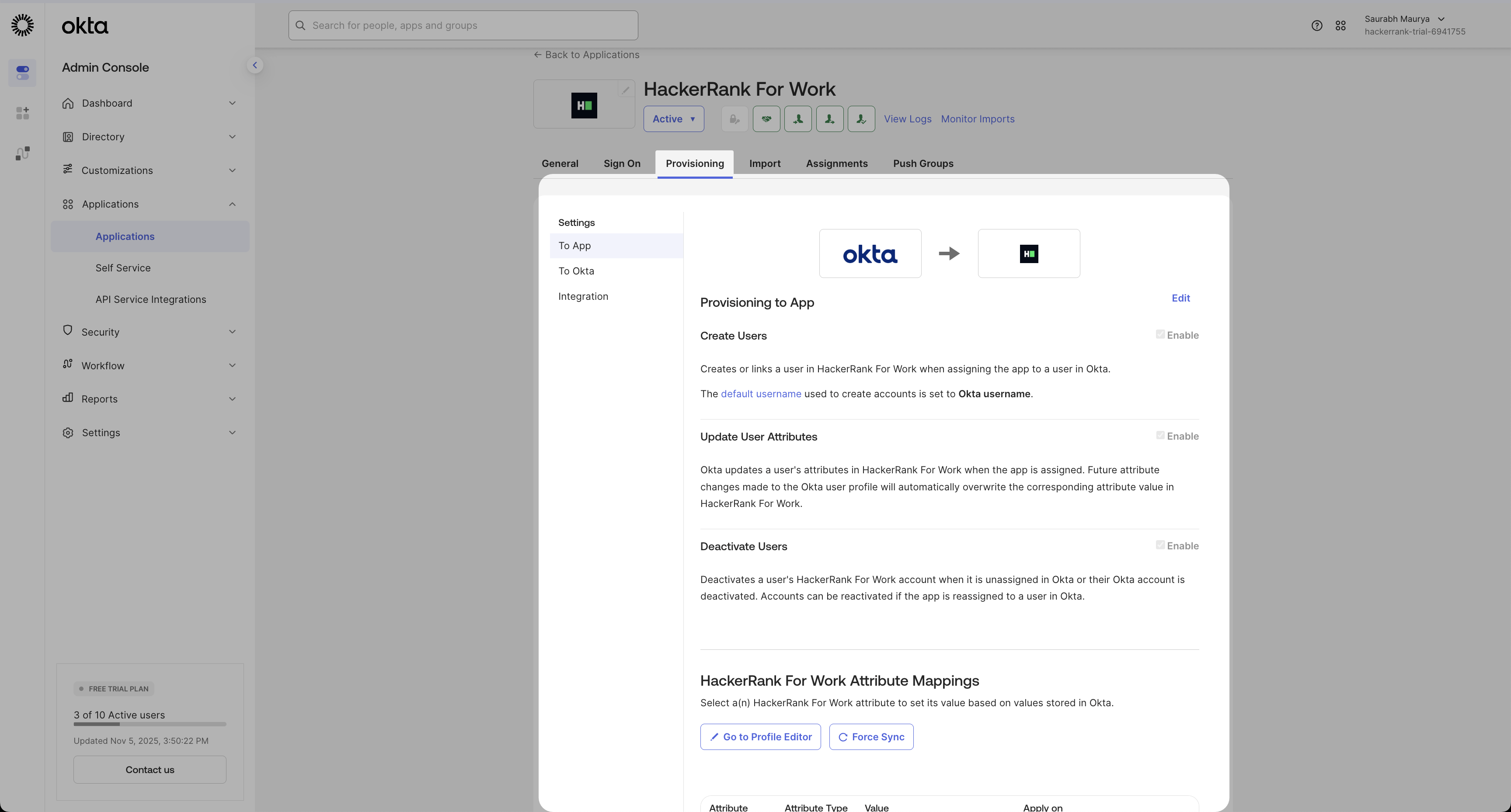
Select the Provisioning tab.
Update the mappings to include SkillUp-specific attributes.
Modify existing attributes: Mark the following attributes as Not Required:
RoleCompany AdminTeam Admin
Add SkillUp attributes: Use the following table to add new SkillUp attributes.
Display Name
Variable Name
Data Type
Required
Attribute Type
Description
Job Title
job_titlestring
Yes
Personal
Maps to the user’s job title in Okta
Manager Email
manager_emailstring
Conditional
Personal
Maps to the manager’s email in Okta
SkillUp Role
skillup_rolestring (enum)
Yes
Group
Defines the user’s access level in SkillUp
Use the namespace urn:ietf:params:scim:schemas:core:2.0:User for all new attributes.
Allowed values for SkillUp role
Display Name | Value |
Individual |
|
Manager |
|
Admin |
|
Note:
job_titleandskillUp_roleare mandatory for all SkillUp users.manager_emailis mandatory for users with theIndividualrole.To exclude a user from SkillUp provisioning, leave all SkillUp-specific attributes (
manager_email,job_title,skillup_role) blank.
How SCIM provisioning works
After you update the attribute mappings, Okta automatically provisions SkillUp users using the same SCIM configuration as HackerRank for Work.
When you assign a user to the HackerRank for Work application in Okta, SkillUp automatically creates or updates their profile based on the assigned SkillUp Role.
Attribute updates, such as job title, manager email, or skill-up role, synchronize in real-time.
When you deprovision a user in Okta, SkillUp automatically deactivates their account.
For more information on supported provisioning actions such as Push New Users, Push Profile Updates, and Import Users, see 📄 Setting Up SCIM Provisioning with Okta.
Note:
Use Okta as the system of record for user data and roles.
Verify that required attributes (
email,givenName,familyName) are mapped correctly.If provisioning fails:
Confirm that the API key is valid.
Check that attribute names and namespaces match exactly.
Ensure that the HRW SCIM integration is active.