Reinvite Candidates in Chakra
Last updated: September 16, 2026
If a candidate experiences an issue such as a power outage or loss of internet connection, you can invite them to retake the interview. You do not need to delete the previous invite or attempt before sending a new one.
Note: When you reinvite a candidate, their previous report is automatically deleted. To recover a deleted report, contact support@hackerrank.com.
Prerequisite
The candidate must have already been invited to or attempted the test.
Reinviting candidates in Chakra
To reinvite candidates to in Chakra:
Log in to Chakra using your credentials.
Click the sidebar icon and select My Interviewers.
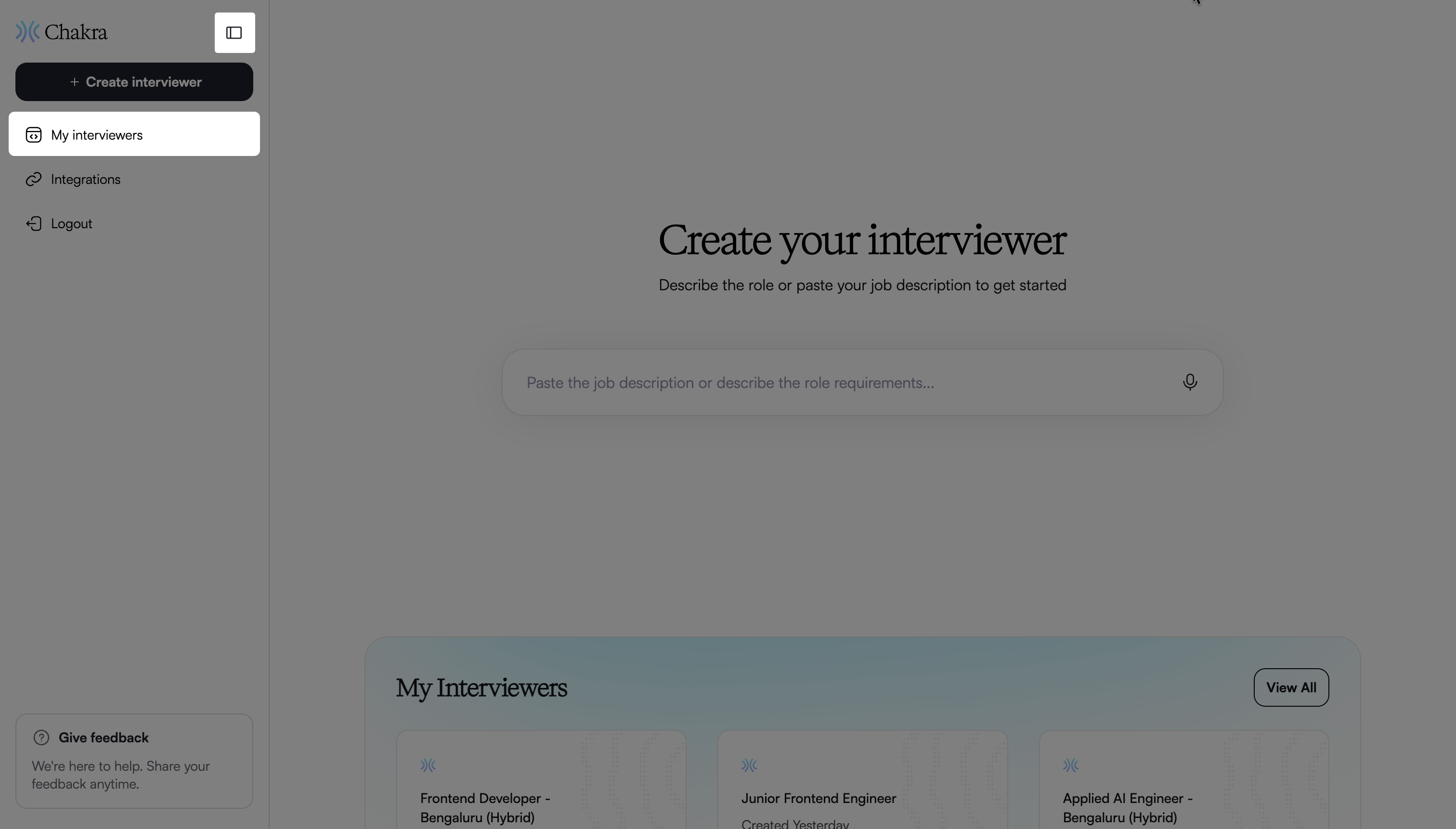
Select the interviewer you want to use.
In the Overview page, click Invite candidates.
Enter the email addresses of the candidates you want to reinvite in the Add candidates field.
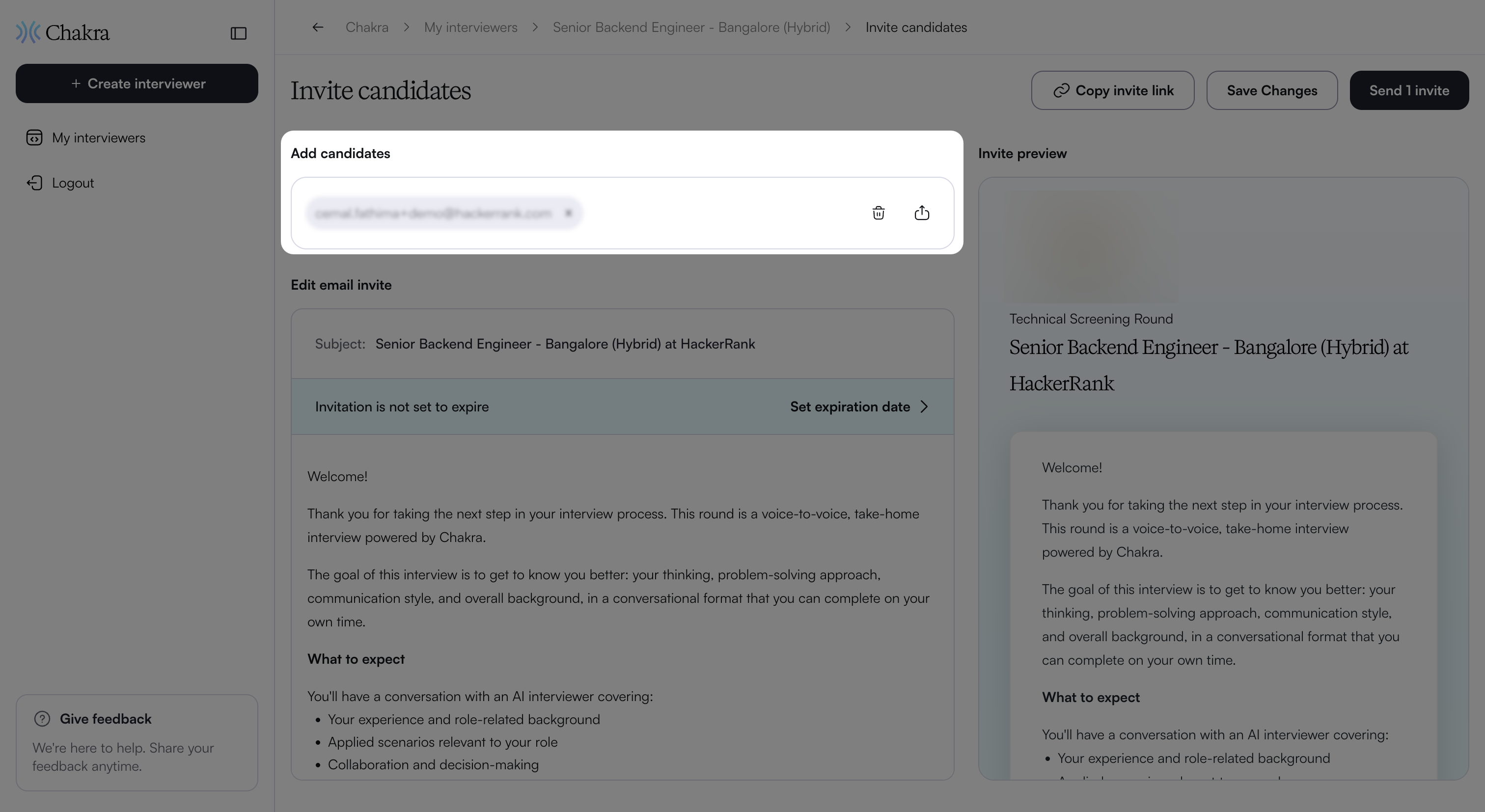
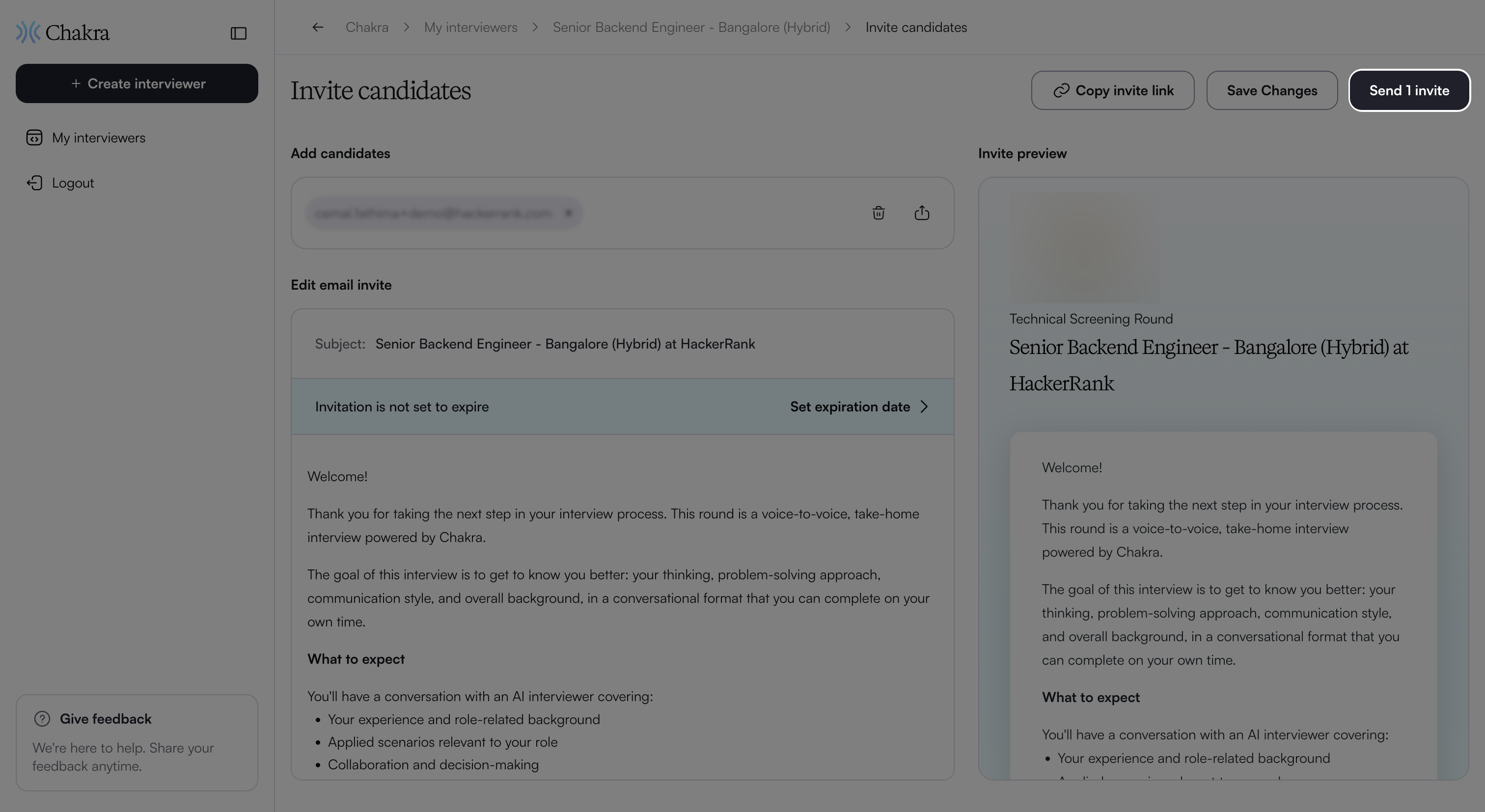
Click Send invite.
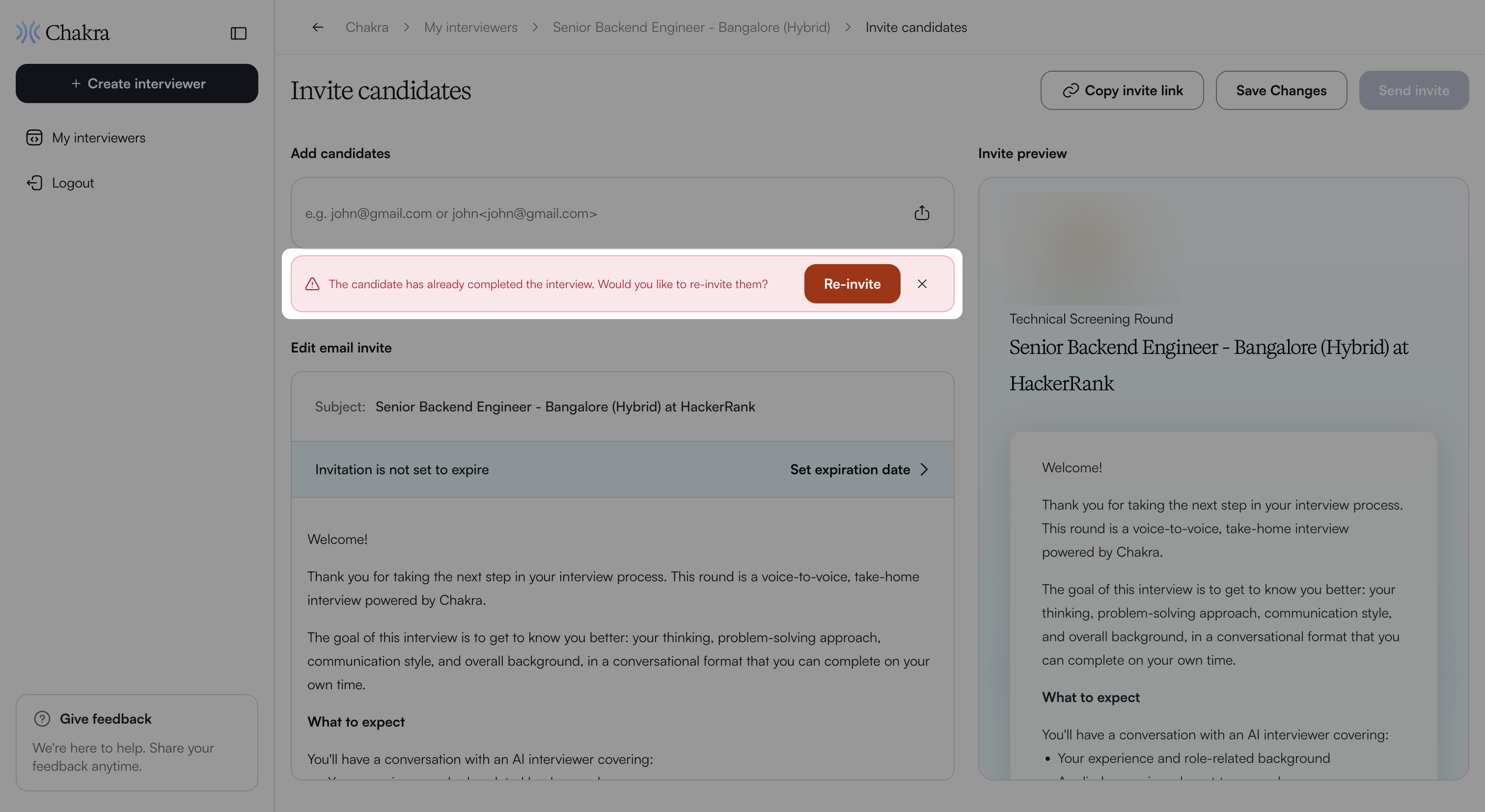
Chakra displays the Re-invite option for candidates who have already been invited or attempted the interview.
Click Re-invite.
Click Send invite again to send the new invitation.