Revoke Test Access
Last updated: June 26, 2025
HackerRank for Work allows admins to revoke test access from specific users or teams.
Prerequisites
You must be the test owner or have Editor access.
The test must already be shared with the users or teams using the Share option.
Revoking test access
To revoke access to a test for a specific user or team:
Log in to your HackerRank for Work account using your credentials.
Go to the Tests tab.
Open the test from which you want to revoke access.
Click Share.
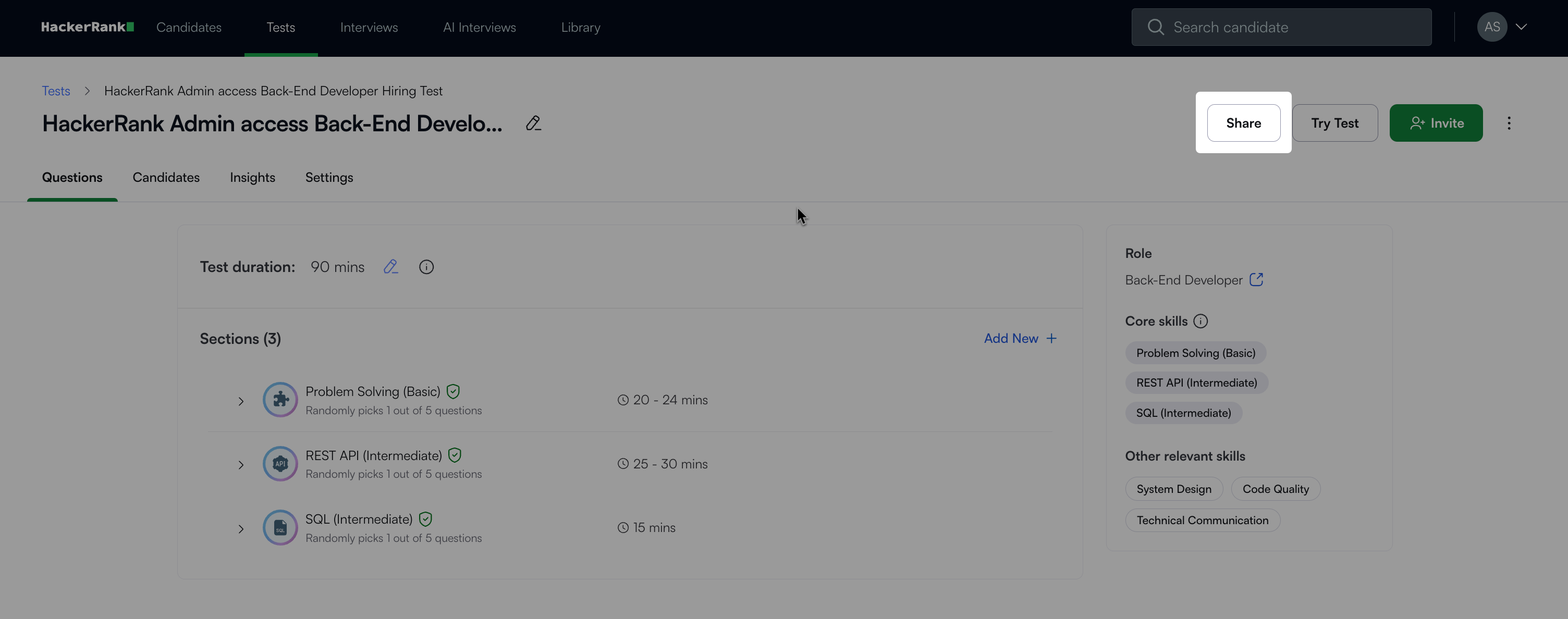
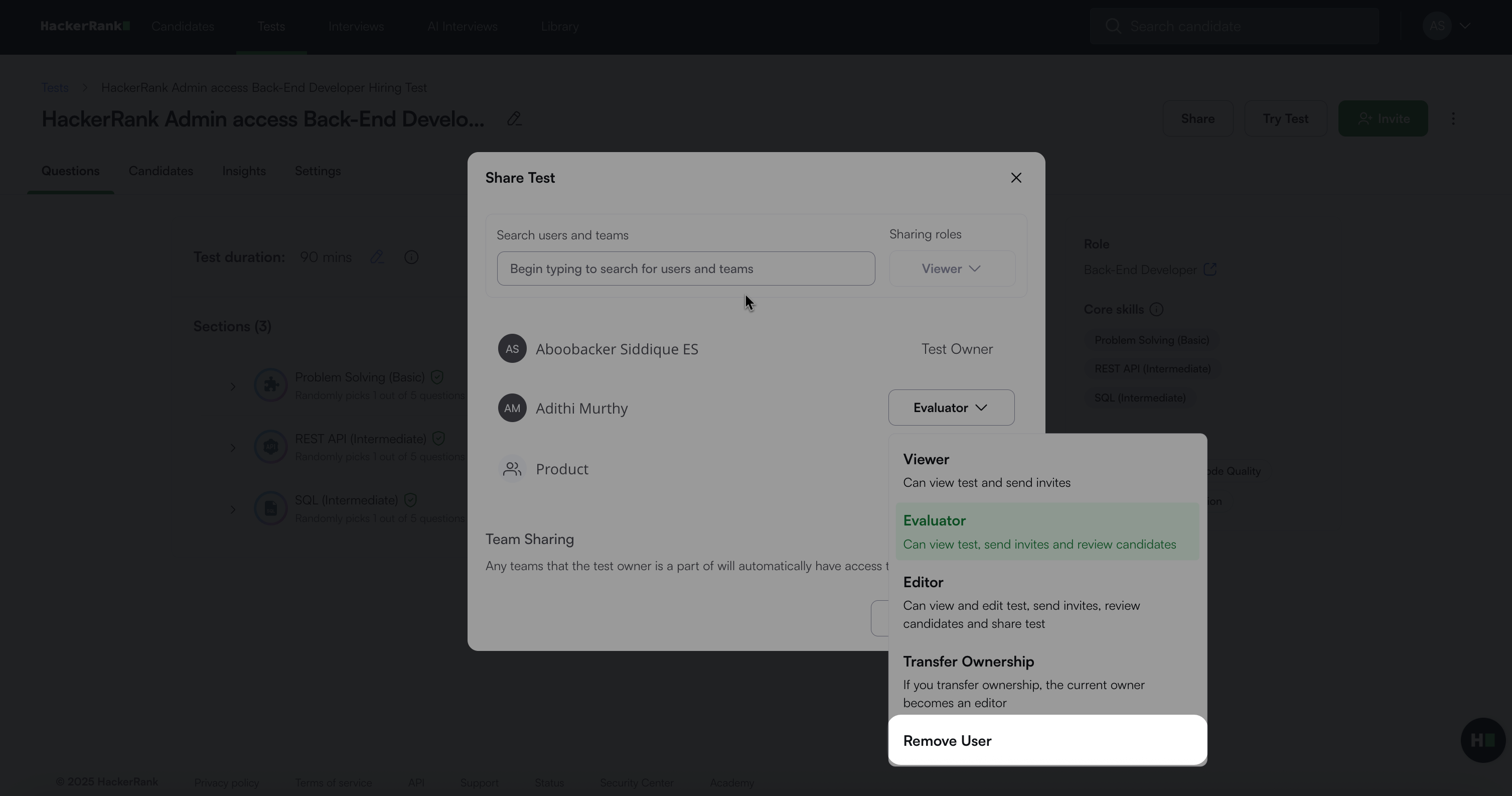
In the Share Test dialog box, locate the user or team.
Select the role drop-down next to their name.
Select Remove User.
In the confirmation dialog box, click Confirm.
The user or team is immediately removed and will no longer have access to the test.