Clone a Test
Last updated: September 25, 2025
Cloning a test allows you to create a new test with the same questions and settings as the original. Changes made to the original test after cloning do not appear in the cloned test, and changes in the cloned test do not affect the original.
After cloning, you can modify the cloned test by adding or removing questions or updating the test settings.
Note:
If the original test does not have a defined job role and experience level, you must add them before you can clone it.
Cloning a test does not create separate copies of the questions. Each test uses a single master copy of every question. When you edit a question, you update the master copy. Any test that includes that question, including the cloned test, shows the updated version
Prerequisites
You must have an existing test in your HackerRank account.
Cloning a test
To clone a test:
Log in to your HackerRank for Work account using your credentials.
Go to the Tests tab.
Open the test you want to clone.
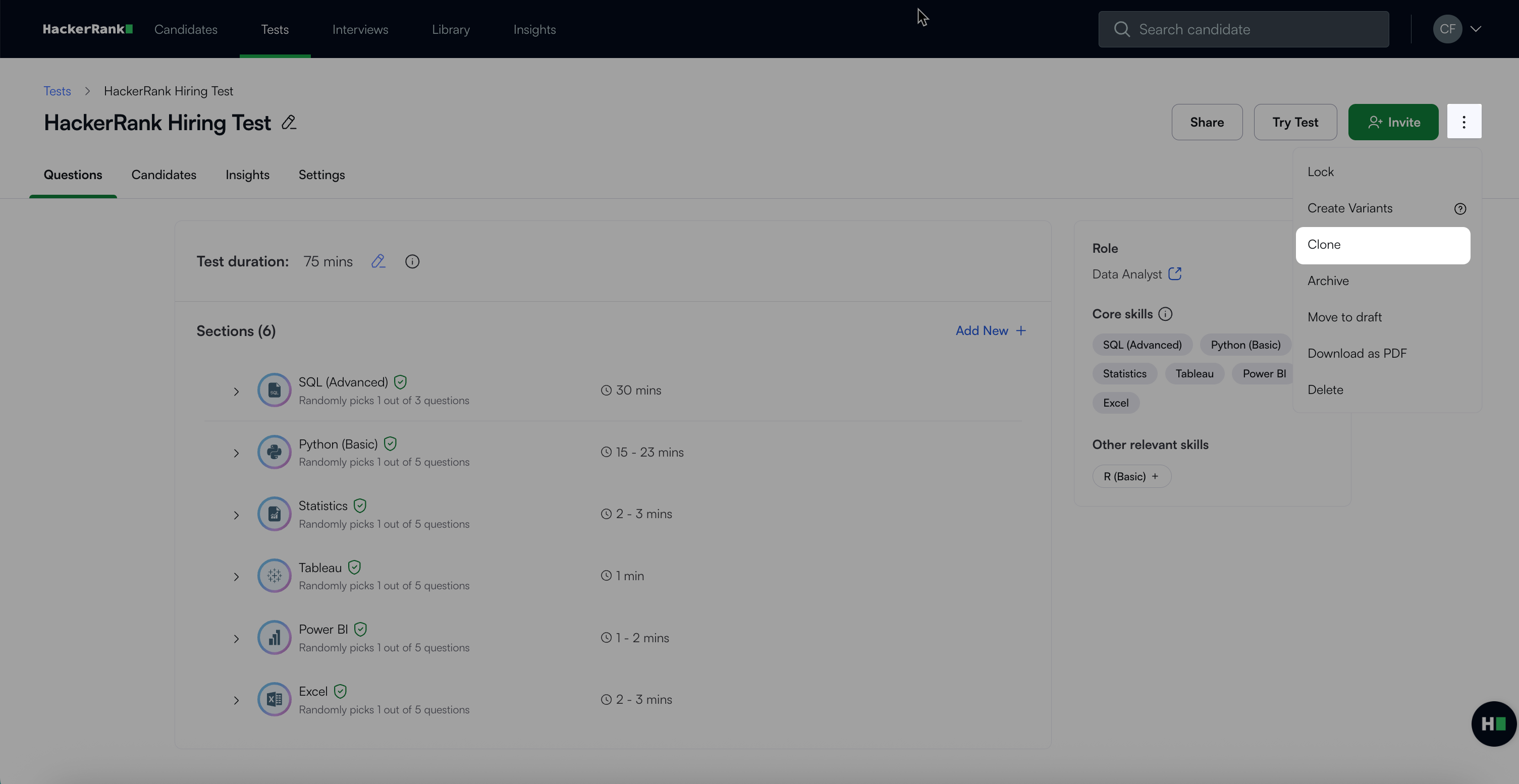
Click the more options menu (⋮) in the top right corner.
Select Clone.
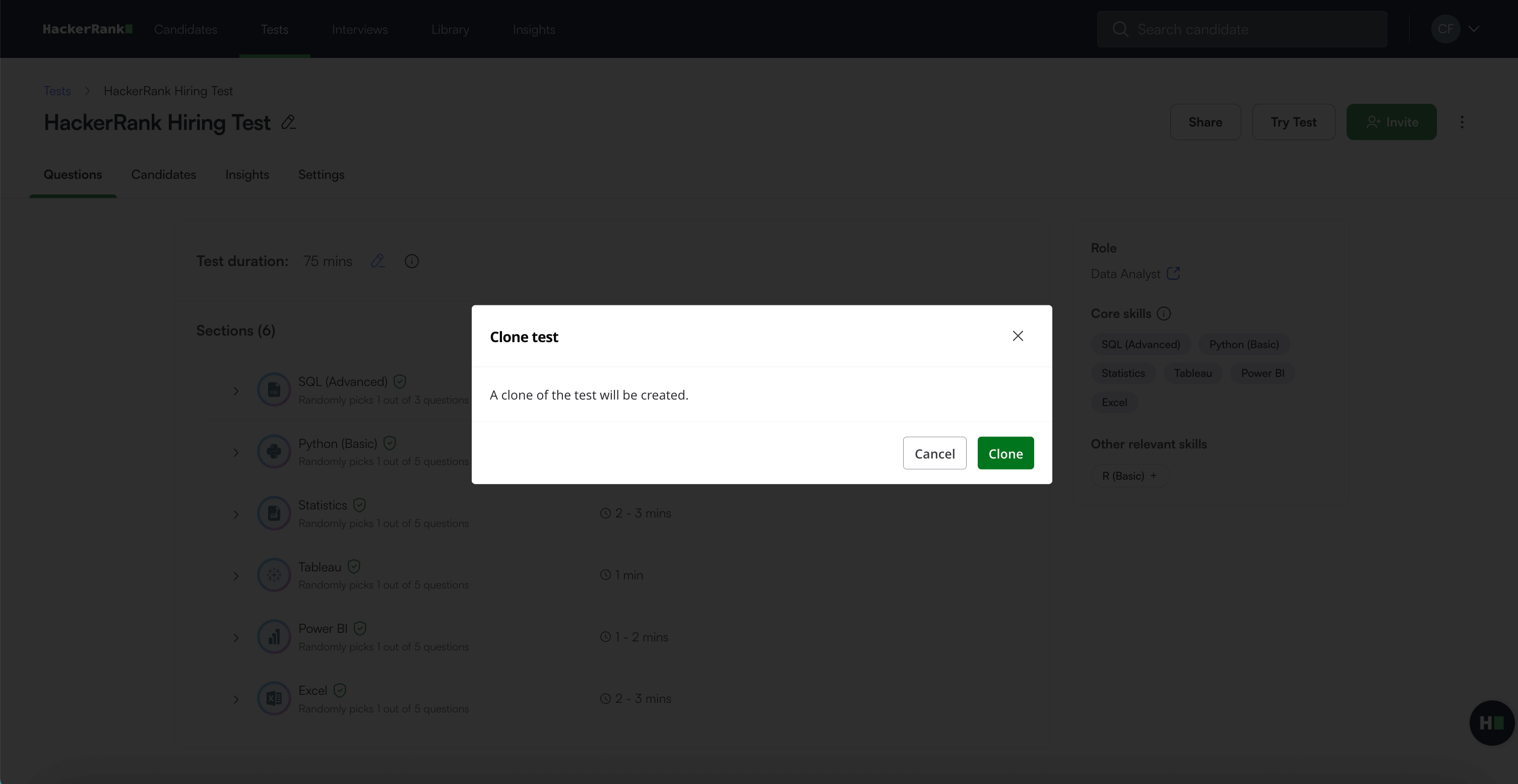
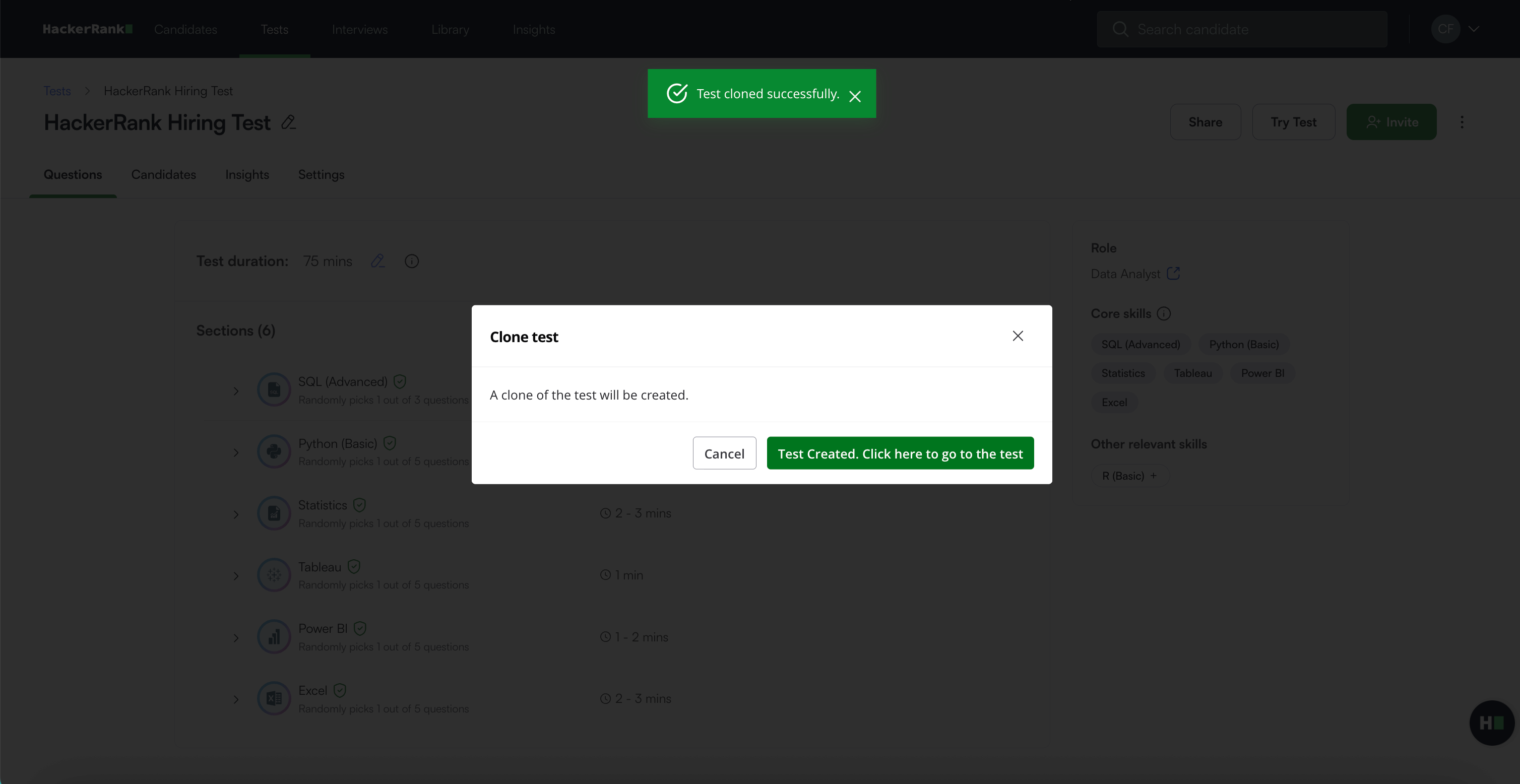
In the confirmation dialog, click Clone to confirm. A success message appears.
Click the Test Created. Click here to go to the test button to open the cloned test.
Note: The cloned test name follows this format: Original Test Name (Duplicate)
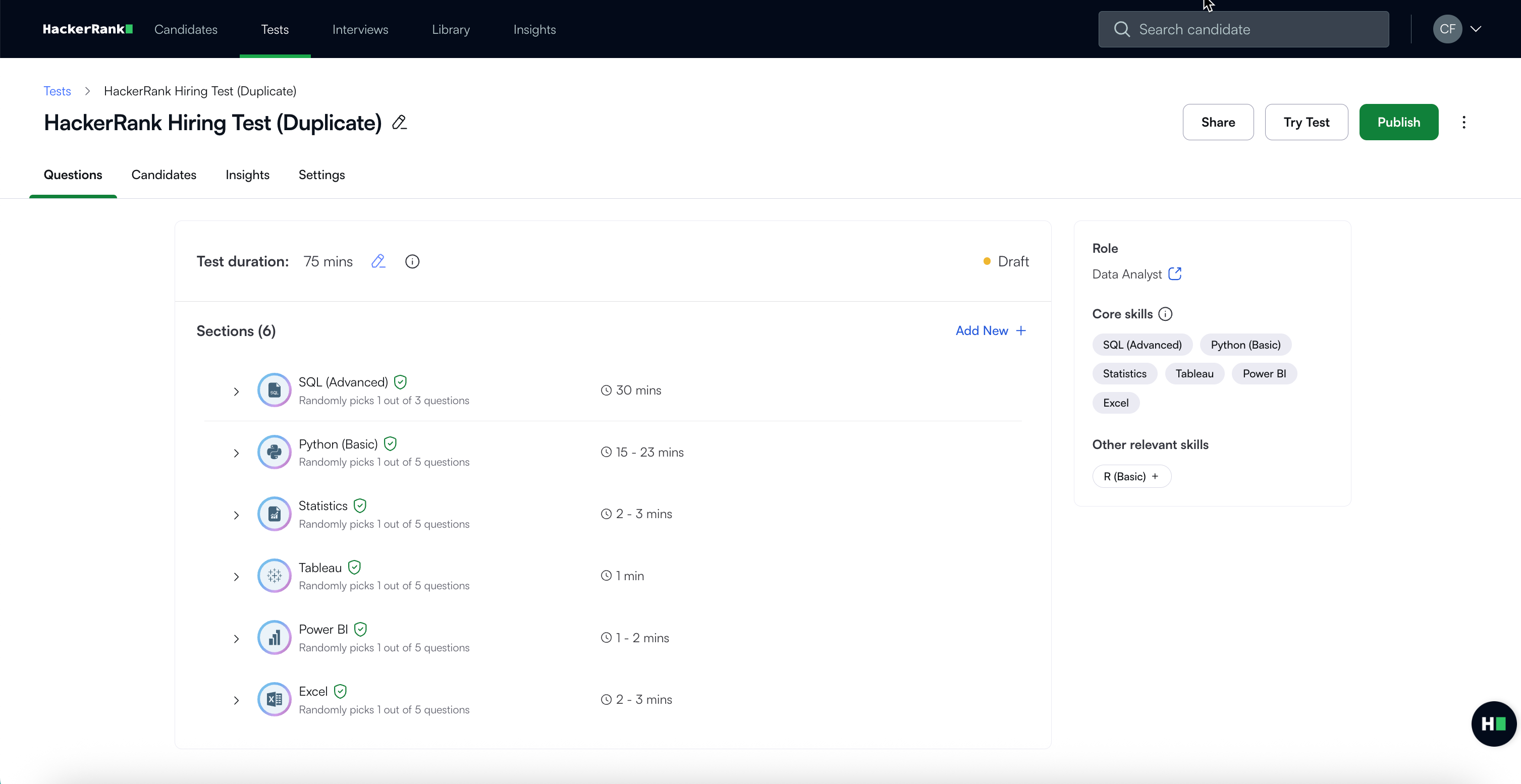
The cloned test appears on your Tests page. You can edit it as needed. To make the test available to candidates, click Publish.