Subjective Questions
Last updated: March 26, 2026
Subjective questions allow you to ask candidates open-ended questions. You can provide a prompt, and candidates can respond in their own words.
Creating a subjective question
To create a subjective question:
Log in to your HackerRank for Work account using your credentials.
Go to the Library tab.
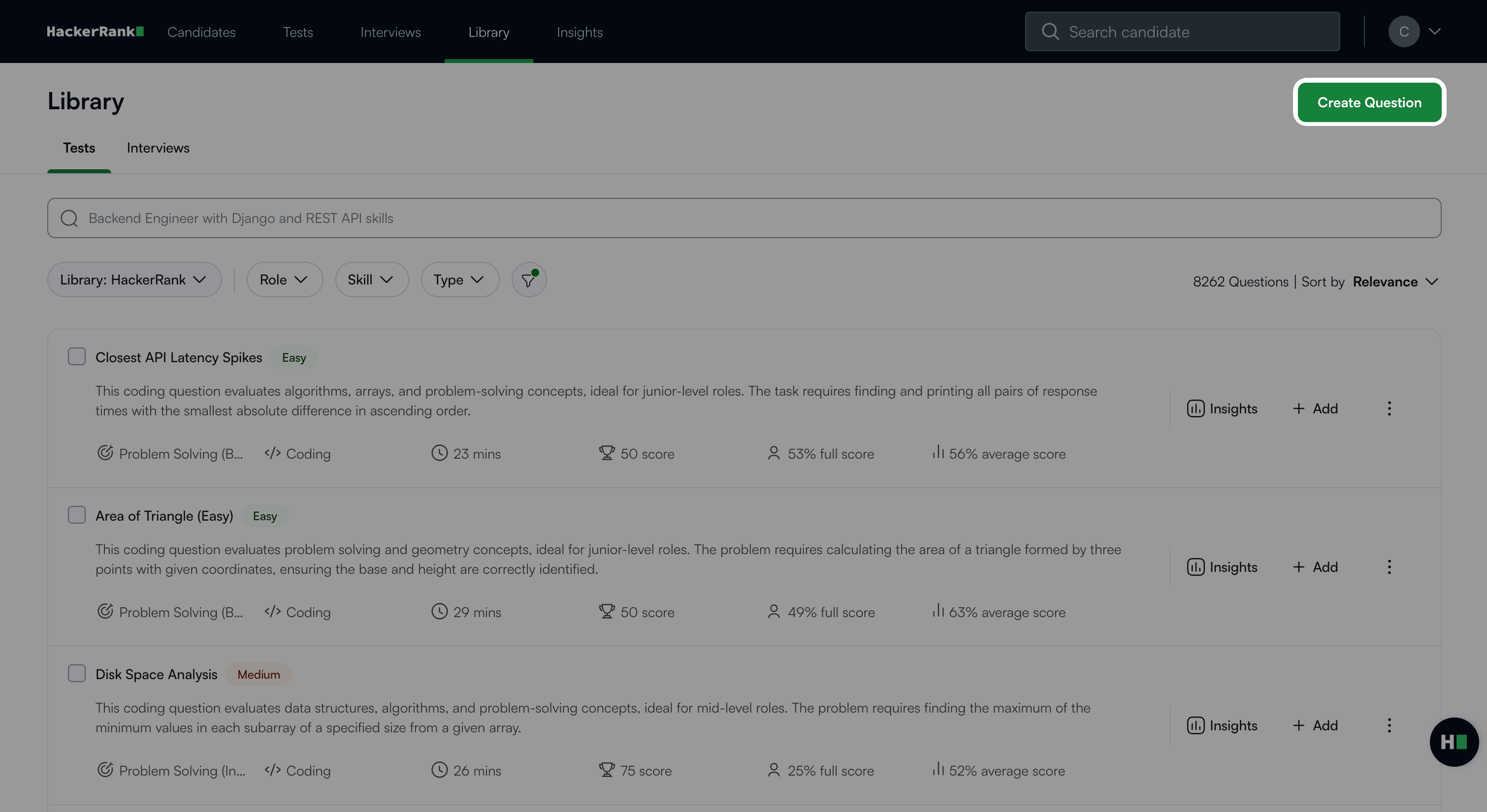
Click Create Question.
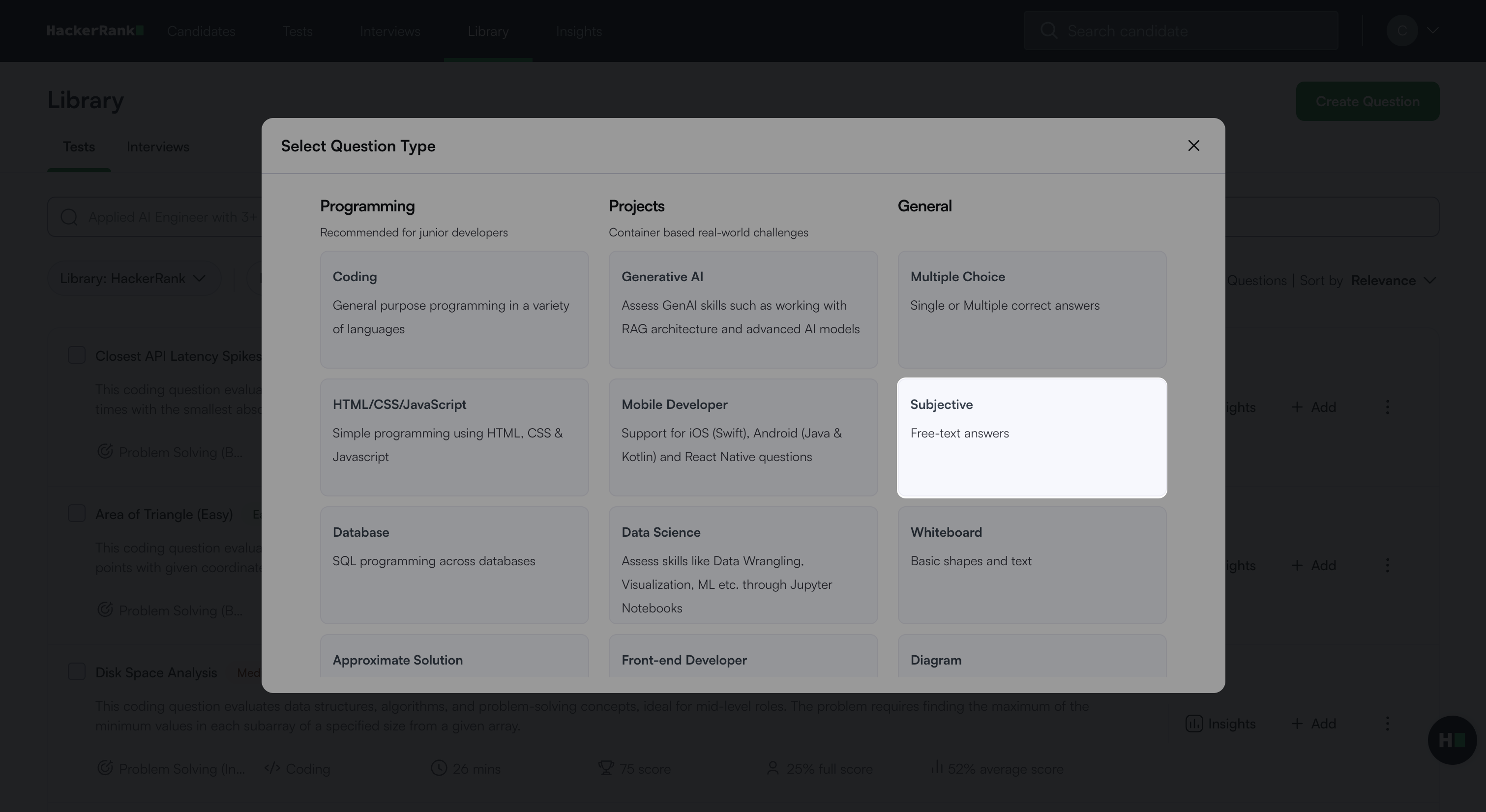
Select Subjective under General.
In the Problem details section:
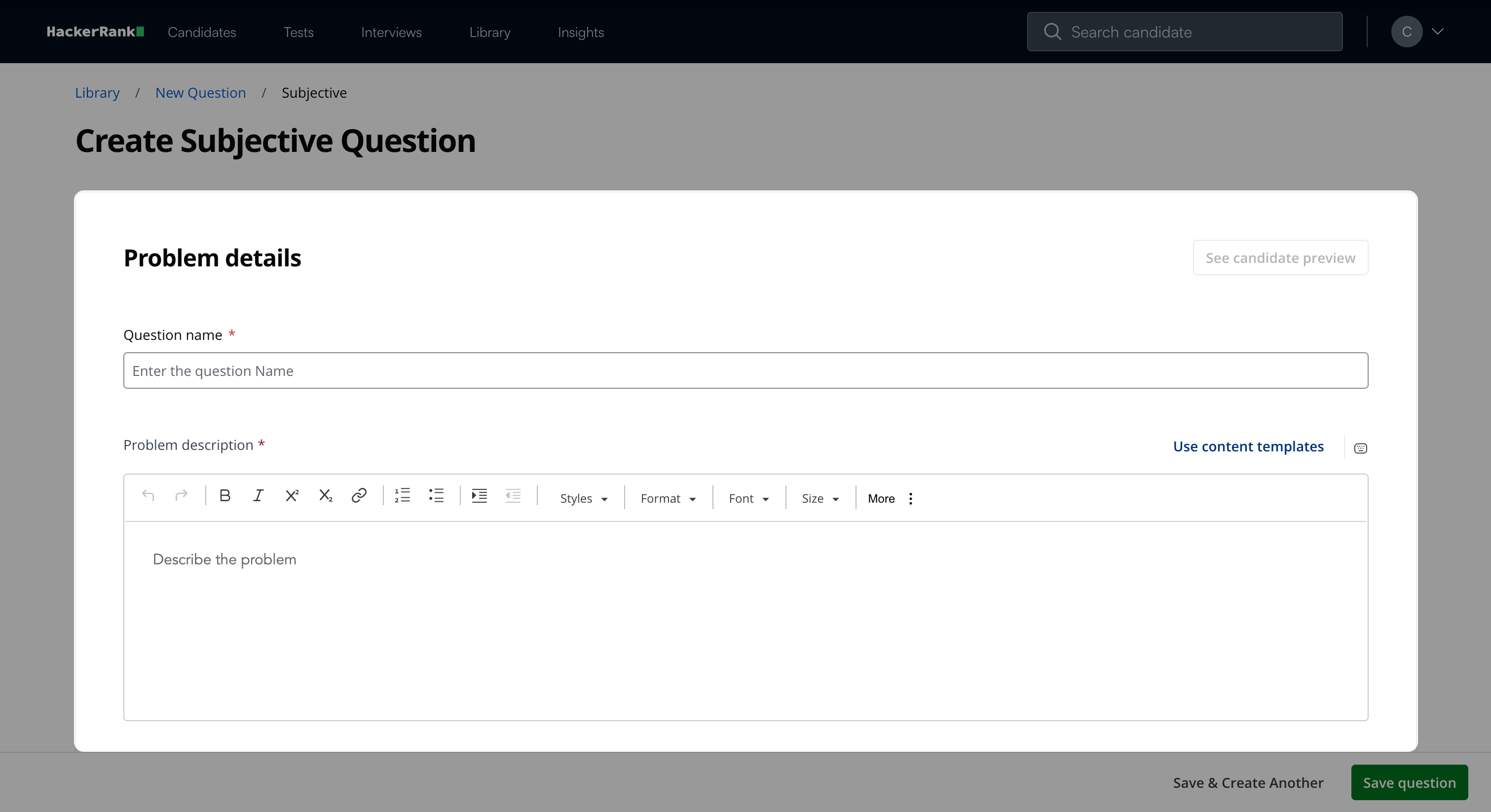
Enter the question name.
Describe the problem in the Problem description field. You can use the formatting menu to format the text or to include elements such as tables or images.
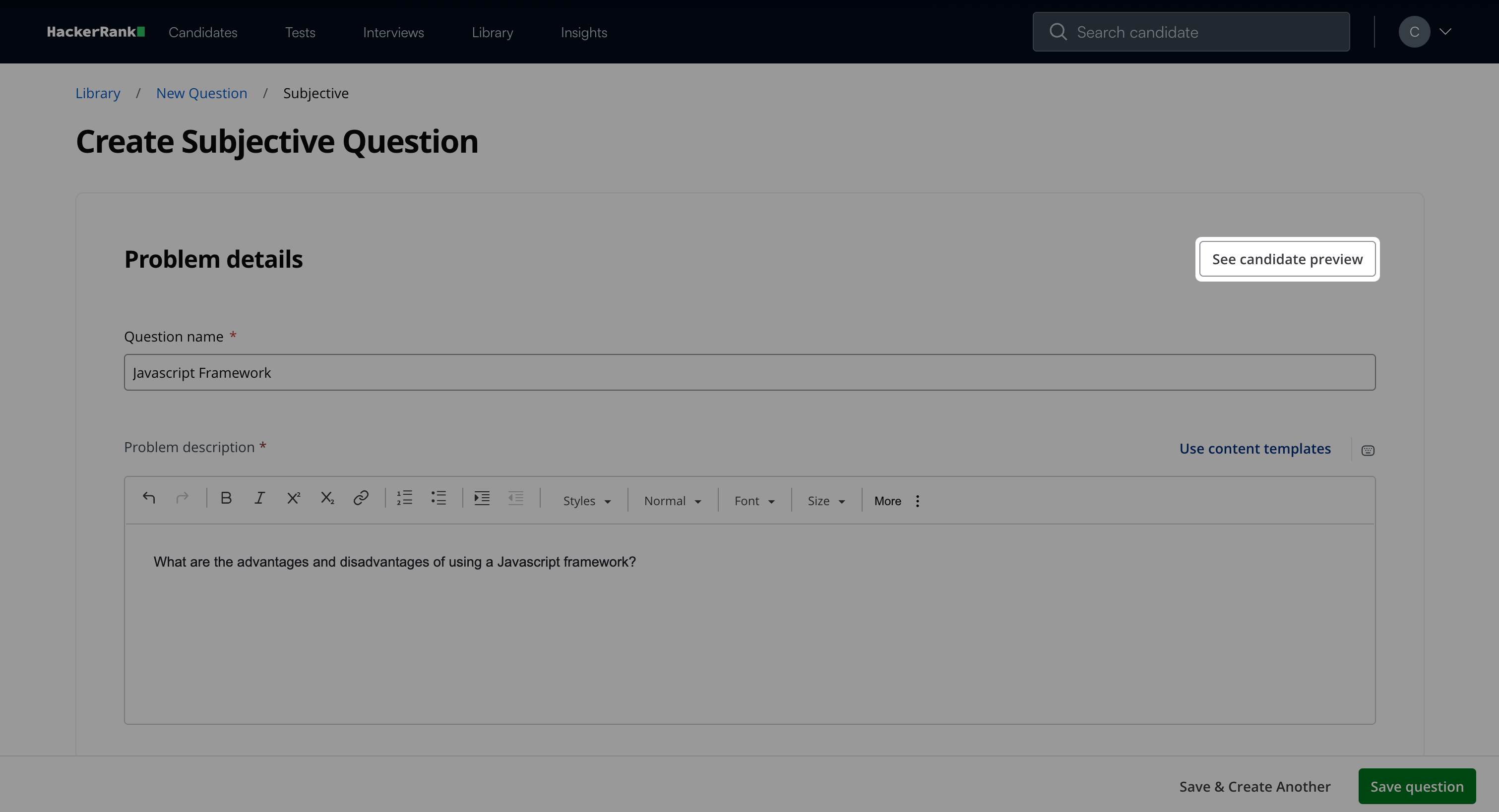
Note: Click See candidate preview to view how the question appears to candidates.
In the Question properties section:
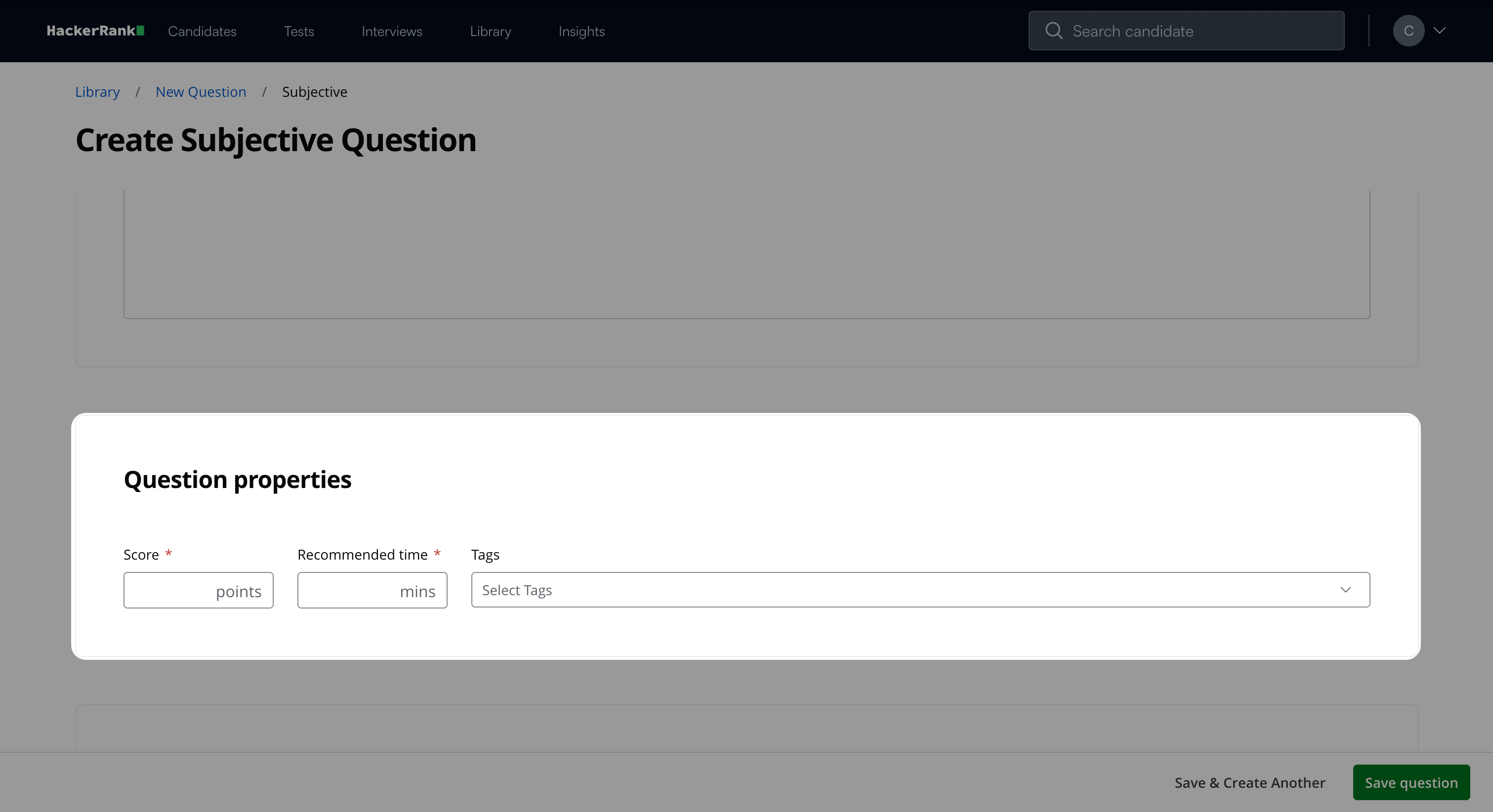
Enter the score based on difficulty.
Add the recommended time in minutes.
(Optional) Add tags from the drop-down list or create new ones.
(Optional) Add Interviewer guidelines for internal use, such as evaluation notes and hints.
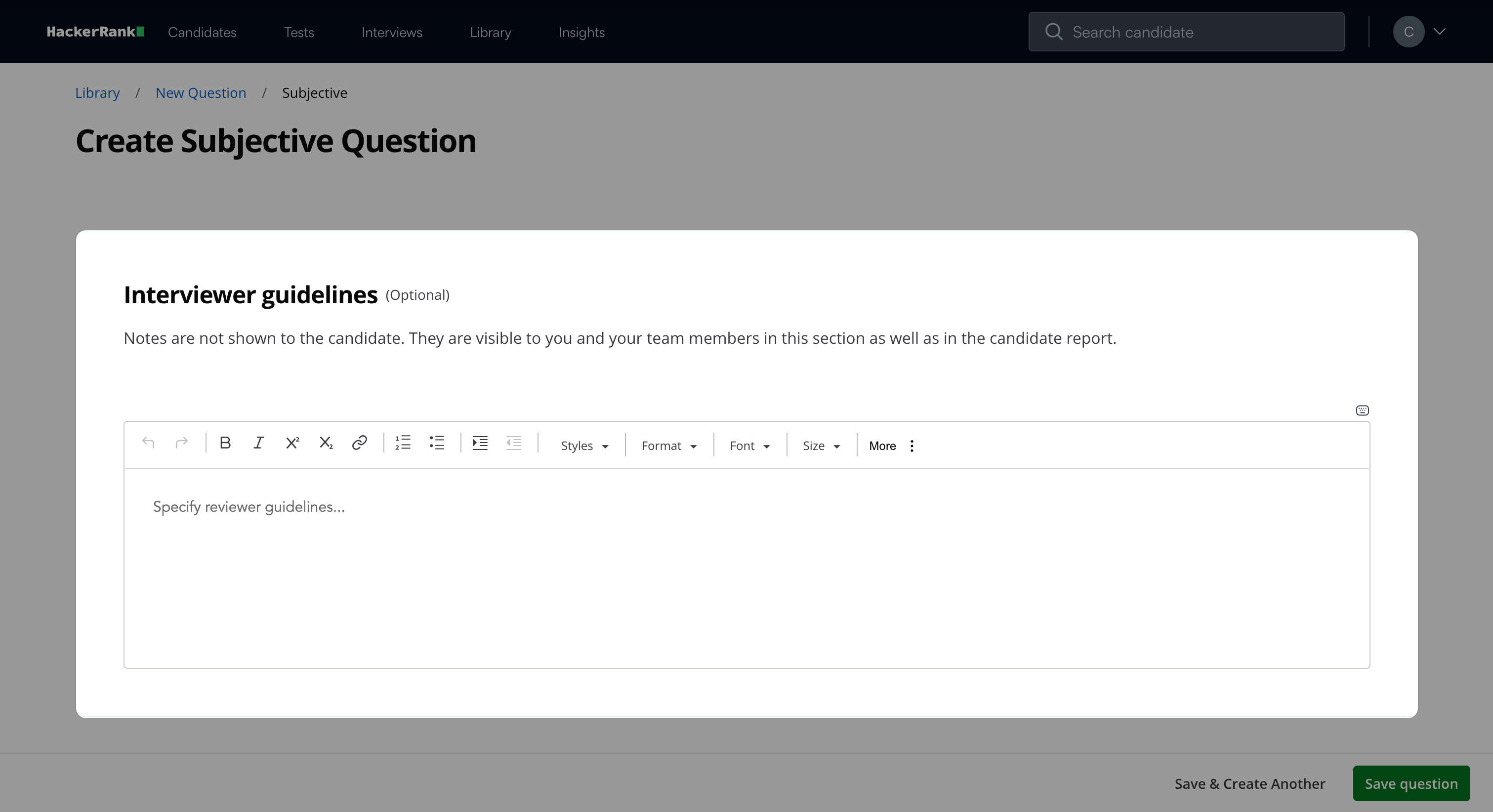
Click Save question.
Note: Click Save & Create Another to create another question.
The question appears under My Company questions in the HackerRank Library.
Candidate experience
The question appears on the left side, and the candidate can enter the answer in the editor on the right side.

Scoring subjective questions in tests
Subjective questions require manual scoring. You can review the candidate’s answer in the candidate report and assign a score. For more information, see 📄 Manual Scoring for General Question Types.