Diagram Questions
Last updated: November 19, 2025
Diagram questions aim to assess a candidate's skills in creating class diagrams, architecture diagrams, workflow diagrams, and circuit diagrams. The candidates can create simple or complex diagrams as required and the examiners can view them to evaluate.
Creating Diagram questions
To create a diagram question:
Log in to your HackerRank for Work account using your credentials.
Go to the Library tab.
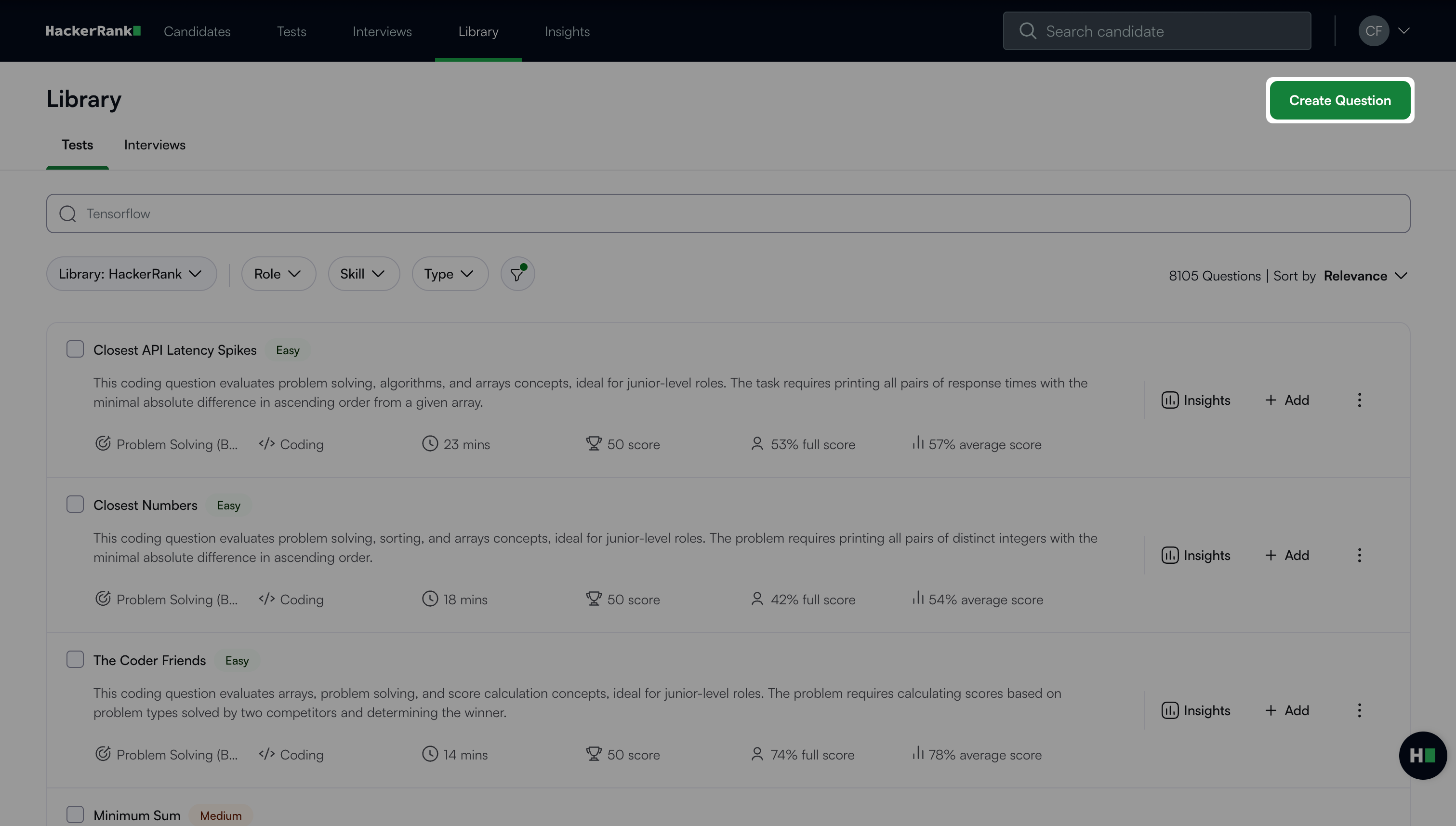
Click Create Question.
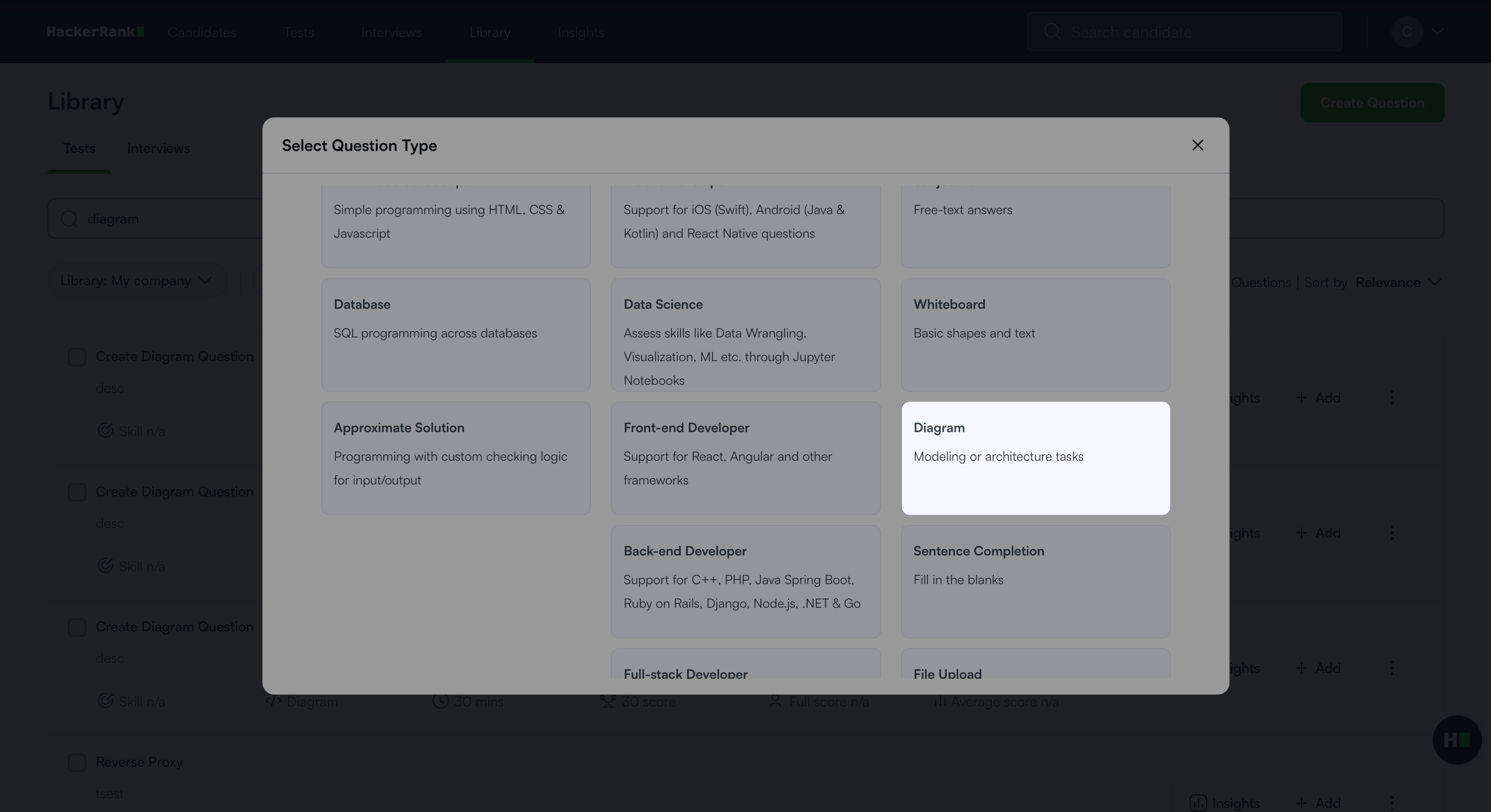
Select Diagram under General.
Step 1: Question Details
Add Problem details:
Enter the Question name.
Describe the problem in the Problem description field.
Note: After you have entered Problem details, you can click See candidate preview to preview the question created.
Enter Question properties:
Set the Score based on difficulty:
Add Recommended time in minutes.
(Optional) Add Tags from the drop-down list or create new ones.
(Optional) Add Interviewer guidelines for internal use.
Click Next.
Step 2: Diagram Settings
Select the diagram pallets you want to use for the test.
UML and Entity Relation are auto-selected.Click Save question.
The question appears under My Company questions in the HackerRank Library.
Candidate view
In the HackerRank Test, when candidates view the question, they will see the draw.io editor with the options to create and format their diagrammatic representations, as shown below. The left pane displays only those shape categories permitted to answer the question.
Scoring Diagram questions
Diagram questions are scored manually. For more information on manual scoring, see 📄 Manual Scoring for General Questions.