Invite Candidates in Chakra
Last updated: September 16, 2026
Chakra allows recruiters to invite candidates to an AI interview through an interview link. Candidates can use this link to start the interview.
You can share the link directly with candidates or distribute it through supported channels such as email, your ATS, or your careers page.
Prerequisite
You must have created an AI interview in Chakra. For more information, see 📄 Create an AI Interviewer.
Inviting candidates in Chakra
To invite the candidates in Chakra:
Log in to Chakra using your credentials.
Click the sidebar icon and select My Interviewers.
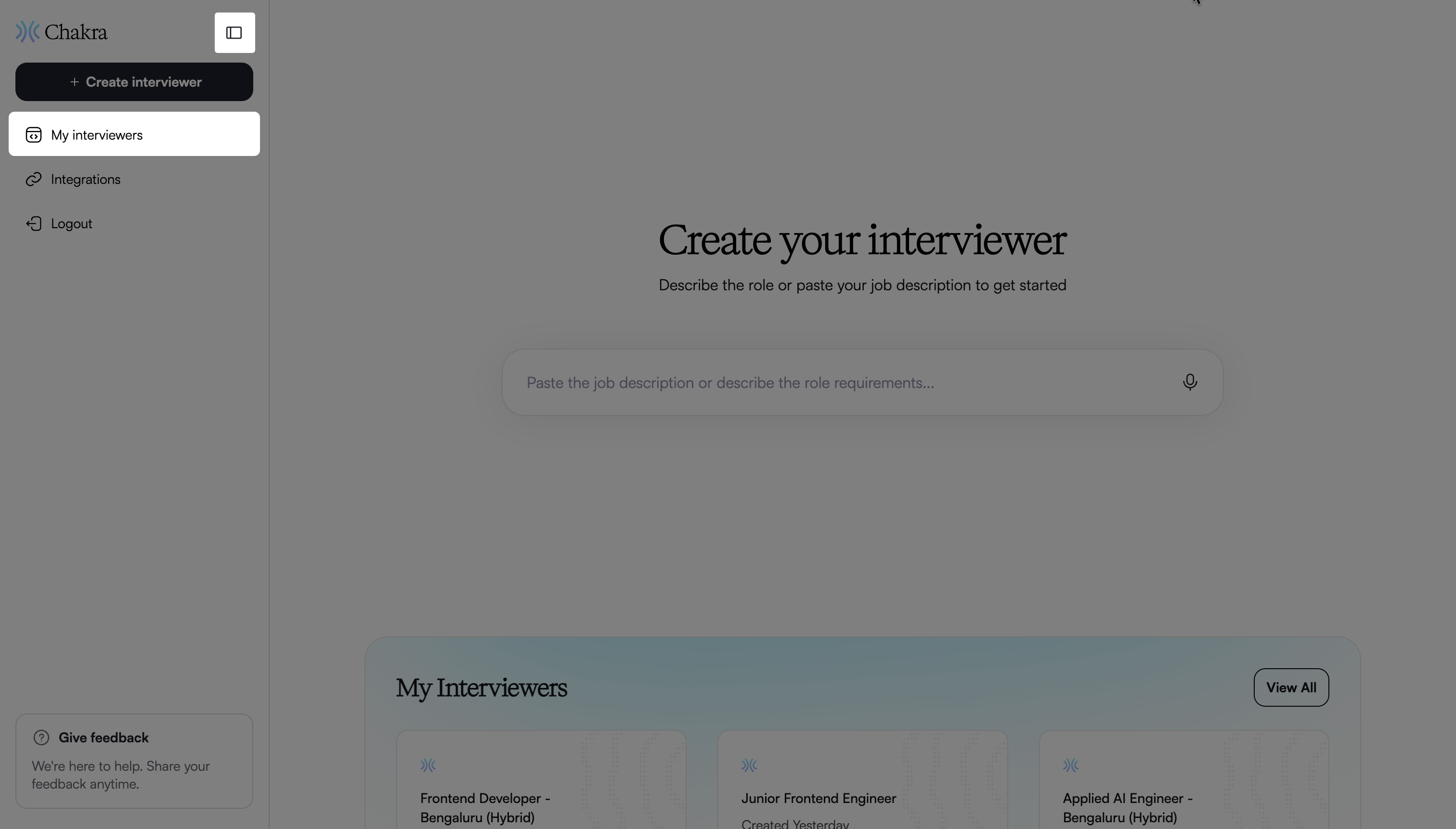
Select the interviewer you want to invite candidates to.
In the Overview page, click Invite candidates.
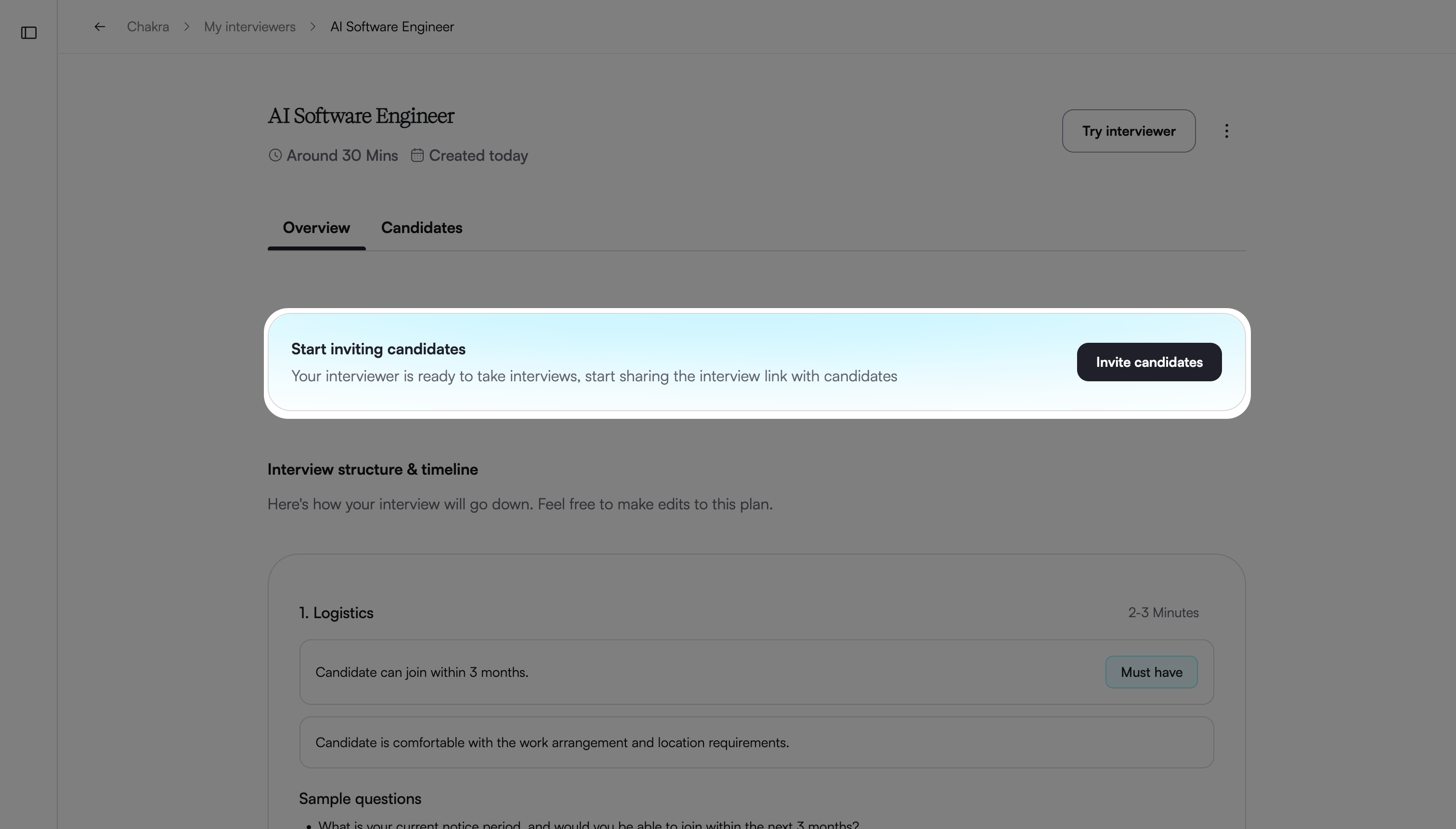
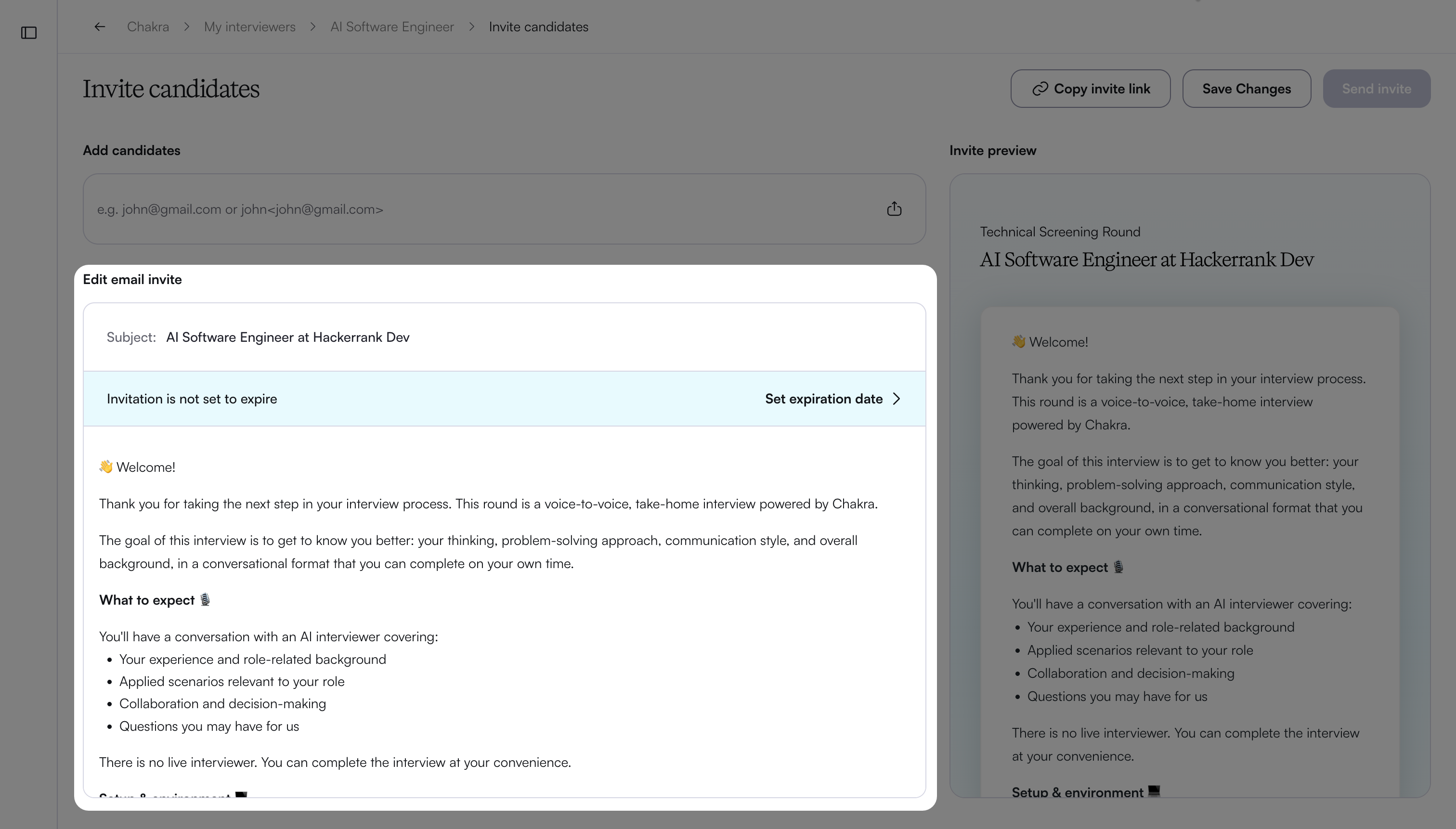
Edit the email invitation in the Edit email invite section.
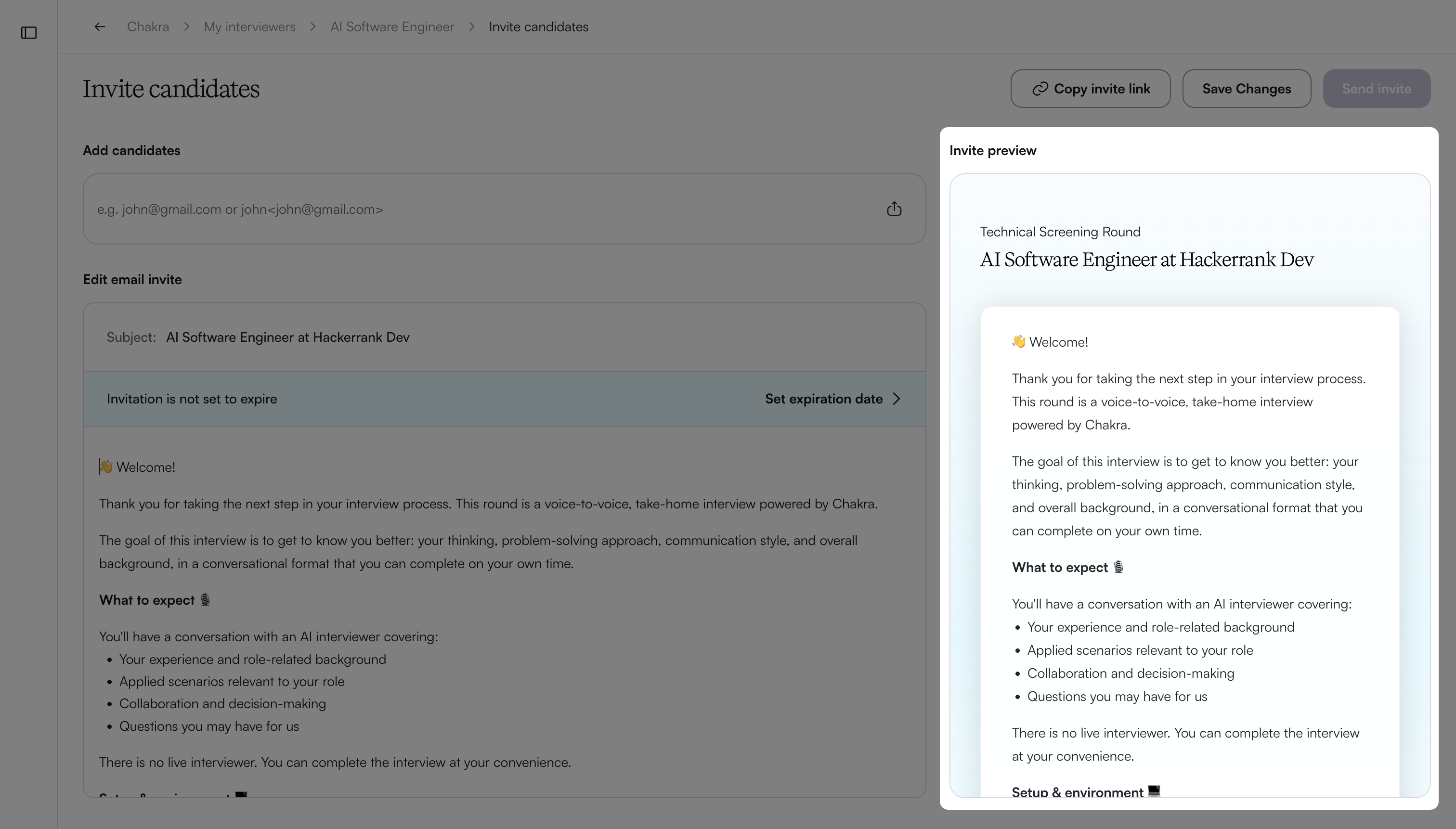
You can view the invitation preview on the right side.
Note:
To set an expiry date to the invite, click Set expiration date. For more information, see the Setting expiration date section below.
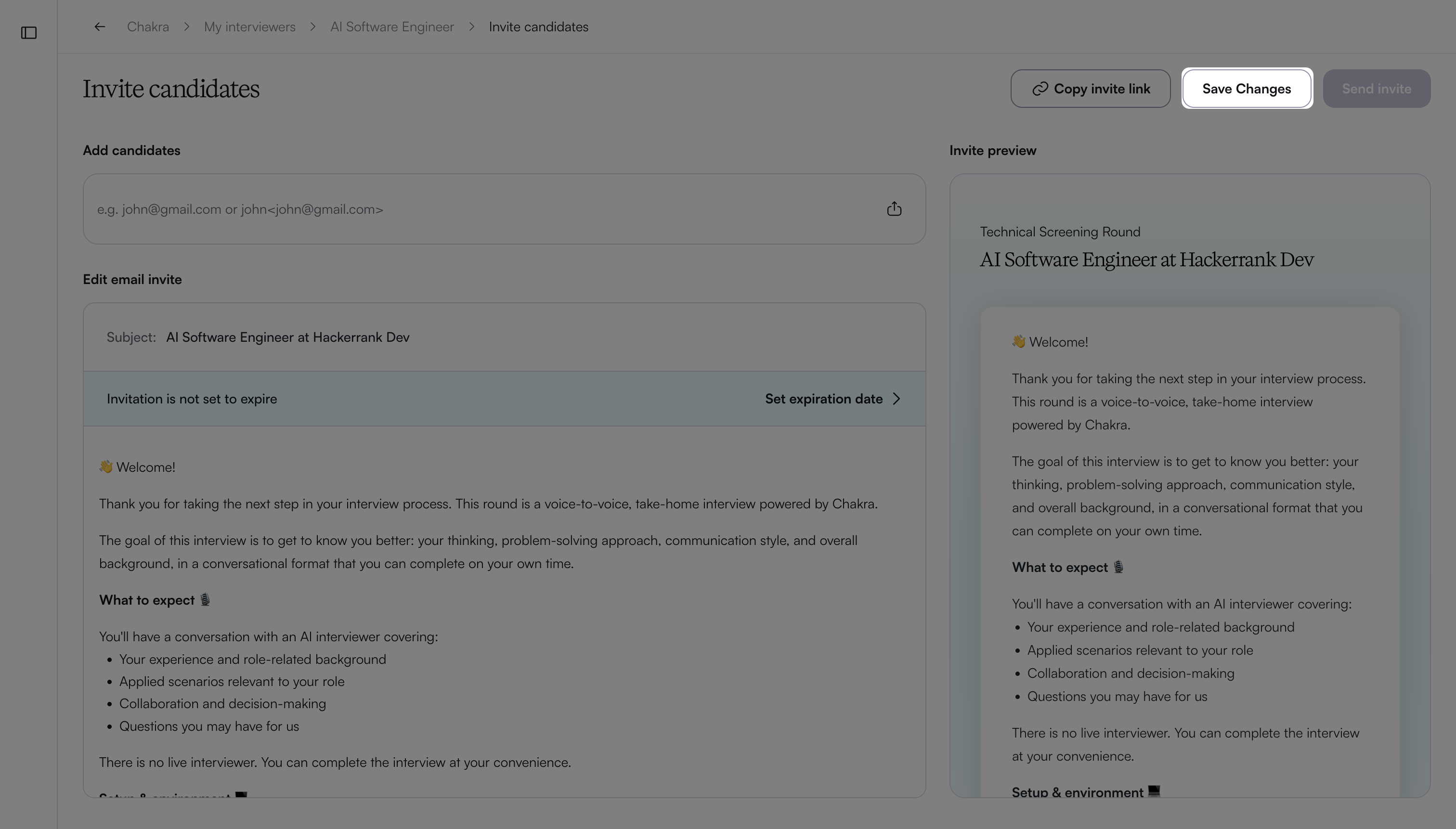
You can save the recently drafted email invite by clicking Save Changes.
Enter candidate email addresses in the Add candidates field.
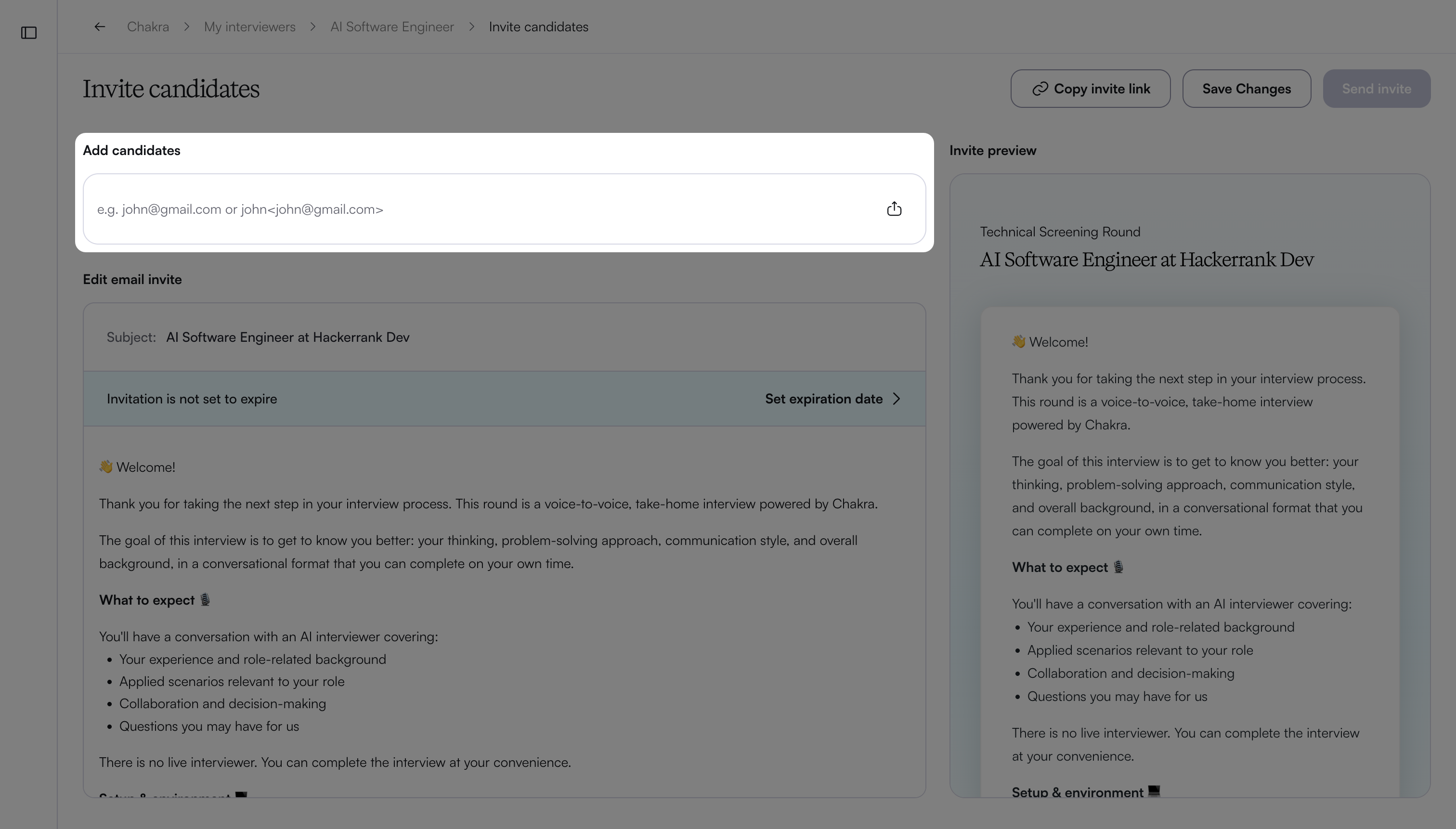
To upload bulk emails, see the Sending bulk email invites section below.
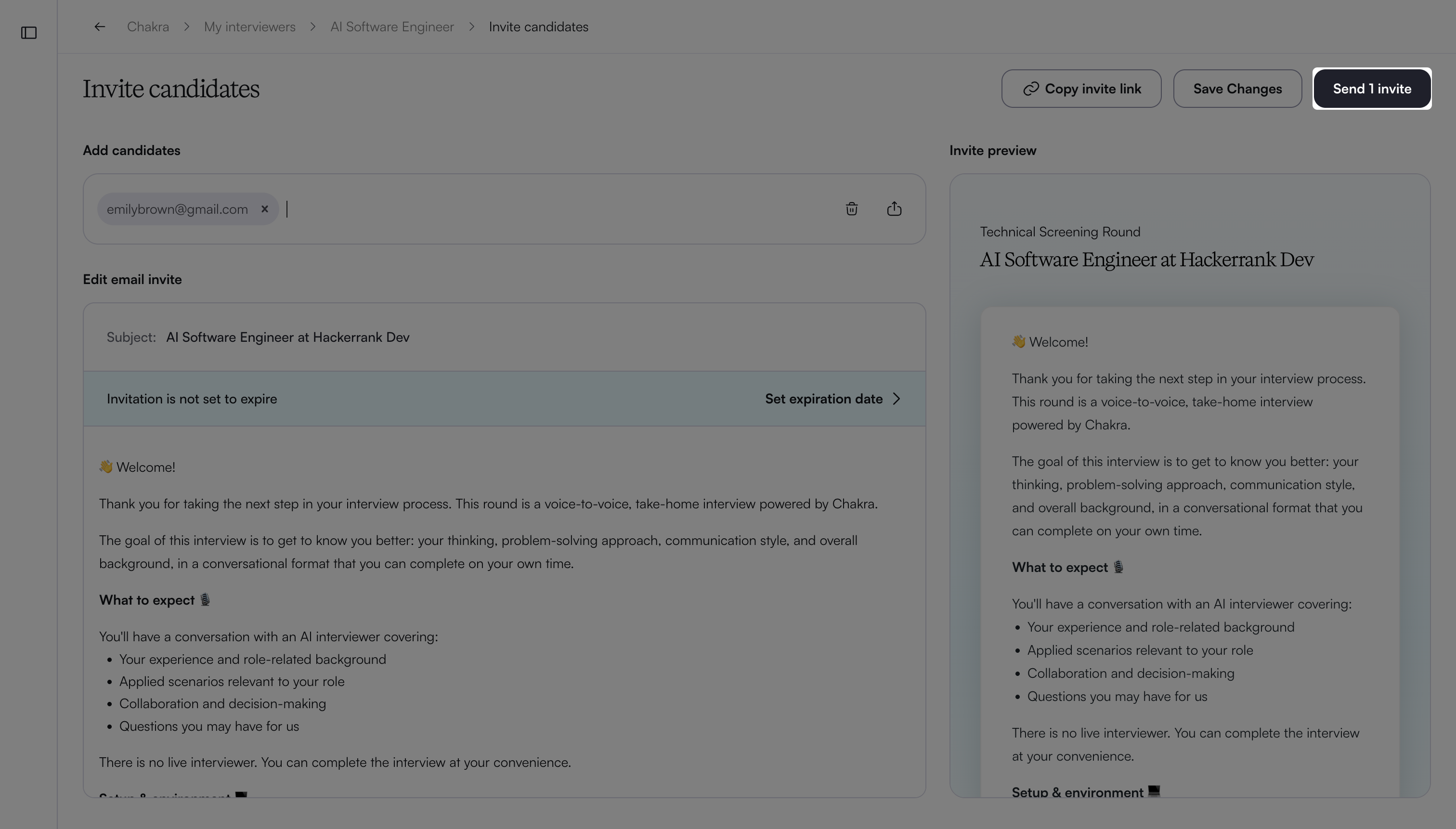
Click Send Invites.
Note:
Do not use emojis in the subject line of your email invitations.
To manually share the interview link with candidates, you can do one of the following:
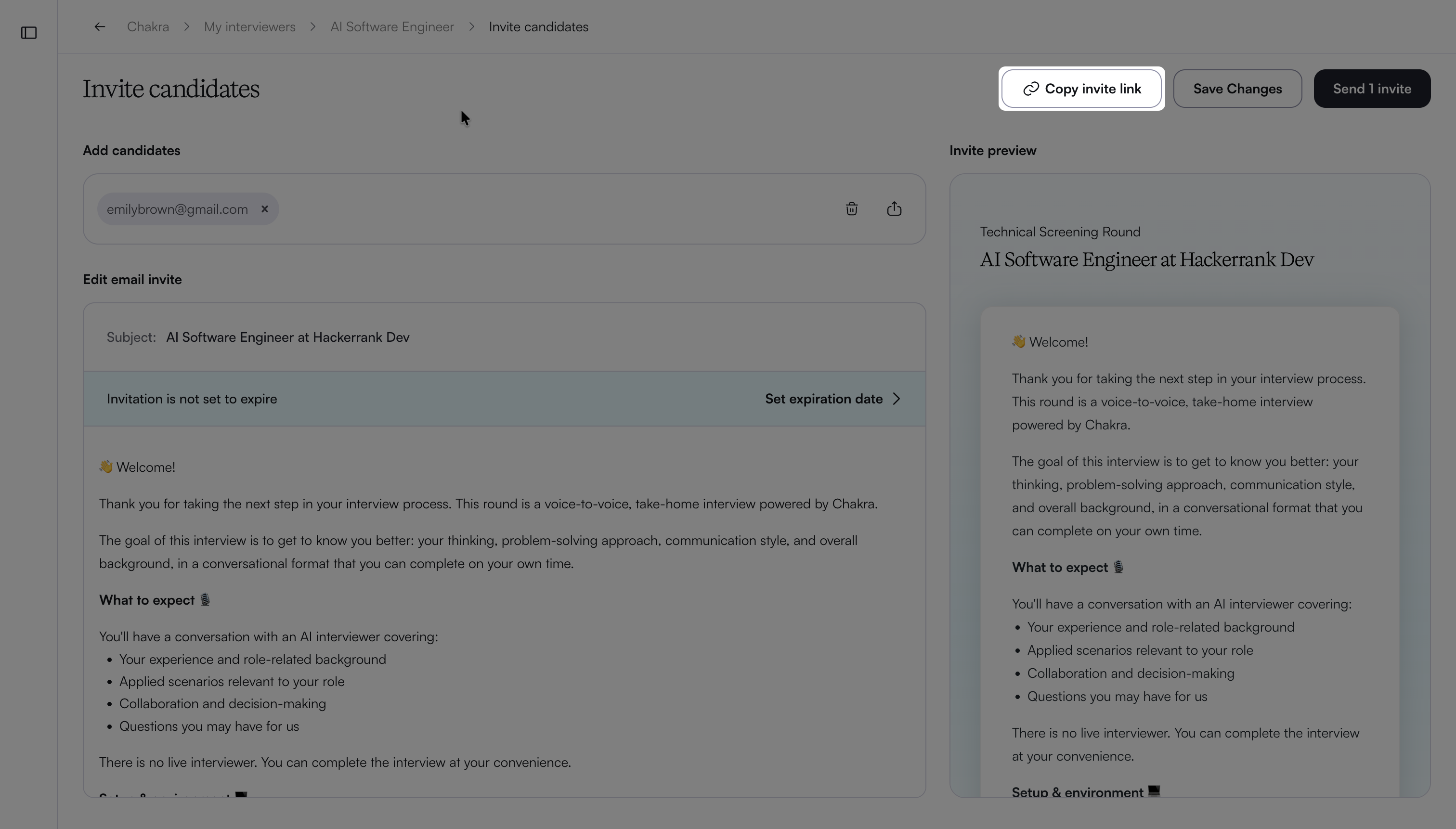
Copy the interview link from the Invite candidates page.
Copy the interview link from the My Interviewers page by clicking the copy link icon next to the interviewer.
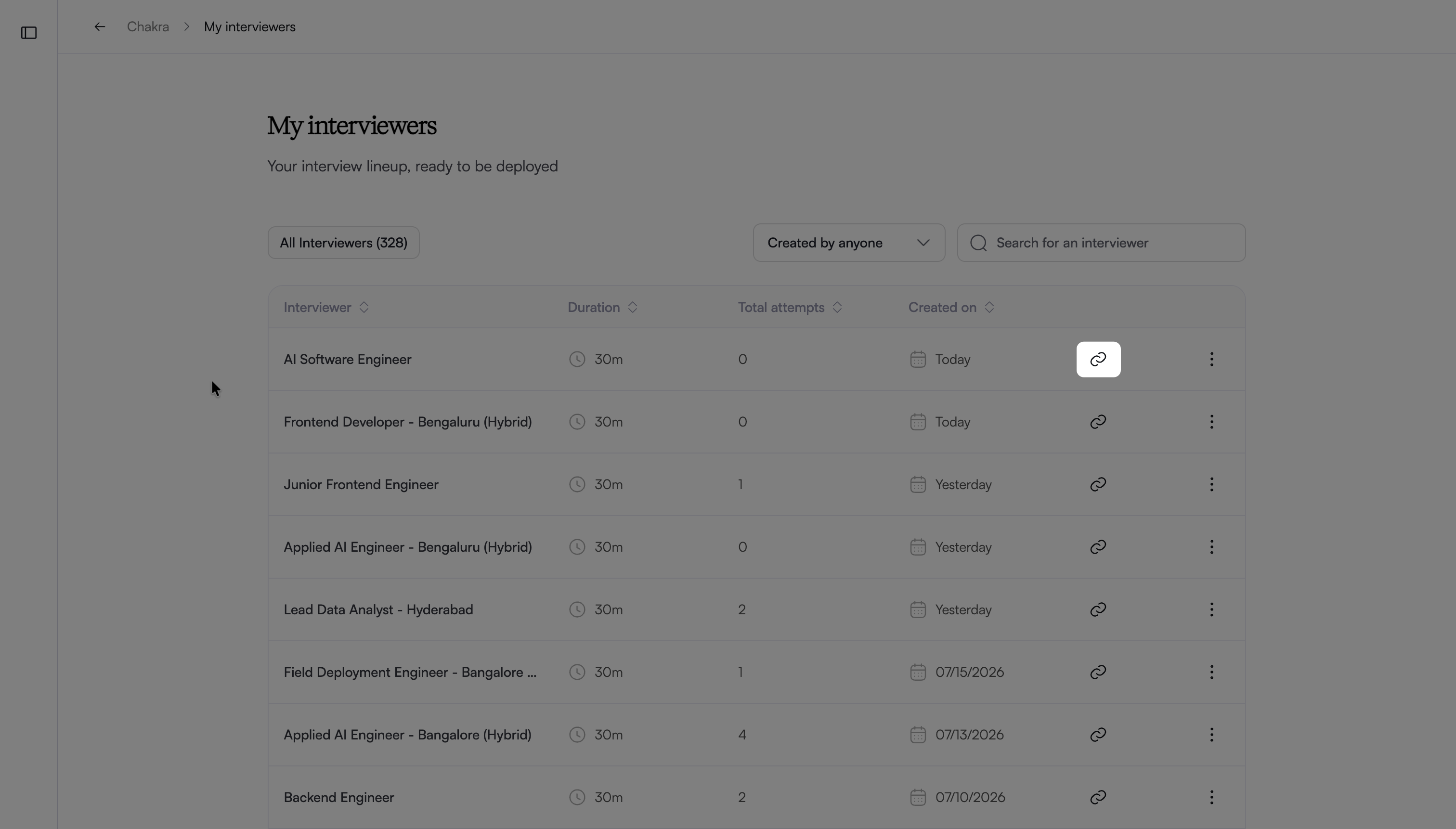
Setting an expiration date
You can define how long the interviewer invitation remains active. After the expiry time, the invitation expires, and candidate(s) can no longer attempt the interview.
To set the expiration date:
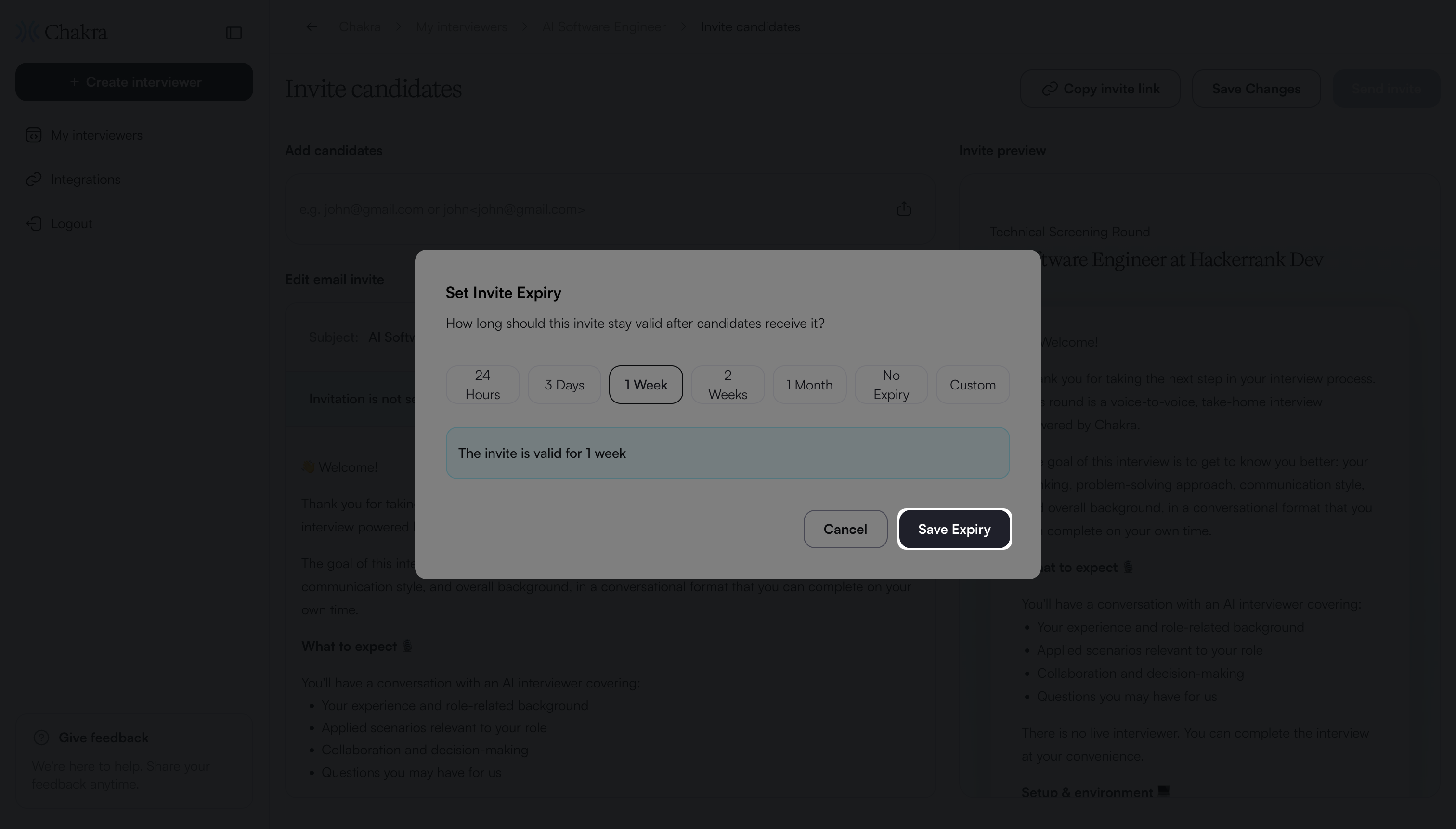
Click Set expiration date.
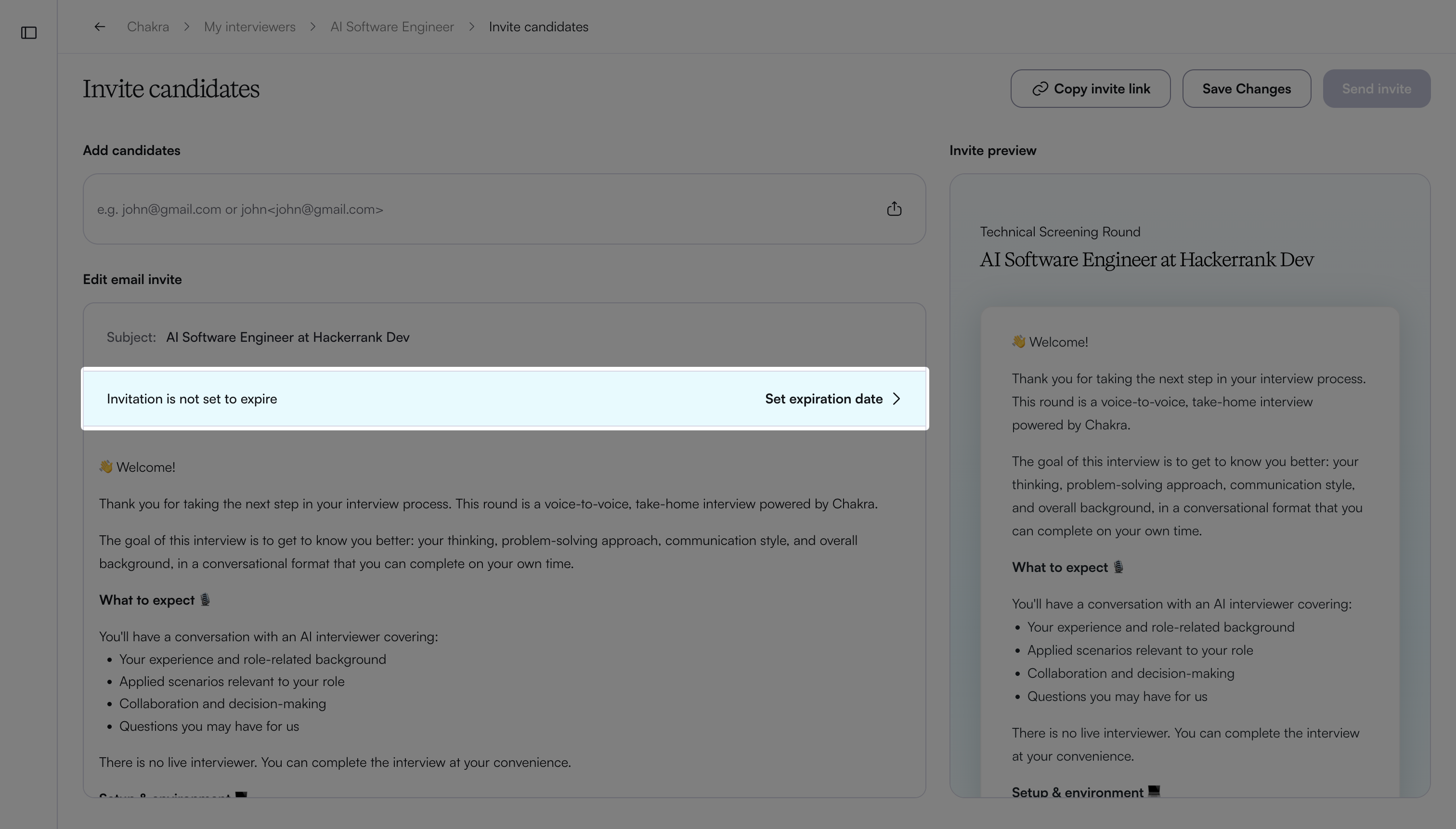
In the Set Invite Expiry dialog, select an expiry option.
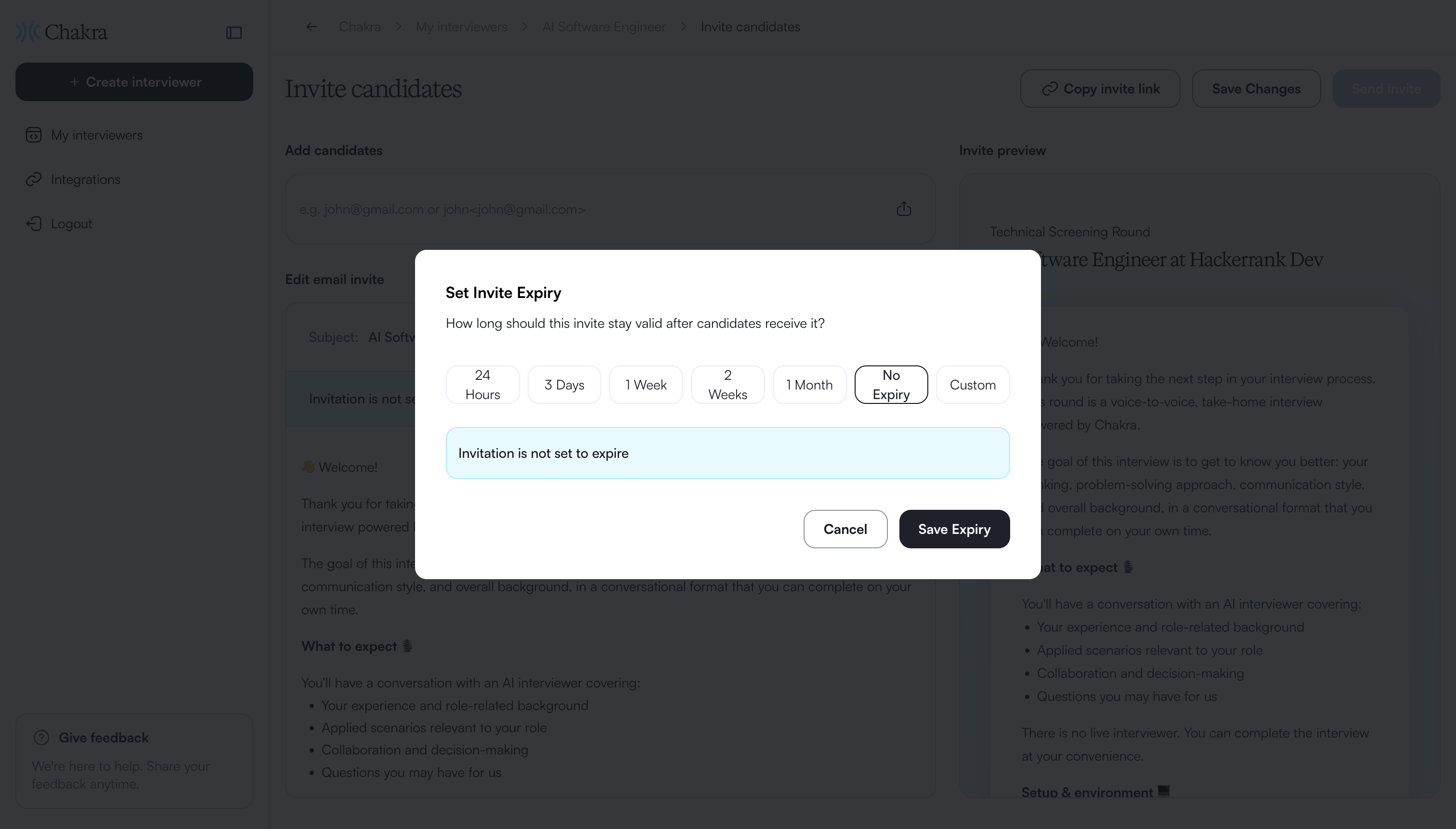
If you choose Custom, select the expiry date and time.
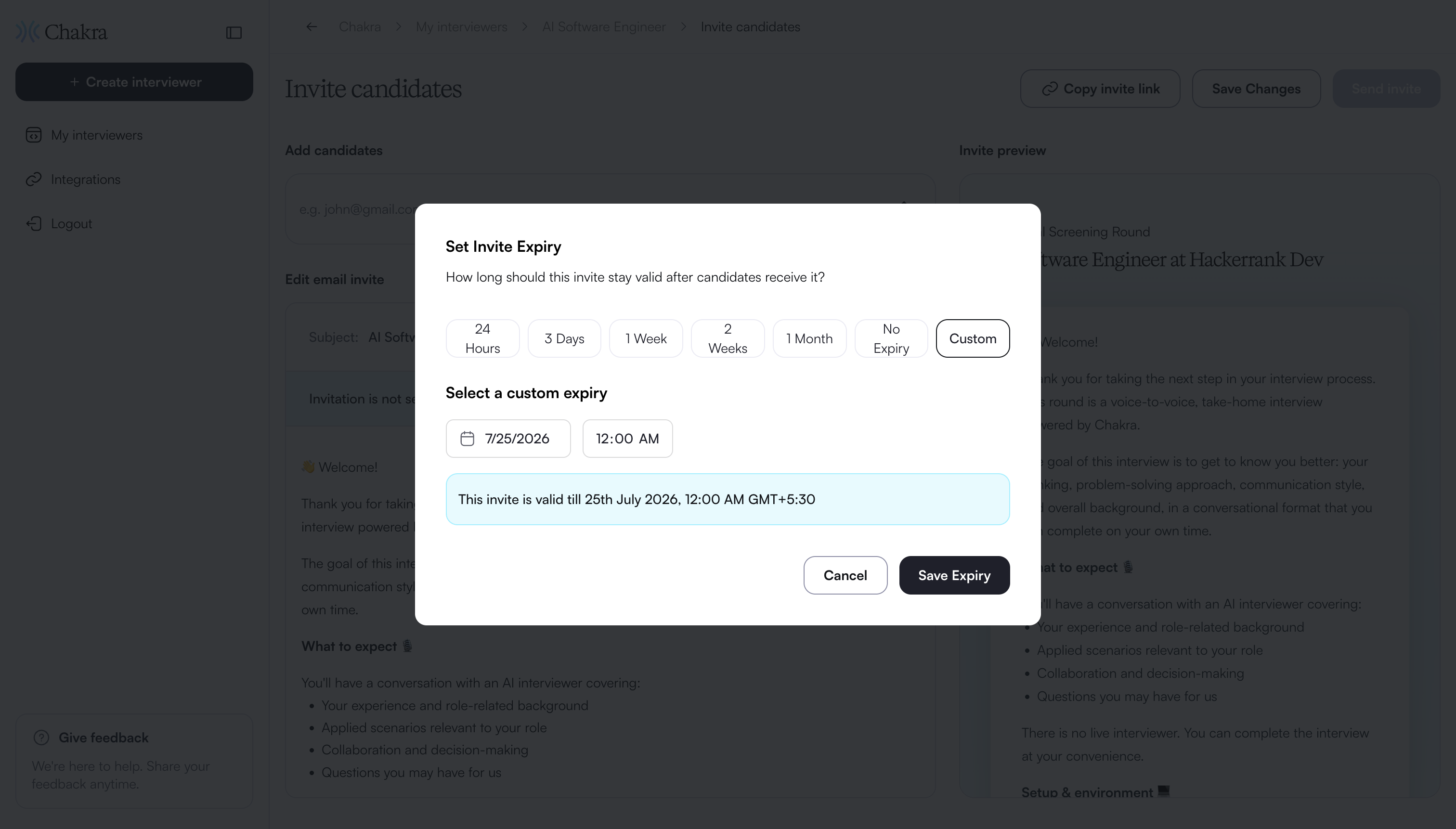
Click Save Expiry.
Sending bulk email invites
You can send interview invitations to multiple candidates at the same time by uploading a CSV file.
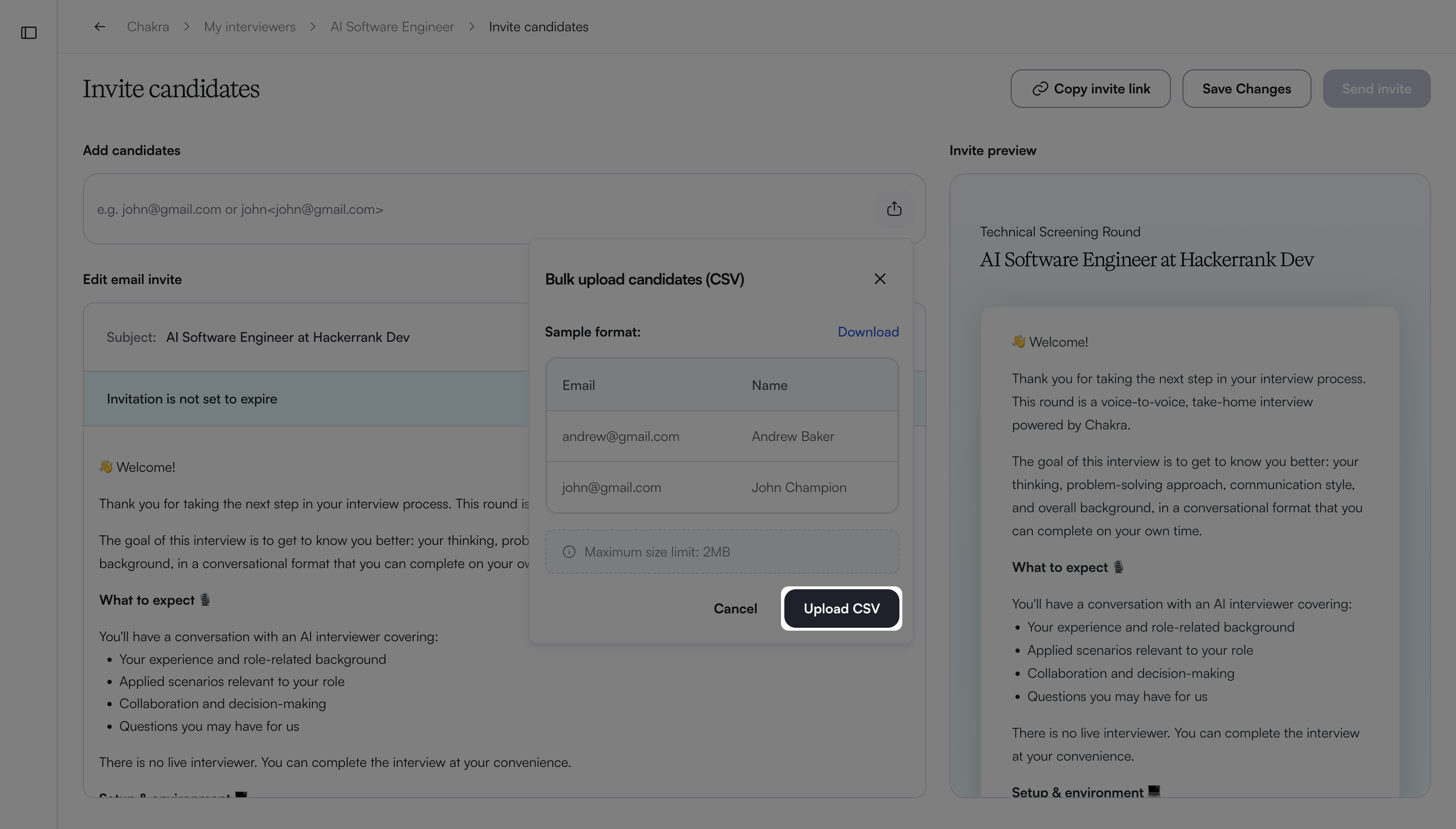
CSV file requirements: Before you upload the CSV file, ensure that it meets the following requirements:
The file must be in
.csvformat.The maximum file size is 2 MB.
CSV content formats: You can include only email addresses or both names and email addresses in your CSV file.
Email addresses only: List candidate email addresses in a single column.
For example,evanbrown@gmail.com,nancysmith@gmail.com.Names and email addresses: You can include names with email addresses in one of the following ways:
Inline format: Enter names with email addresses in the format
Name<email>.
For example,Evan Brown<evanbrown@gmail.com>,Nancy Smith<nancysmith@gmail.com>.Separate columns: Enter names in one column and email addresses in another.
To send bulk email invites:
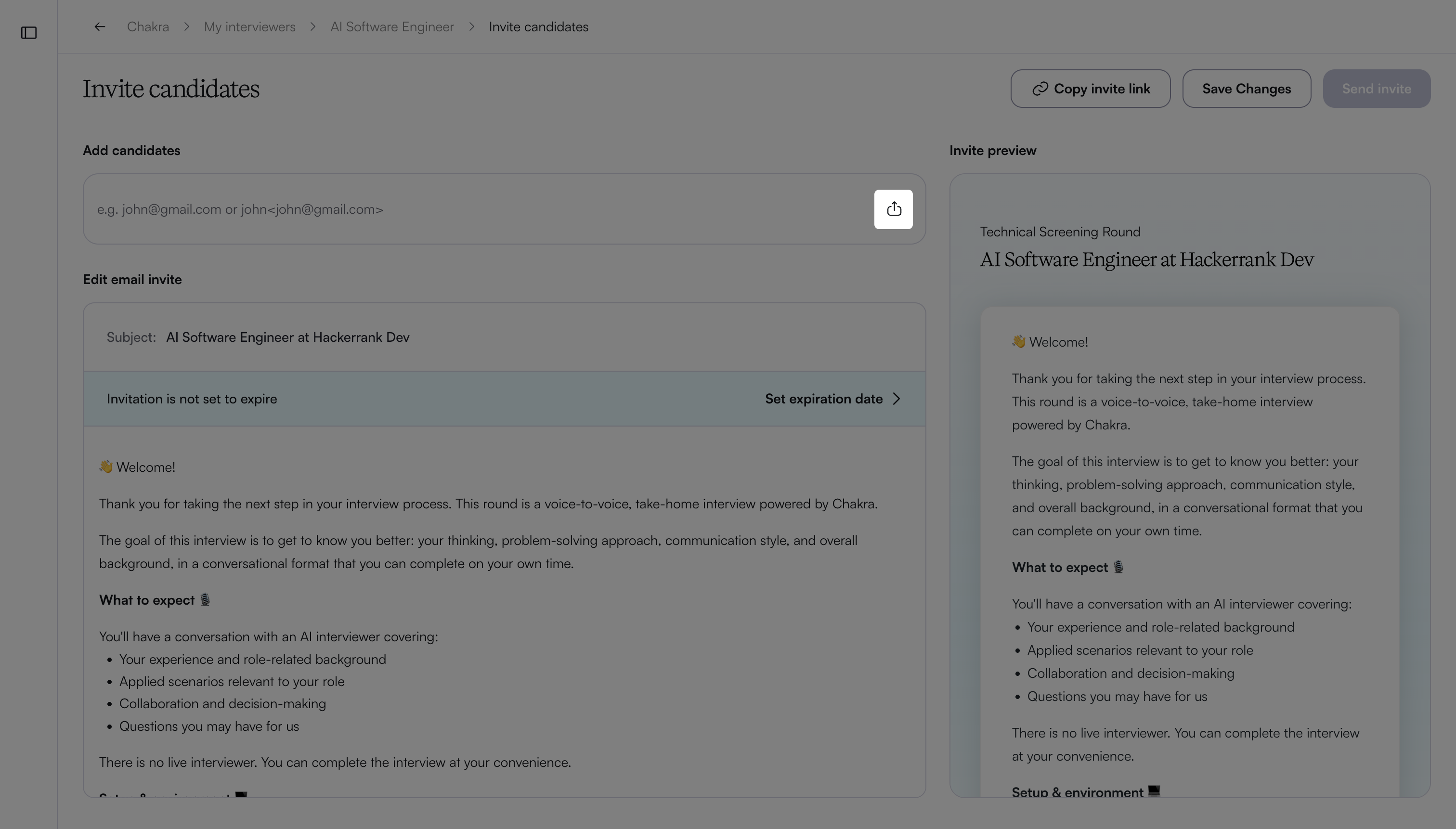
In the Add candidates field, click the upload button.
Click Upload CSV.
Select and upload the CSV file. The email addresses from the file appear in the Add candidates field.
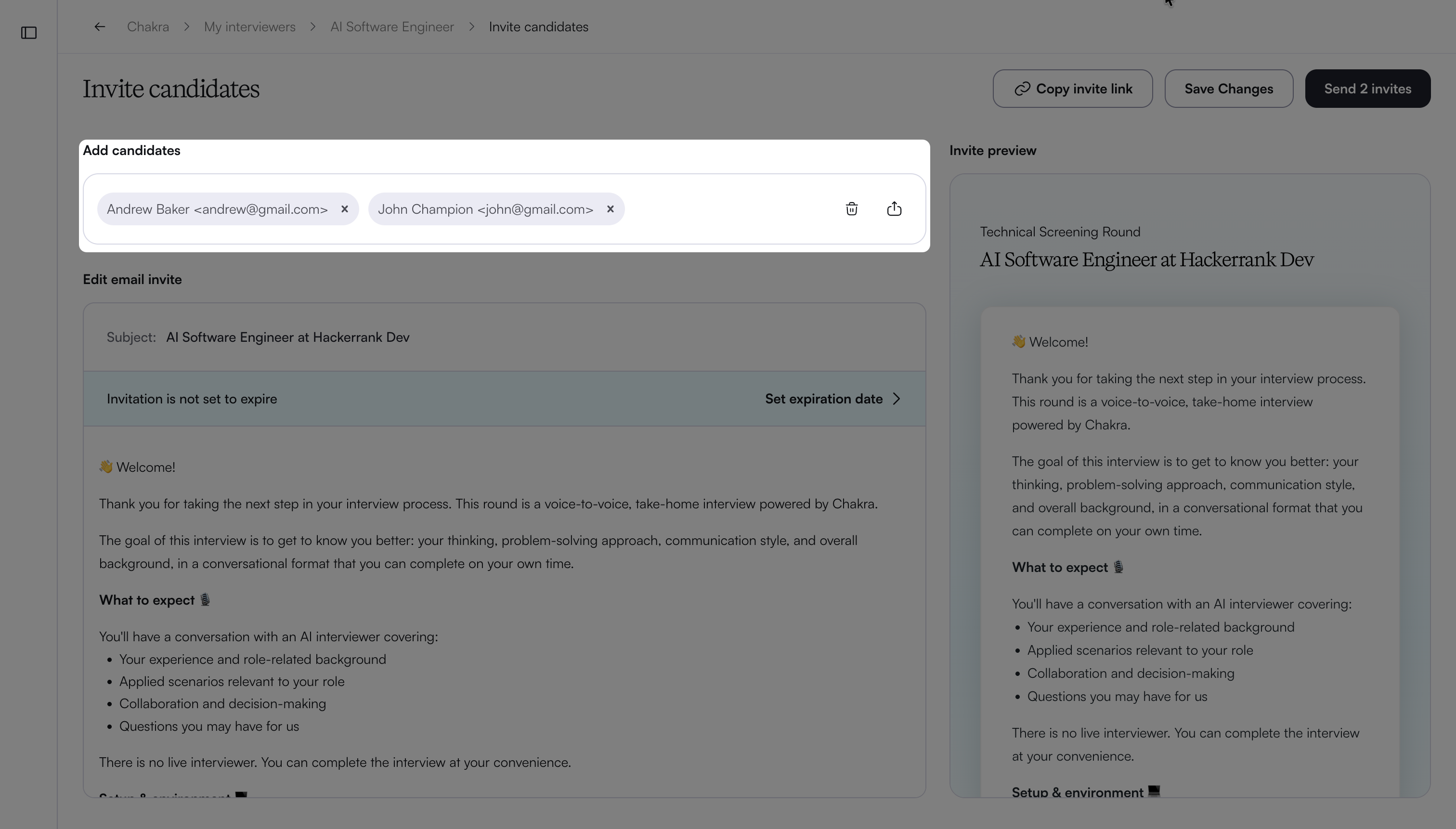
Click Send Invites.
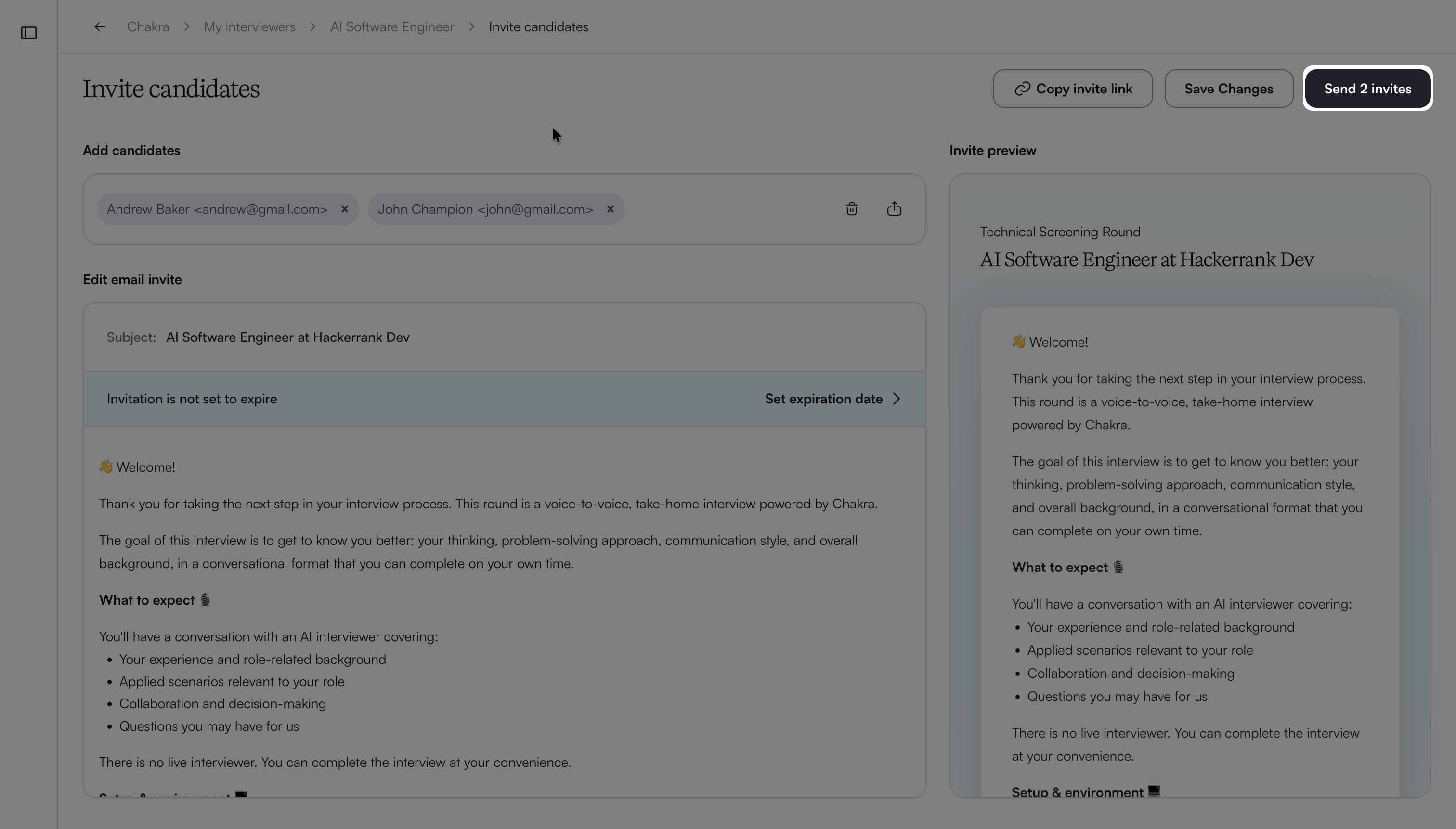
Note: Each candidate receives an individual invite. Candidates cannot see the details of other recipients.
Candidate experience
When candidates click the interview link, the system directs them to the interview page. Before the interview starts, candidates can enter the required details and grant permission for webcam, microphone, screen sharing, and multiple-monitor detection.
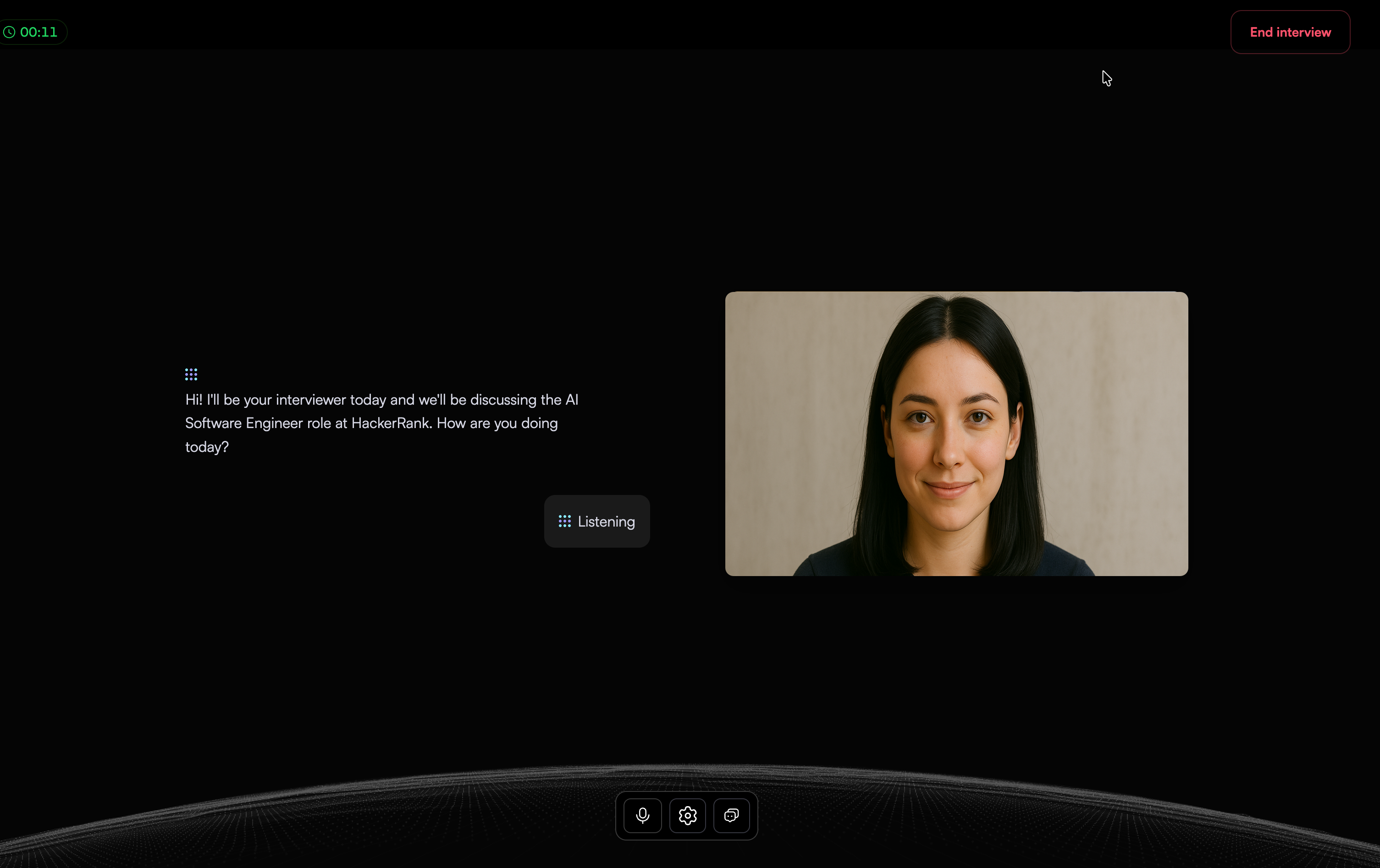
The Chakra opens the session by:
Introducing the interview
Explaining the interview agenda
Describing what the interview covers
Answering any initial candidate questions
During the interview, the Chakra maintains a natural, conversational flow. It:
Asks follow-up questions in real time
Probes deeper based on candidate responses
Adapt questions to personalize the discussion
Tracks elapsed and remaining time to manage pacing and cover all topics within the allotted duration
For coding questions, Chakra surfaces an in-line code editor. Candidates can write, edit, and run code while continuing to interact with Chakra for guidance. After candidates submit their solution, Chakra follows up with questions about their approach and reasoning, helping evaluate problem-solving skills beyond the submitted code.
The interview supports multimodal interaction and responds dynamically as the conversation progresses.
Throughout the session, live proctoring and integrity monitoring run in the background to help ensure a fair and consistent interview experience.