Sentence Completion Questions
Last updated: April 22, 2026
Sentence completion questions are fill-in-the-blank items that assess a candidate’s understanding of a concept or subject. Each question provides a sentence or short passage with one or more missing words or phrases. Candidates type their answers directly into the blanks.
You can use sentence completion questions to assess both technical and non-technical skills. The system automatically evaluates all answers.
Creating a sentence completion question
To create a sentence completion question:
Log in to your HackerRank for Work account using your credentials.
Go to the Library tab.
Click Create Question.
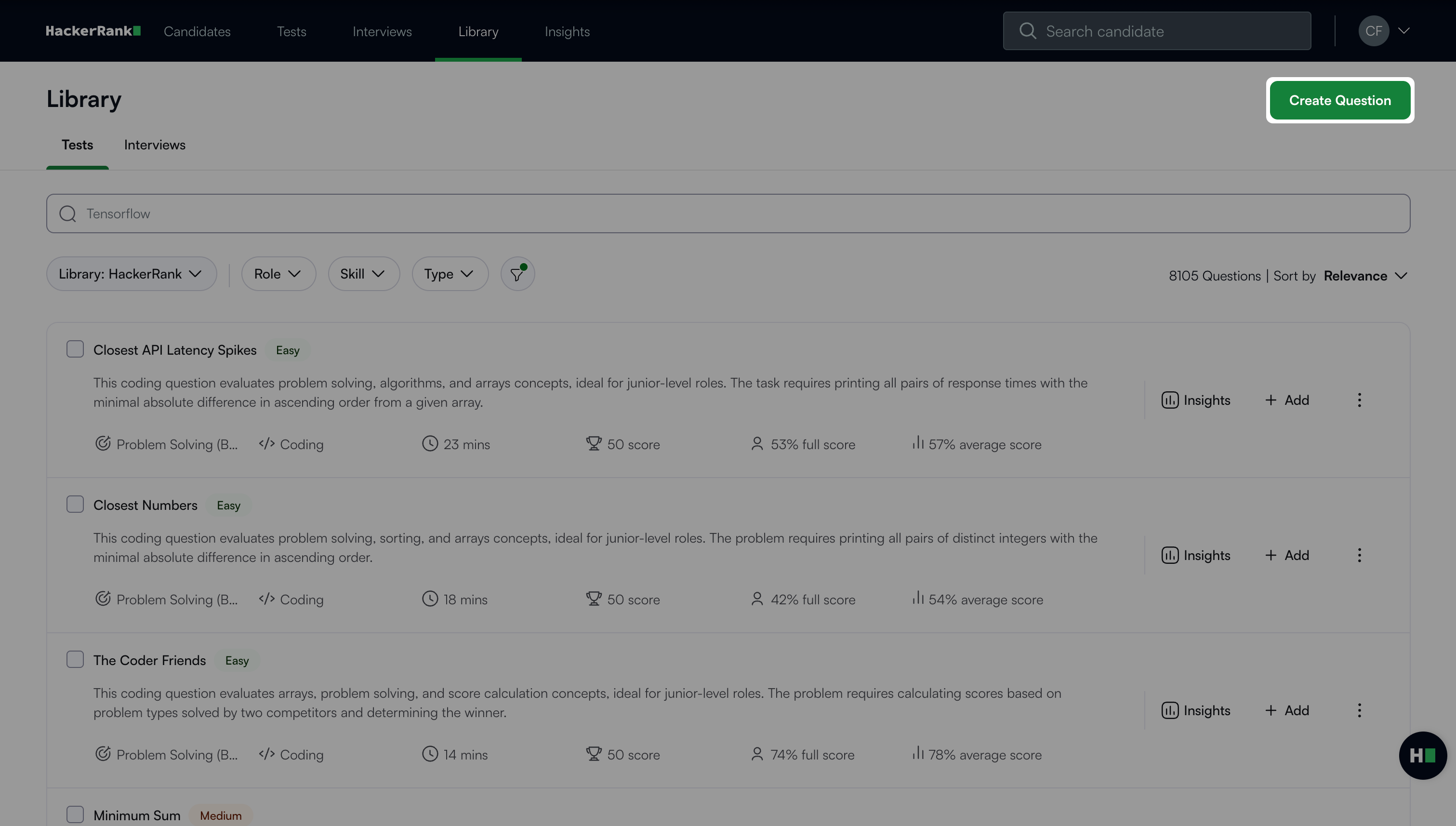
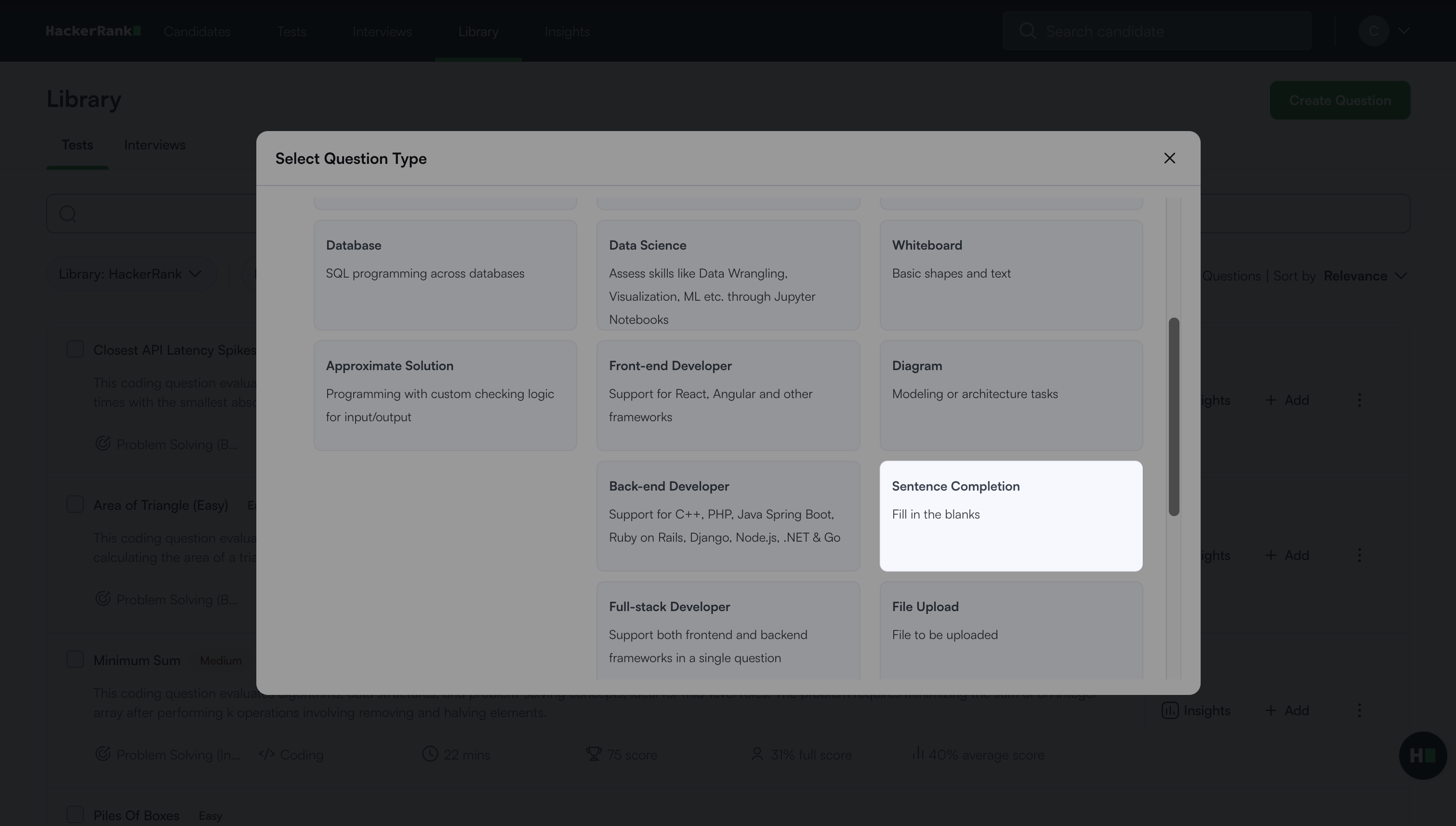
Select Sentence Completion under General.
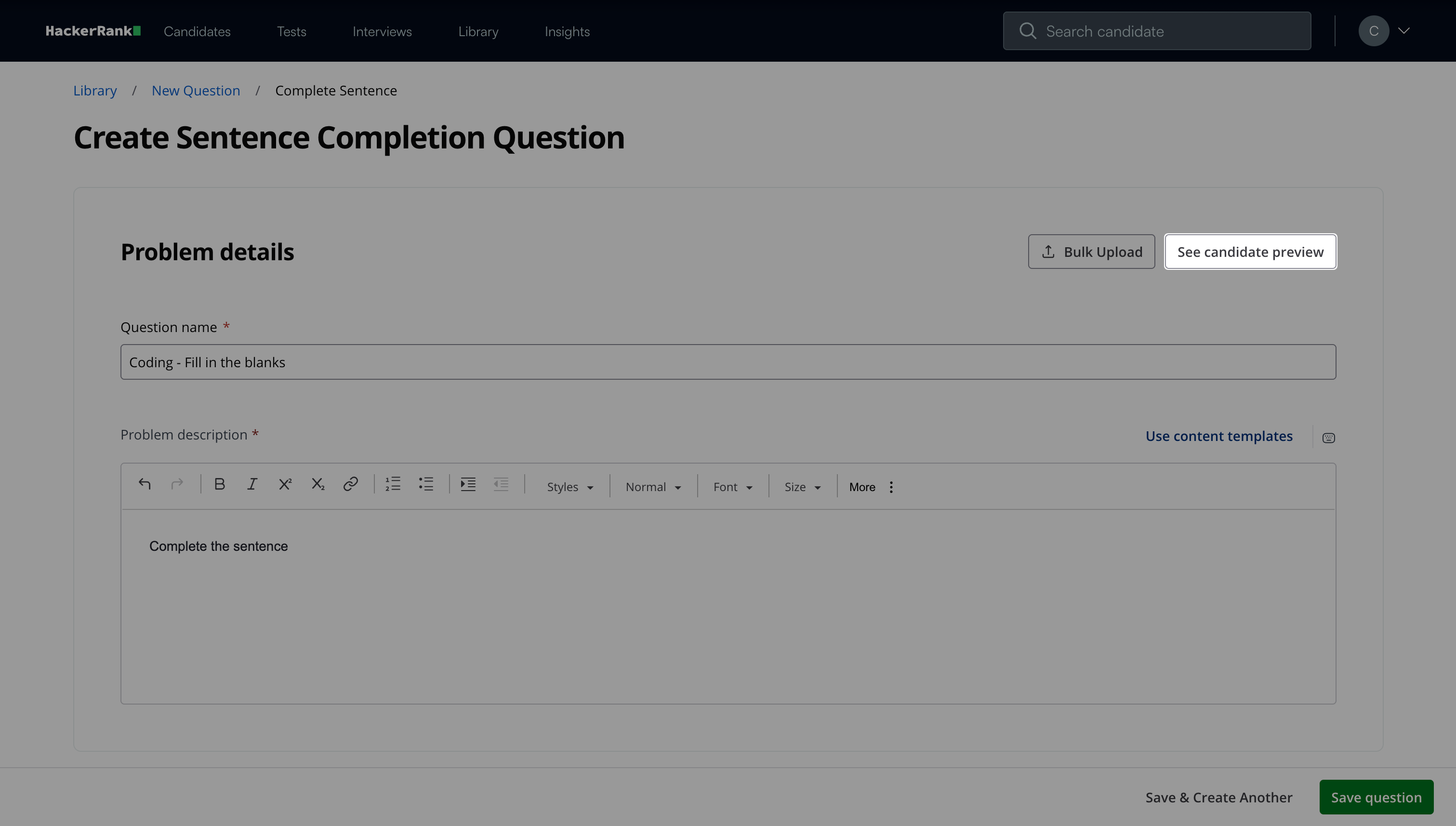
In the Problem details section:
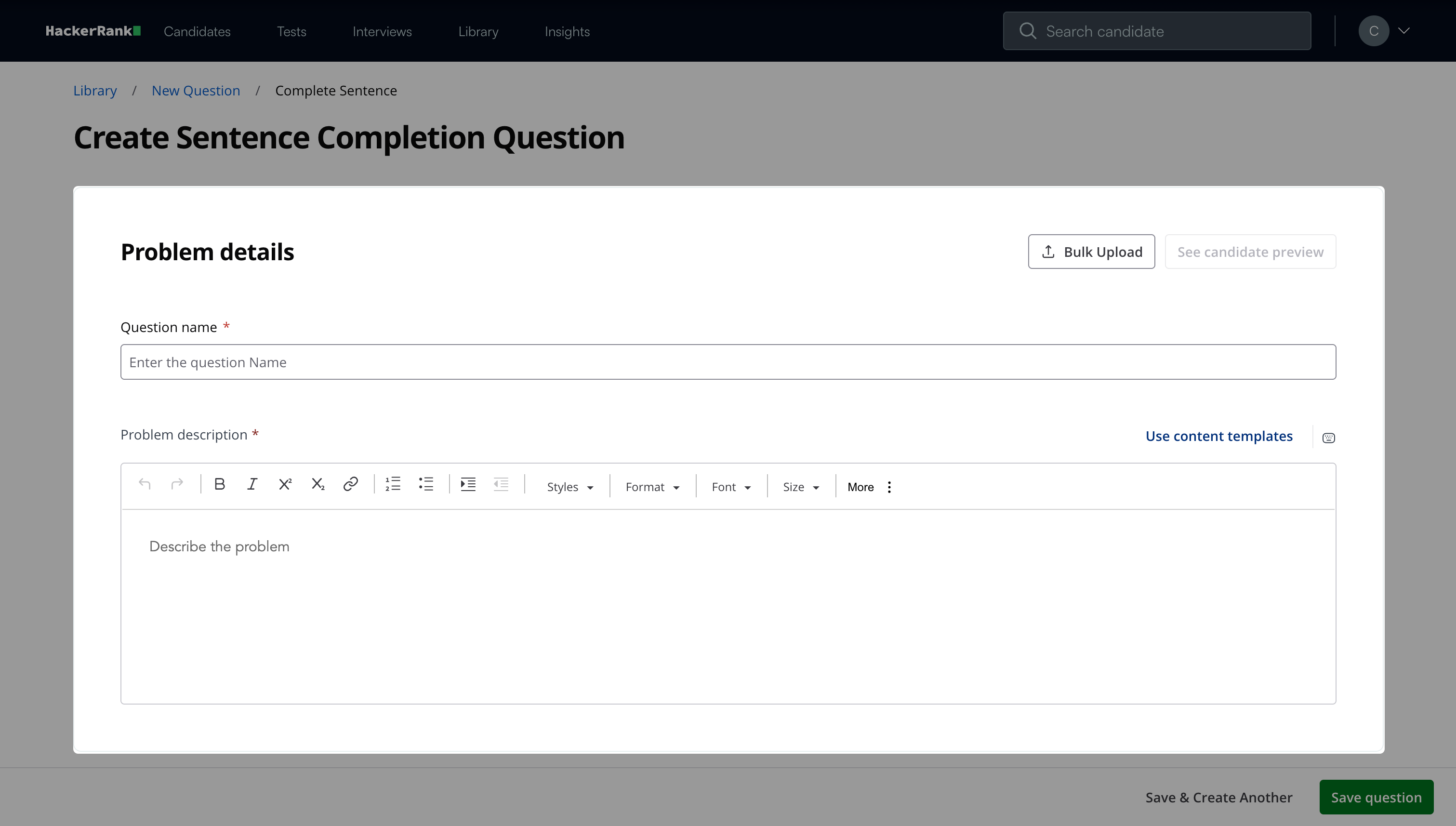
Enter the question name.
Describe the problem in the Problem description field. You can use the formatting menu to format the text or to include elements such as tables or images.
Note:
Click Bulk Upload to upload multiple questions. For more information, see Bulk uploading sentence completion questions.
Click See candidate preview to view how the question appears to candidates.
In the Complete string section:
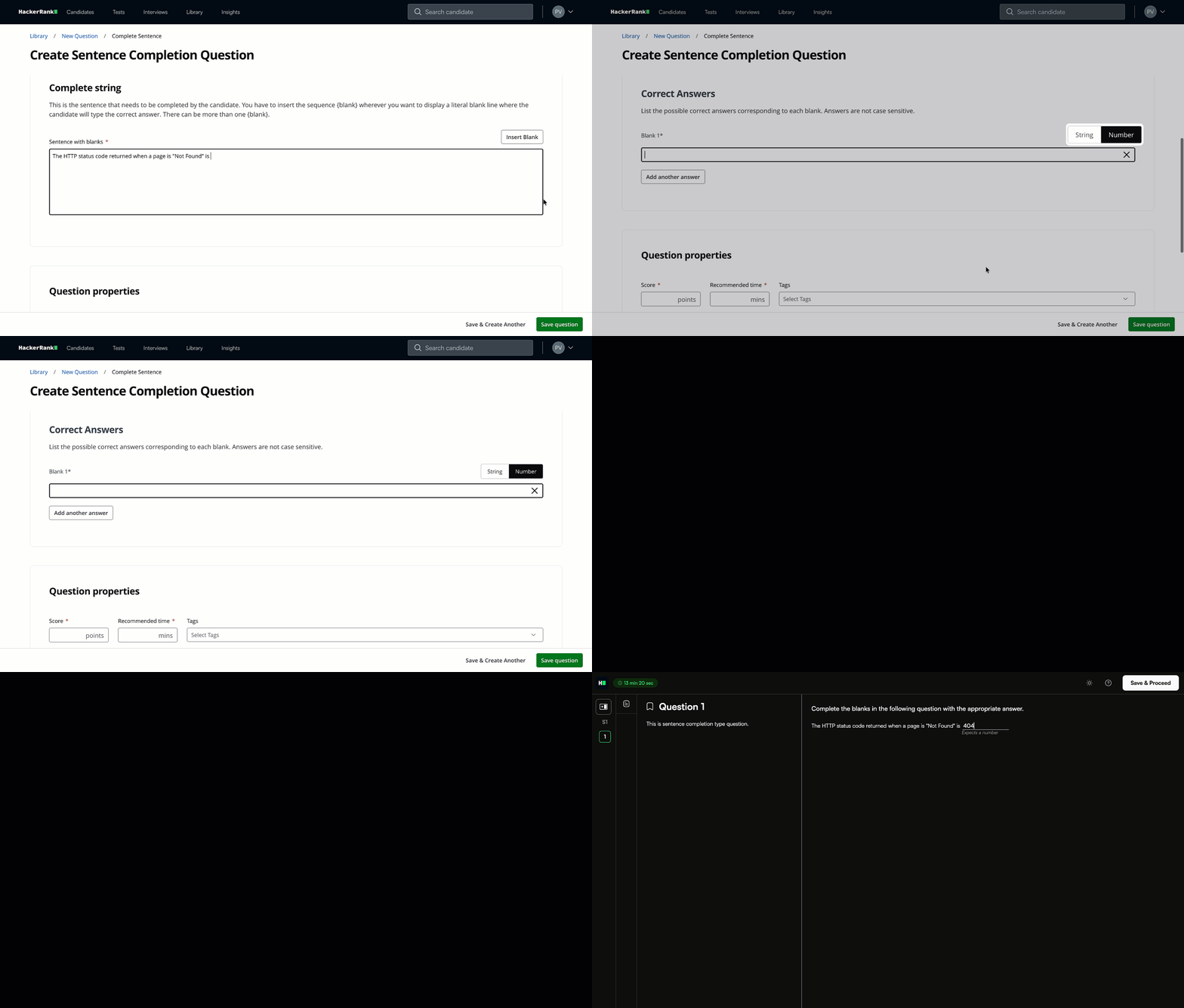
Type the sentence.
Place the cursor where you want to add a blank.
Click Insert Blank to add a blank. The Correct Answers section appears.
Note: You can insert blanks while typing or after completing the sentence.
Select String or Number as the answer type for each blank.
Enter the correct answer for each blank.
(Optional) Click Add another answer if the blank has more than one correct answer.
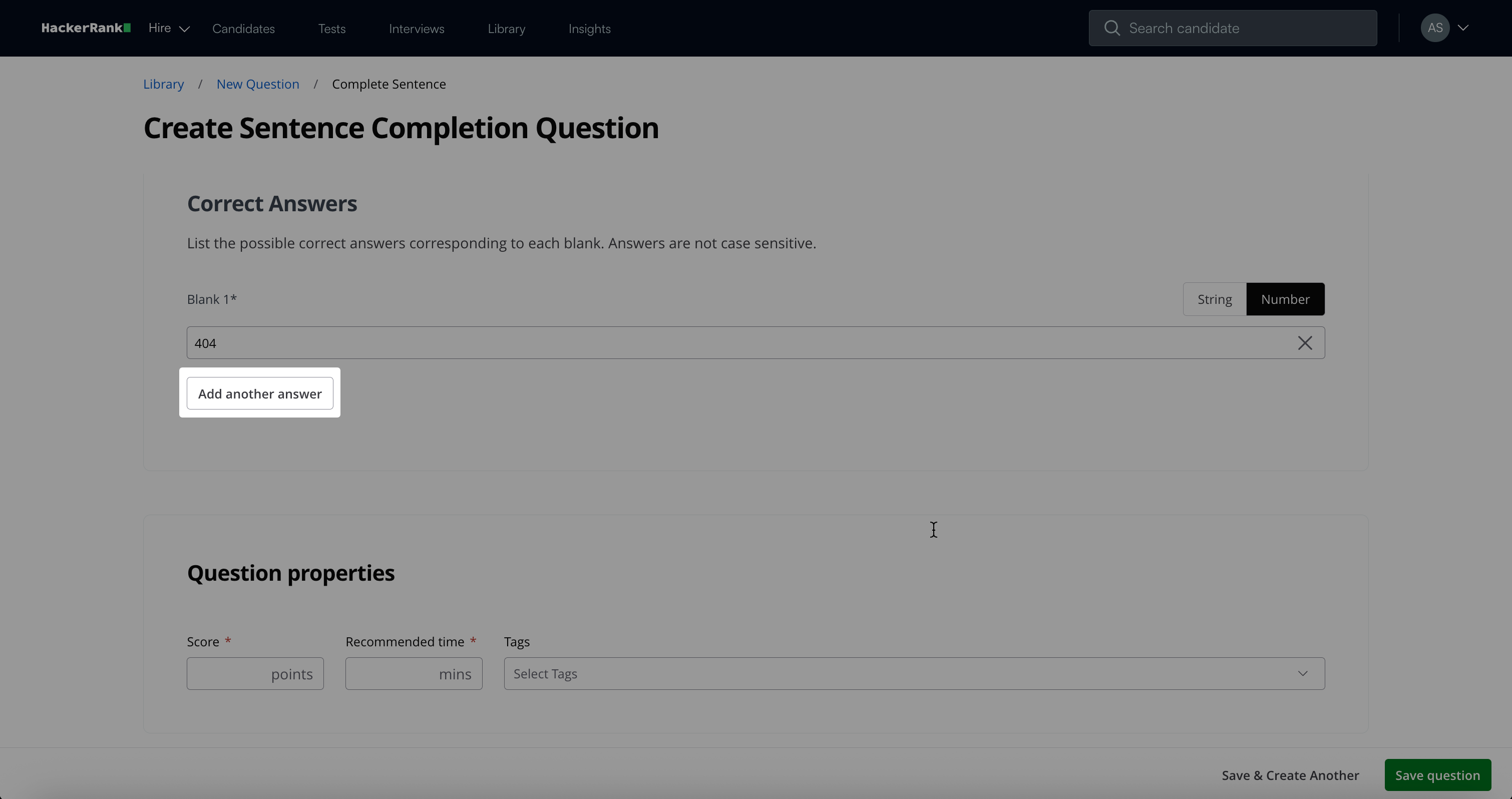
Note: Each blank in the sentence must have at least one correct answer. You can click the remove (X) icon to remove an answer option associated with a blank.
If you remove a blank from the sentence, you must delete all answers associated with that blank.
The number of blanks in the sentence must match the number of blanks provided in the correct answers.
In the Question properties section:
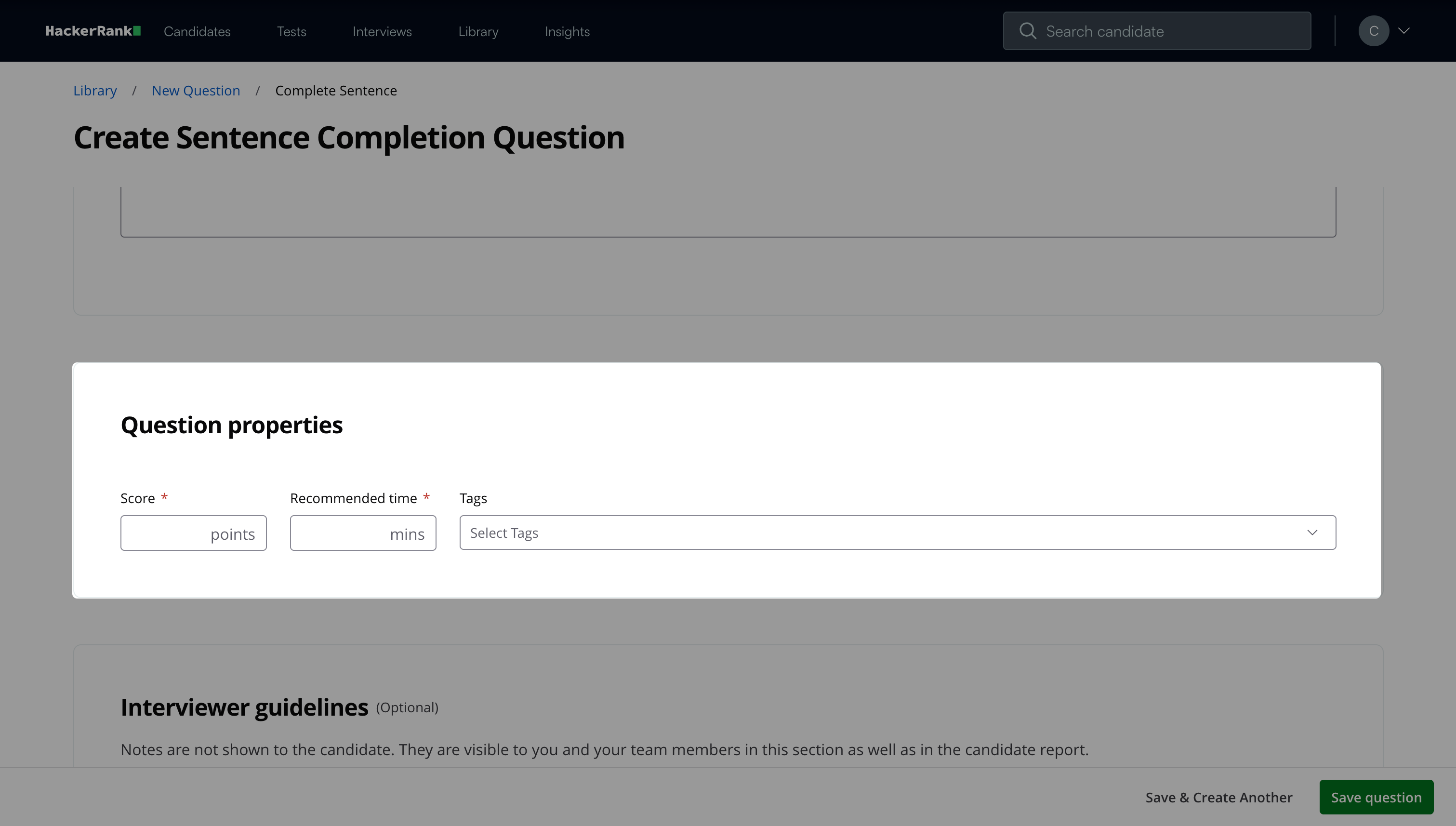
Enter the score based on difficulty.
Add the recommended time in minutes.
(Optional) Add tags from the drop-down list or create new ones.
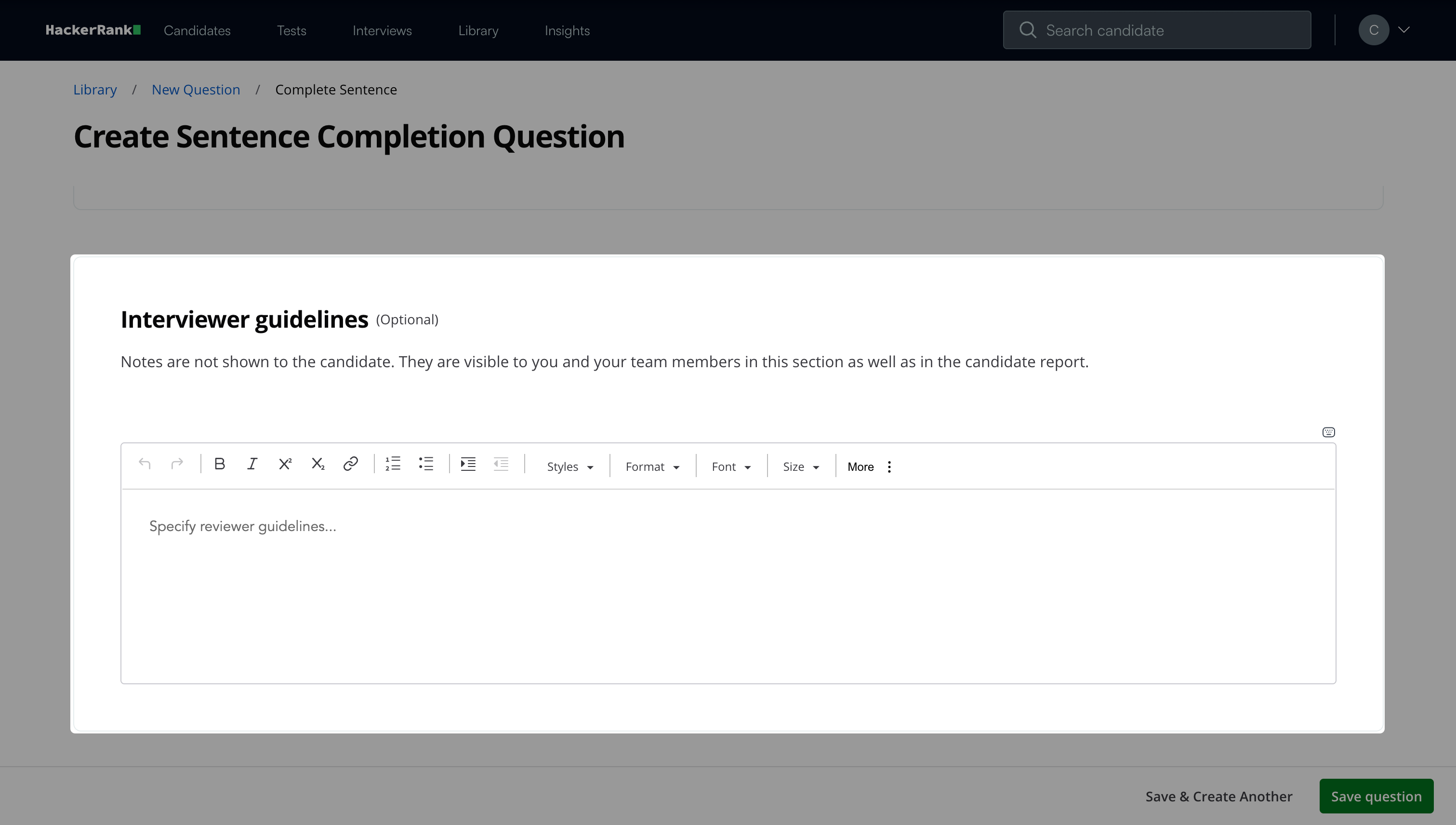
(Optional) Add Interviewer guidelines for internal use, such as evaluation notes and hints.
Click Save question.
Note: Click Save & Create Another to create another question.
The question appears under My Company questions in the HackerRank Library.
Bulk uploading sentence completion questions
You can upload multiple sentence completion questions at once using a CSV or XLSX file.
To bulk upload sentence completion questions:
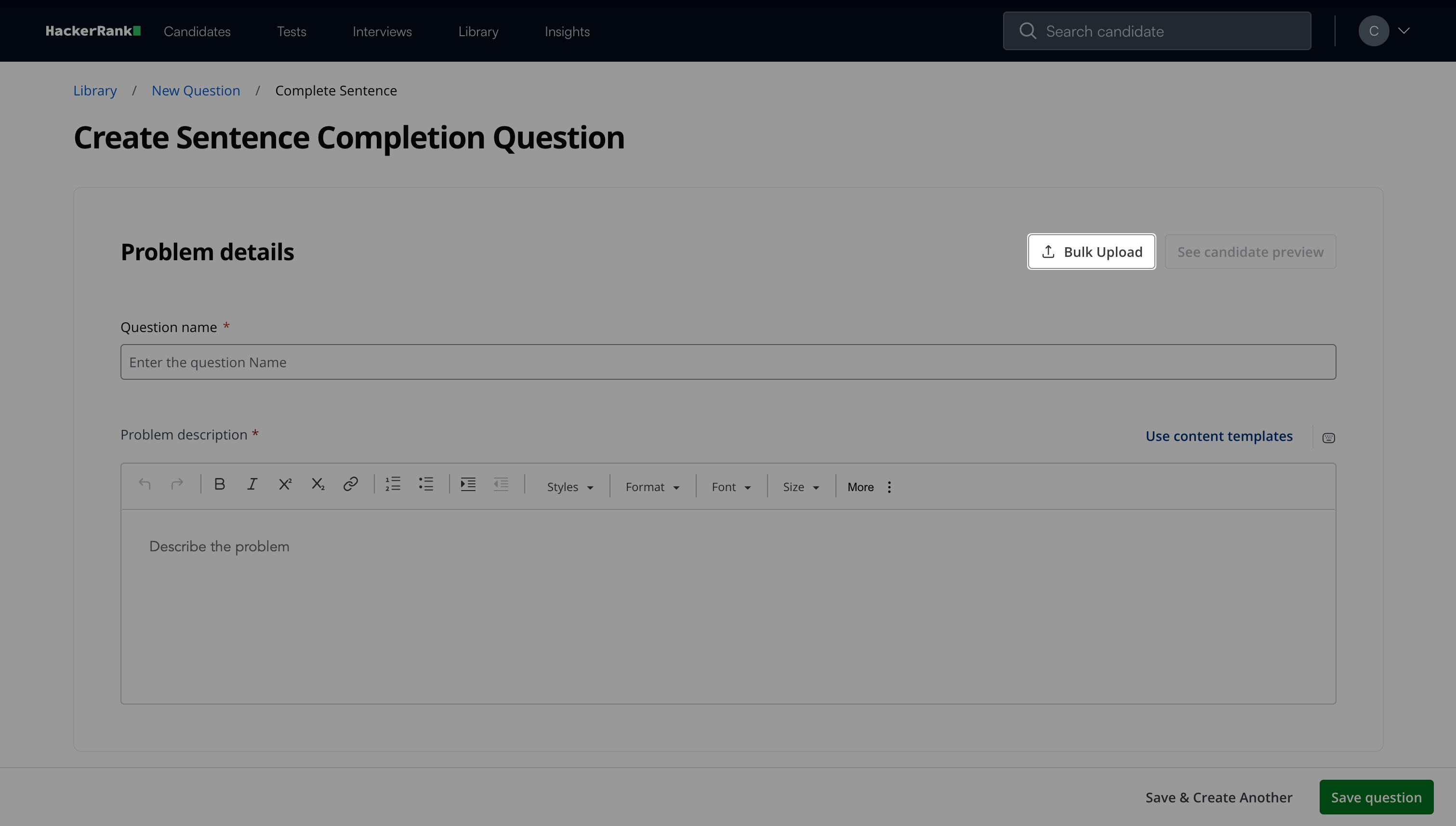
Click Bulk Upload in the Problem details section.
Click Browse File.
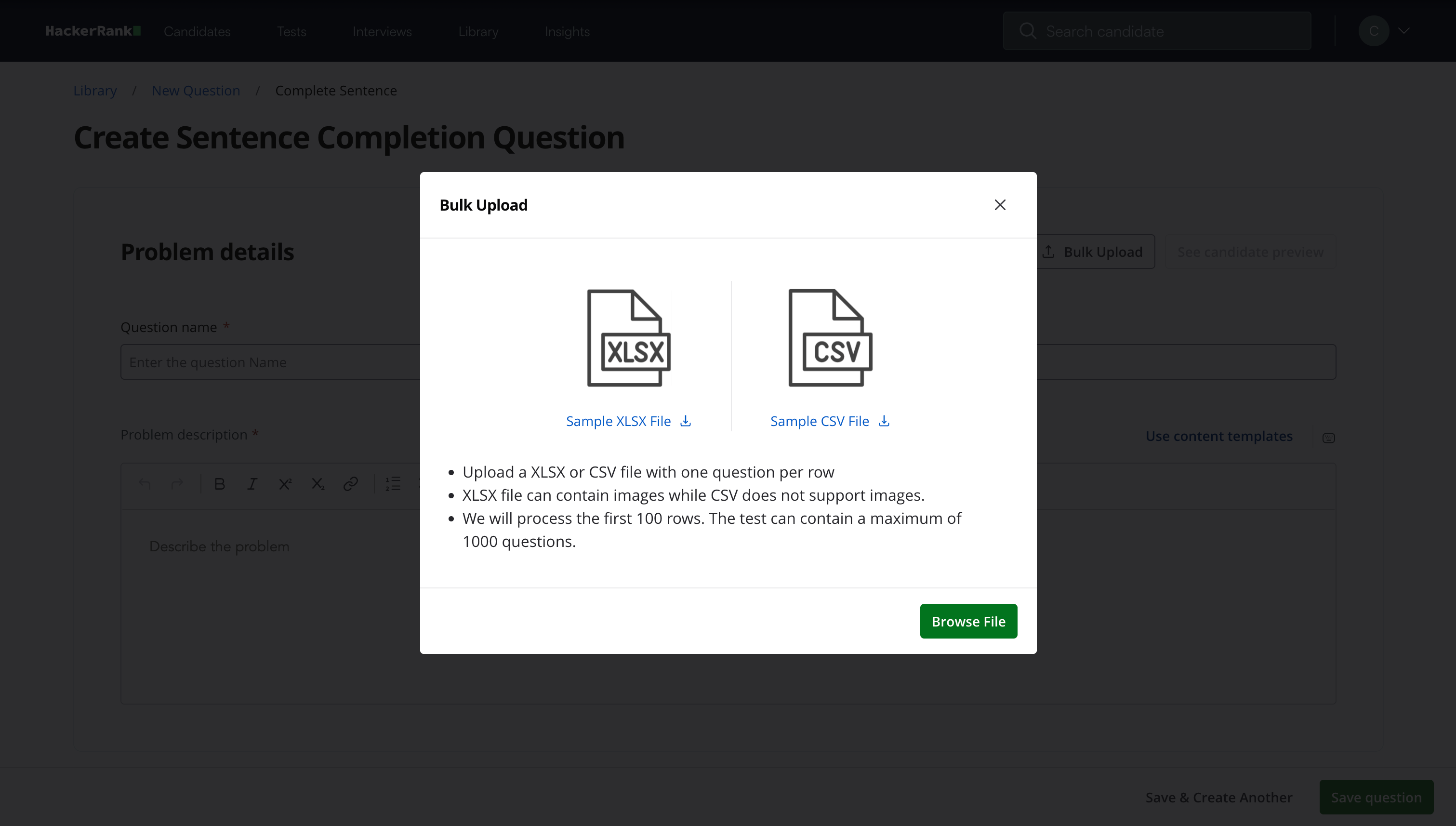
Upload a CSV or XLSX file. The file must include all required columns listed in the File upload column specifications.
Note: You can download the sample file from the Bulk Upload dialog box for reference.
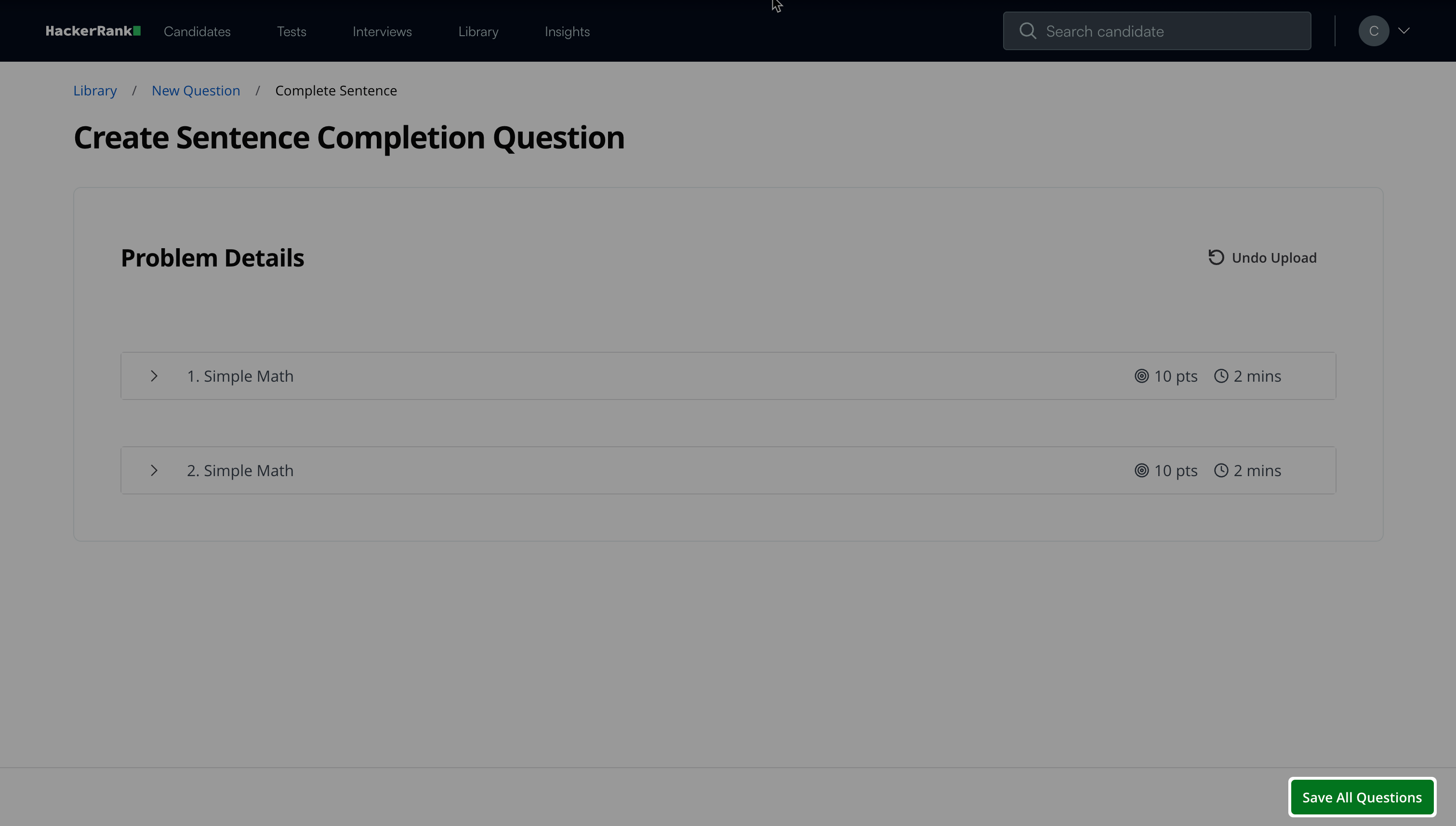
(Optional) Review and edit the uploaded questions
Click Save All Questions to complete the upload.
Note:
The XLSX format allows you to add images to the sentence completion questions.
The maximum file size allowed is 512KB.
When you upload the bulk file, the system processes only the first 100 rows.
File upload column specifications
The table below lists the required column headers and input expectations for bulk uploads.
Candidate experience
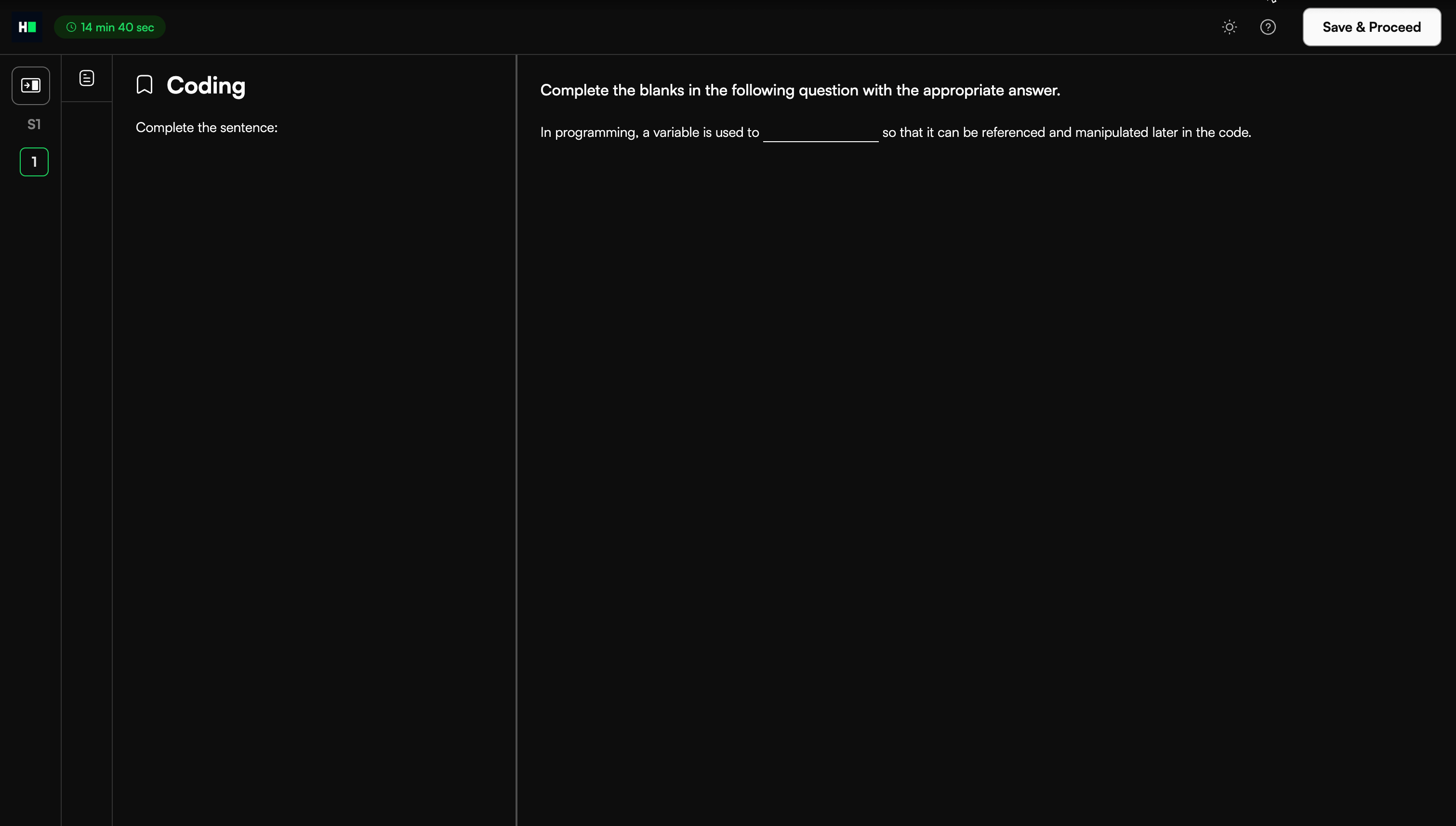
Candidates can click each blank and type their answer directly into the field.
Scoring sentence completion questions in tests
HackerRank automatically scores sentence completion questions. Answers are not case-sensitive. For example, if the correct answer is HTML, the system accepts HTML, Html, html, or HTml.
The score for each question depends on the number of blanks the candidate answers correctly.
The system uses the following formula to calculate the score for each question:
(Number of correct blanks ÷ Total blanks) × Score assigned to that question
For example,
The total score for the question is 3. The question contains three blanks. The candidate answers two blanks correctly.
Calculation:
(2 ÷ 3) × 3 = 2
The final test score is the cumulative total of all individual question scores.