Cancel a Test Invite
Last updated: May 12, 2025
HackerRank for Work allows you to cancel a test invitation that you have already sent to a candidate.
Prerequisites
You must have created the test.
You must have already sent the invitation to the candidate.
Canceling a test invitation
To cancel a test invitation:
Log in to your HackerRank for Work account using your credentials.
Go to the Tests tab.
Open the test from which you want to cancel a candidate's invitation.
Go to the Candidates tab.
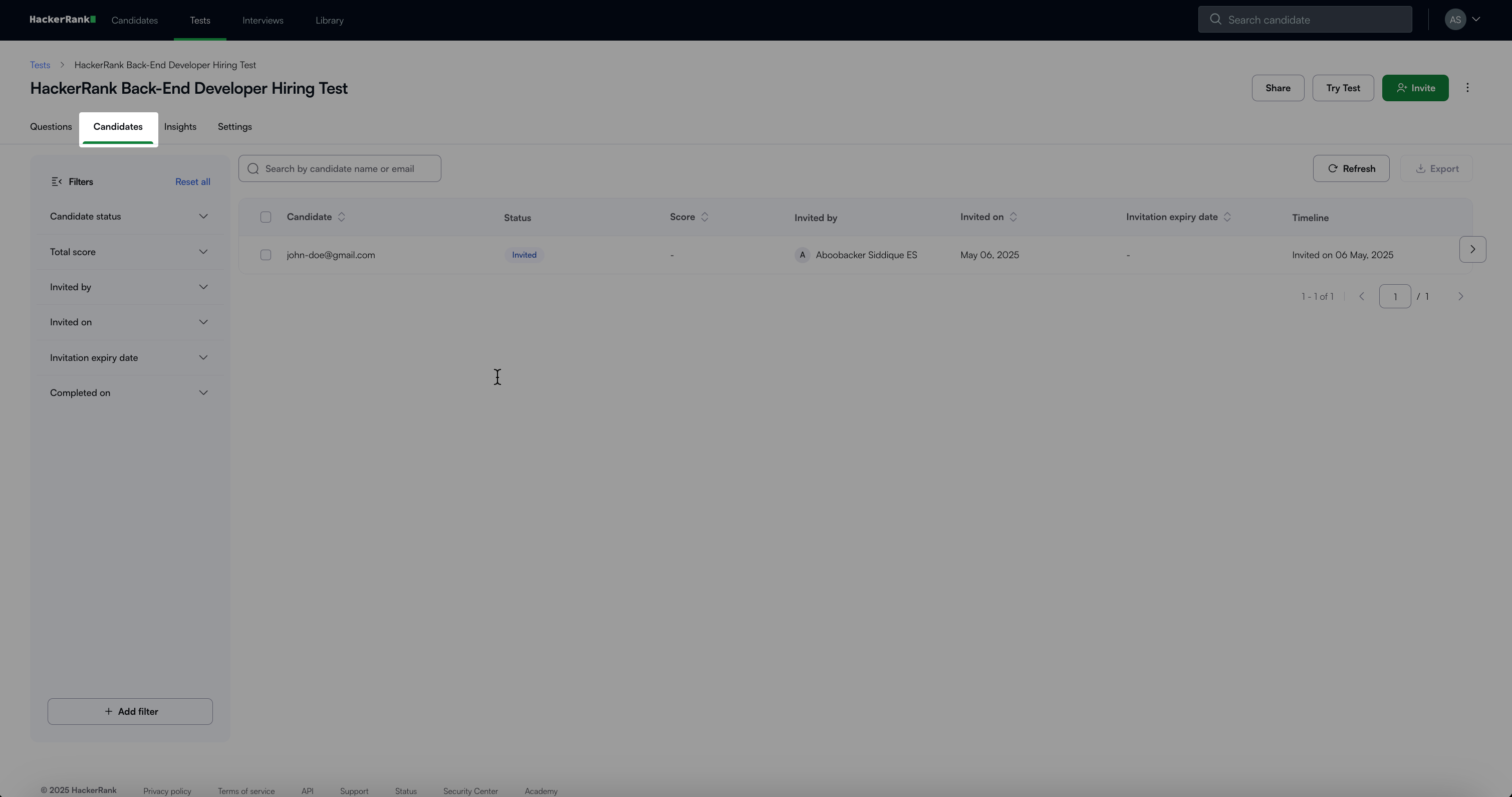
Select the checkbox next to the candidate’s email address.
Note: You can select one or more candidates.
Click More > Cancel Invite.
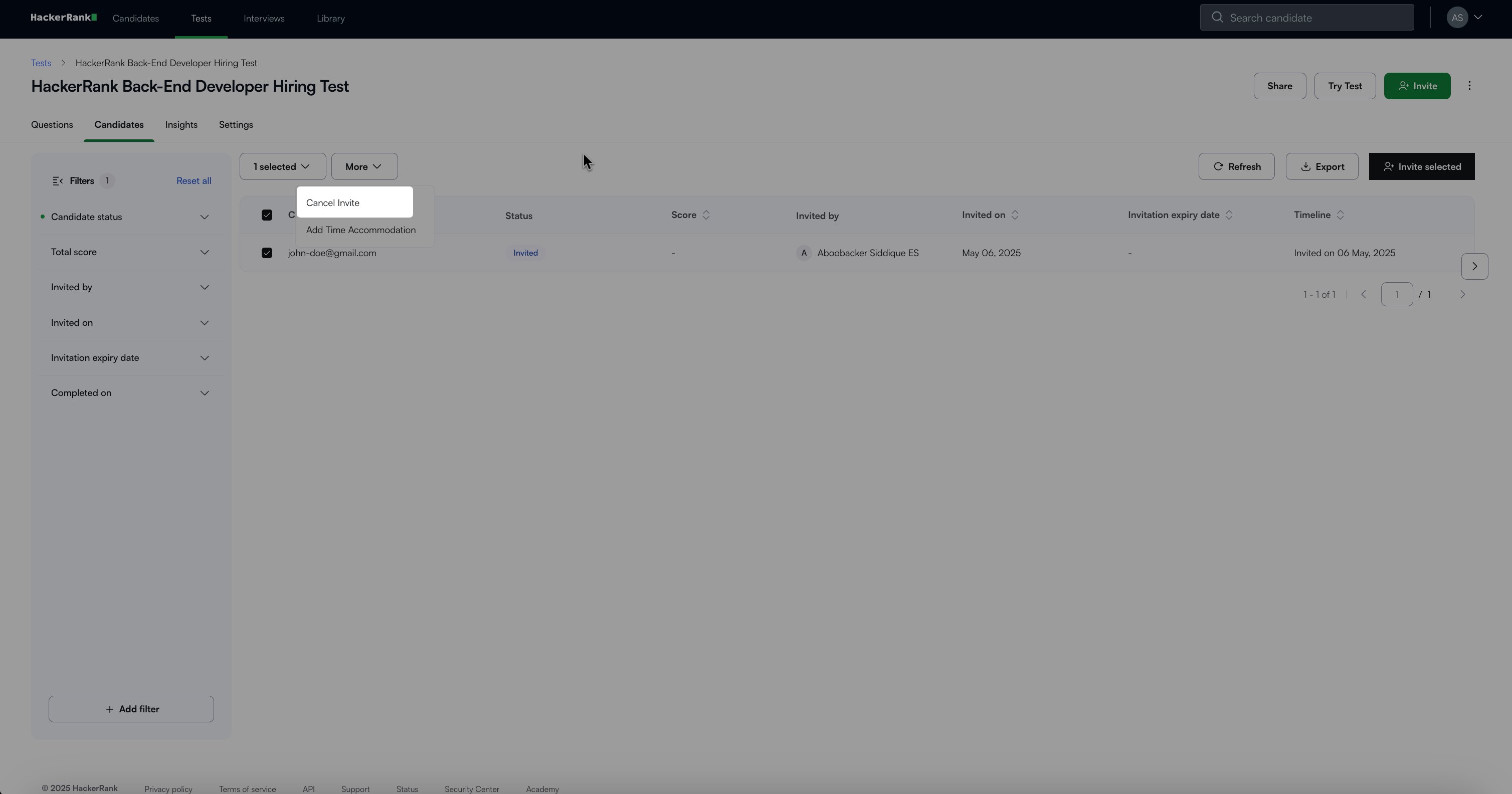
The candidate(s) will be removed from the test’s invitation list. The number of canceled invitations is credited back to your company’s account.
Candidate experience
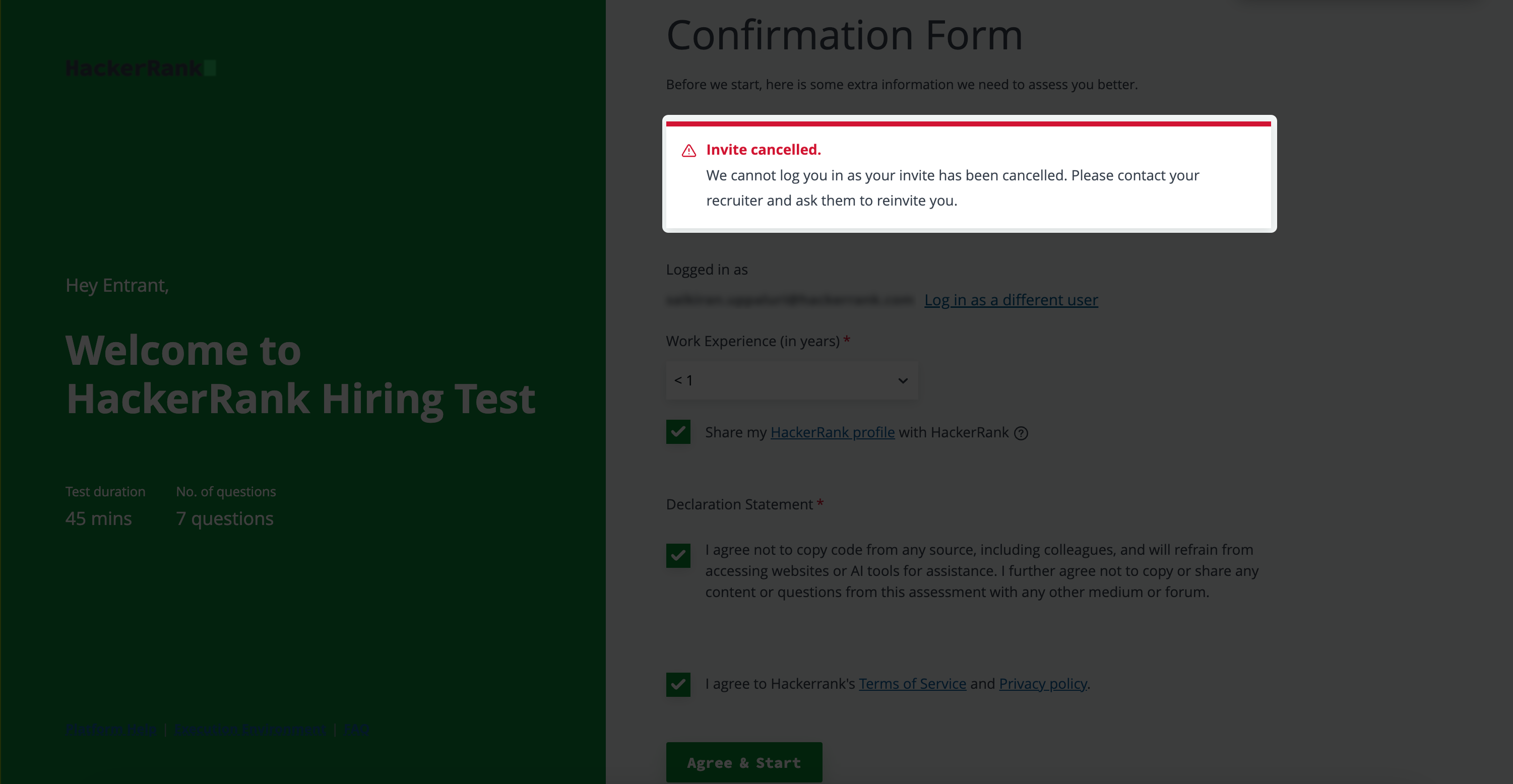
Canceled candidates can no longer access the test. If they attempt to start the test, an error message is displayed.
For more details about inviting candidates, see 📄 Invite Candidates to a Test.