Create Custom Certifications
Last updated: July 22, 2026
Custom Certifications let you convert a HackerRank for Work test into a SkillUp certification experience. This allows you to create certifications that align with your organization’s learning and skill validation requirements.
Prerequisite
You have created a test in your HackerRank for Work account.
Creating custom certifications
To create custom certifications:
Log in to your SkillUp account using your credentials.
Go to Certify > Manage Custom Certifications.
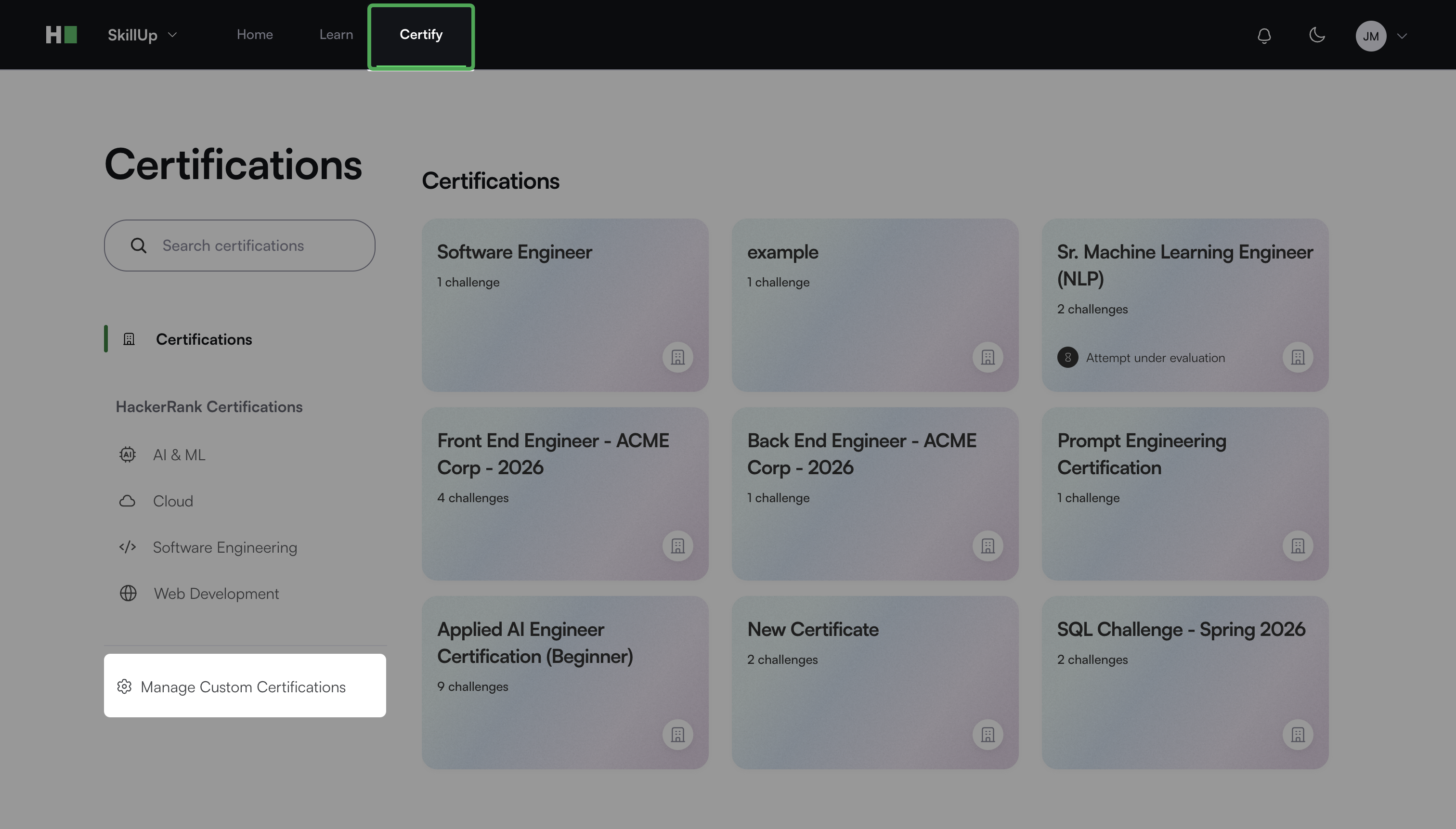
Click New Custom Certification.
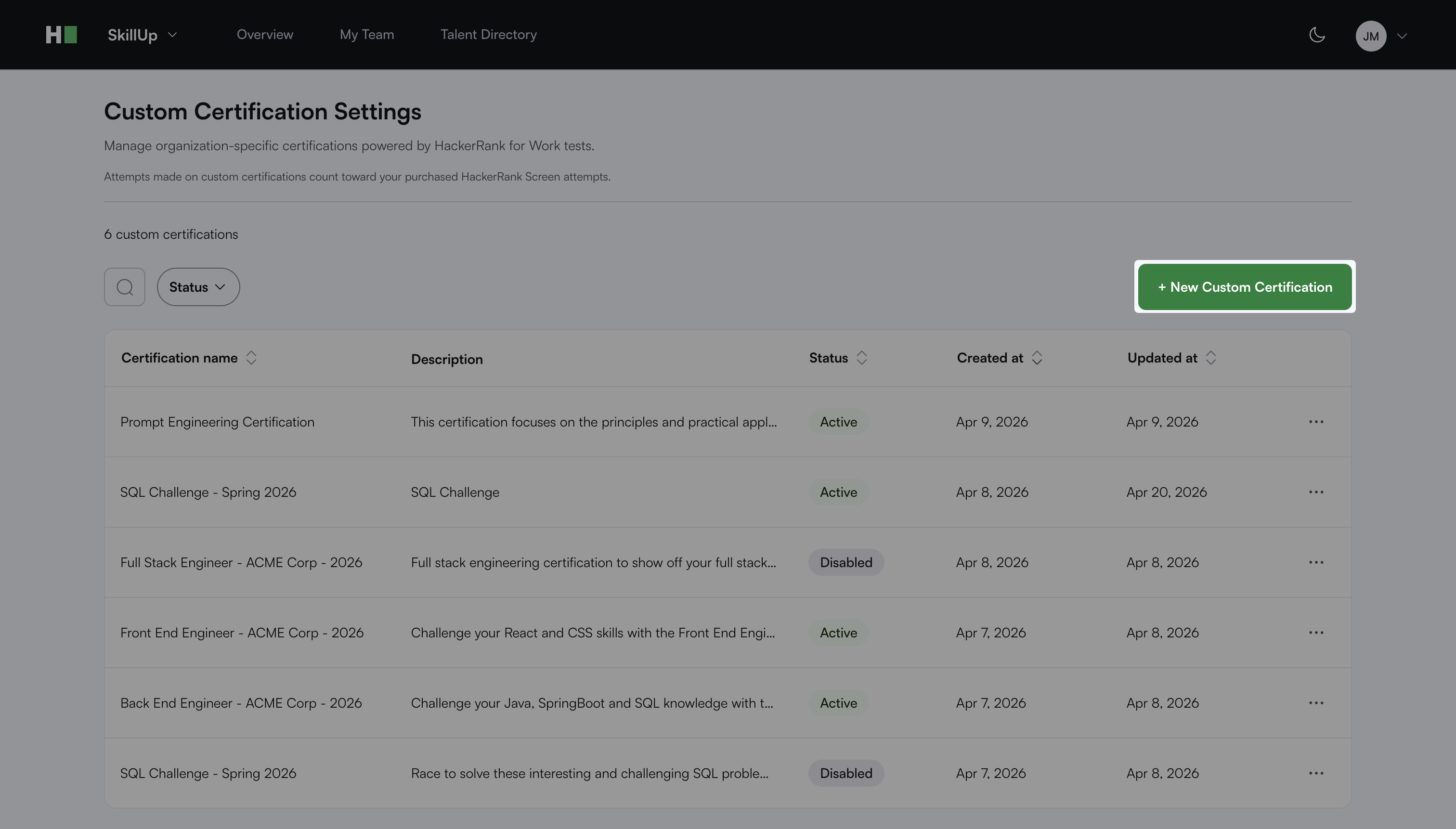
The custom certification creation workflow opens with the following three steps.
Step 1: Certification details
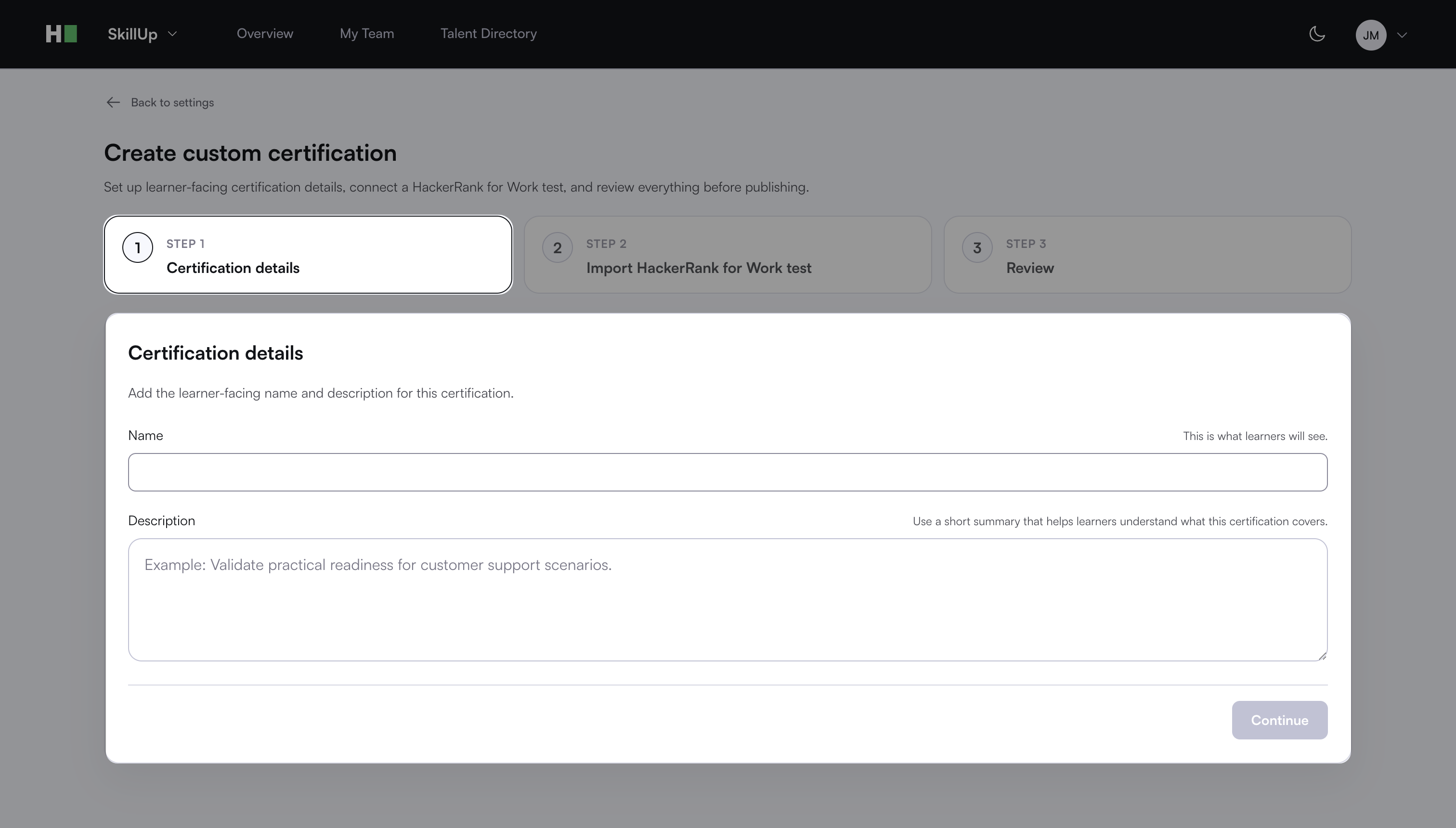
Enter a name for the certification.
Enter a description that explains what the certification covers.
Click Continue.
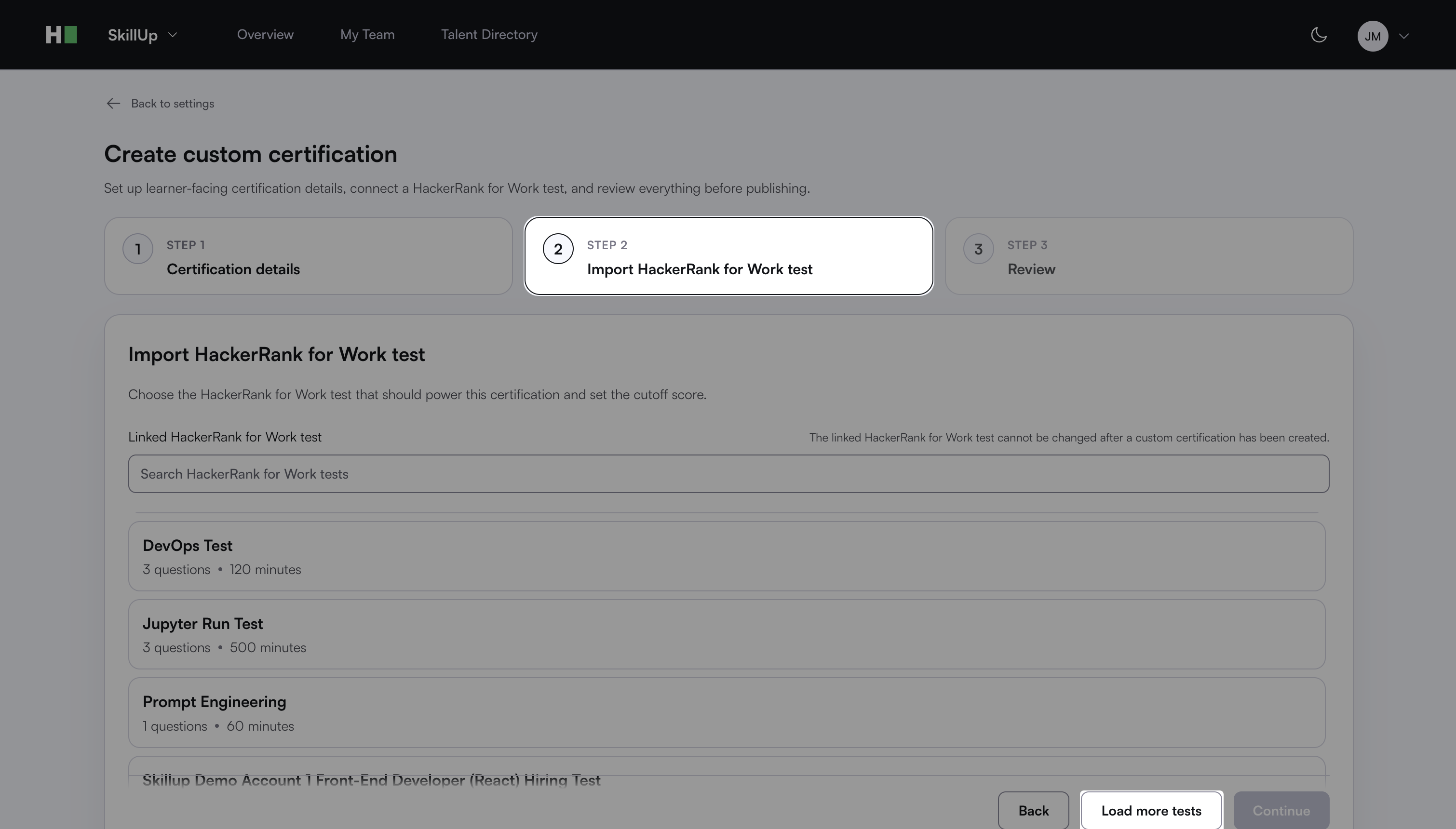
Step 2: Import HackerRank for Work test
Search and select a test under the Linked HackerRank for Work test field.
Note:
You can link only one test to a certification.
You cannot change the linked test after you create the custom certification.
Enter the minimum score required to pass the certification in the Overall cutoff percentage field.
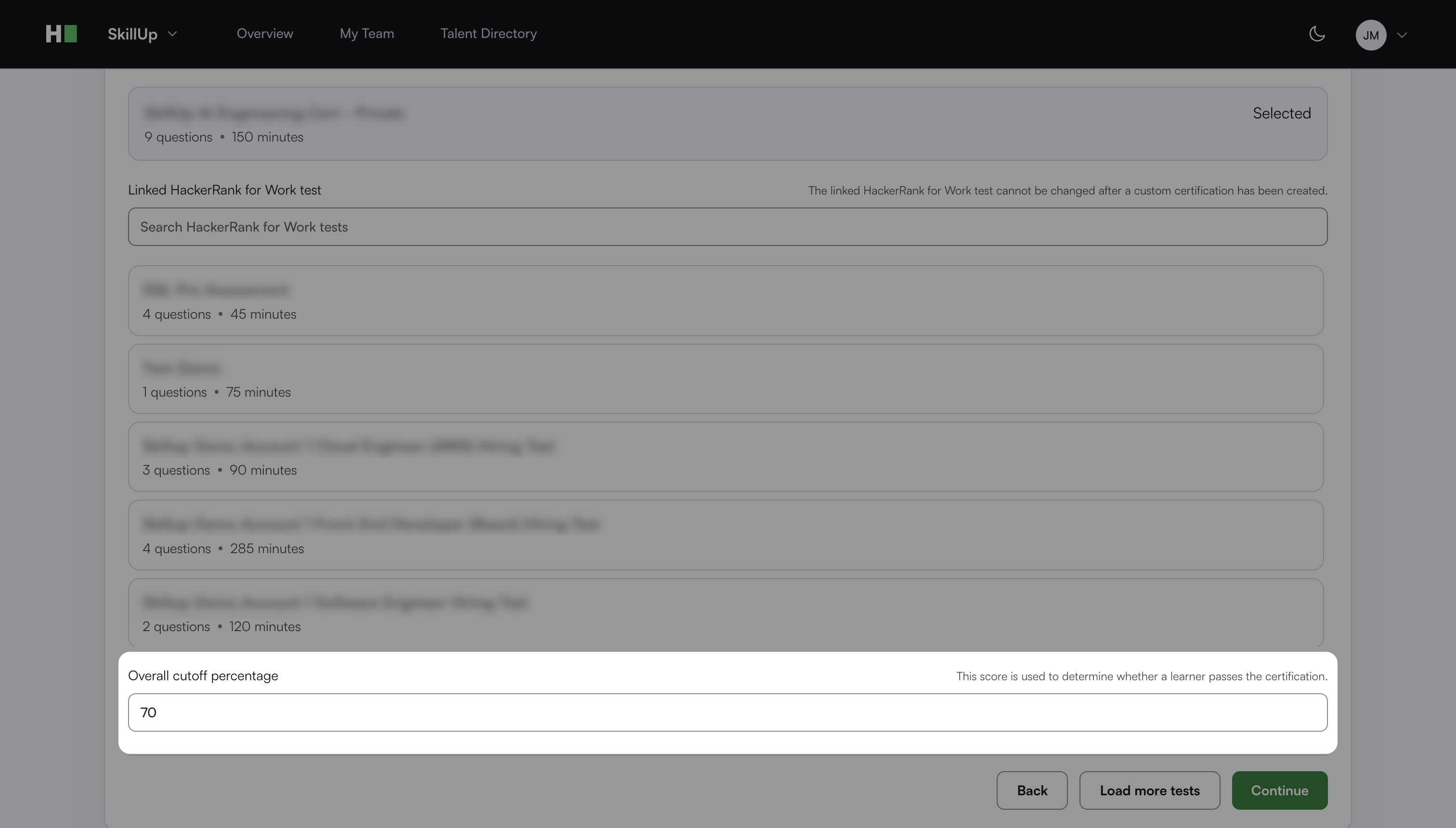
Click Continue.
Step 3: Review
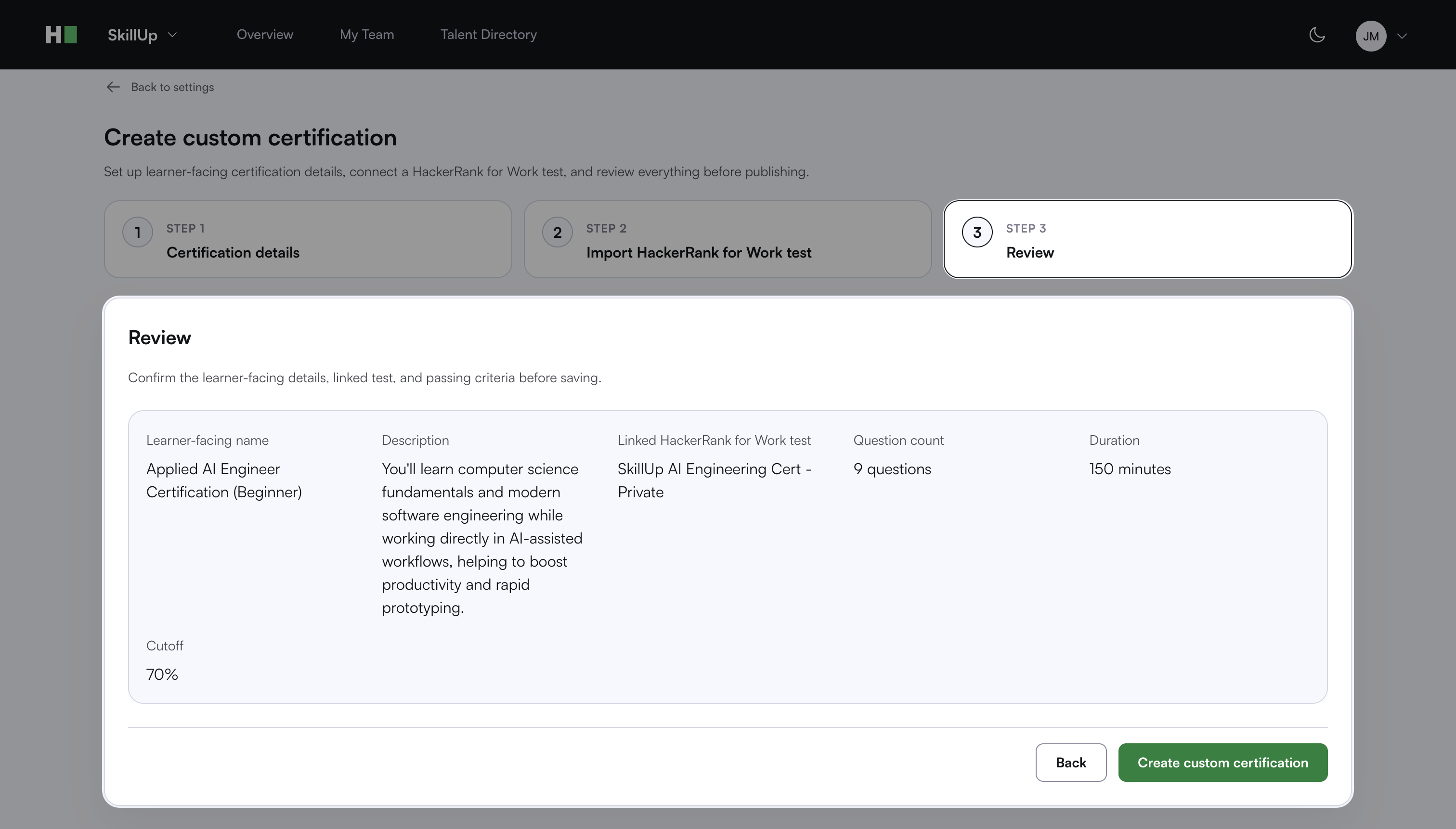
Review the certification details, linked test, and cutoff score.
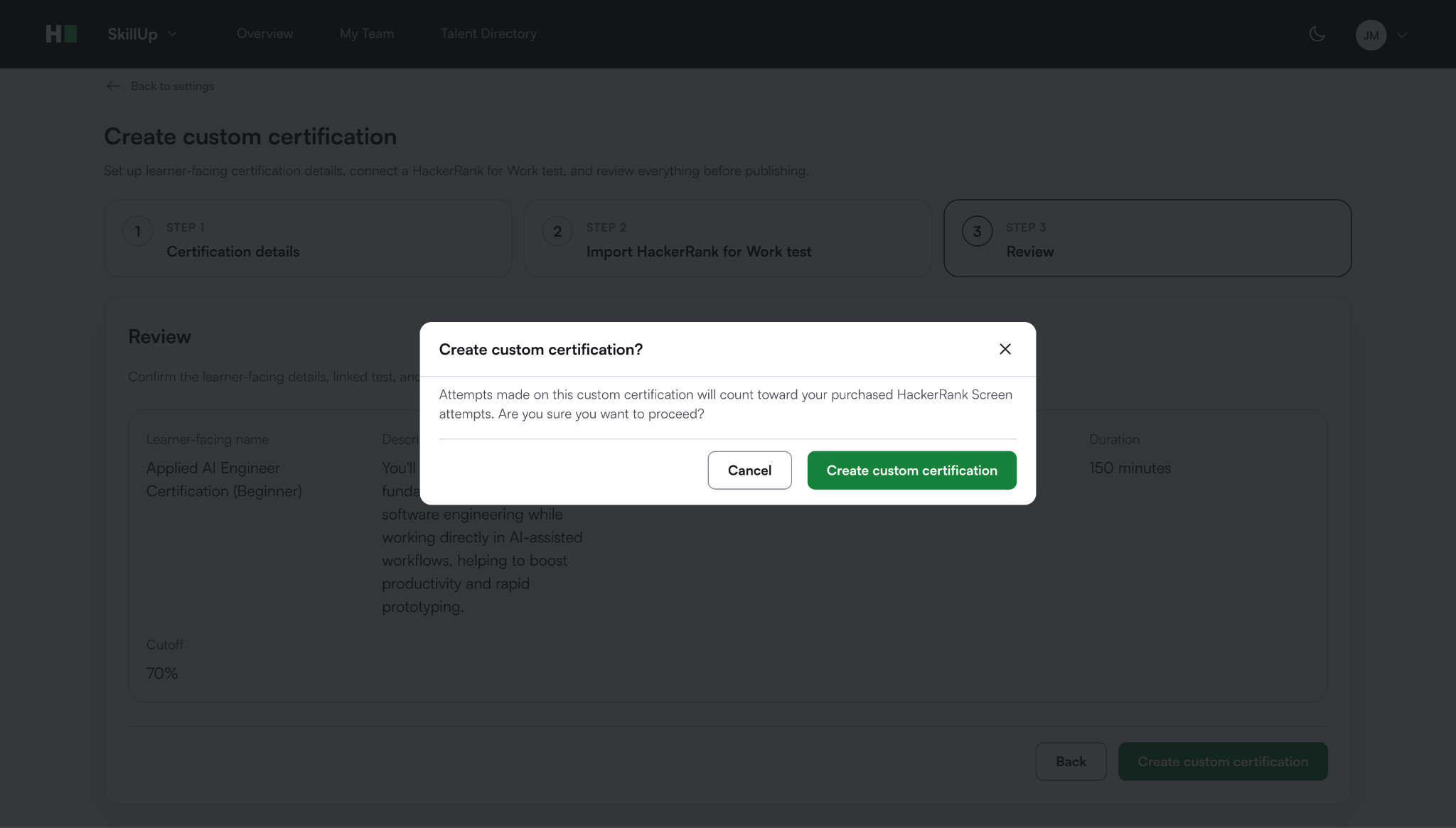
Click Create custom certification.
Click Create custom certification in the confirmation dialog. A success message appears.
Learner experience
When learners click Earn Certificate for a custom certification, SkillUp redirects them to the linked HackerRank for Work test. Learners can review the test instructions and begin the certification assessment.
The certification supports the AI-assisted IDE. Learners can use AI to write, edit, and debug code while completing certification challenges.
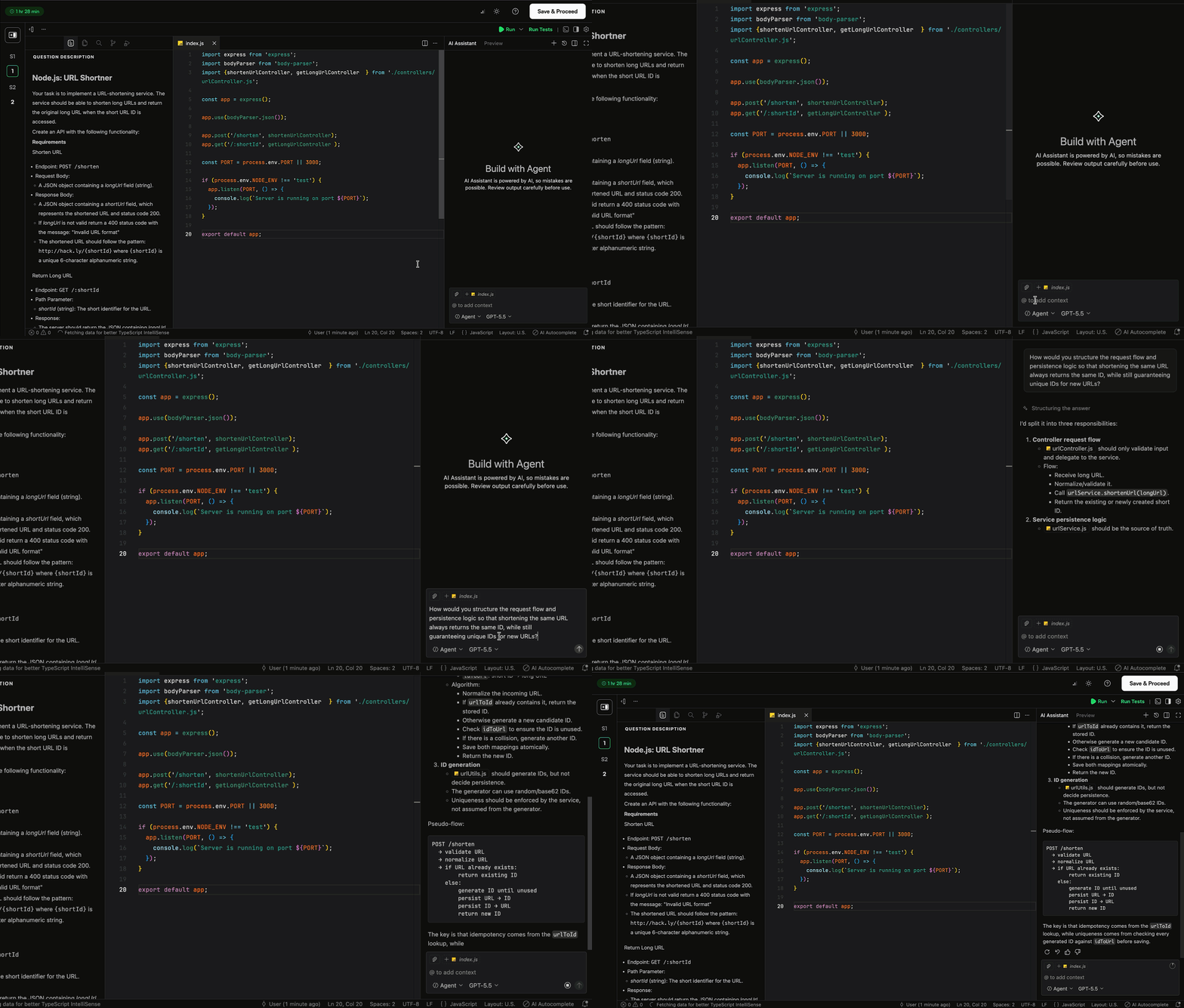
This gives organizations greater visibility into how learners use AI to solve problems and complete tasks.