Update Team Settings
Last updated: March 3, 2026
HackerRank allows you to modify team settings for an existing team, such as the team name, region, and department.
Prerequisite
You must have Company Admin or Team Admin access.
Updating team settings
To update team settings:
Log in to your HackerRank for Work account using your credentials.
Select your profile icon in the upper-right corner.
Select Teams Management from the drop-down menu.
Go to the Teams tab.
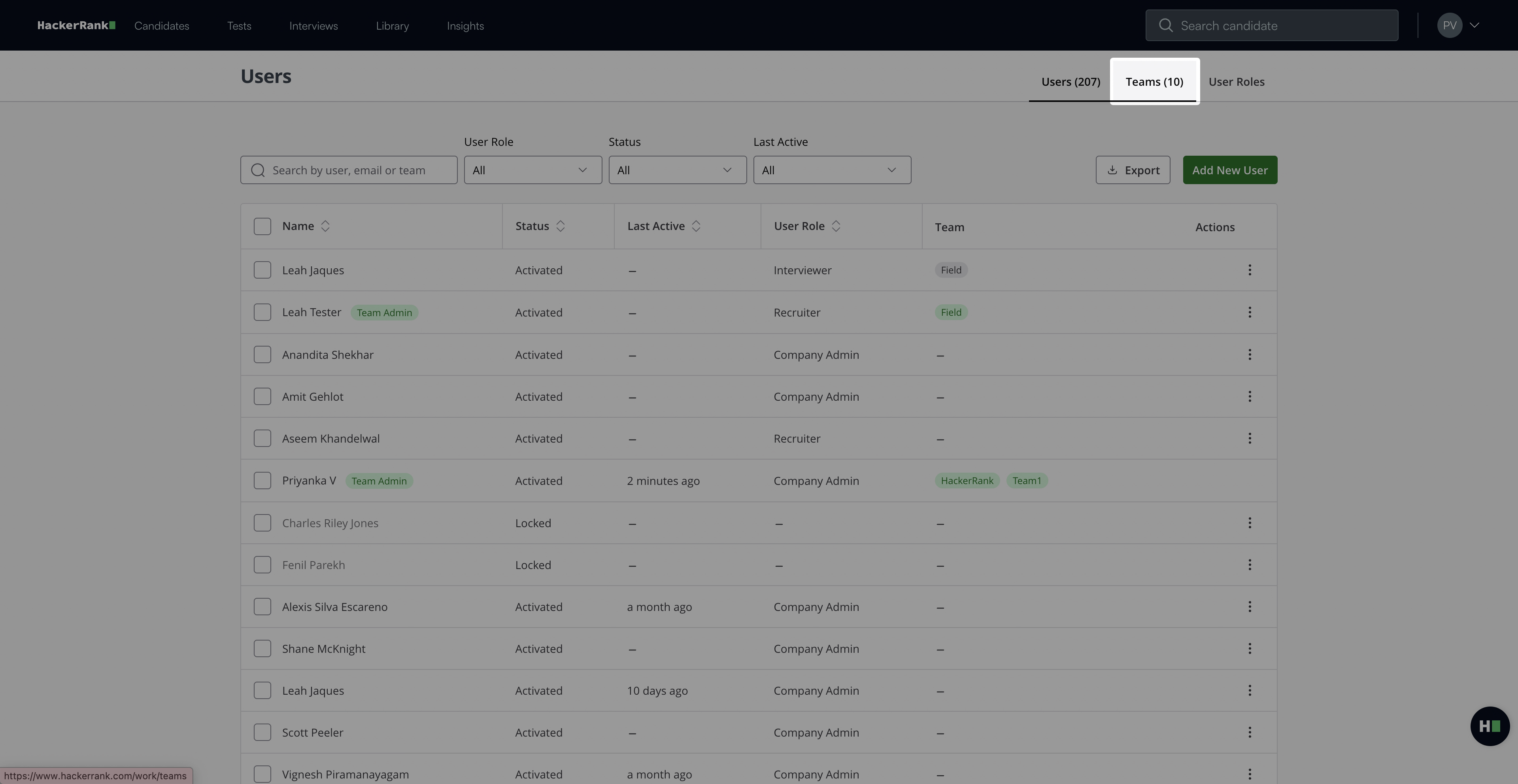
Select the team you want to update.
Select the Settings tab.
Update the Name, Region, or Department fields as needed.
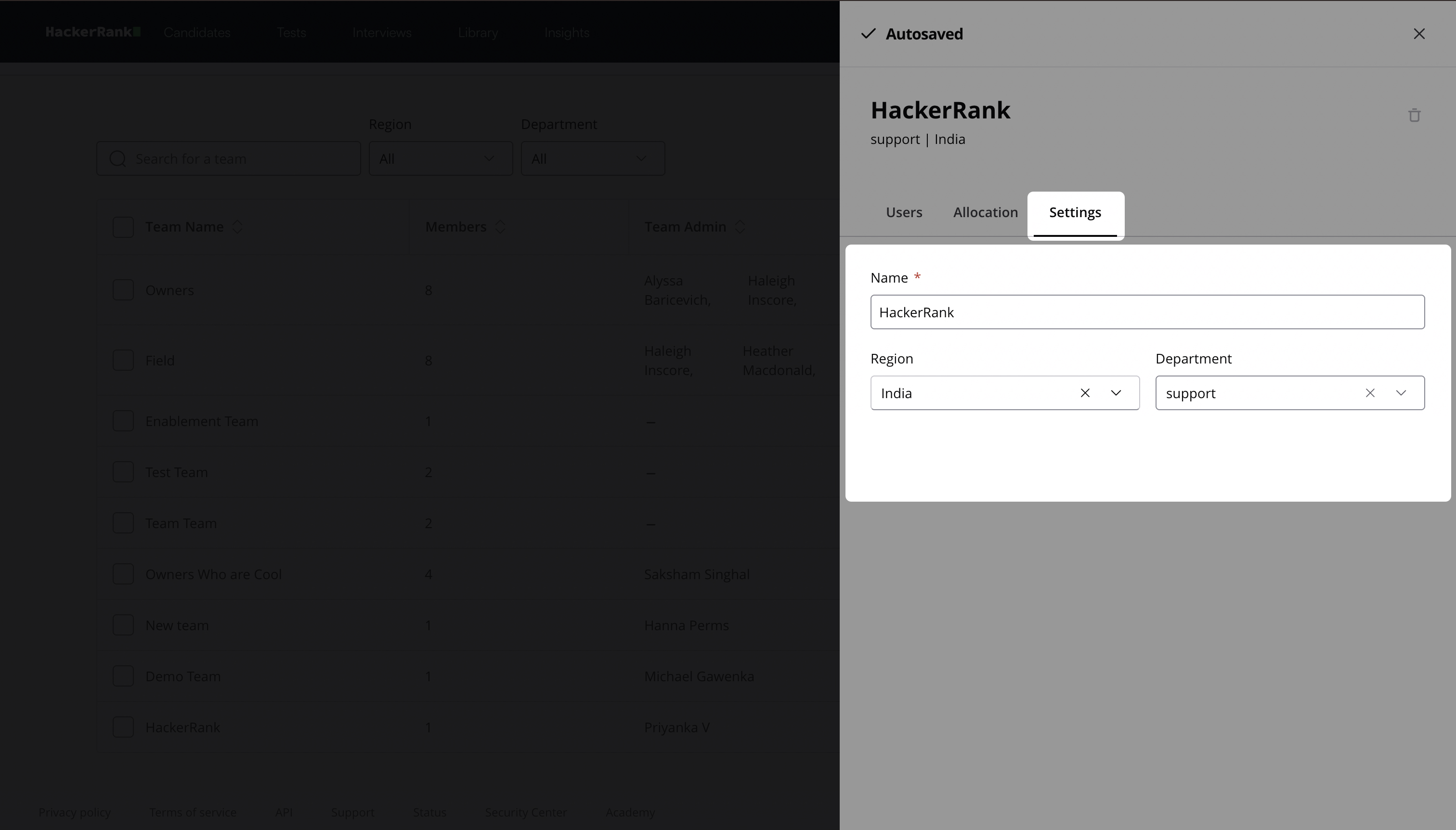
The system automatically saves all changes.
Note:
To manage team members, see 📄 Manage team members.
To update the team role allocation limit, see 📄 Update Team Role Allocation Limit.