Delete a Team
Last updated: March 31, 2026
HackerRank allows you to delete an existing team.
Prerequisite
You must have Company Admin or Team Admin access.
Deleting a team
To delete a team:
Log in to your HackerRank for Work account using your credentials.
Select your profile icon in the upper-right corner.
Select Teams Management from the drop-down menu.
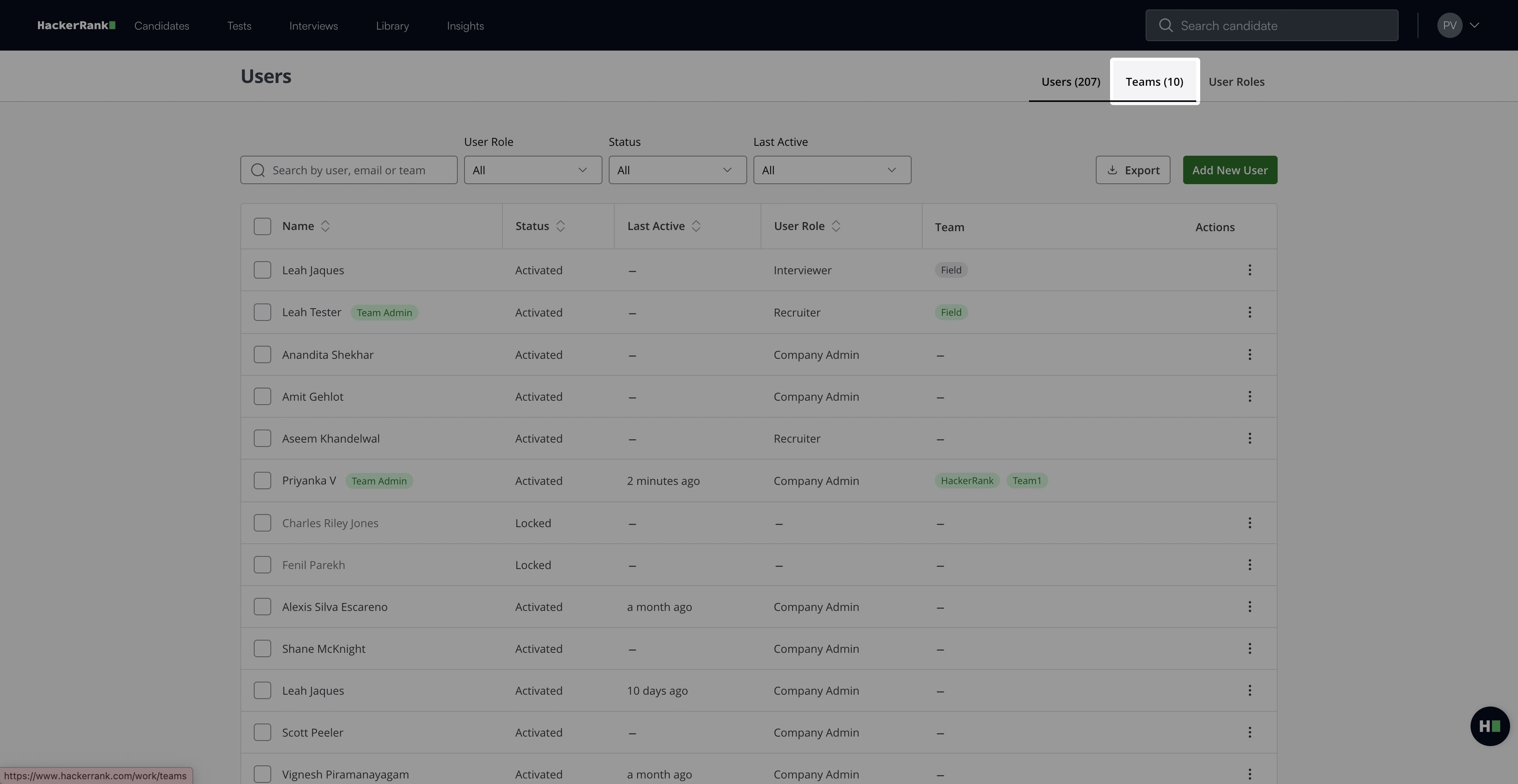
Go to the Teams tab.
Select the team you want to delete.
Click the delete icon.
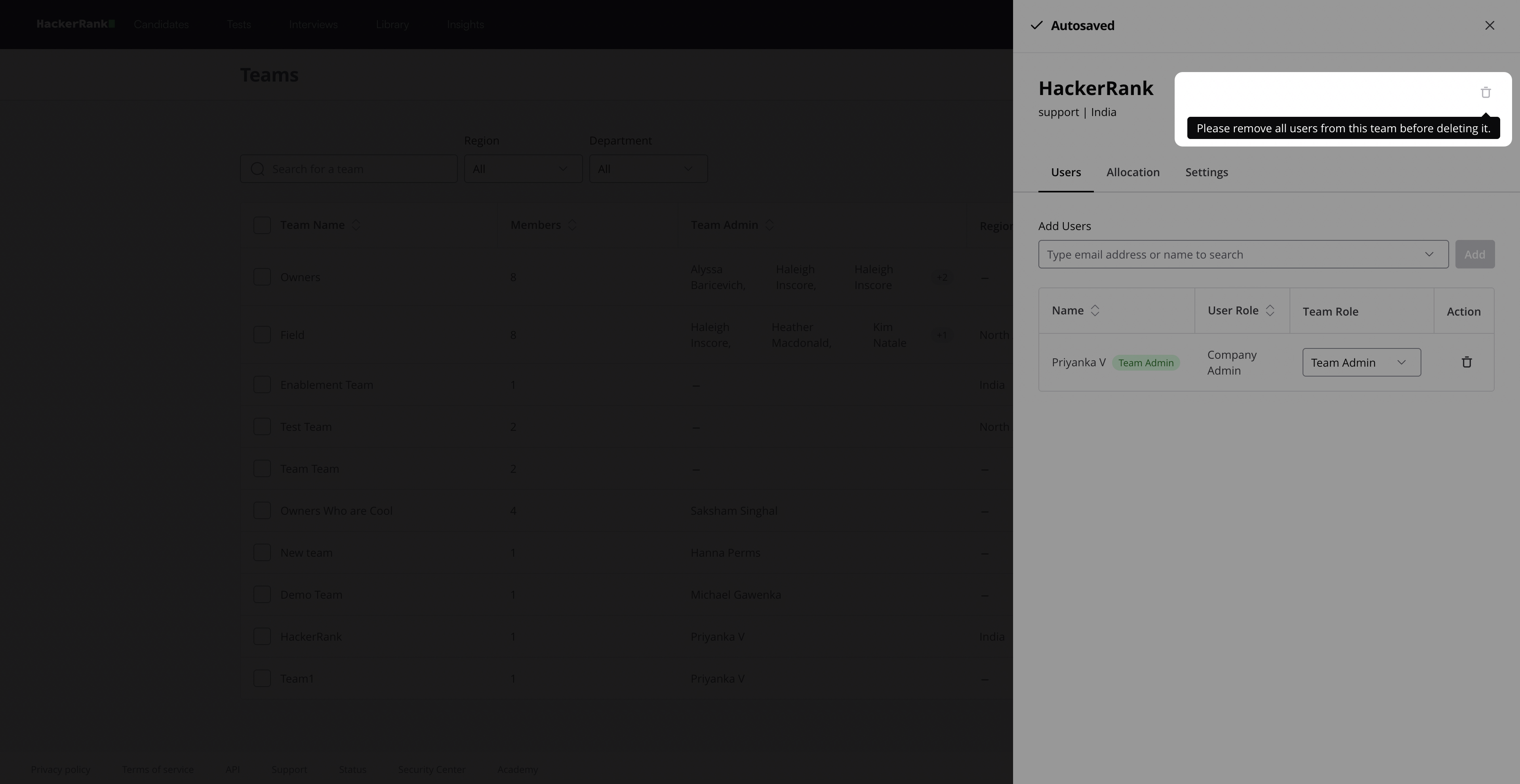
Note: Remove all users before deleting the team. For more information, see Removing a team member.
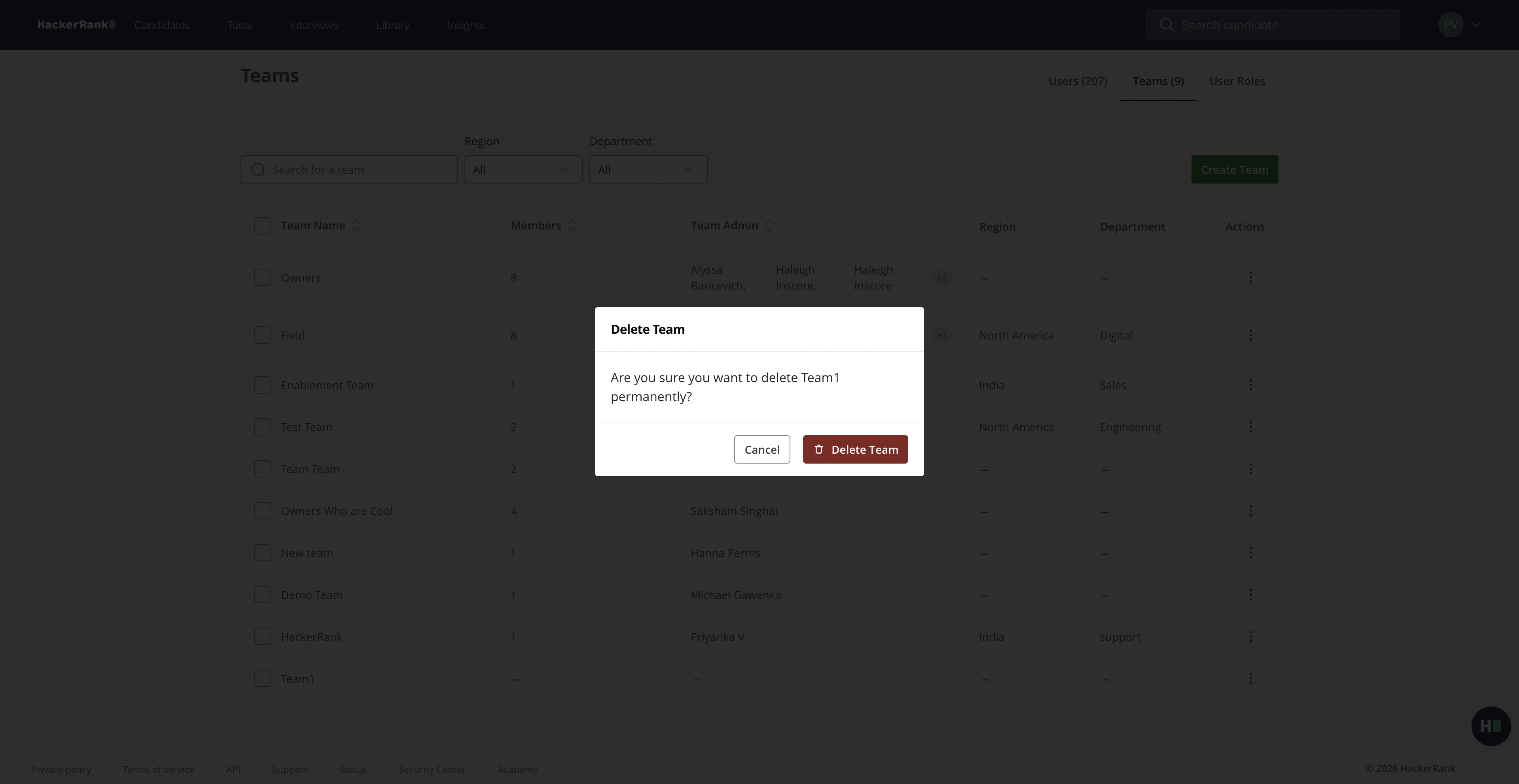
In the confirmation dialog, click Delete Team. A success message appears.