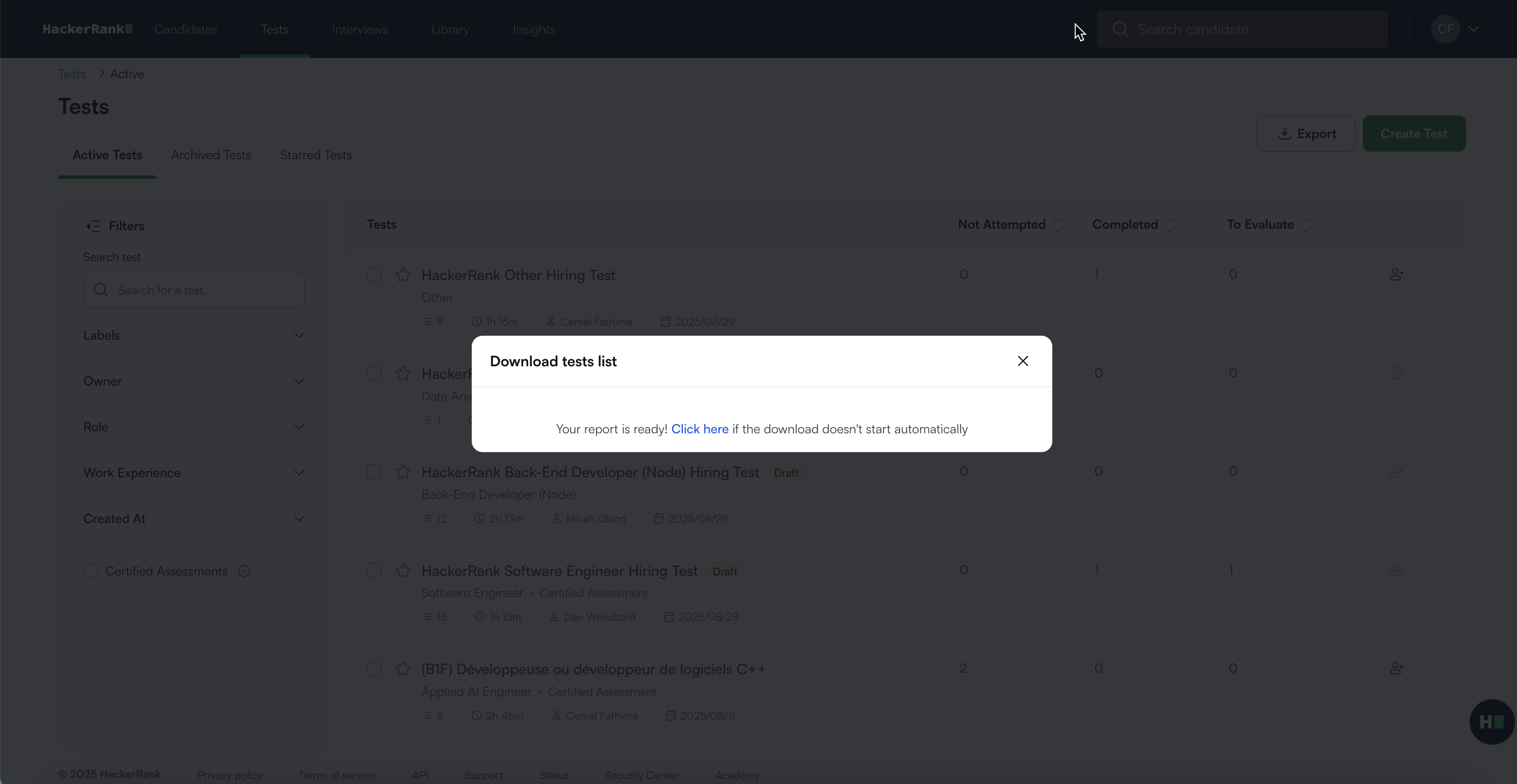
Export Tests Data
Last updated: September 3, 2025
You can export test-level data as a CSV file that includes test details, test settings, attempt statistics, and more.
Prerequisites
You must have existing test(s) in your HackerRank account.
Exporting tests data
To export tests data:
Log in to your HackerRank for Work account using your credentials.
Go to the Tests tab.
(Optional) Refine the list by applying filters in the left pane. You can filter by Labels, Owner, Role, Work Experience, Created At, and Certified Assessments.
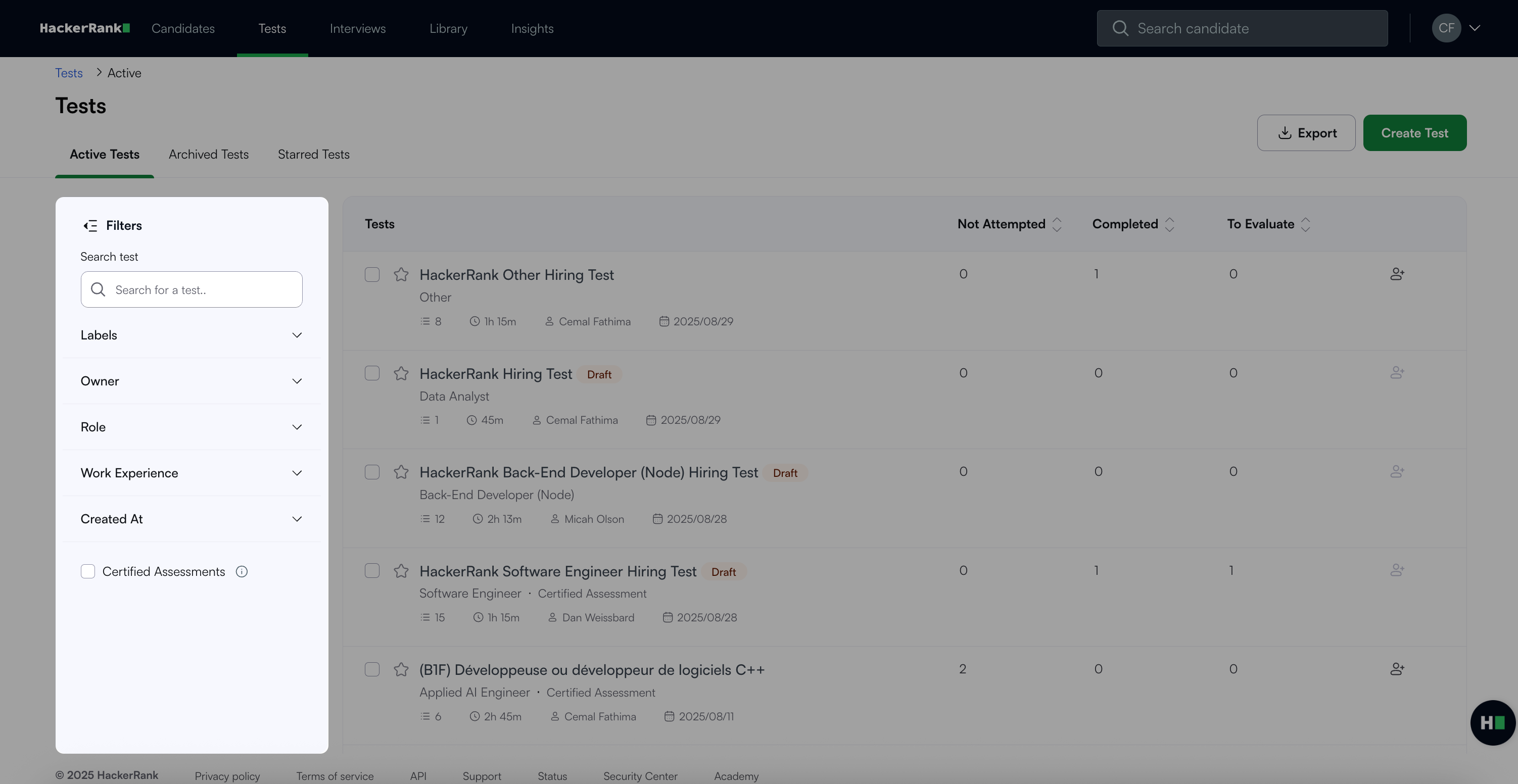
Note: The export includes only the data visible based on your selected filters.
Click Export.
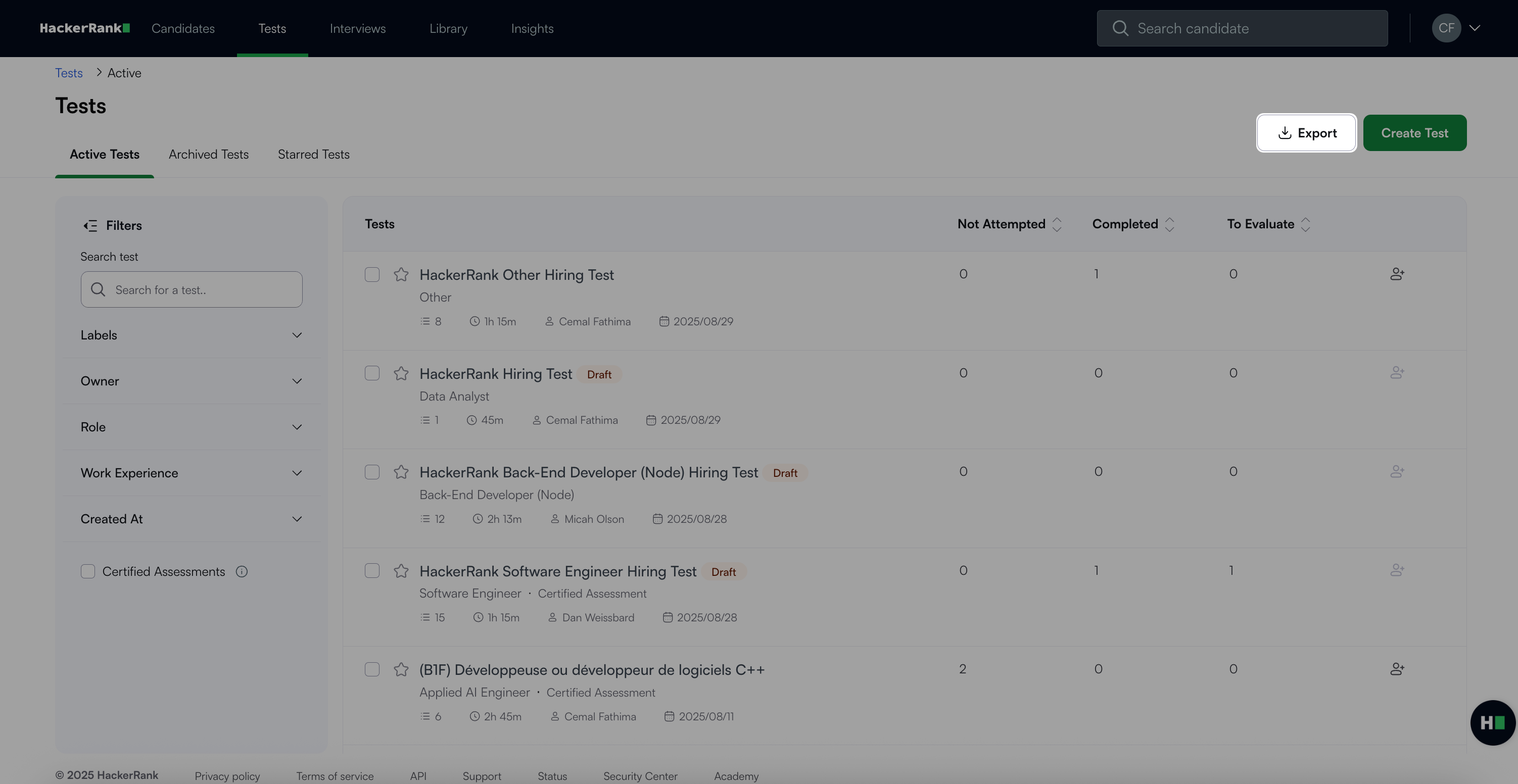
The platform automatically generates and downloads the CSV file. If the download does not start, select Click here in the confirmation dialog.