Edit an AI Interviewer in Chakra
Last updated: October 28, 2026
After you create an AI Interviewer in Chakra, you can edit it to update its structure, questions, instructions, timing, and role requirements.
Editing an AI Interviewer
To edit an AI Interviewer:
Click the sidebar icon and select My Interviewers.
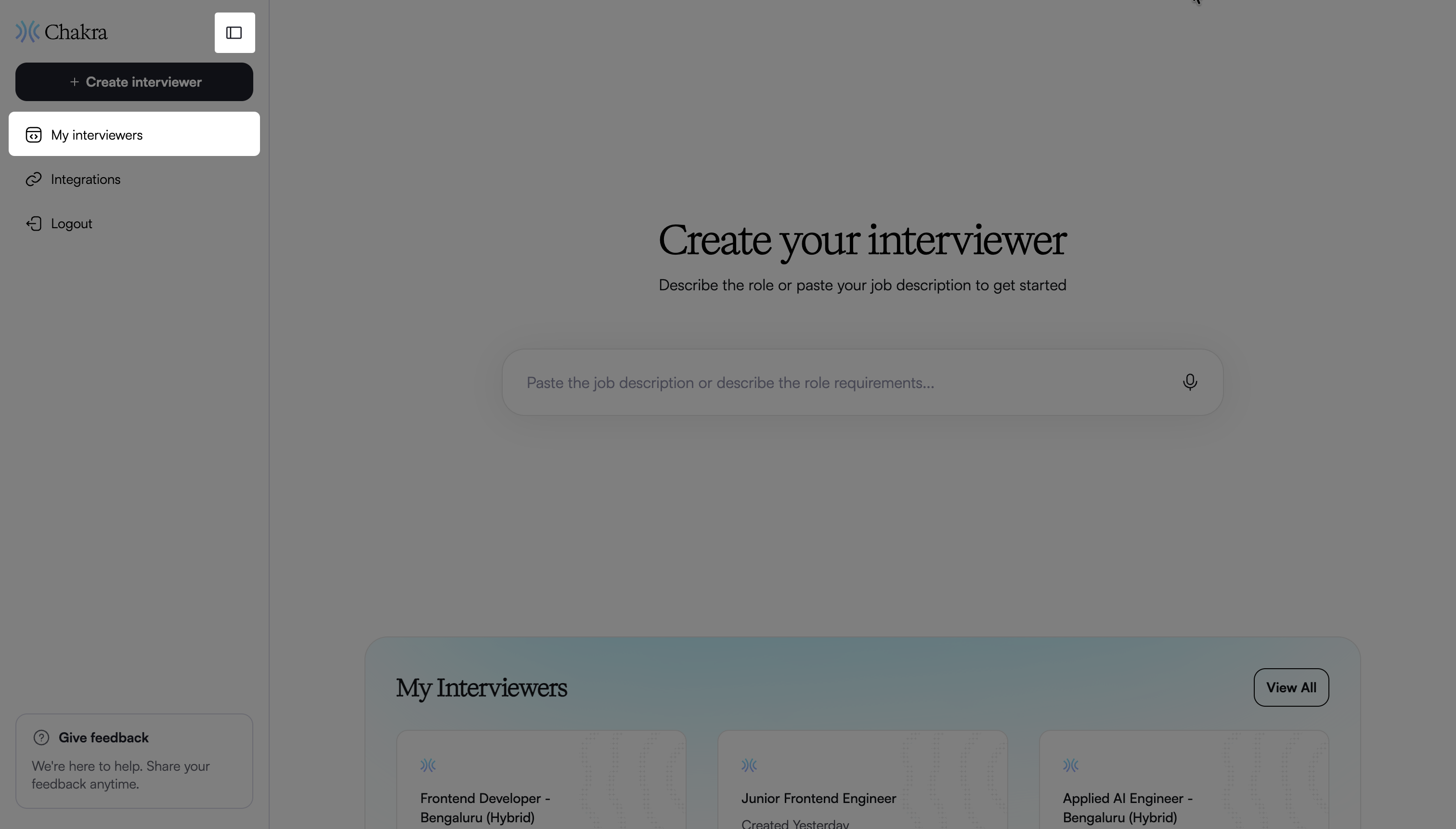
Select the AI Interviewer you want to update.
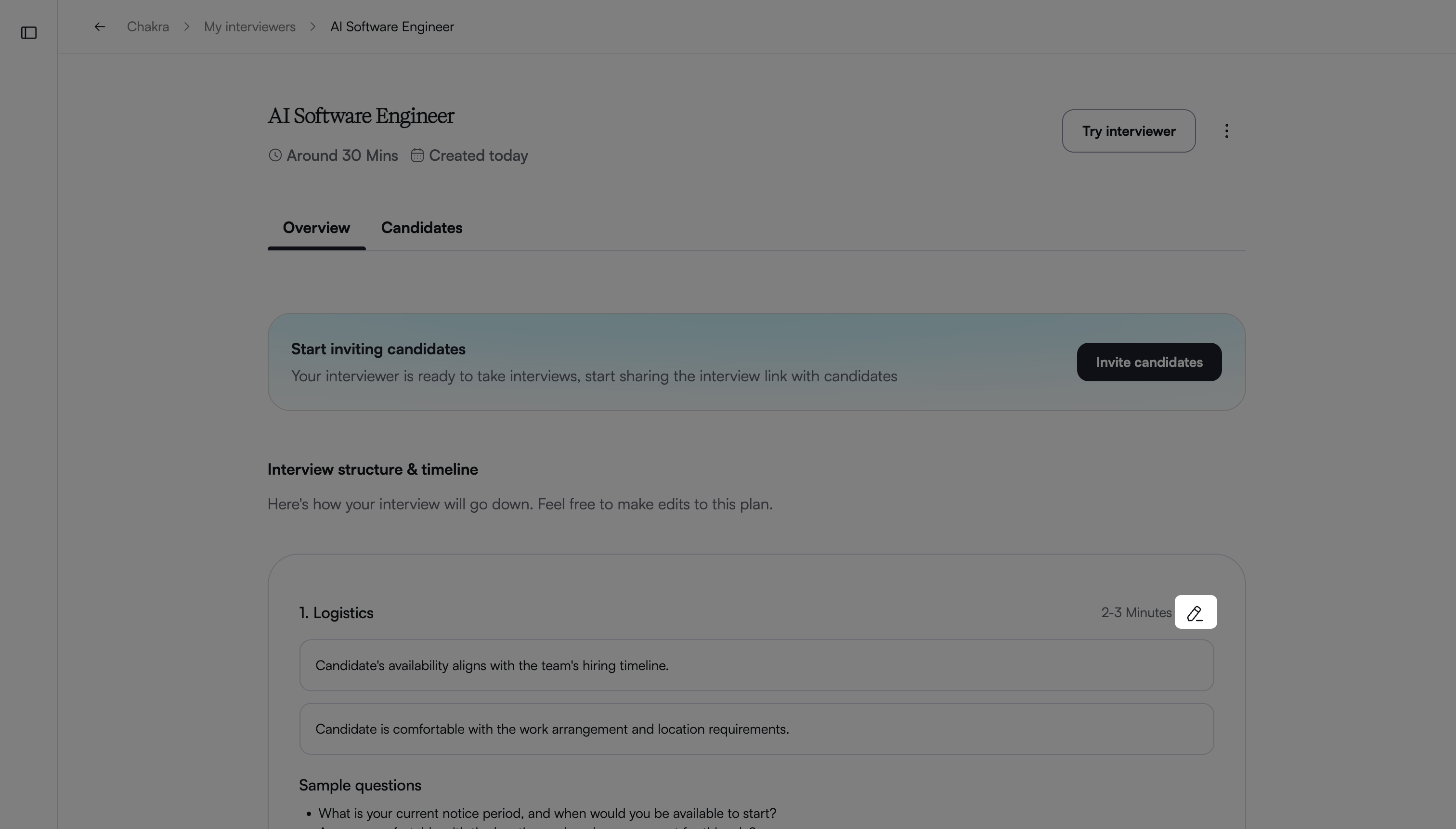
In the Overview tab, hover over a section under Interview Structure & Timeline.
Click the edit icon to open the Edit Interviewer page.
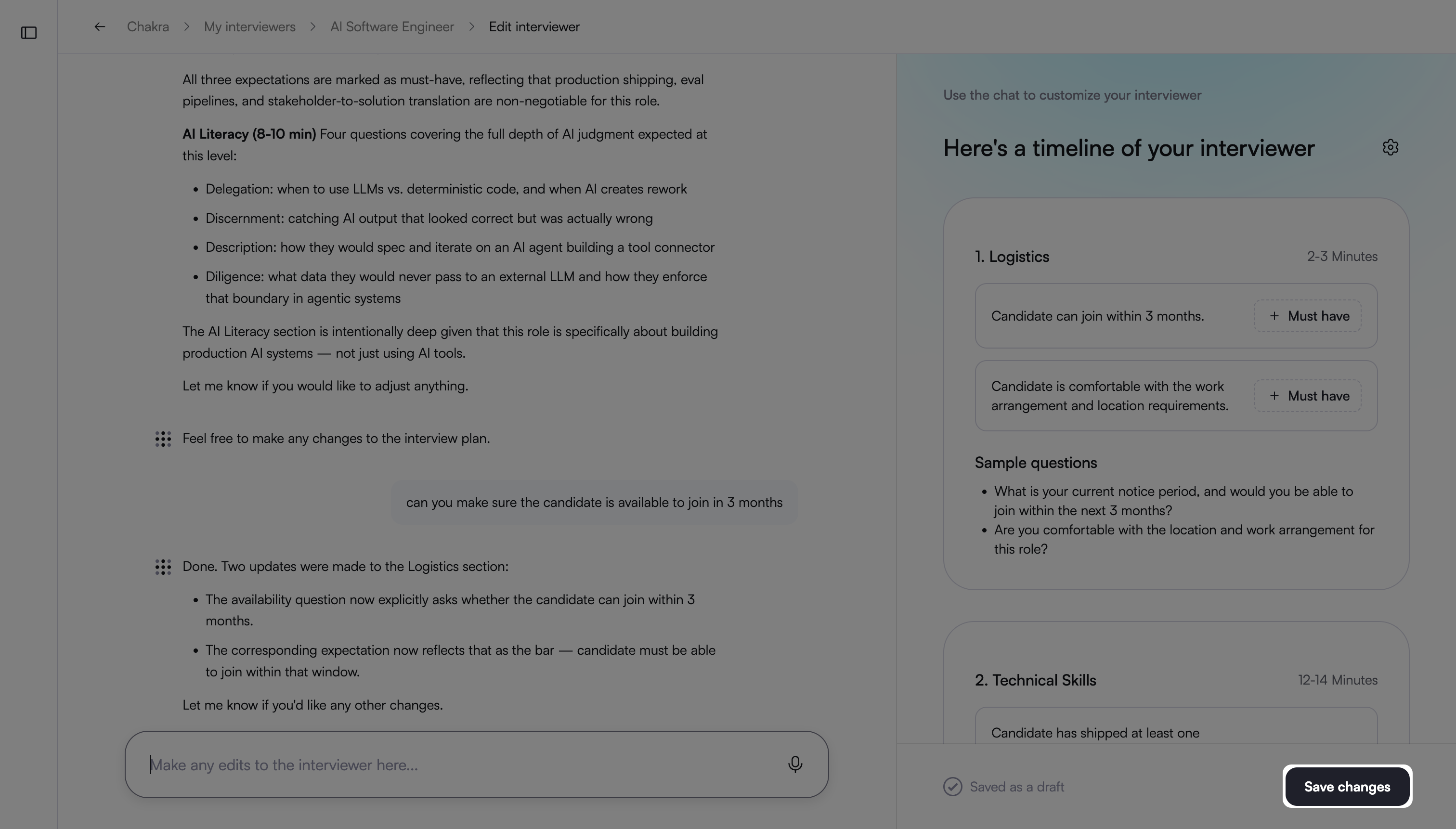
Enter prompts to make the required changes.
For customization options available when you edit an AI Interviewer in Chakra, see 📄 Customize an AI Interviewer in Chakra.
Click Save Changes to apply the updates.