Update Company Logo
Last updated: December 15, 2025
You can update the company logo that appears in candidate invitation emails and across your HackerRank for Work account.
Prerequisite
You must have Company Admin access.
Updating the company logo
To update the logo for your company account:
Log in to HackerRank for Work using your credentials.
Select your profile icon in the upper-right corner.
Select Settings from the drop-down menu.
In the left panel, select Company Settings under the Company section.
In the Company Logo section, select Change.
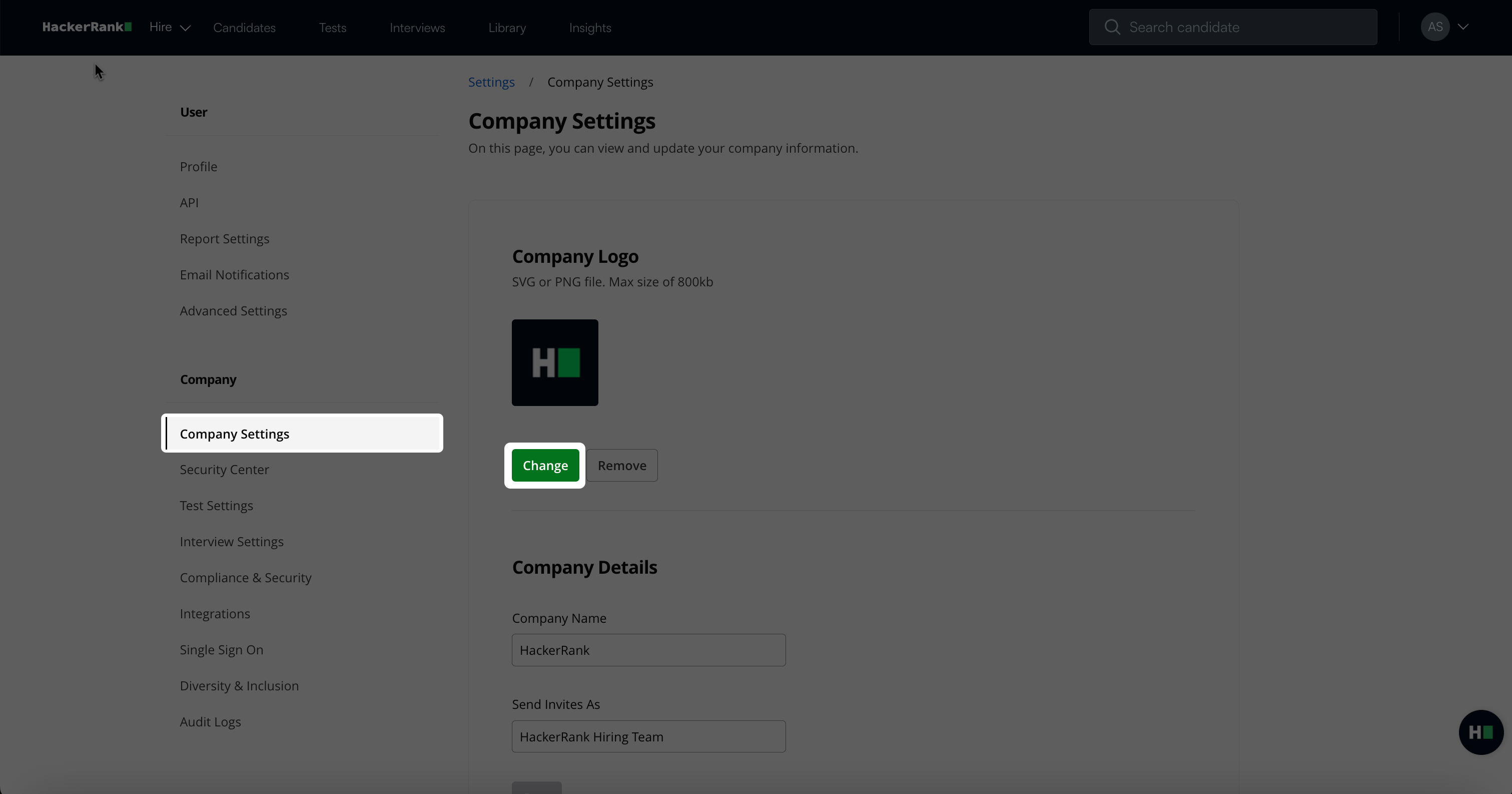
Upload a new logo in SVG or PNG format (maximum size: 800 KB).
Review the preview and confirm your changes. Your new company logo updates immediately.
Note: If the user who sends the invitation belongs to a single team and that team has a logo set, HackerRank uses the team logo for all invitations. For more information, see 📄 Set Team Logo and Sender Name.