Export Interview List
Last updated: August 27, 2026
This article applies to the new Interview experience. If your interview interface looks different, see 📄 Export Interview List for the legacy Interview experience.
You can export the interview list as a CSV file to view, share, or analyze the interview data offline.
Prerequisite
You must have created at least one interview. For more information, see 📄 Create an Interview.
Exporting interview list
To export the interview list:
Log in to your HackerRank for Work account using your credentials.
Go to Interviews > Interview List.
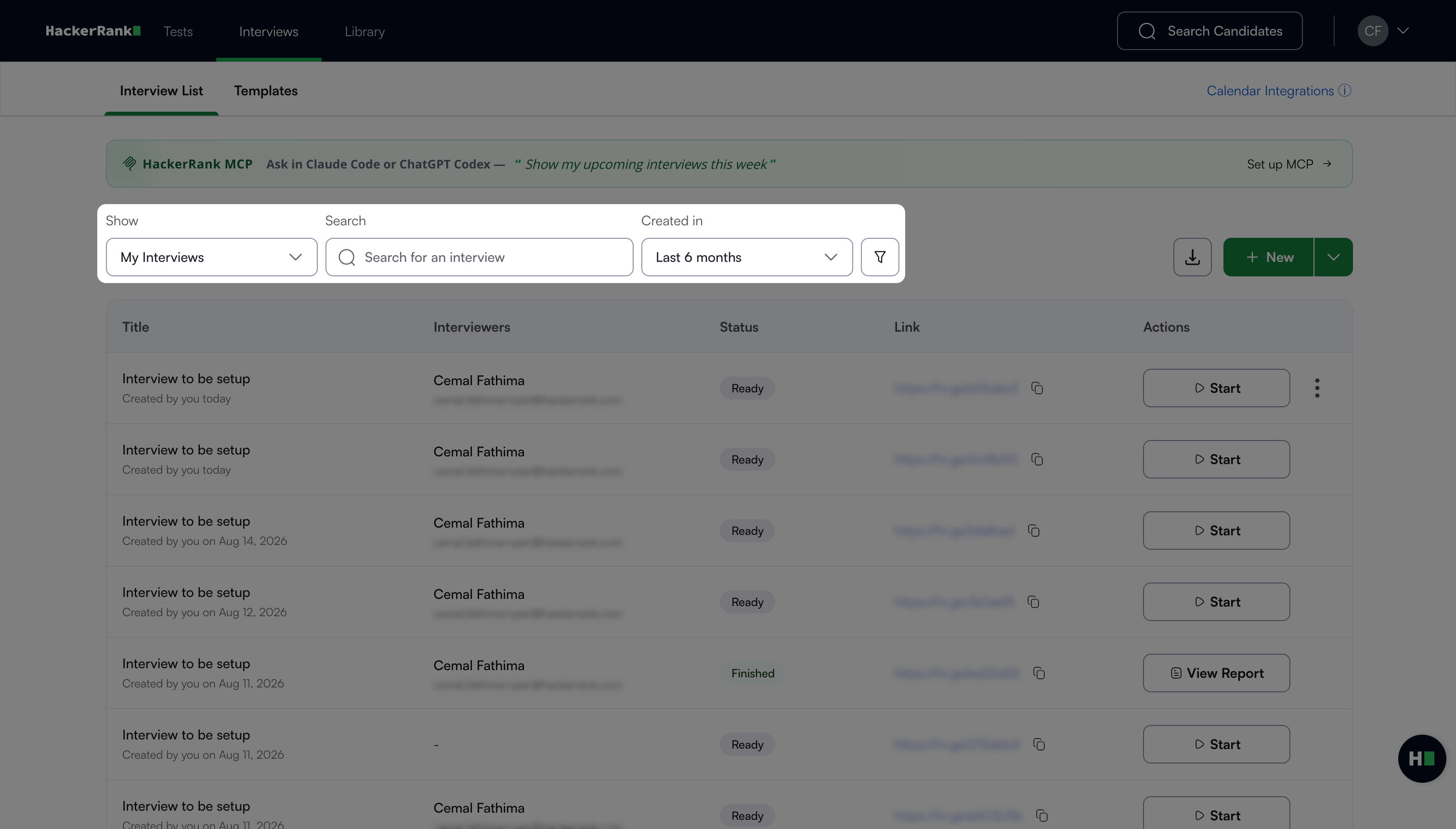
(Optional) Use the search bar or filters to refine the interview list. For more information, see Search and filter interviews.
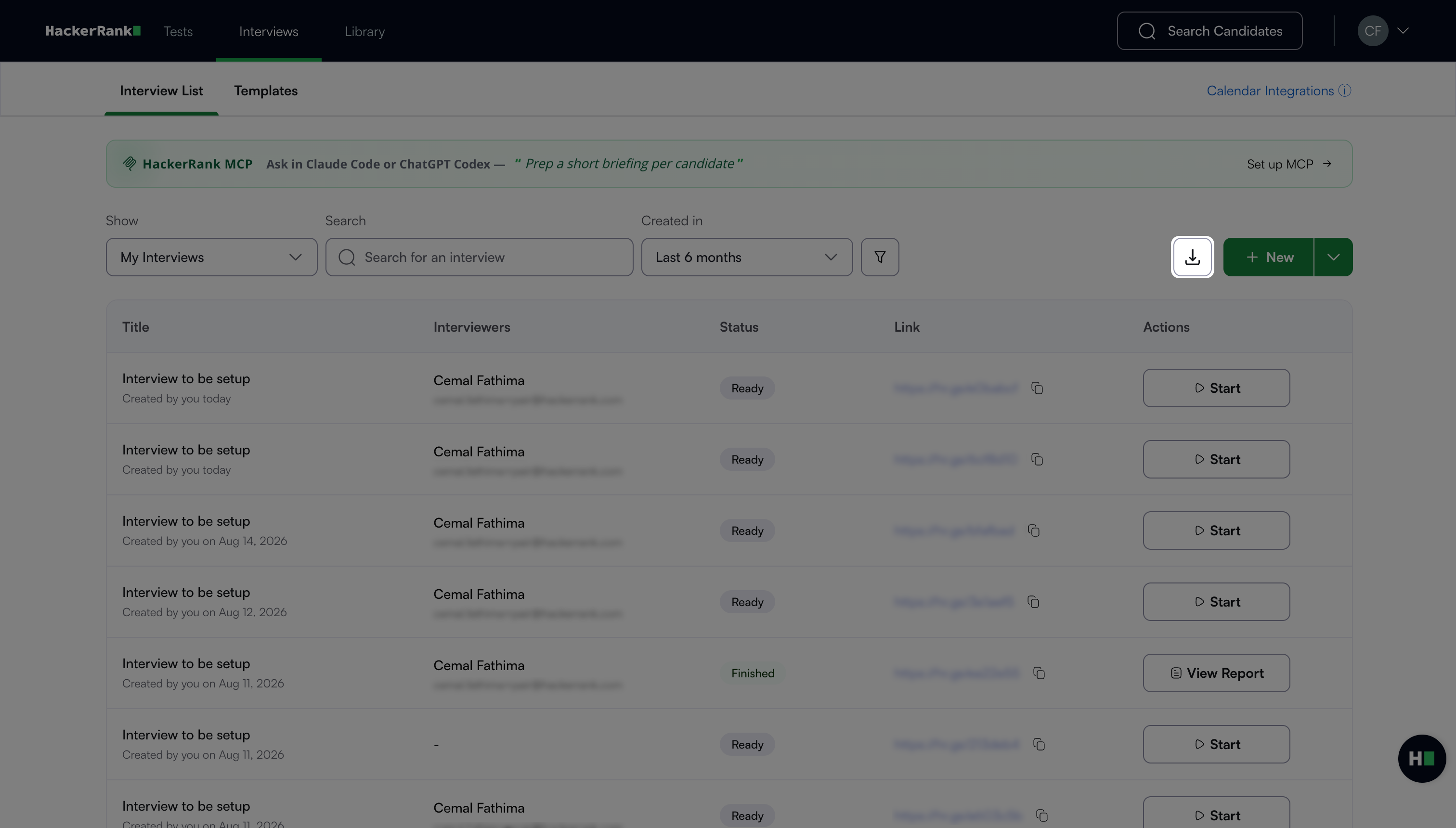
Click the export icon.
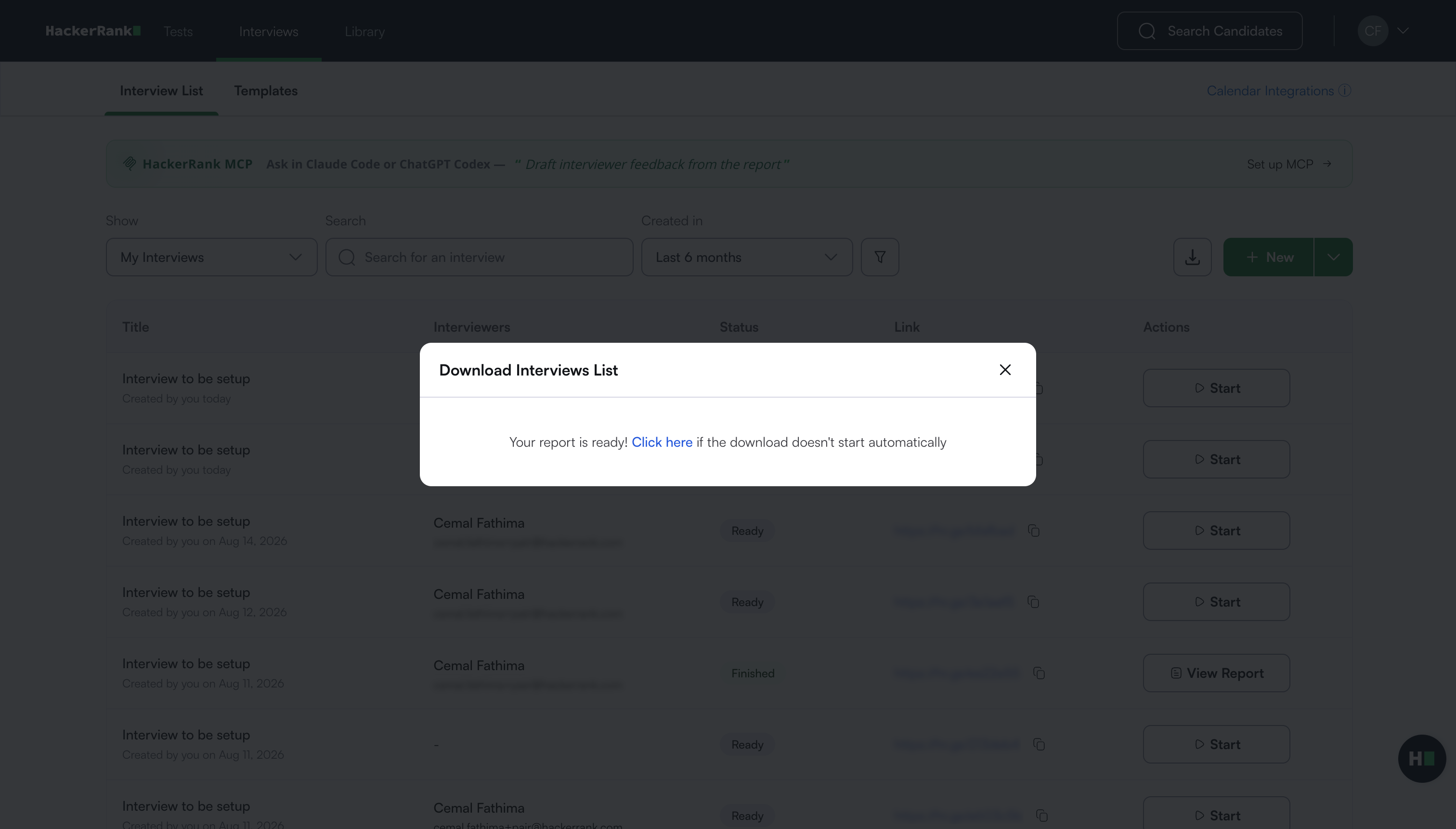
HackerRank downloads the interview list as a CSV file and displays a success message.
Note: If the download does not start automatically, click the Click here link in the Download Interviews List dialog box to download the file.