Delete a Test
Last updated: September 3, 2025
You can delete a test when you no longer need it. Deleting a test permanently removes it from your account along with all associated candidate reports. The questions used in the test remain in your Library.
Tip: If you want to retain the test and its reports but hide it from the active test list, consider archiving the test instead. You can restore archived tests at any time. For more information, see 📄 Archive a Test.
Prerequisites
You must have an existing test in your HackerRank account.
You must have the required permissions to delete a test.
Deleting a test
To delete a test:
Log in to your HackerRank for Work account using your credentials.
Go to the Tests tab.
Open the test you want to delete.
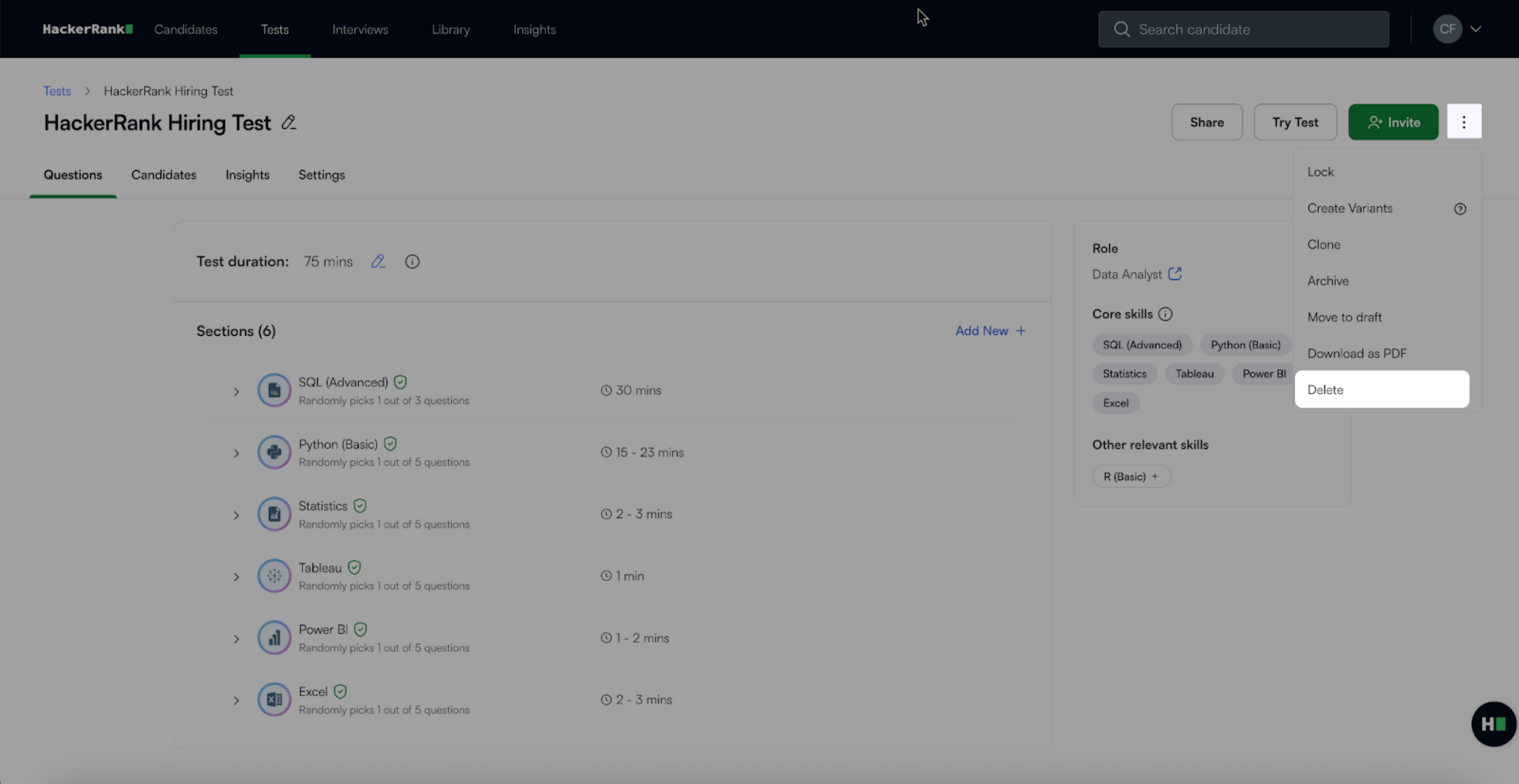
Click the more options menu (⋮) in the top right corner.
Select Delete.
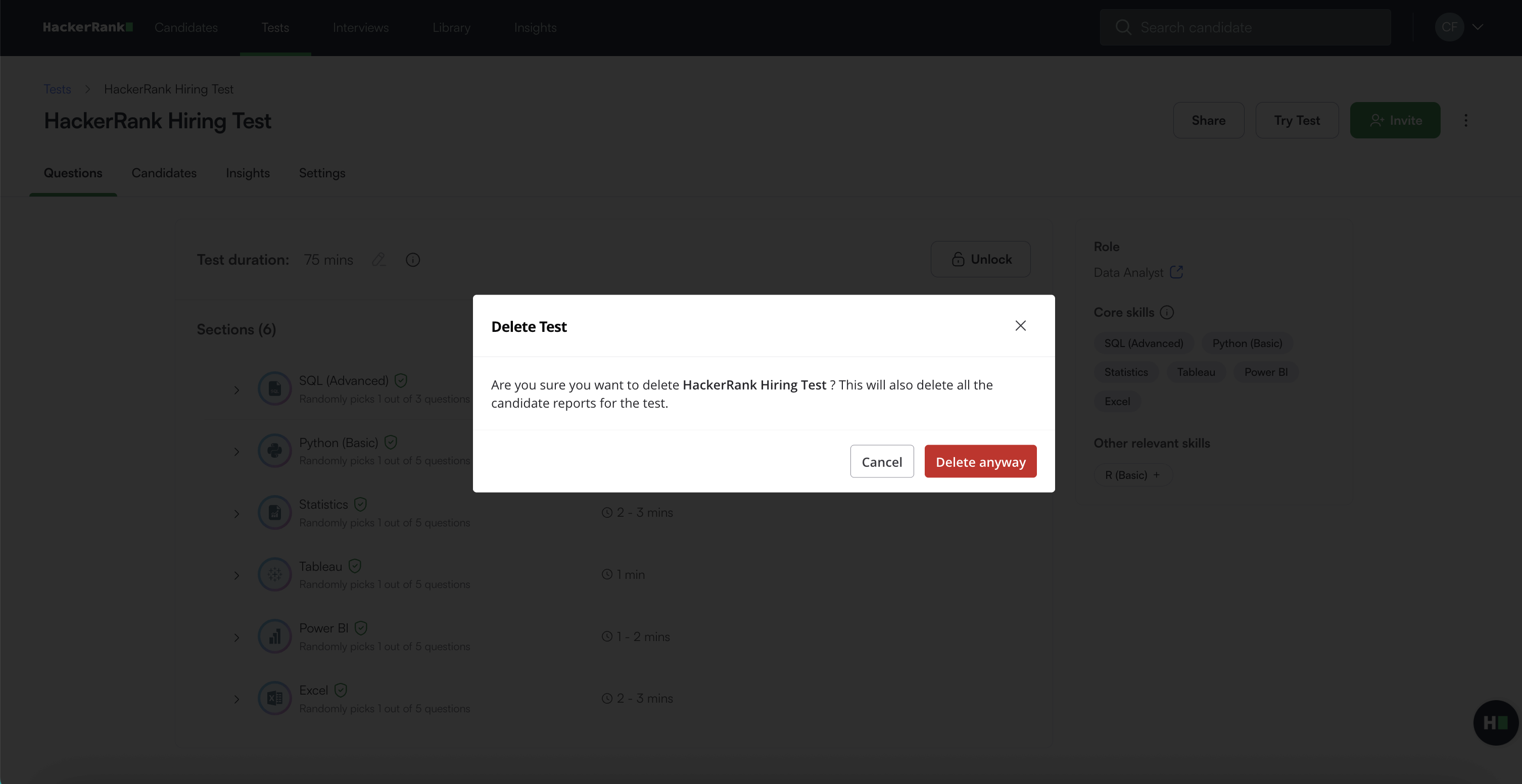
In the confirmation dialog, click Delete anyway to confirm. A success message appears.
Note: If you share a test with a candidate and then delete it, the candidate can no longer access the test.