Delete a Test Submission
Last updated: September 3, 2025
If you want a candidate to reattempt a test, you can delete the candidate’s test submission. This action permanently removes the candidate’s previous attempt, including all proctoring records, and resets their test status to Invited.
Note: It is recommended that you do not delete a candidate test submitted if the test is in progress.
Prerequisites
You must have a test submitted by at least one candidate in your HackerRank for Work account.
Deleting a test submission
To delete a test submission:
Log in to your HackerRank for Work account using your credentials.
Go to the Tests tab.
Open the test that contains the submission you want to delete.
Go to the Candidates tab.
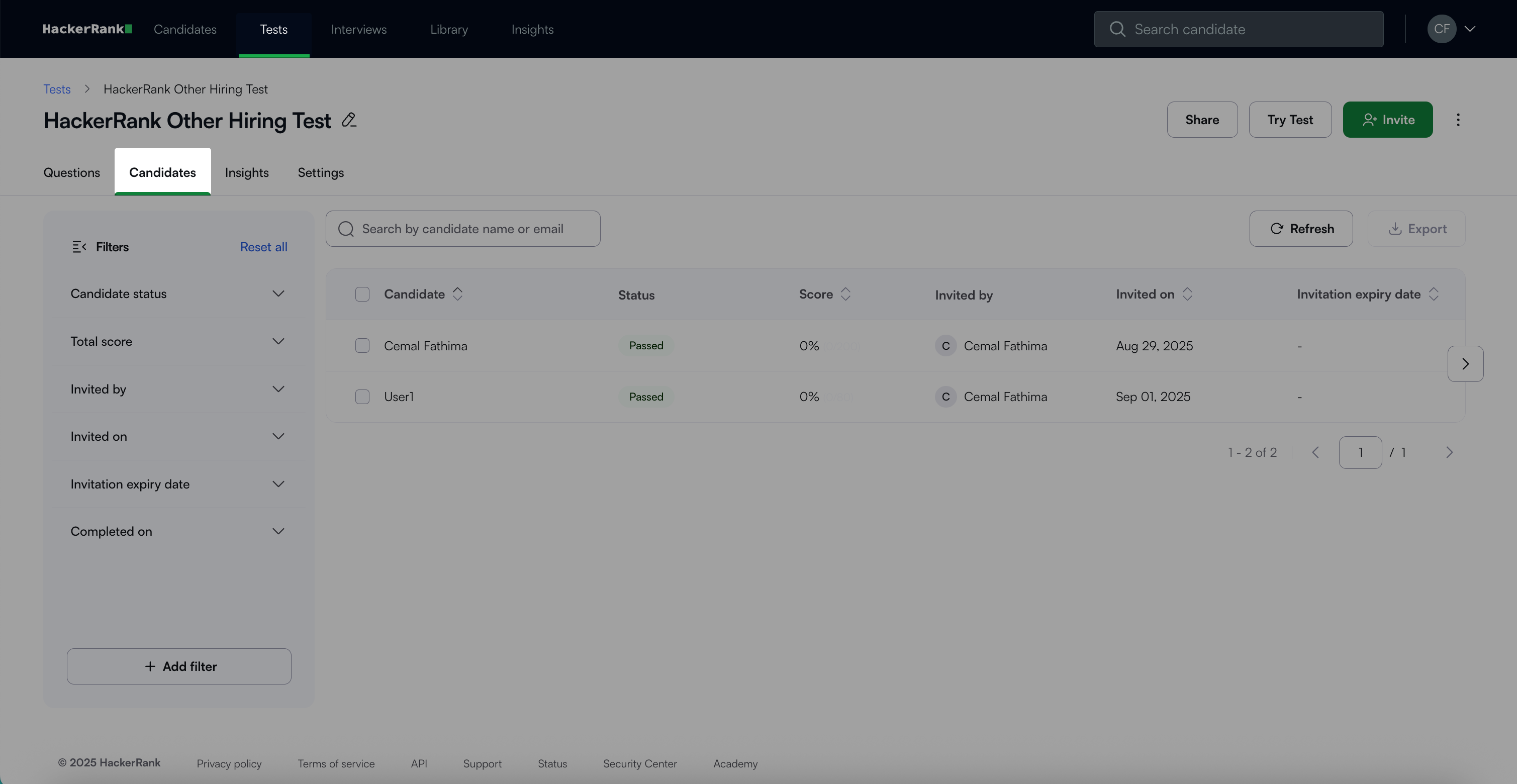
Select the checkbox next to the candidate(s) whose submission you want to delete.
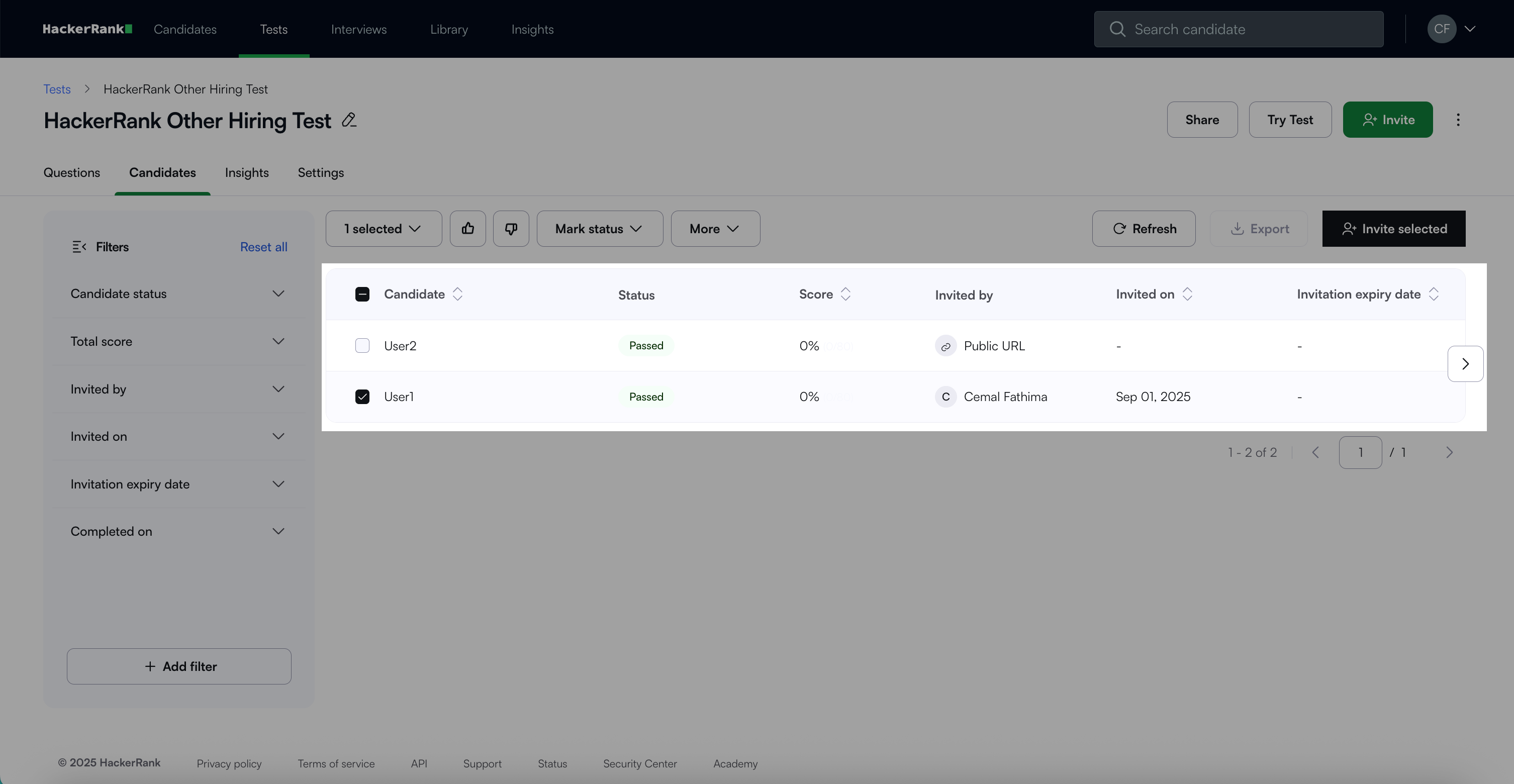
Note: You can also search for the candidate by their name or email if required.
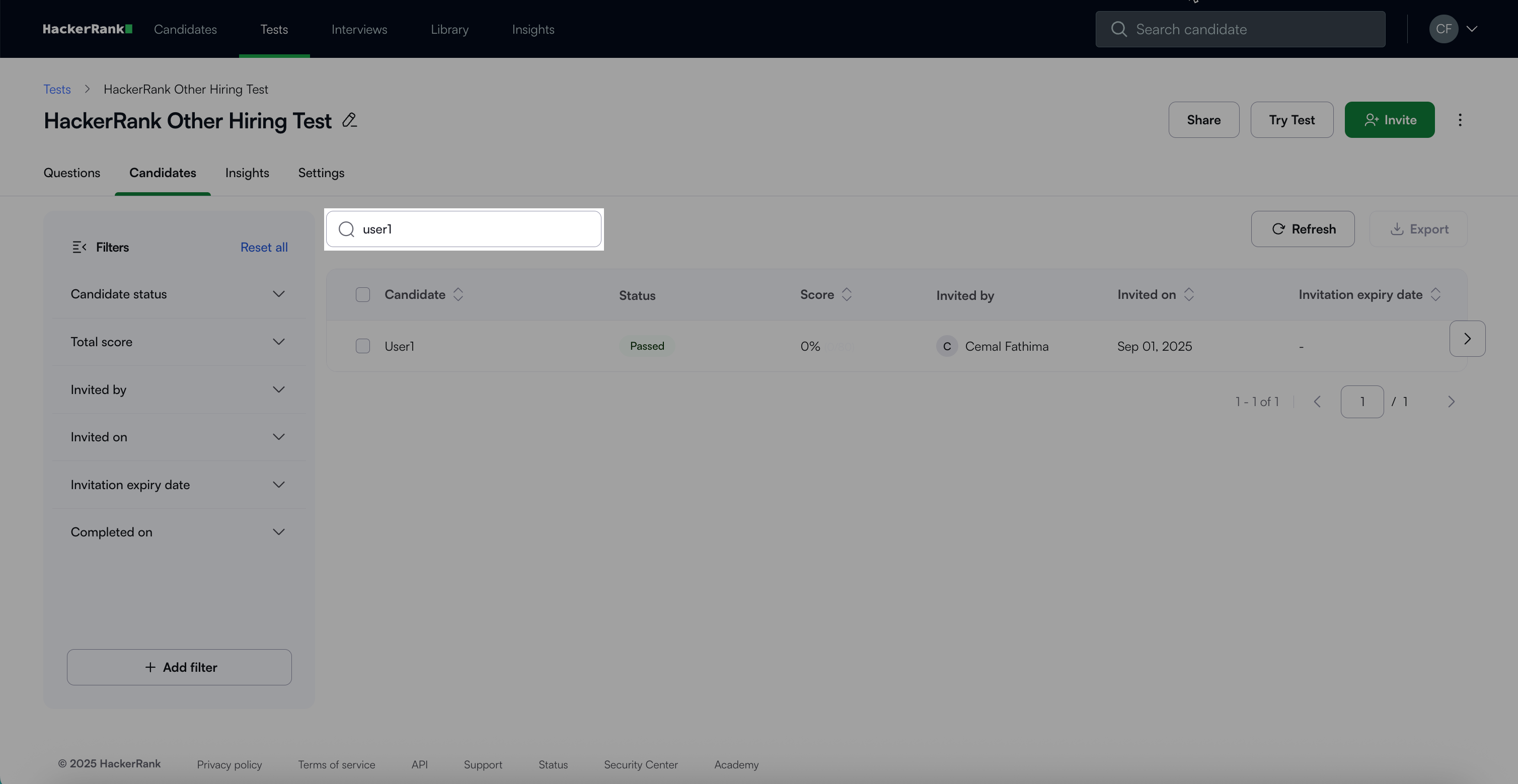
Click on More > Delete.
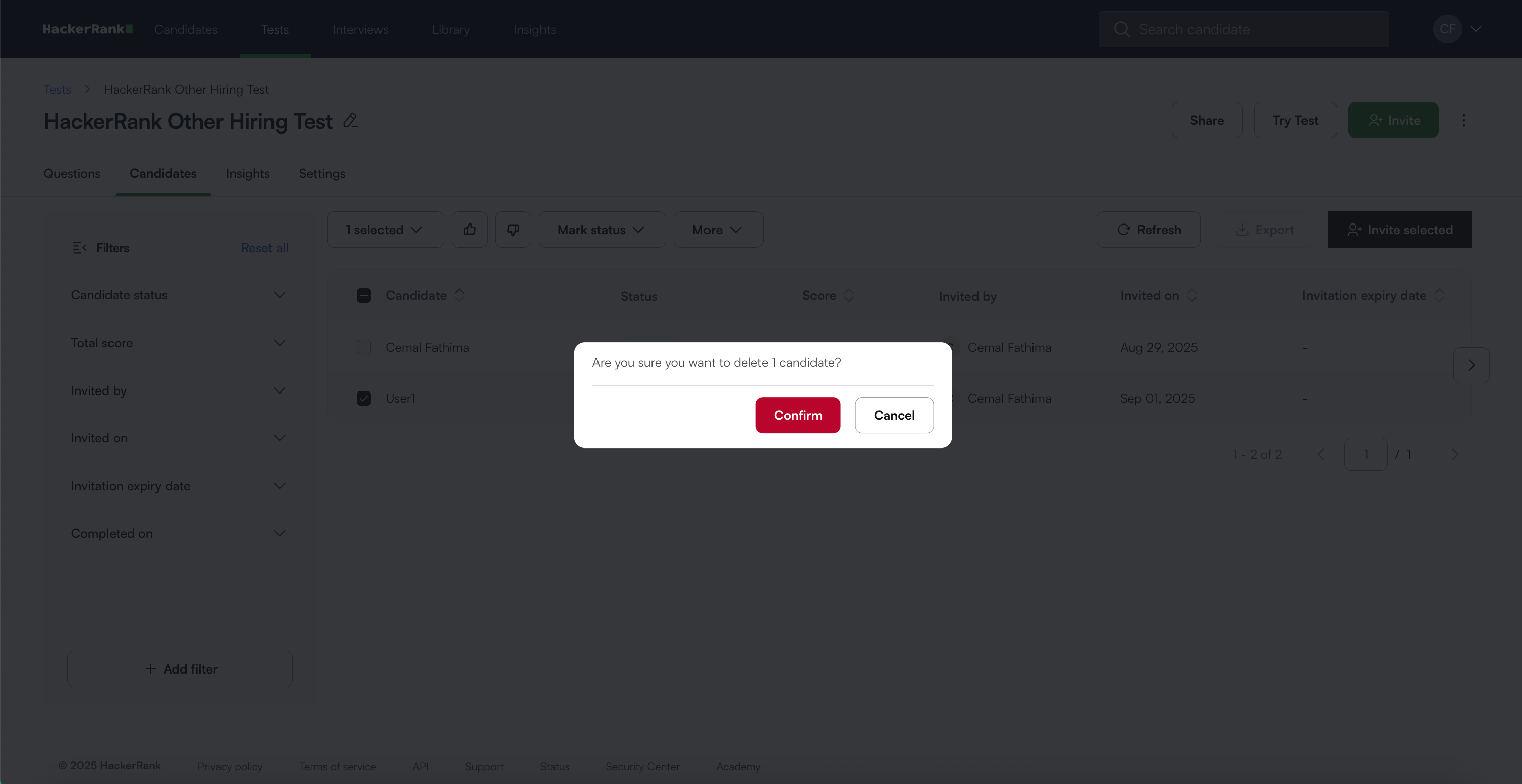
In the confirmation dialog, click Confirm. A success message appears.
Note: Once you delete a candidate’s submission, the candidate can either retake the test using their original invitation link or you can send a new invitation. For more information, see 📄 Reinviting Candidates to a Test.