HackerRank Test Integrity
Last updated: November 5, 2025
HackerRank offers multiple integrity modes and add-on features to help you maintain the right balance between rule enforcement, candidate experience, and compliance.
Test Integrity Modes
You can select from the following integrity modes based on your assessment requirements.
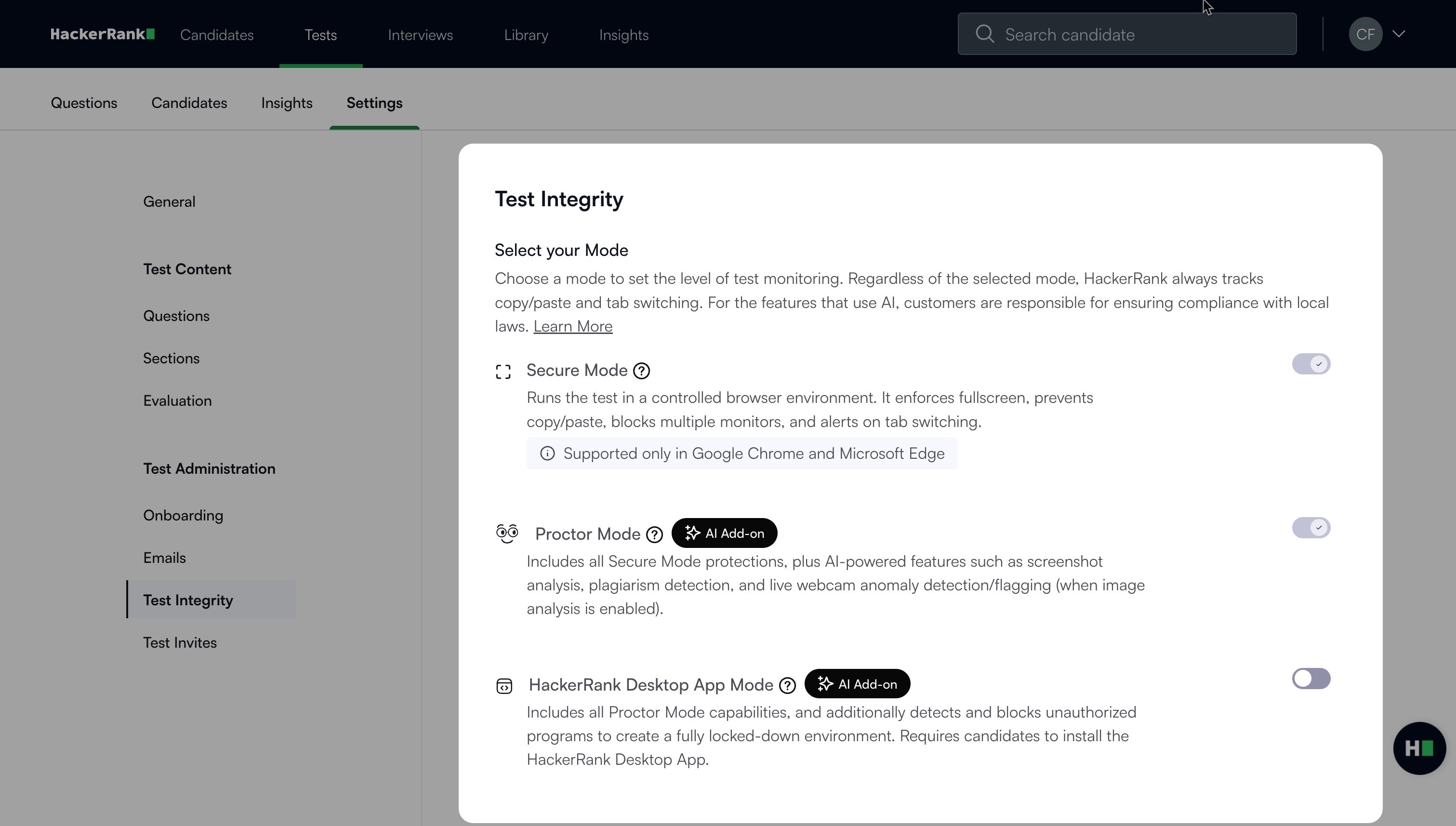
Secure Mode
Secure Mode runs tests in a controlled browser environment. It enforces full-screen mode, blocks copy and paste actions, prevents the use of multiple monitors, and alerts when candidates switch tabs.
For more information, see 📄 Secure Mode.
Proctor Mode (AI Add-on)
Proctor Mode includes all Secure Mode capabilities and adds AI-powered features such as screenshot analysis, plagiarism detection, and webcam anomaly detection.
For more information, see 📄 Proctor Mode.
HackerRank Desktop App Mode (AI Add-on)
HackerRank Desktop App Mode includes all Proctor Mode capabilities and adds operating system–level monitoring to create a fully locked-down environment. Candidates must install the lightweight, native HackerRank Desktop App.
For more information, see 📄 HackerRank Desktop App Mode.
Additional integrity features
You can enable additional integrity features to strengthen test monitoring and candidate verification.
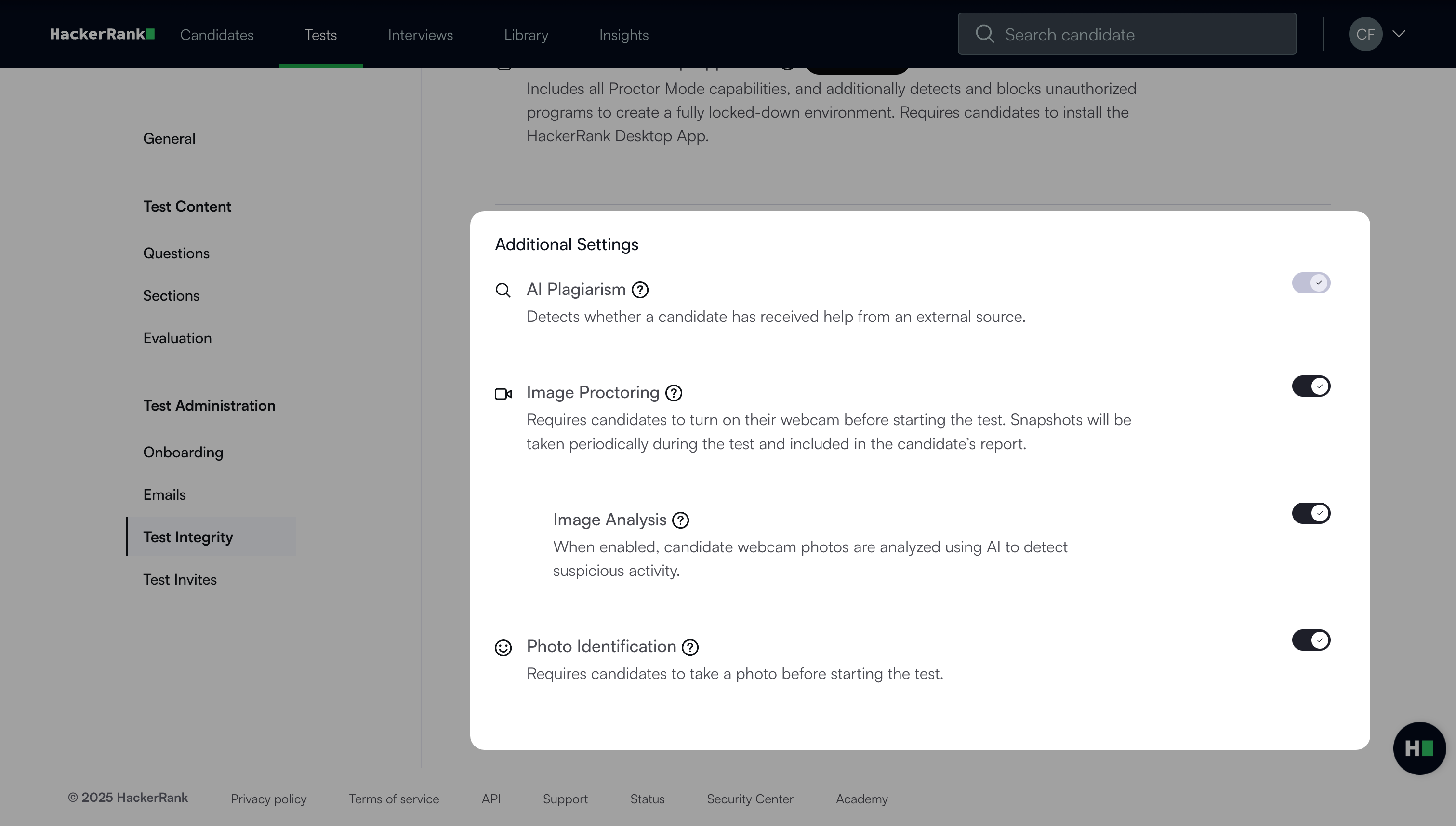
AI Plagiarism Detection
AI Plagiarism Detection feature flags potential plagiarism by analyzing candidate behavior, code evolution, and submission similarities.
For more information, see 📄 AI Plagiarism Detection.
Image Proctoring
Image Proctoring feature requires candidates to enable their webcam before starting the test. The system captures periodic snapshots during the test, which appear in the candidate’s report for review.
For more information, see Image Proctoring.
Image Analysis
Image Analysis feature uses AI to analyze webcam images and detect suspicious activity during the test.
For more information, see Image Analysis.
Photo Identification
This feature requires candidates to capture their image before starting the test.
For more information, see Photo Identification.
Built-in integrity features
HackerRank provides basic integrity features by default. These features require no additional setup.
Copy/Paste Tracking
When candidates copy or paste text, the system records the action automatically. Pasted content appears in the candidate’s test report. This feature applies to Coding, Subjective, and Sentence Completion questions.
Recruiters can view copied text in the Timeline view of the candidate’s Summary Report.
The Copy-Paste Frequency column in the CSV report shows how many times a candidate copied or pasted text. The plagiarism detection model also analyzes copied content from external sources.
Tab Proctoring
Tab Proctoring tracks how often and for how long a candidate leaves the test window. Tab-switch activity appears in both the candidate’s Summary Report and the CSV report.
In the CSV report, review the following columns for more insights:
Out of Window Duration
Number of Window Exits